Candy Packaging Pack Mockup for Branding — A Complete Guide for Designers & Brands
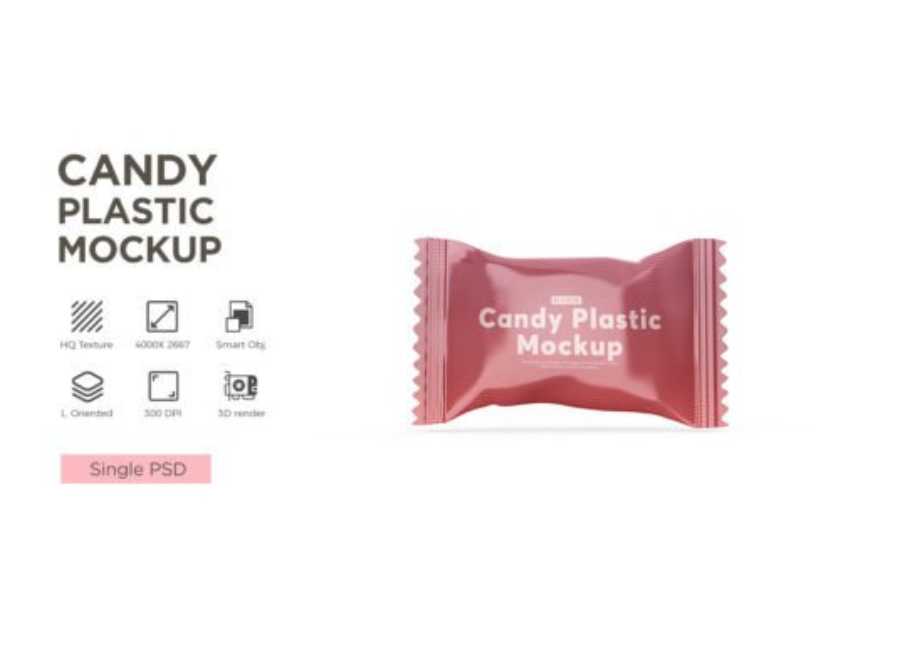
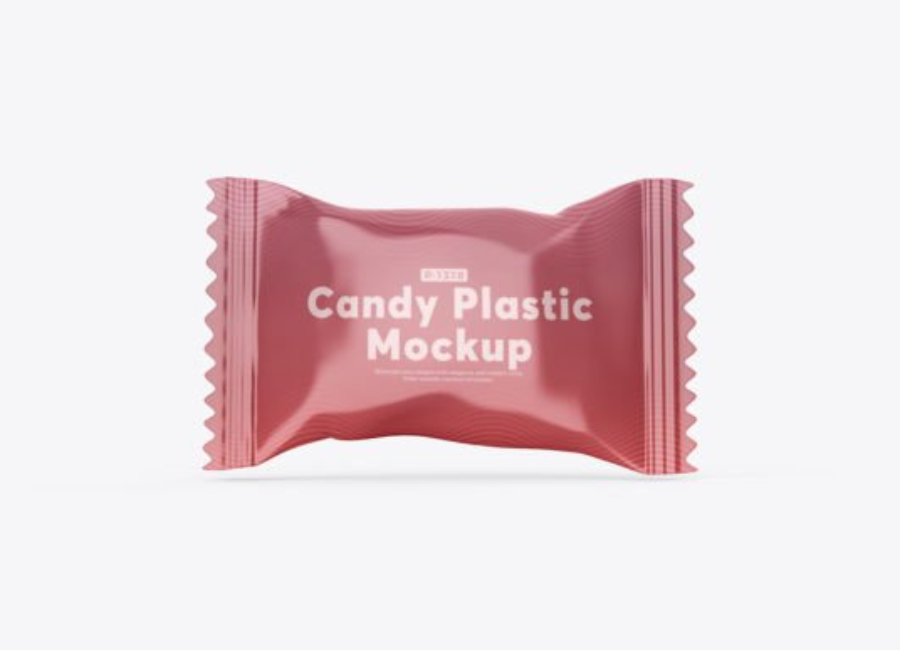
In the world of packaging design and consumer products, visual presentation plays a major role in how customers perceive a brand and its products. Nowhere is this clearer than in the confectionery industry, where candy isn’t just a treat — it’s a visual and emotional experience. Whether you’re presenting concepts to a client or preparing assets for marketing, using a Candy Packaging Pack Mockup for Branding allows you to illustrate your packaging designs in a professional and convincing way before any physical production begins.
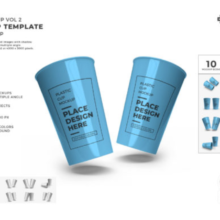
A mockup is essentially a photorealistic, editable template — most often in PSD (Adobe Photoshop) format — that lets you place your design art onto a 3D representation of packaging. For candy packaging, this could be a plastic candy pack, chocolate bar wrapper, sachet, box, or pouch. Using smart object layers, you can visualize how your brand design interacts with shape, light, and perspective without printing a single physical prototype.
What a Candy Packaging Pack Mockup Is
A Candy Packaging Pack Mockup is a layered Photoshop file designed to display your candy packaging concept realistically. It contains editable features such as:
Smart Object layers — allowing you to insert your artwork easily
Customizable background and lighting — to match your brand identity
Realistic shadows and reflections — for lifelike presentation
High-resolution graphics — suitable for print and digital use
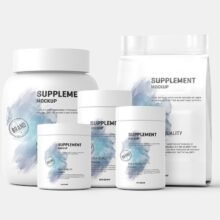
These mockups come in many forms, from simple wrapper mockups to more elaborate plastic pack scenes where your design looks like an actual product on a shelf or in a catalog.
Why Candy Packaging Mockups Are Essential in Branding
1. Communicate Design Intent Clearly
Flat designs in Illustrator or Photoshop often fail to convey how a design feels in real life. A mockup adds depth, perspective, and realism, helping clients, stakeholders, or creative directors visualize your design as if it were already printed and filled. This makes approvals faster and feedback more meaningful.
2. Accelerate Design Iteration
Mockups use smart objects — pre-set layers that automatically map your artwork onto the packaging surface. You can test multiple variations of your design quickly, swapping colors, logos, or artwork without re-rendering or reshooting physical items.
3. Professional Presentations & Portfolios
Whether you are pitching a new candy product to a client or showcasing your work in a design portfolio, mockups allow you to present professional and compelling visuals that communicate quality and attention to detail.
4. Useful for Marketing and Ecommerce
Mockups aren’t just for design reviews — they’re also powerful marketing assets. Realistic packaging visuals can be used on product pages, promotional banners, social media, and print materials without needing costly photoshoots.
Types of Candy Packaging Mockups
Candy packaging comes in many shapes and sizes. Designers can choose from a variety of mockup types depending on the project:
1. Wrapper & Bar Packaging Mockups
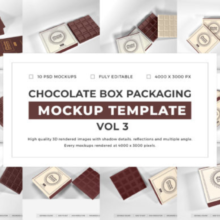
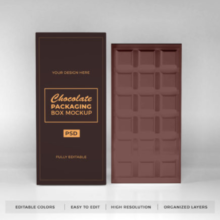
These templates help you present candy bar wrappers or chocolate bar packaging with glossy or matte finishes. Most come with smart object layers, giving you freedom to test logo placement, typography, and color schemes.
2. Candy Sachet & Pouch Mockups
For candies packaged in plastic sachets or pouches — like gummy candies or bagged sweets — these mockups place your design on stand-up bags with realistic shadows and highlights.
3. Plastic Pack & Foil Wrap Mockups
Foil wraps and plastic packs give a premium feel to candies like toffees and hard sweets. Some mockup sets include multiple PSD files with variations in lighting and angles so you can show designs from different perspectives.
4. Box Packaging Mockups
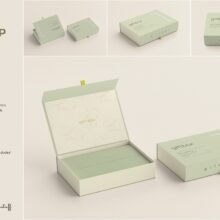
Candy boxes — especially for gift or premium candy sets — can also be mocked up to show how branding wraps around edges, frets, and openings.
How to Use a Candy Packaging Mockup (Step by Step)
Using PSD mockups is easier than many designers think, thanks to smart object functionality. Here’s a typical workflow:
1. Open the Mockup File
Start by opening the mockup PSD in Adobe Photoshop (most templates require CS5 or later).
2. Find the Smart Object Layer
Look for layers named something like “Your Design Here” or “Place Artwork.” These are the smart objects where you’ll insert your design.
3. Insert and Adjust Your Design
Double-click the smart object layer to open it in a new window. Paste your artwork, adjusting scale and placement as needed. Save and close the smart object — the mockup will automatically update with your design applied.
4. Customize Background and Effects
Modify the background color, lighting, and shadow layers to match your brand or presentation context. Some mockups also let you adjust front and back elements if multiple angles are available.
5. Export Your Final Visual
Once happy, export your mockup as a high-resolution PNG or JPG for client presentations, online uploads, or social media promotion.
Best Practices for Candy Packaging Mockups
To maximize the impact of your mockup visuals:
Choose high-resolution files to ensure crisp output in print and web formats.
Use consistent branding elements (colors, fonts, imagery) across multiple views of the mockup.
Test multiple variations — show 2–3 layouts to help stakeholders compare options.
Keep scenes clean — avoid distracting props unless they support the brand story.
Conclusion
The Candy Packaging Pack Mockup for Branding is a powerful visualization tool that turns your flat designs into photorealistic product displays. Whether you’re a packaging designer, brand marketer, or creative director, mockups help communicate design concepts in a visually compelling way, accelerate revisions, and elevate your brand presentation. With editable PSD files and smart object layers, even complex candy packaging designs can be showcased with realism and professionalism — ensuring your branding resonates with clients and consumers alike.