Cosmetic Packaging Mockup Scenes — The Essential Guide for Designers
In the fiercely visual world of beauty, skincare, and personal care products, packaging isn’t just a container — it’s a brand’s first impression. Cosmetic packaging must communicate quality, values, and aesthetics instantly. That’s why designers and brands turn to cosmetic packaging mockup scenes: photorealistic visual setups that place your design in a believable environment before production begins. Whether for client presentations, portfolios, marketing campaigns, or e-commerce imagery, mockup scenes help bridge the gap between concept and reality.
What Are Cosmetic Packaging Mockup Scenes?
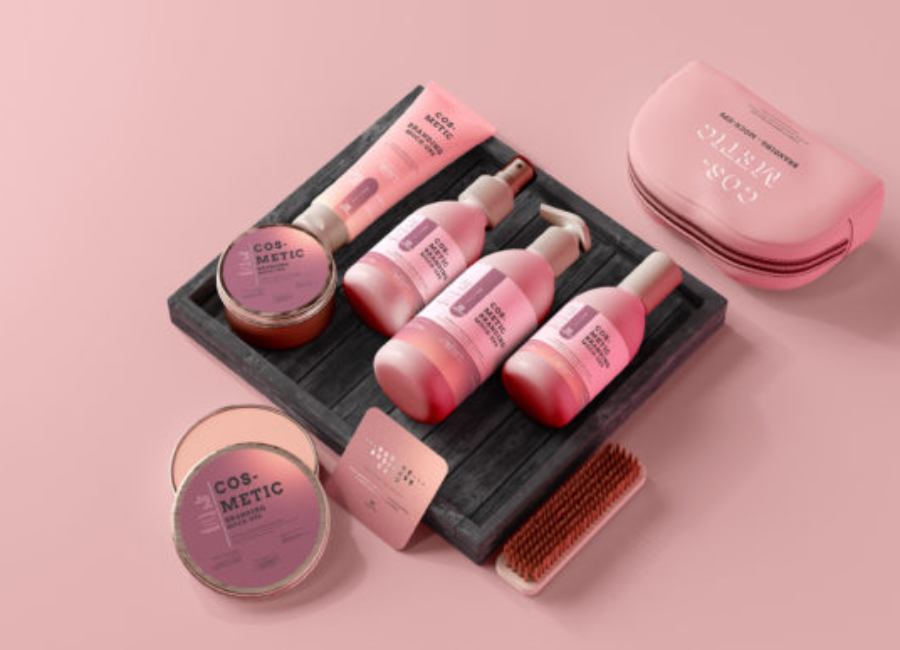
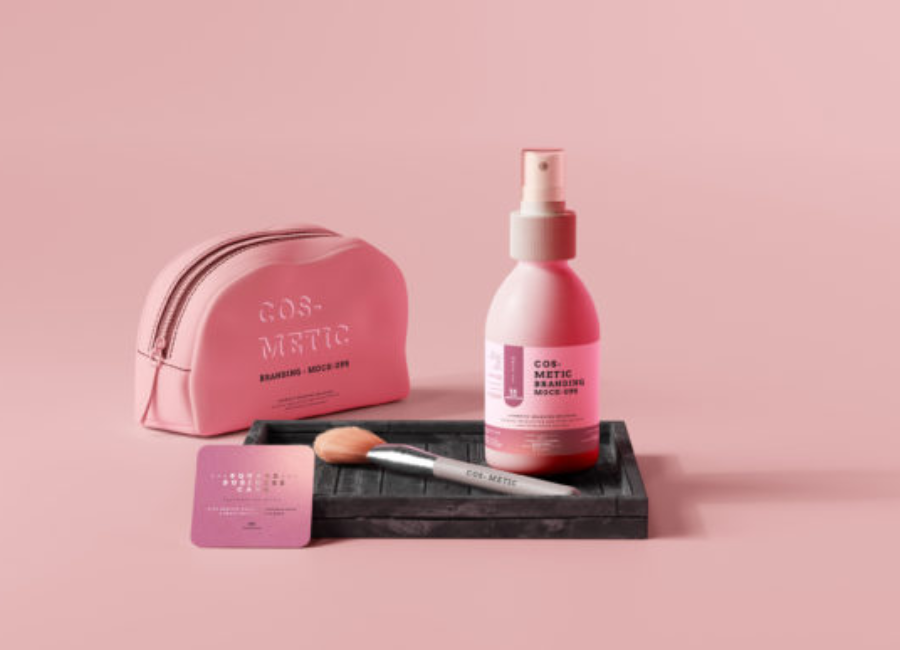
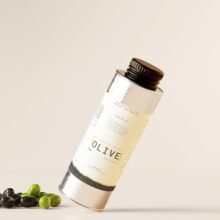
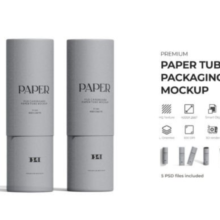
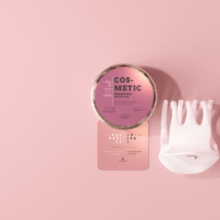
A mockup scene is a visual staging — often a high-quality Photoshop (PSD) file or 3D render — that displays packaging designs in context. Instead of flat graphics, a mockup shows products like tubes, jars, bottles, and boxes arranged in a studio-style layout, lifestyle background, or brand-specific setting. Smart objects in PSD files allow you to place your own artwork and labels directly into the scene, automatically wrapping the design around physical forms realistically.
These scenes may include multiple products — for example, a serum dropper next to a cream jar and a branded box — to present a collection in one visual. Designers can adjust backgrounds, shadows, textures, lighting, and even props to convey mood and style.
Why Mockup Scenes Matter in Cosmetic Packaging
1. Realistic Visualization
Mockup scenes take flat designs off the screen and show them how they’ll look in real life. This is especially important in cosmetics, where lighting, reflections, and material finishes (matte, glossy, soft-touch) affect perception.
2. Better Client Communication
Clients — especially non-designers — often struggle to interpret flat packaging layouts. A mockup scene clearly demonstrates shape, scale, color interactions, and how the design functions on an actual object.
3. Cost-Effective Prototyping
Professional photography and physical prototypes are expensive and time-consuming. Mockup scenes give you near-photo quality visuals quickly and at minimal cost.
4. Portfolio and Branding Tool
High-quality mockup scenes elevate your portfolio, social media posts, and pitch decks. They show not just what you designed, but how it behaves in a real-world context — a powerful differentiator when engaging clients or employers.
Common Types of Cosmetic Packaging Scenes
Cosmetic packaging mockups span a range of product types and visual styles:
1. Tube and Jar Scenes
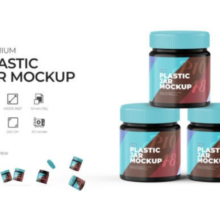
Often used for creams, lotions, and gels, these scenes arrange tubes and jars together in minimal or textured backgrounds. They highlight subtle details like cap finishes and shadow play.
2. Full Set Collections
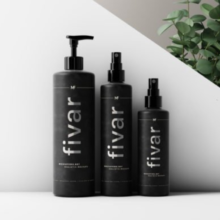
Scenes showing a complete product line — e.g., cleanser, toner, serum, face cream — help cohesive brand presentations. These sets often come with multiple angles and lighting options.
3. Premium Cosmetic Scenes
Luxury cosmetic mockups often use elegant materials like marble or wood backdrops with controlled lighting to emphasize sophistication and premium feel.
4. Lifestyle and Studio Scenes
More dynamic mockups place products in contextual settings — on bathroom vanities, alongside natural elements like flowers, or with subtle props to suggest texture and lifestyle appeal.
Where Designers Find Cosmetic Mockup Scenes
The web offers a wealth of resources for mockup scenes — both free and premium:
Free PSD mockup packs: Collections with multiple cosmetic products ready to edit via smart objects.
High-resolution mockup sets: Files with multiple angles and perspectives to show detail and depth.
Premium marketplaces (e.g., Envato Elements): Professional scenes with realistic lighting, props, and multiple product arrangements.
Online customizable tools: Web-based editors that let you craft cohesive scenes combining bottles, tubes, boxes, and jars without advanced design skills.
These resources often include smart objects, editable backgrounds, and high resolution — ideal for print as well as digital.
How to Build an Effective Cosmetic Mockup Scene
Here’s a typical workflow designers follow:
Select Appropriate Mockup Files – Choose scenes that match the product types you’re presenting (jars, tubes, bottles, etc.).
Open in Photoshop or 3D Editor – Load the PSD or scene file into your design software.
Insert Your Artwork – Use smart objects to place your label and graphics into the mockup.
Adjust Backgrounds and Props – Change backdrops, adjust shadows, or add natural elements to convey brand mood.
Check Lighting and Shadows – Subtle shadow adjustments can make designs appear more realistic and grounded.
Export High-Quality Renders – Save finished images in high resolution for client presentations, online stores, or marketing collateral.
Taking these steps ensures your cosmetic packaging design looks polished, professional, and ready for real-world application.
Tips for Beautiful Cosmetic Packaging Scenes
Maintain Consistency Across Products: When presenting a product line, keep lighting, shadows, and angles consistent for a cohesive visual.
Choose Complementary Backdrops: A neutral or textured background should enhance — not compete with — your packaging design.
Use High-Resolution Mockups: For print and portfolio pieces, choose mockups that support large dimensions without losing detail.
Focus on Branding Details: Incorporate typography, logos, and color palettes that reflect the brand’s identity clearly and attractively.
Conclusion
Cosmetic packaging mockup scenes are more than just pretty pictures — they are indispensable tools in the modern designer’s toolkit. By enabling realistic visualization, improving communication, and elevating presentation quality, mockups help turn ideas into compelling visual stories. Whether you’re a freelance designer, a packaging professional, or a brand marketer, understanding how to use and craft strong mockup scenes can significantly enhance the impact of your cosmetic packaging designs.