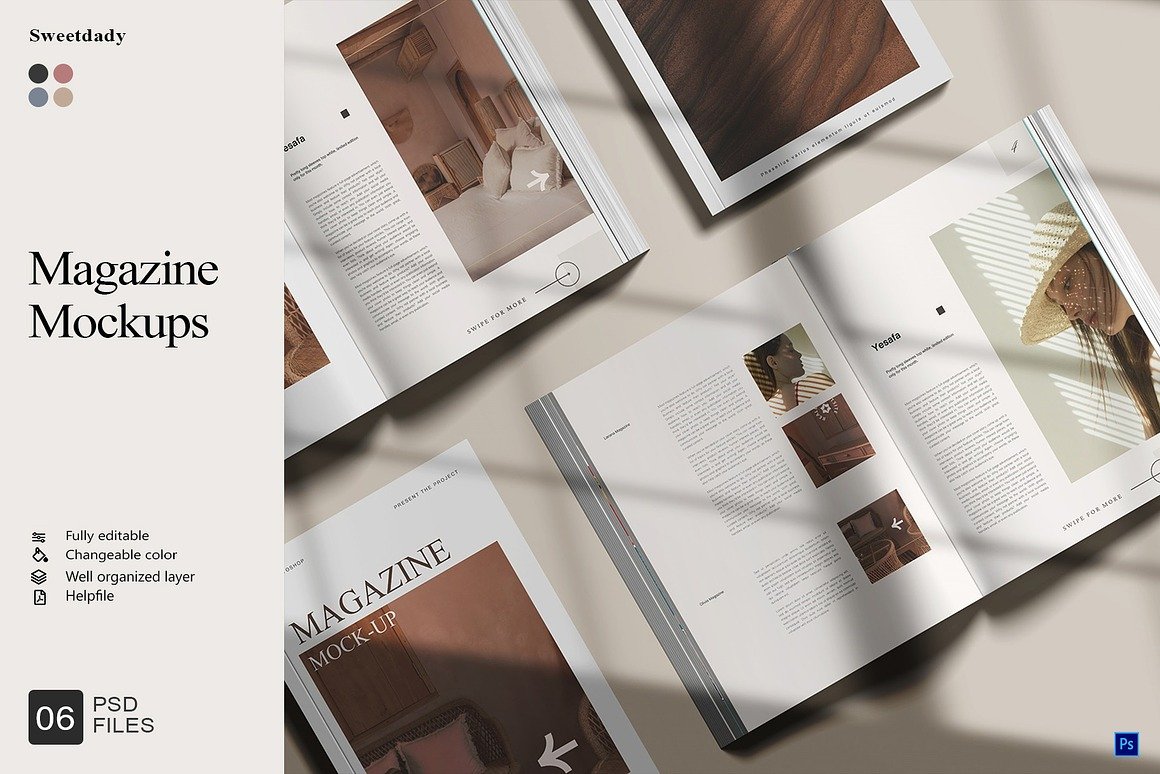
Magazine Mockups – Elevate Your Design Presentation with Professional Realism
In the world of graphic design, visual communication is everything. A concept may be strong, a layout may be modern, and typography may be perfectly balanced—but how you present the design often determines the impression it makes. This is where magazine mockups become a powerful tool for designers, marketers, and publishers. Rather than showing a flat digital file, mockups provide a photorealistic representation of how your magazine design will appear in real life.
A magazine mockup is a digital template that allows designers to place their artwork into a realistic scene. Whether you’re showcasing a magazine cover, an editorial spread, or an advertisement layout, mockups simulate the look and feel of printed pages—from lighting and shadows to texture and perspective. Most magazine mockups use smart-object layers, enabling users to drag and drop their designs in seconds. This creates professional results without the need for physical printing or photography.
1. Why Designers Love Magazine Mockups
One of the greatest benefits of magazine mockups is their ability to transform digital designs into engaging visuals. Clients often struggle to visualize final outcomes when viewing flat layouts on a screen. By placing your work in a real-world setting—on a desk, in a studio environment, or being held by a model—the design immediately becomes more relatable and convincing.
Mockups also help during the revision process. Designers can detect spacing issues, typography alignment, and visual balance more easily when viewing a design in a real-life perspective. This saves time and ensures the final printed version looks exactly as intended.
2. Perfect for Marketing and Portfolio Presentation
Magazine mockups are not only used for client presentations; they’re also an excellent marketing tool. Brands, creative studios, and freelancers use mockups to create promotional visuals for:
Product listings on digital marketplaces
Social media posts and advertisements
Website portfolio galleries
Pitch decks and client proposals
A simple magazine mockup can dramatically enhance the perceived value of your work. Instead of showing only JPG files, mockups give clients a realistic preview, increasing engagement and interest.
3. Variety and Flexibility in Every Angle
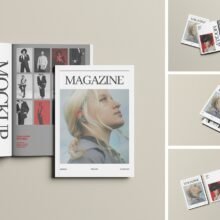
One of the biggest advantages of modern magazine mockups is the flexibility they offer. Designers can choose from:
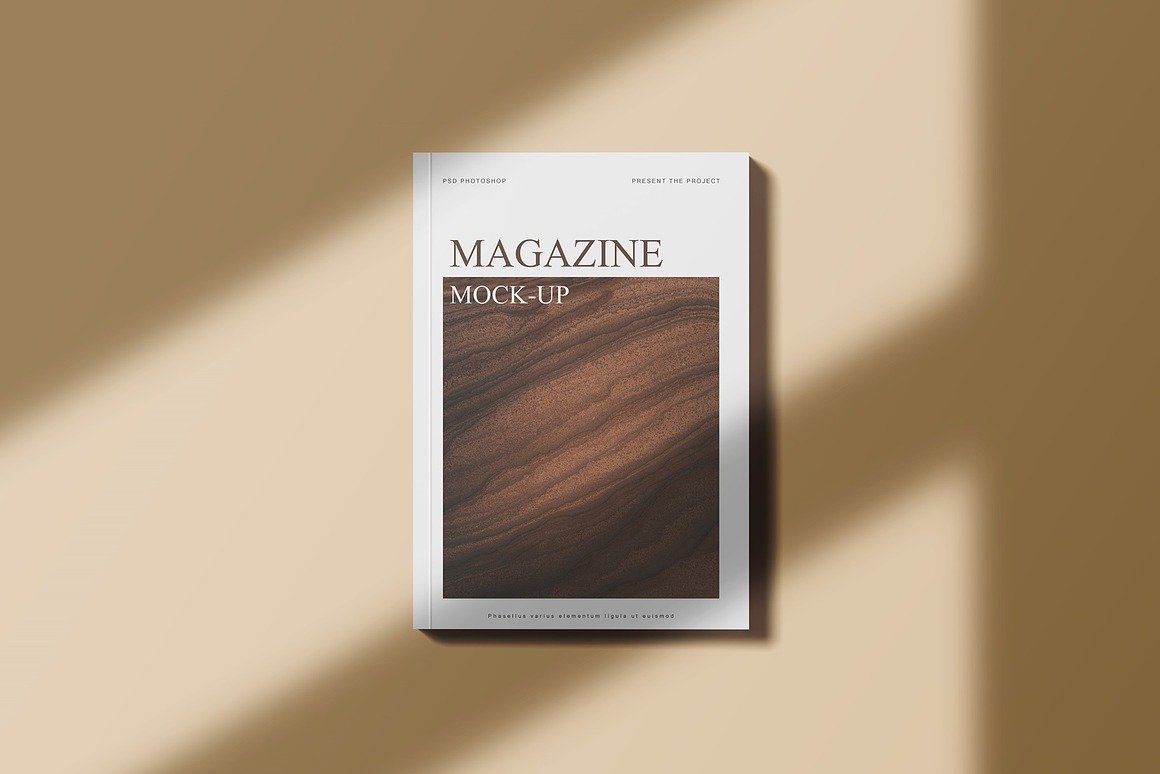
Top-view flat lays for minimal, clean presentations
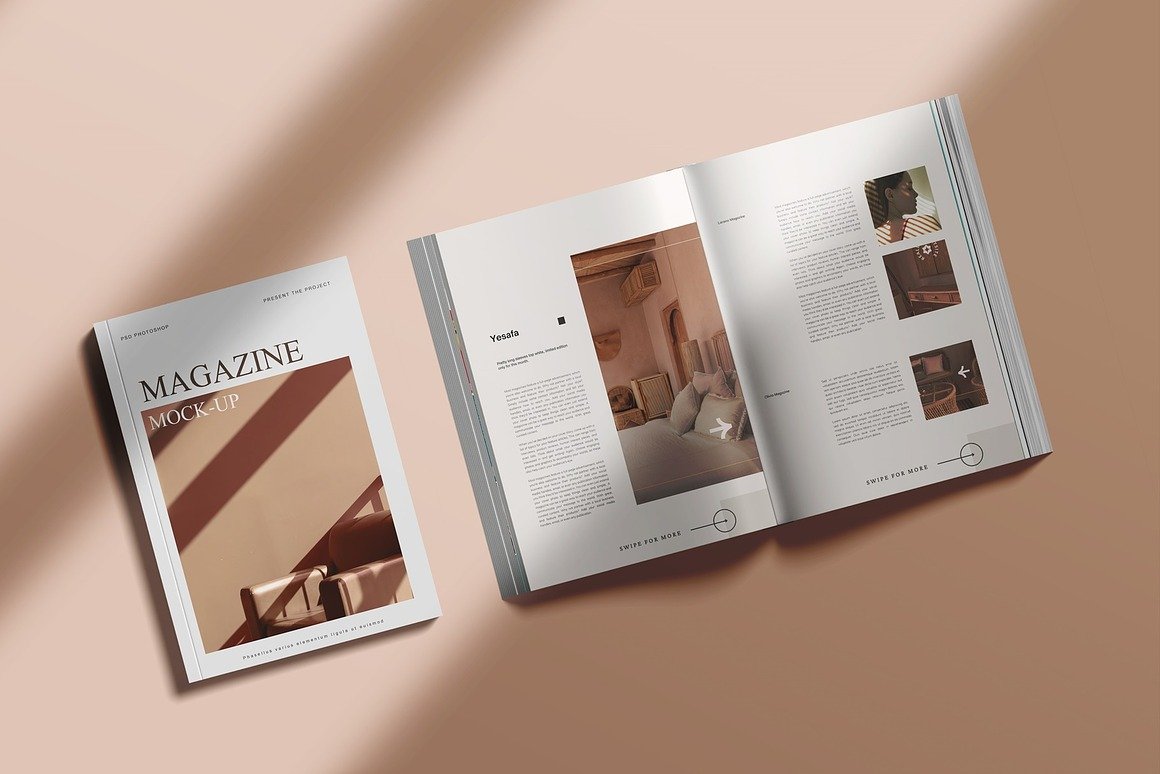
Open magazine spreads to highlight interior layouts
Close-up perspective shots showcasing detail and texture
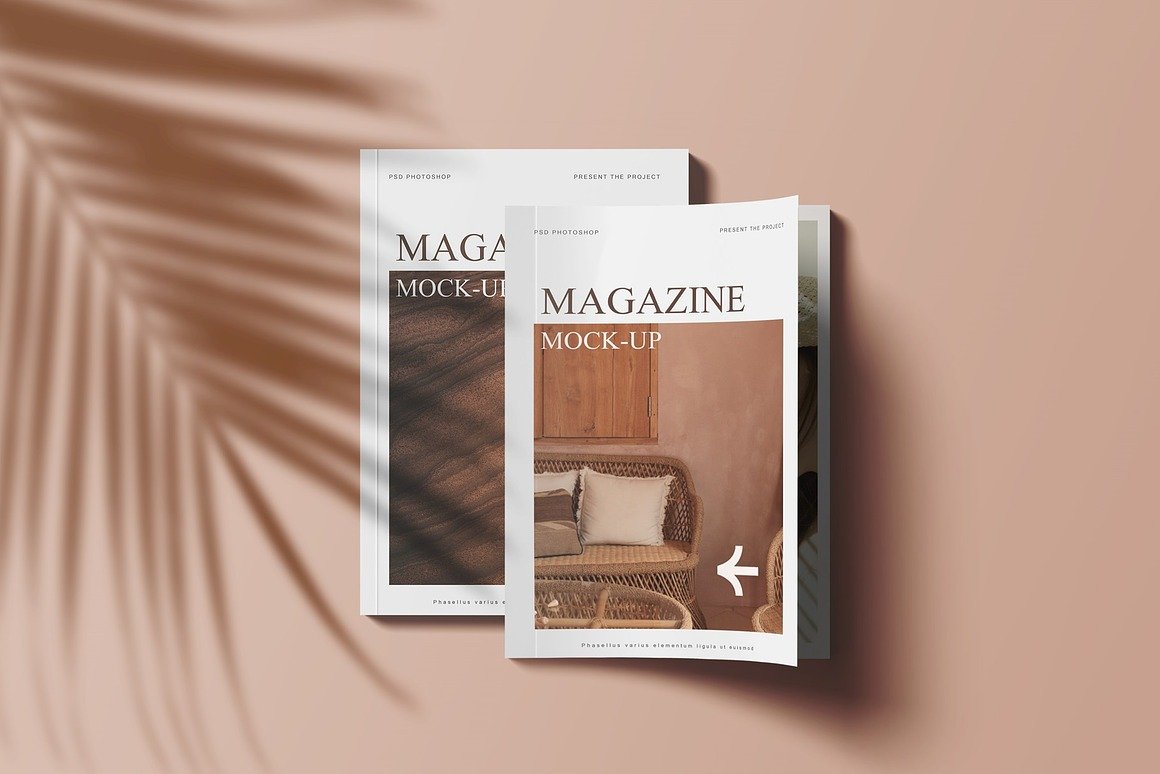
Stacked or layered magazines to showcase multiple designs at once
Some mockup sets even include customizable backgrounds, shadow overlays, and adjustable lighting, making it easier to tailor every scene to your brand.
4. Easy to Customize Using Smart Objects
Most magazine mockups include easy-to-use layered PSD files compatible with Adobe Photoshop. This means you can simply:
Open the PSD file
Double-click the smart-object layer
Insert your artwork
Save and update
Within seconds, your design appears perfectly aligned in a professional scene. No advanced editing skills required.
Conclusion
Magazine mockups bring your creative concepts to life with style and professionalism. They allow you to showcase your designs with realism, build impressive portfolio visuals, and present your work confidently to clients. Whether you’re designing covers, editorials, or advertisements, mockups help transform flat ideas into compelling storytelling visuals. For designers looking to elevate their presentation and stand out from the competition, magazine mockups are an essential asset.