Chocolate Gift Box Mockup Set— A Complete Guide for Branding & Presentation
In the world of confectionery Chocolate Gift Box Mockup Set, presentation is just as important as the product inside. A beautifully designed gift box can elevate a simple sweet treat into a premium experience that customers want to give and receive. To confidently present these designs before production, designers and brands use Chocolate Gift Box Mockup Sets — digital templates that simulate real-world packaging with photorealistic detail.
A mockup, in design terms, is a visual model that shows how a final product will look in reality, helping bridge the gap between concept and finished packaging. For chocolate boxes, mockups allow you to place your branding, logo, and graphics into a realistic scene so stakeholders can see what the packaging will look like on shelves, in online catalogs, or in gift guides — without costly physical prototypes.
What Is a Chocolate Gift Box Mockup Set?
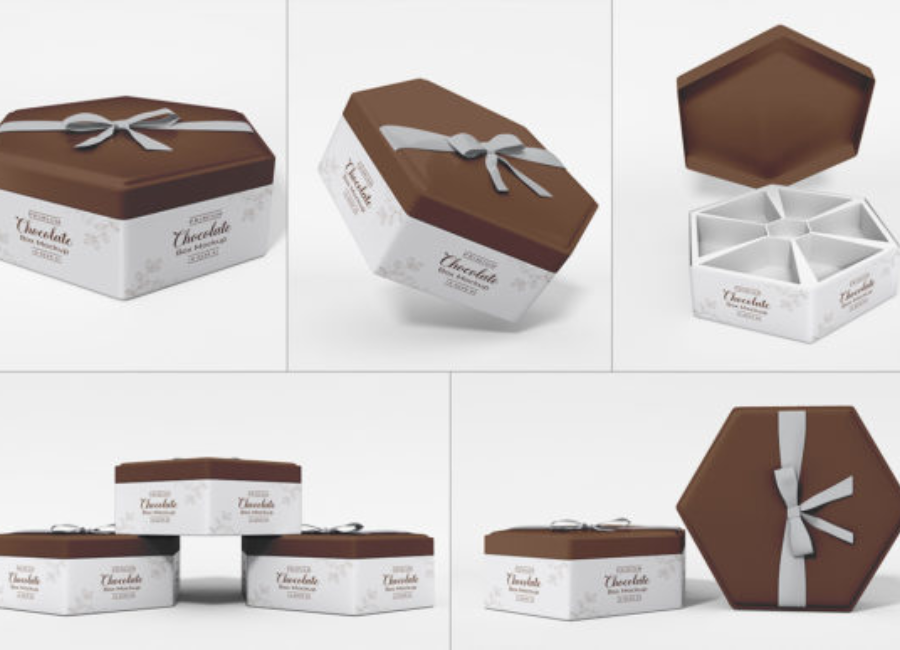
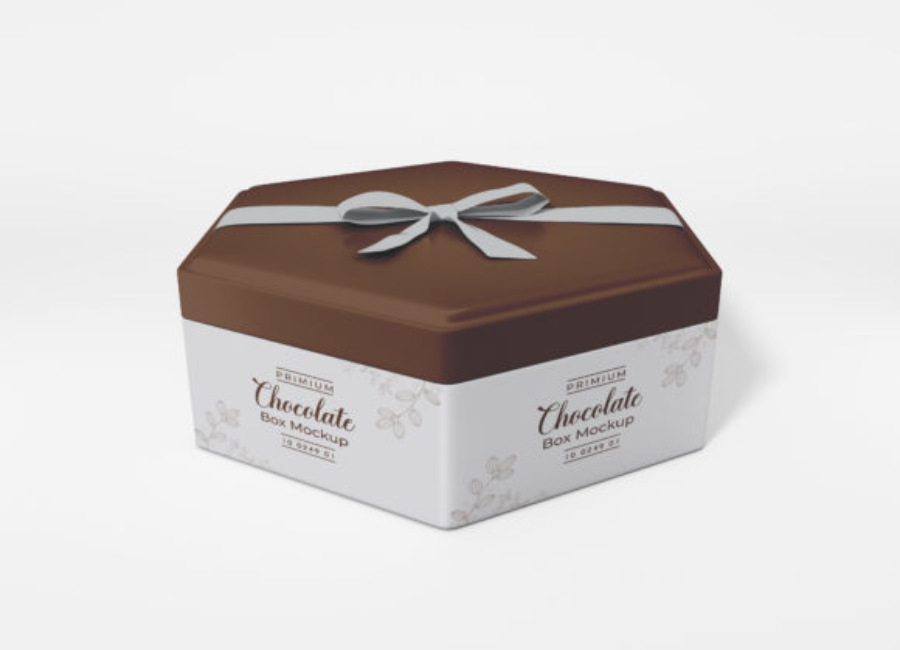
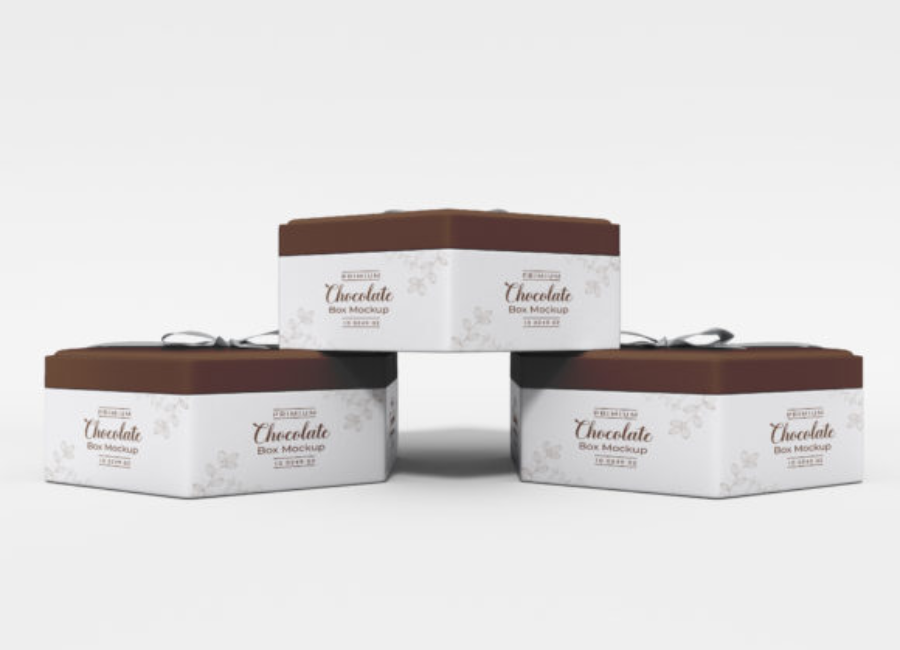
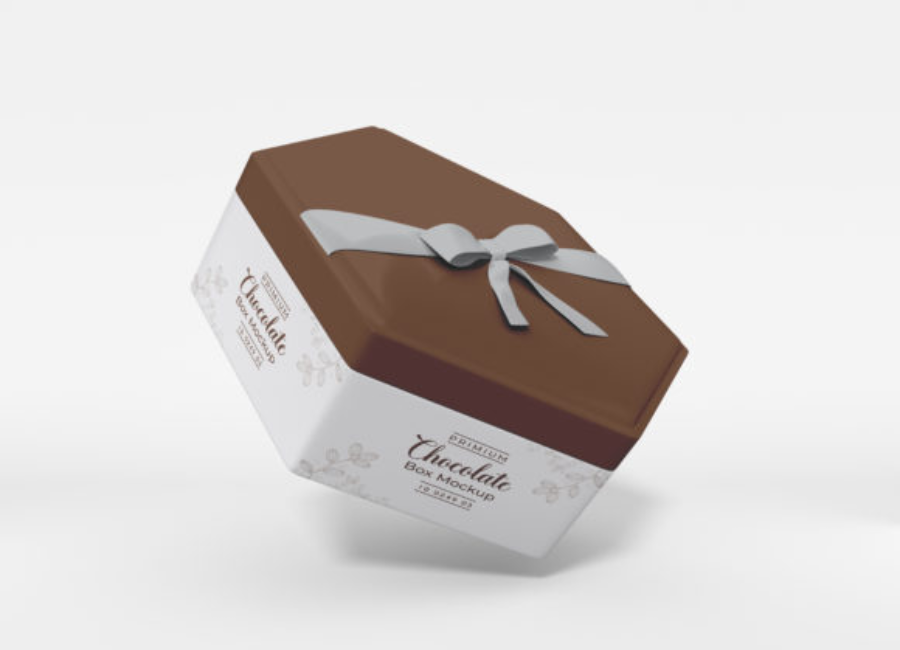
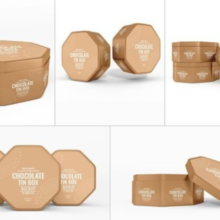
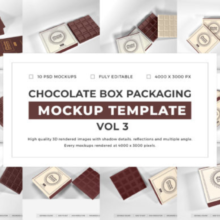
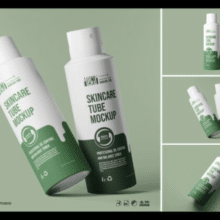
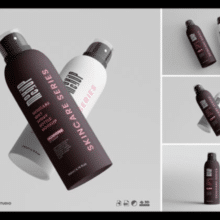
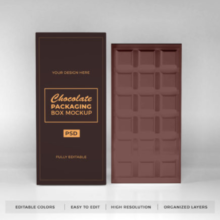
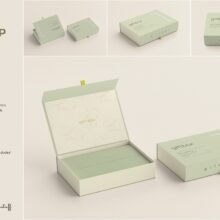
A Chocolate Gift Box Mockup Set is a package of PSD (Photoshop) mockup files tailored specifically for chocolate and confectionery packaging design. These mockups usually include multiple scenes showing chocolate gift boxes from different angles — open and closed, styled with chocolates inside, ribbons, shadows, and backgrounds — all ready for customization.
Key features of these sets often include:
Smart Object Layers: These allow you to easily replace the placeholder design with your own artwork, logos, and patterns.
High Resolution: Mockups typically come in large pixel dimensions for crisp visuals suitable for print and web.
Editable Backgrounds & Shadows: Change colors, textures, and lighting to match your brand aesthetic.
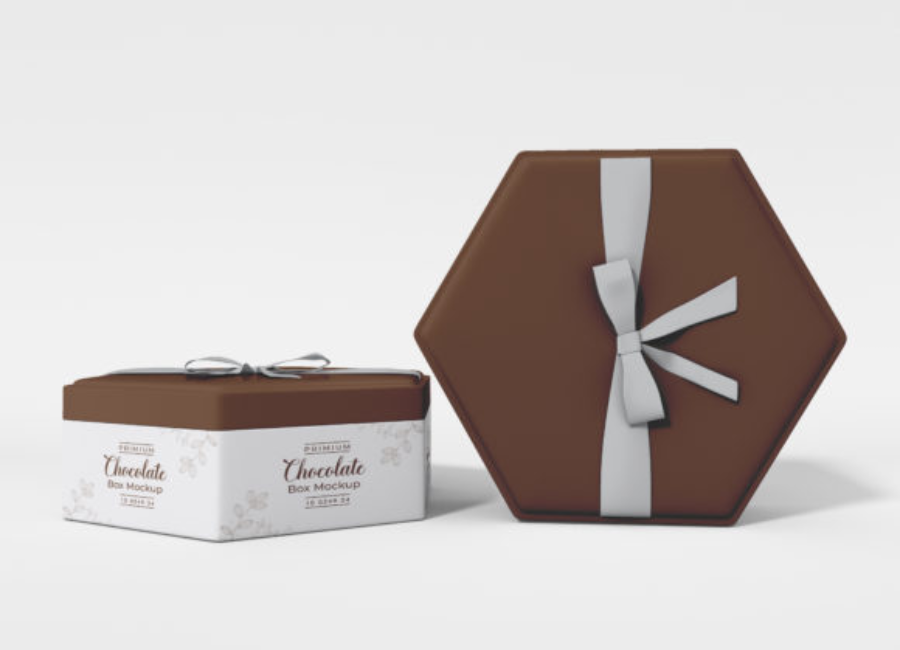
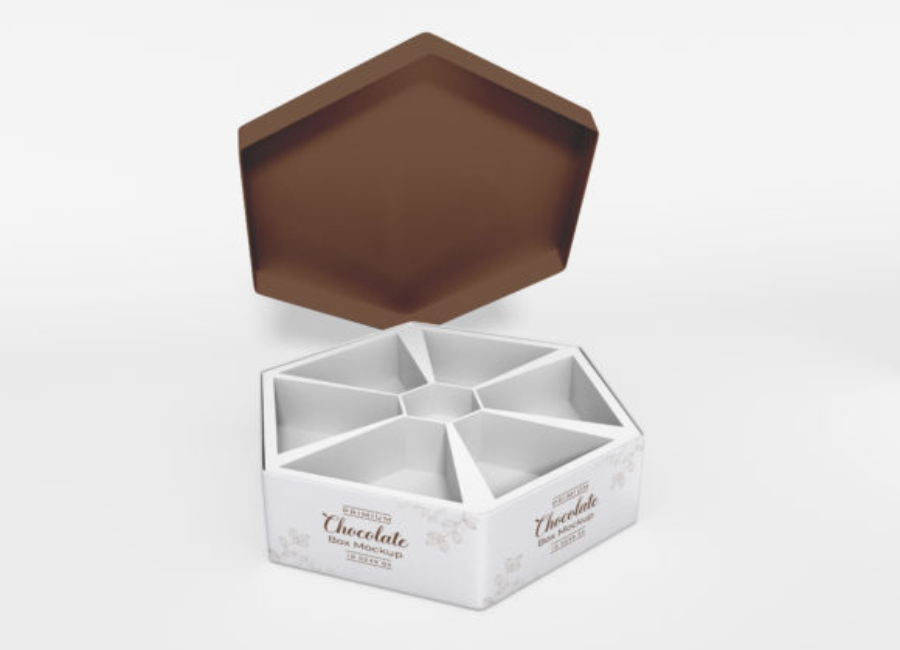
Multiple Views & Composition Variations: Some sets include open and closed box views, stacked boxes, and product scenes with chocolates arranged inside.
Free versions of these mockups — like the truffle dark chocolate gift box mockup — often include several PSD files with customizable elements and large canvas sizes (e.g., 5000 x 4000 px), making them ideal for diverse presentation needs.
Core Features of a Great Mockup Set
To make sure you get the most out of a chocolate gift box mockup set, look for these essential features:
Smart Object Integration
The key advantage of modern PSD mockups is smart objects, which let you drop in your artwork and have it automatically warp and adapt to the box’s surfaces, preserving perspective and lighting. This makes customization fast and precise.
High Resolution & Detail
Great mockups are large and detailed, supporting high-resolution output (e.g., for print or large-format displays). This ensures your visuals remain crisp whether used digitally or in brochures.
Customizable Backgrounds & Props
Most mockup sets allow you to change the background color or texture and adjust props or lighting. This flexibility helps tailor the scene to fit different brand aesthetics — from luxury dark chocolates to playful, colorful gift sets.
Multiple Views & Compositions
Mockup bundles with open and closed views, top-down shots, perspective angles, and interior chocolate placements give you a suite of visuals to showcase the packaging from every perspective.
How to Use a Chocolate Gift Box Mockup Set (Step-by-Step)
Using a PSD mockup is intuitive, even for beginners, thanks to smart object layers:
1. Open the PSD File
Launch Adobe Photoshop and open the mockup file. Depending on the set, you may have several PSD files for different views.
2. Locate the Smart Object Layer
Open the Layers panel and find the smart object marked for design placement — usually labeled something like “Place Your Design Here.”
3. Insert Your Artwork
Double-click the smart object layer, paste your logo and packaging graphics, then save and close this window. The mockup updates automatically with your design applied.
4. Adjust Background & Effects
Customize the background color, lighting, or shadow layers to suit your brand style or design brief.
5. Export & Use
Once finalized, export your mockup as a high-resolution PNG or JPG for use in client presentations, marketing materials, ecommerce listings, or portfolio displays.
Best Practices for Chocolate Packaging Mockups
Ensure high resolution: Choose mockups that support large canvas sizes for quality results in print and digital campaigns.
Use cohesive branding: Keep colors and fonts consistent across mockup sets if presenting multiple product variations.
Consider context: Add relevant props or seasonal elements (e.g., ribbons, flowers for Valentine’s Day) to enhance the visual narrative.
Show multiple views: Provide clients with several perspectives — from top-down to perspective views — to give a complete sense of the packaging.
Conclusion
A Chocolate Gift Box Mockup Set is an indispensable tool for packaging designers and brands who want to showcase chocolate packaging realistically and professionally. With smart object layers, high resolution, and editable backgrounds, these mockups let you turn flat designs into immersive, appealing product visuals — saving time, improving feedback, and boosting the overall impact of your brand presentations. Whether you’re prepping for a client pitch, marketing launch, or ecommerce showcase, a well-executed mockup set helps communicate your design vision with clarity and style.