Coffee Bag Mockup for Product Showcase — A Complete Guide
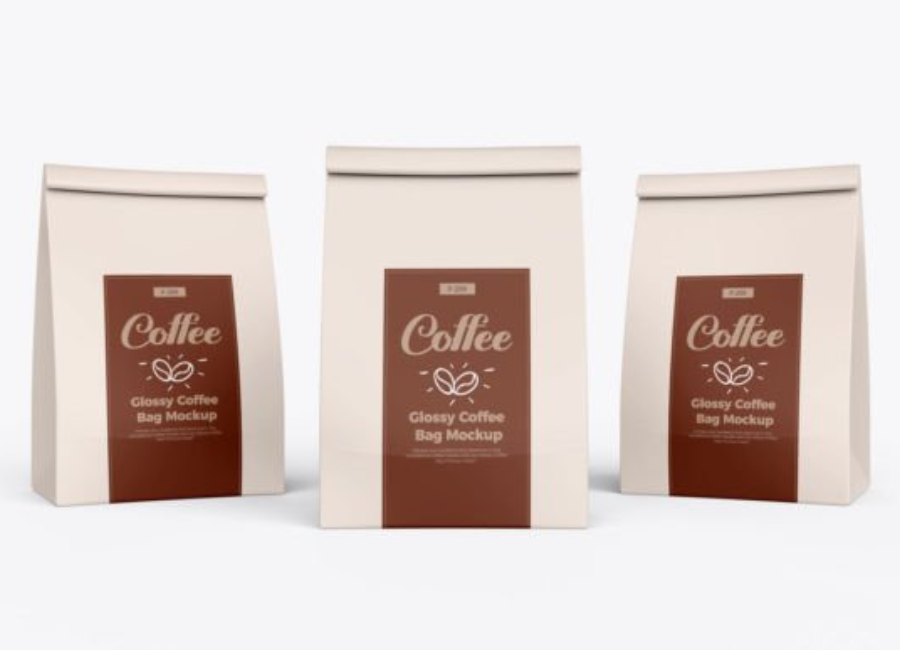
In today’s visually driven marketplace, the way a Coffee Bag Mockup for Product Showcase product looks before a customer even tastes it can significantly influence purchasing decisions. For coffee brands, packaging is more than just a vessel — it’s the first sensory impression that communicates quality, character, and brand identity. To effectively present packaging designs before production, designers and brand owners often turn to Coffee Bag Mockups for Product Showcase. These digital templates allow you to visualize and display your packaging concepts in a realistic, high-quality format that makes designs shine in portfolios, pitches, and e-commerce platforms.
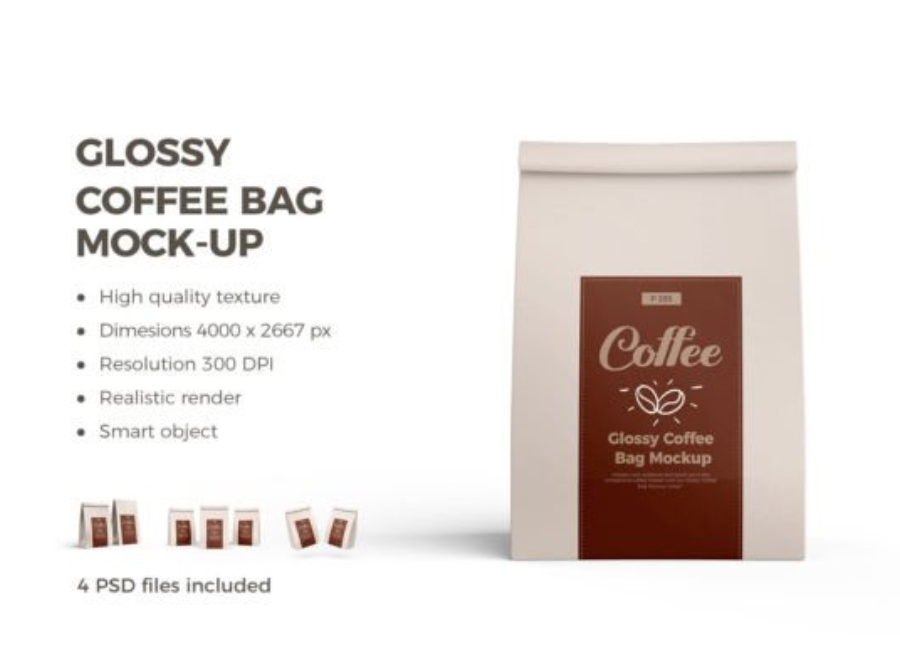
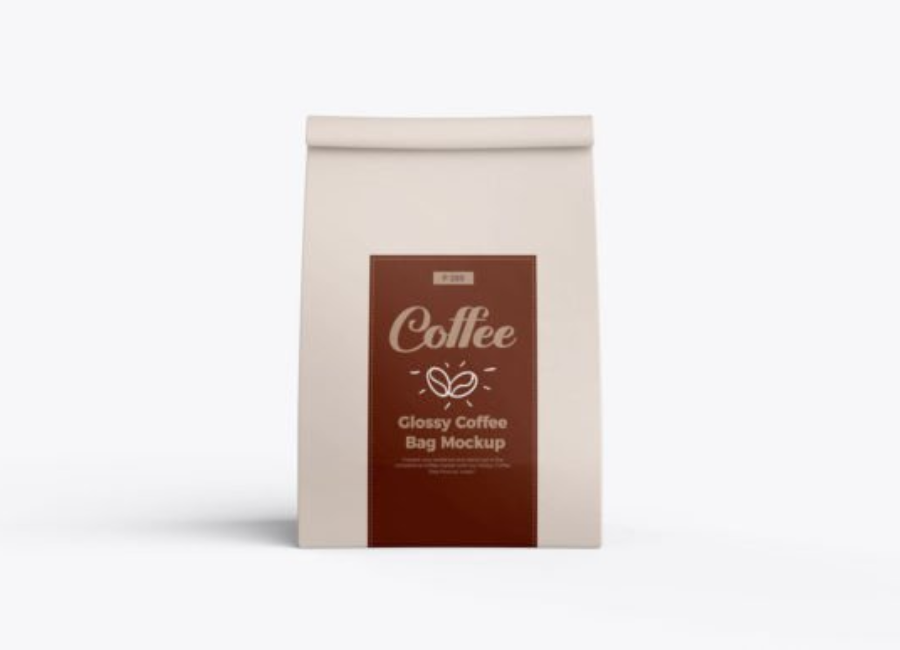
A coffee bag mockup is usually a Photoshop PSD file that uses smart object layers to let you easily insert your branding, label designs, and logos onto a lifelike representation of a coffee bag. Whether you’re working with stand-up pouches, flat coffee packs, or kraft paper bags, these mockups make your design feel tactile and real without ever printing a physical prototype.
What Is a Coffee Bag Mockup?
A Coffee Bag Mockup is a customizable visual tool created to show how your coffee packaging design looks in a real-world context. Most mockups include:
Smart object layers that let you drag & drop your artwork
Photorealistic details such as shadows, highlights, texture, and lighting
High-resolution scenes that are suitable for print and digital use
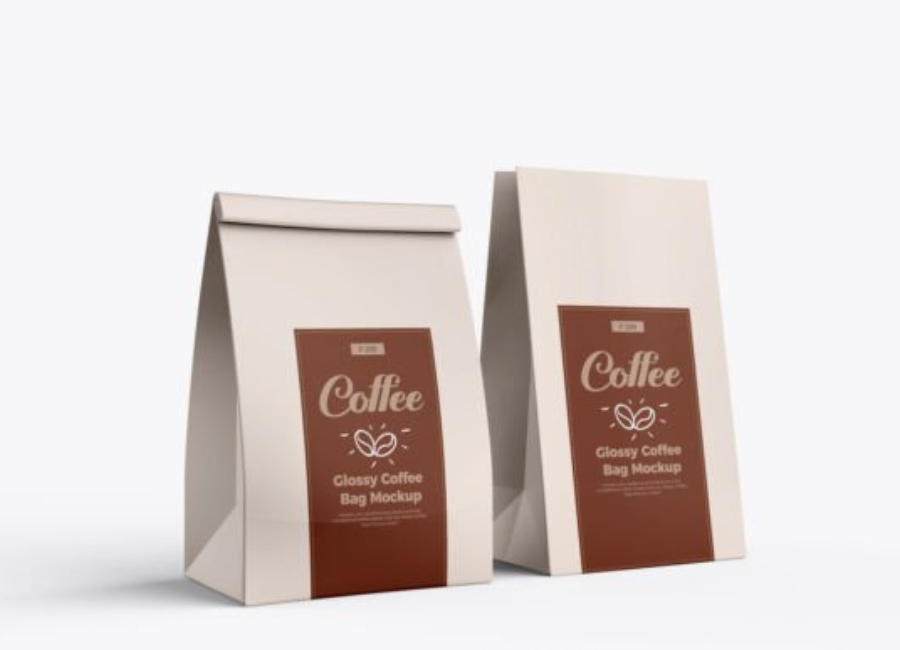
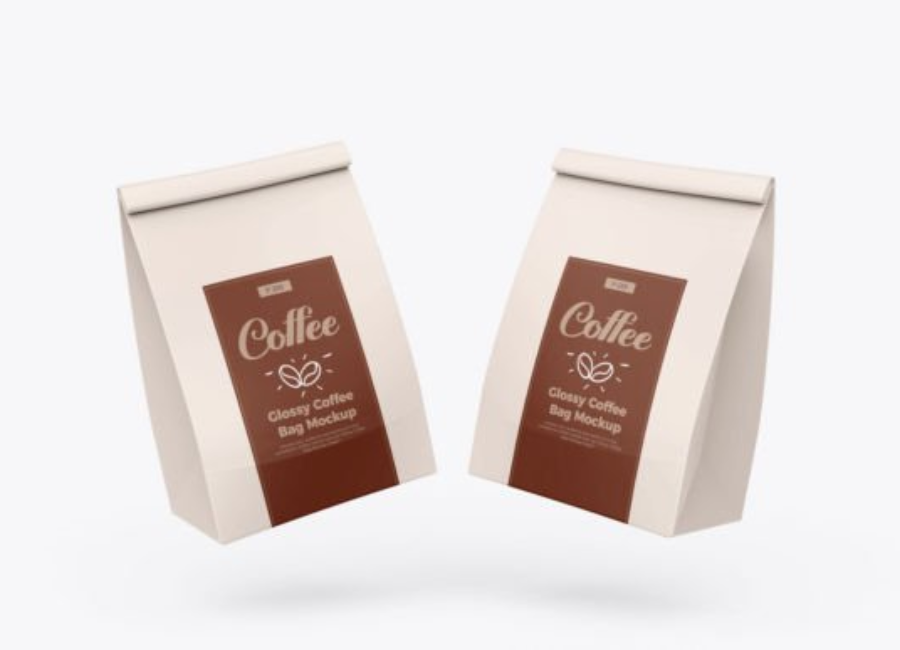
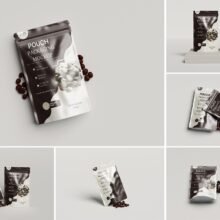
Multiple angles or shots (in premium packs) to showcase front, side, or lifestyle views
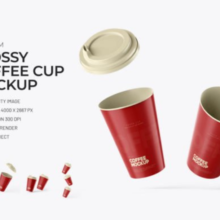
Some mockups also include additional props or elements — like coffee cups or backgrounds — to help frame the product in a natural setting that better reflects brand personality.
Flat digital layouts never fully capture how a package will look and feel once produced. A mockup adds depth, surface texture, shadows, and lighting — offering stakeholders a tangible impression of your coffee brand design.
2. Faster Iterations Without Physical Samples
Physical print proofs and prototypes take time and cost money. With mockups, you can try different label designs, color schemes, or materials instantly. This not only speeds up revisions but also reduces production waste.
3. Improved Client & Internal Presentations
A well-designed mockup lifts your presentations — whether you’re pitching to clients, investor groups, or internal teams. It adds credibility and professionalism, making it easier for others to visualize the final product.
4. Marketing & E-Commerce Uses
Mockup visuals work beautifully on online marketplaces, social media, lookbooks, and promotional banners. Using polished packaging visuals instead of flat designs can help increase conversion rates by making products more appealing at first glance.
Types of Coffee Bag Mockups
Coffee packaging comes in several forms, and mockups reflect this variety:
Stand-Up Pouch Mockups
These are among the most common formats — perfect for coffee beans or ground coffee. They display your design clearly on a standing bag, ideal for product showcases and e-commerce listings.
Coffee Bag with Cup Mockups
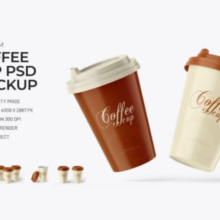
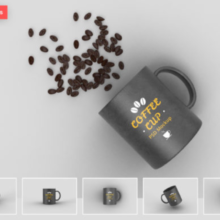
Some mockup sets include complimentary props, like a coffee cup alongside the bag. These are especially useful for marketing visuals, bringing context and lifestyle appeal to your presentation.
Kraft or Paper Coffee Bag Mockups
Paper or kraft bags work well for organic or premium artisan coffee brands. Mockups can reflect matte textures and natural lighting, which match the brand’s aesthetic.
Free vs. Premium Mockups
Free PSD mockups — available from sites like PSD Graphics and Mockupnest — are useful for quick projects or beginner presentations. Premium mockups from marketplaces often include more views, higher resolutions, and additional customization features.
How to Use a Coffee Bag Mockup
1. Open the PSD in Photoshop
Download your mockup file and open it in Adobe Photoshop. Most mockups require versions from CS5 onward for full smart object support.
2. Locate Smart Object Layers
In the Layers panel, find the smart object layer labeled something like “Place Your Design Here” or similar. These layers control where your artwork will go.
3. Insert Your Artwork
Double-click the smart object layer to open it. Paste your coffee bag design and logo into this window, then save and close. The mockup automatically updates with your design applied.
4. Customize Backgrounds and Effects
Many mockups let you adjust the background color, lighting, shadow intensity, or bag color to match your brand’s style.
5. Export for Showcase
Once you’re satisfied with how it looks, export your mockup image in JPG or PNG format. These images can be used in portfolios, websites, or marketing campaigns.
Best Practices for Coffee Packaging Mockups
Use high-resolution mockups (300 DPI or above) for crisp results in both digital and print formats.
Keep consistency — if you’re showing multiple variants (e.g., dark roast and light roast), use the same mockup style for cohesion.
Frame the context — adding a coffee cup or beans gives viewers a lifestyle feel that can increase engagement.
Test multiple angles — showcasing front and perspective views can give a more comprehensive understanding of the design.
Conclusion
A Coffee Bag Mockup for Product Showcase is an essential tool in modern packaging design workflows. It bridges the gap between flat design artboards and physical reality, giving designers and brands a professional, realistic, and highly convincing way to present packaging concepts. Whether used for client pitches, portfolio displays, e-commerce listings, or social media campaigns, mockups elevate your coffee product visuals — making them look market-ready before a single production run is made.