Cosmetic Tube Mockup PSD: A Comprehensive Guide for Designers and Brands
In today’s competitive Cosmetic Tube Mockup and personal care industry, presentation matters as much as the product itself. Whether you’re a freelance designer working on a client project or a brand owner preparing packaging for market launch, cosmetic tube mockups in PSD format have become an essential tool in your creative arsenal. They help you visualize, present, and refine packaging designs with professionalism and clarity.
At its core, a mockup is a high-resolution, editable design template that showcases your artwork or branding concept in a realistic environment. Because consumers often decide based on visual cues, using a cosmetic tube mockup allows you to simulate what your finished product will look like before spending money on printing and production. Designers typically use Adobe Photoshop (.PSD) files with pre-built layers and smart objects that make customization fast and easy.
What Exactly Is a Cosmetic Tube Mockup PSD?
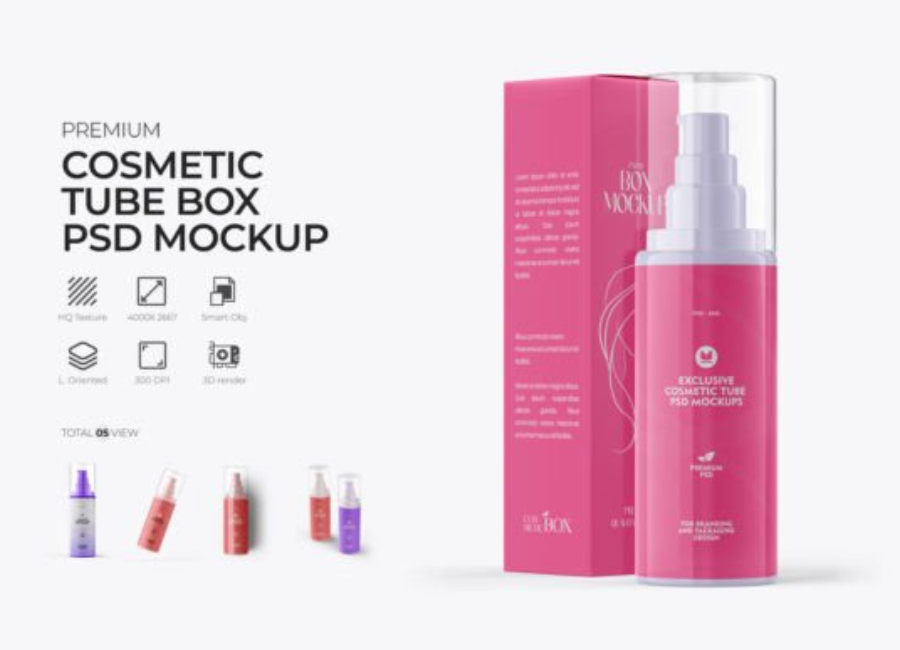
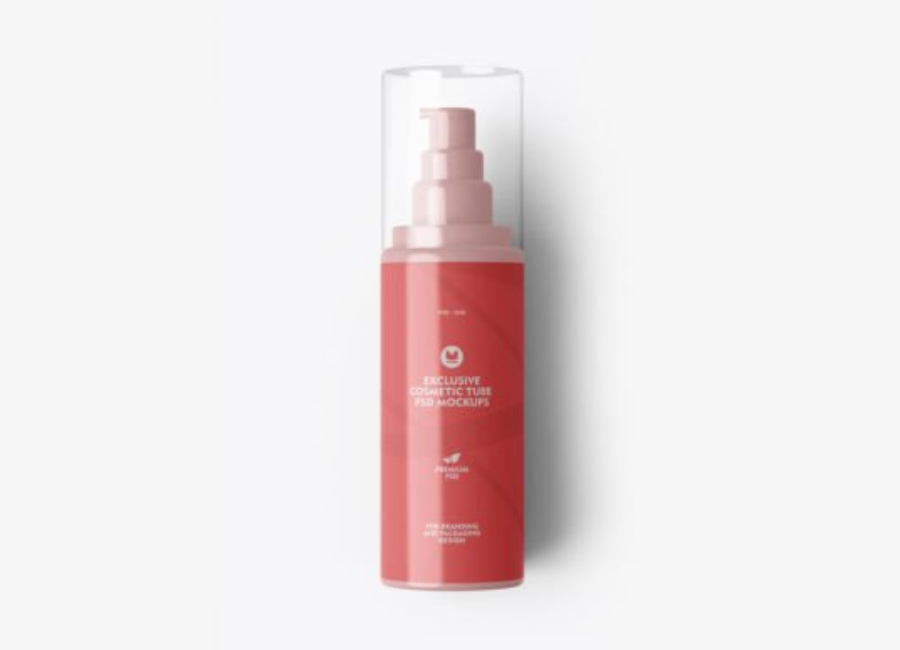
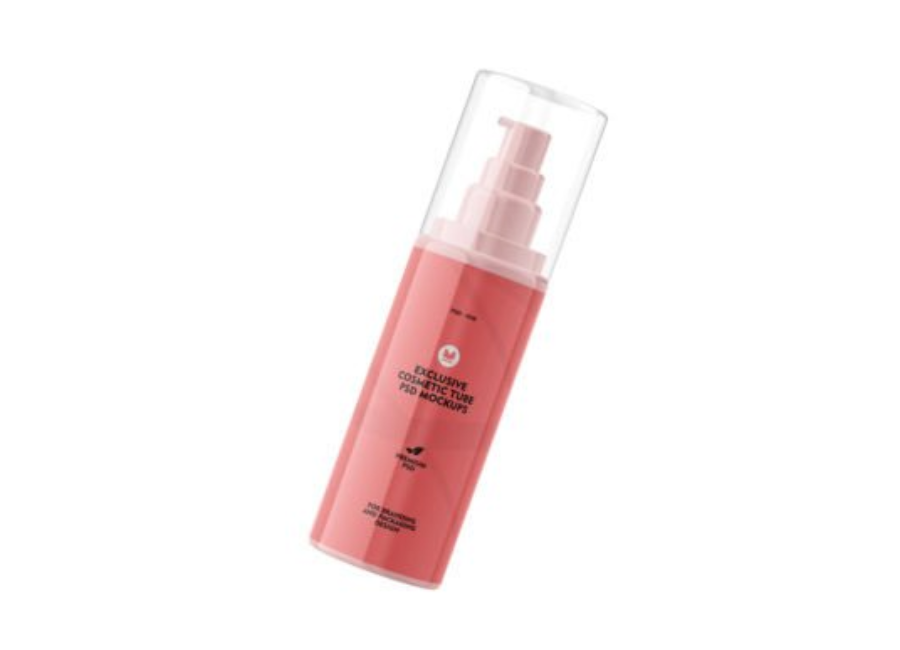
A cosmetic tube mockup PSD is a layered Photoshop document crafted to represent a three-dimensional cosmetic tube—like the kind used for creams, lotions, gels, and balms—so that designers can place their label, logo, and artwork onto a realistic scene. These templates combine:
High resolution graphics with realistic shadows and reflections
Smart Object layers to insert your design without manually redrawing or transforming the graphics
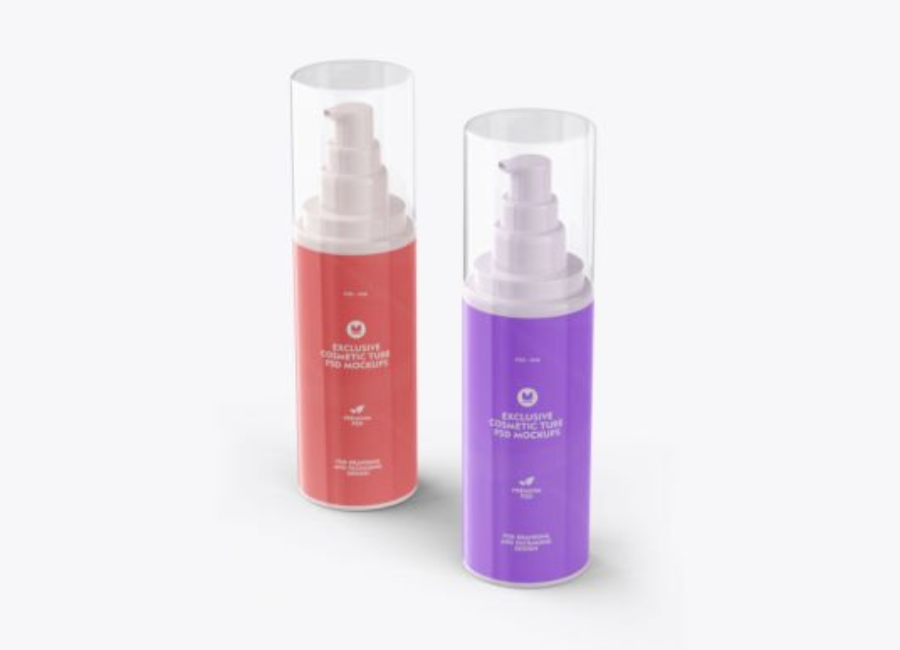
Editable color sections for the tube body, cap, and background
Organized layer groups to easily manage elements and effects
Mockups range from minimalist single-tube scenes to complex compositions with props, lighting, and stylistic backgrounds. Some even show multiple angles of the same tube to provide comprehensive visual coverage.
Why Cosmetic Tube Mockups are Critical in Design
1. Realistic Visualization
One of the biggest challenges in packaging design is helping clients or stakeholders see the final product. A flat design doesn’t always convey how light interacts with materials or how proportions look in real life. A well-executed mockup simulates natural lighting, shadows, and perspective so your design feels tangible.
2. Faster Iteration and Feedback
Instead of presenting flat files only, designers can quickly swap artwork via Photoshop’s Smart Objects. This makes it simple to test different label options, color schemes, or typography choices in seconds, accelerating feedback and approval cycles.
3. Professional Presentations
For pitches, investor decks, marketing pages, eCommerce visuals, and brand guidelines, polished mockups elevate your work. They help communicate the value of your design professionally and persuasively.
4. Cost-Effective Prototyping
Printing physical prototypes for every design iteration can be expensive and time-consuming. Mockups help reduce costs by minimizing unnecessary revisions and only moving forward with designs that have been vetted visually.
Core Features of PSD Mockup Files
Most cosmetic-tube PSD mockups provide a standard set of features, including:
✔ Smart Objects for Easy Editing
Smart Objects are Photoshop layers where you paste your design, and the mockup automatically wraps that design around the tube shape with realistic distortion, highlights, and shadows. This means you don’t manually edit shapes or transformations—Photoshop does it for you. PsFiles
✔ Layered Editable Backgrounds
Good mockups let you change not just the artwork on the tube, but the background color or texture as well, helping your visual assets better match your branding or product concept.
✔ High Resolution
Mockups are often 300+ DPI and large pixel sizes (e.g., 3000 × 2250 px or more), which ensures crisp results when printing or posting online.
✔ Multiple Angles or Scenes
Some mockups offer multiple perspectives—front, side, and angled views—so you can showcase the design from several directions in your portfolio or pitch deck.
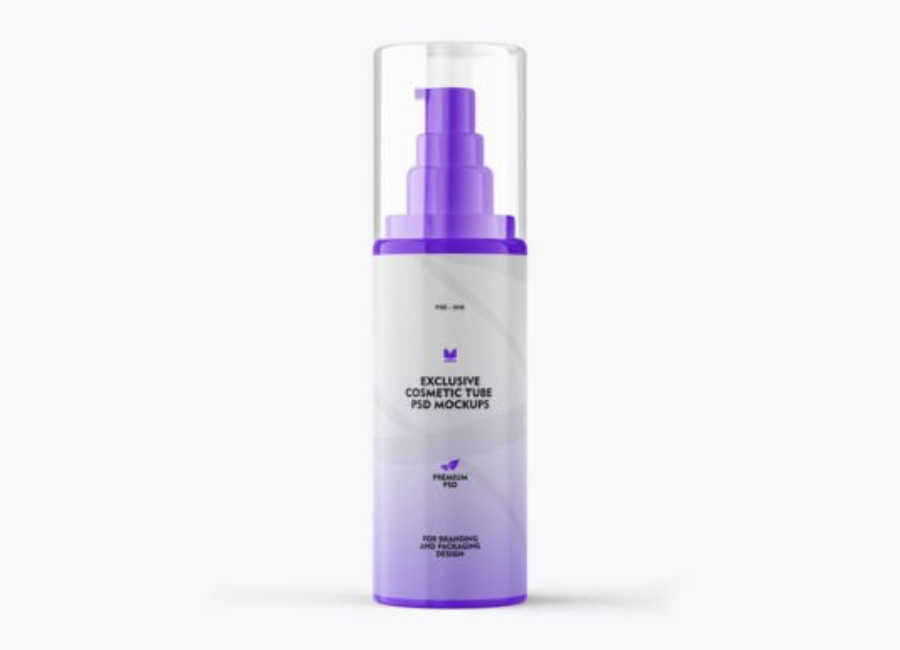
These typically include a straightforward single tube with neutral background, ideal for brand presentations and packaging showcases.
2. Scene Mockups
These feature the tube in a styled setting—e.g., lying on water, surrounded by props, or shown in lifestyle contexts—adding depth and storytelling to your presentation.
3. Multi-Angle Views
Some mockup packs include multiple PSD files showing different angles of the same tube, useful for package previews and eCommerce listings.
4. Tube and Box Combinations
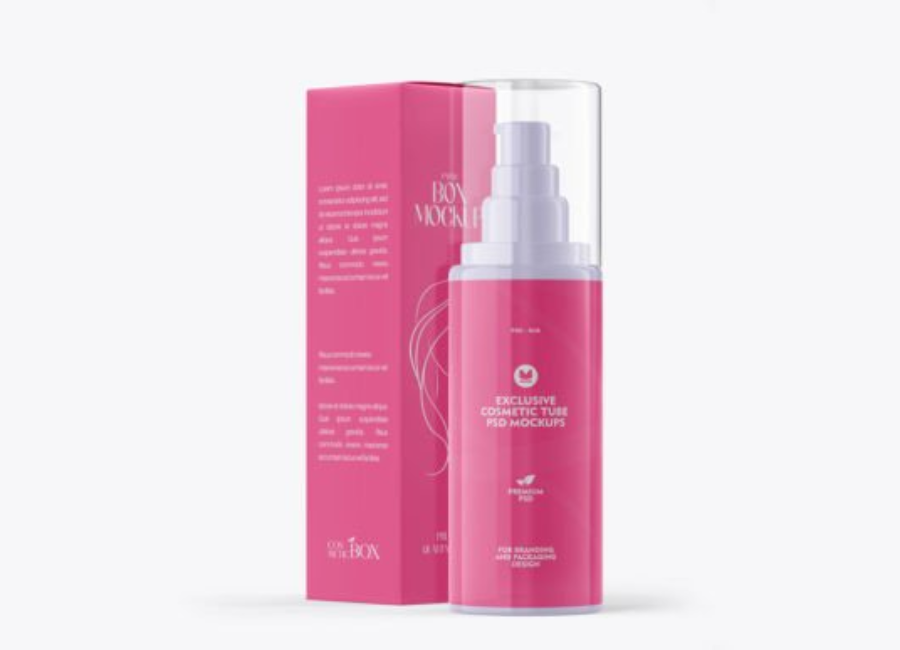
If your product also has secondary packaging, many mockups include tubes with corresponding boxes or accessories to present a complete set.
How to Use a Cosmetic Tube Mockup in Photoshop
Using a PSD mockup is straightforward, especially if you follow these essential steps:
Step 1: Open the PSD File
Launch Adobe Photoshop and open the mockup file. You’ll see a layered structure in the Layers panel.
Step 2: Locate the Smart Object Layer
Find the group labeled something like “Your Design Here,” usually marked by a Smart Object icon in the layers panel.
Step 3: Replace Artwork
Double-click the Smart Object layer. A new window opens—paste or design your graphics there, then save and close the Smart Object. The mockup updates instantly with your design.
Step 4: Customize Colors
Many mockups also allow editing of tube body, cap, and background colors through solid color layers or adjustment layers.
Step 5: Export the Final Visual
Once satisfied, export your mockup image in your preferred format (PNG, JPG, or PSD) for your portfolio, website, or client review.
Tips for Better Mockup Results
Work in high resolution: Start with 300+ DPI mockups for the best clarity.
Use guiding layers: Many mockups include guides and placeholders a designer should respect for proportions.
Match lighting and shadows: If editing backgrounds, ensure lighting still looks consistent to avoid unnatural visuals.
Export multiple formats: Provide clients with both high-res print versions and web-optimized versions.
Conclusion
Cosmetic tube mockup PSD files are a powerful tool for visual communication in packaging design. They help designers produce professional presentations, test visual options fast, and prevent expensive revisions. Whether you’re showcasing skincare, haircare, or personal care products, mockups turn flat designs into convincing product visuals, making them indispensable for modern design workflows.