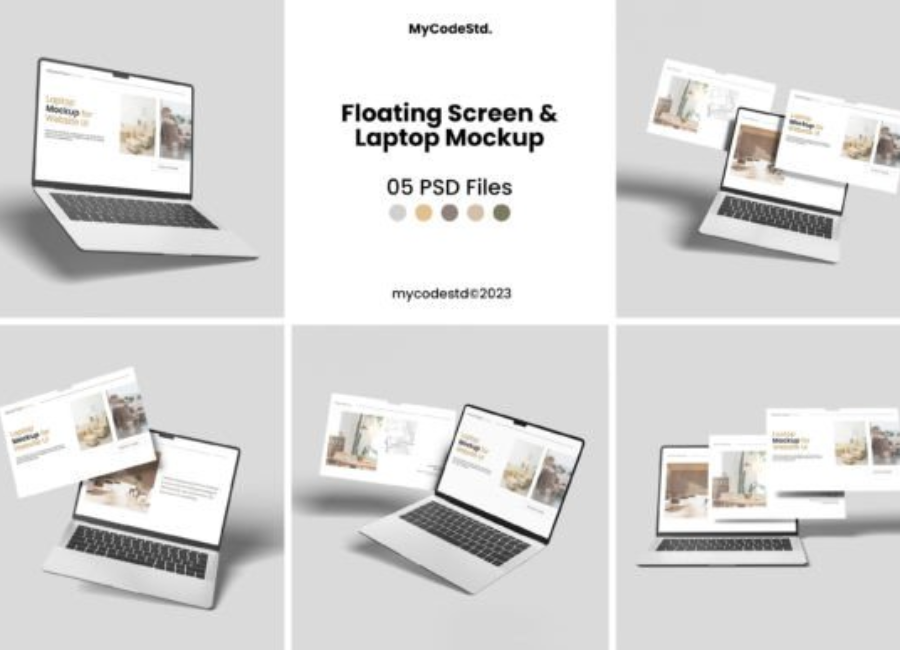
Floating Screen and Laptop Mockups: A Modern Design Essential
In the fast-paced world of digital design, presentation matters just as much as creativity. Whether you are a graphic designer, UI/UX professional, app developer, or digital marketer, how you showcase your work can significantly influence perception. One of the most effective and visually striking ways to present digital projects today is through floating screen and laptop mockups. These mockups have become a modern design essential, offering a clean, professional, and futuristic look that elevates any visual presentation.
What Are Floating Screen and Laptop Mockups?
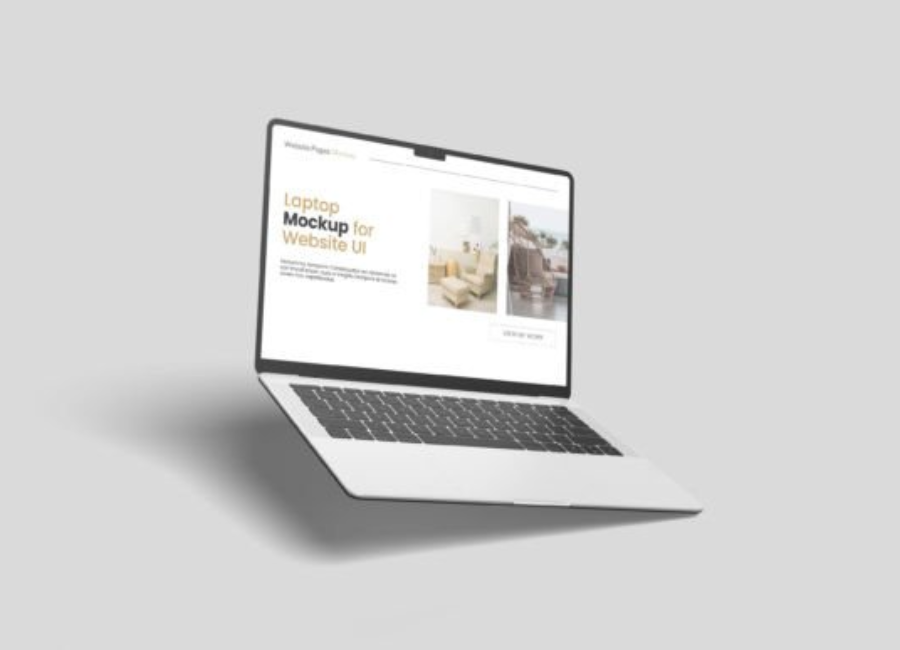
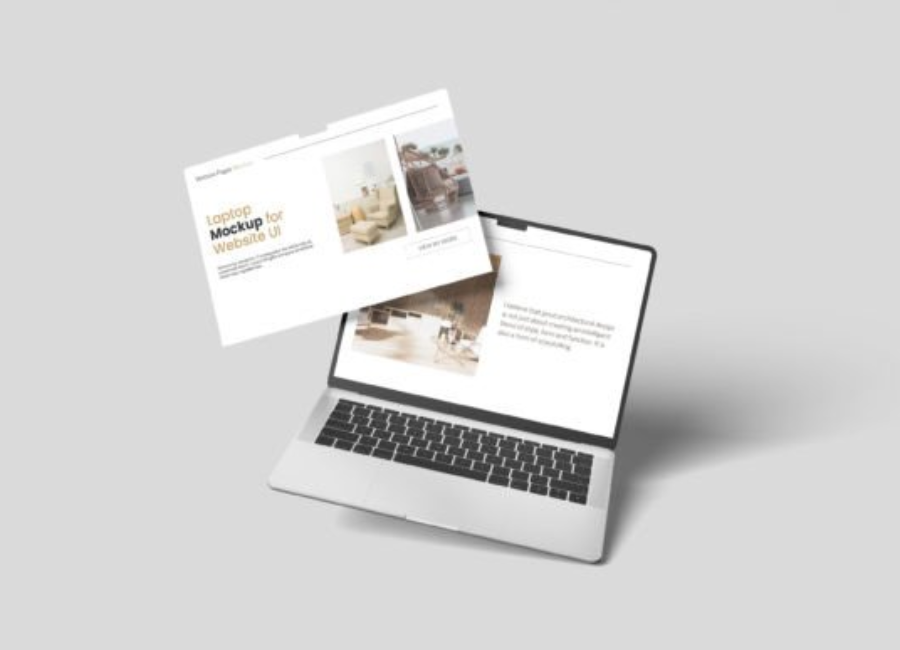
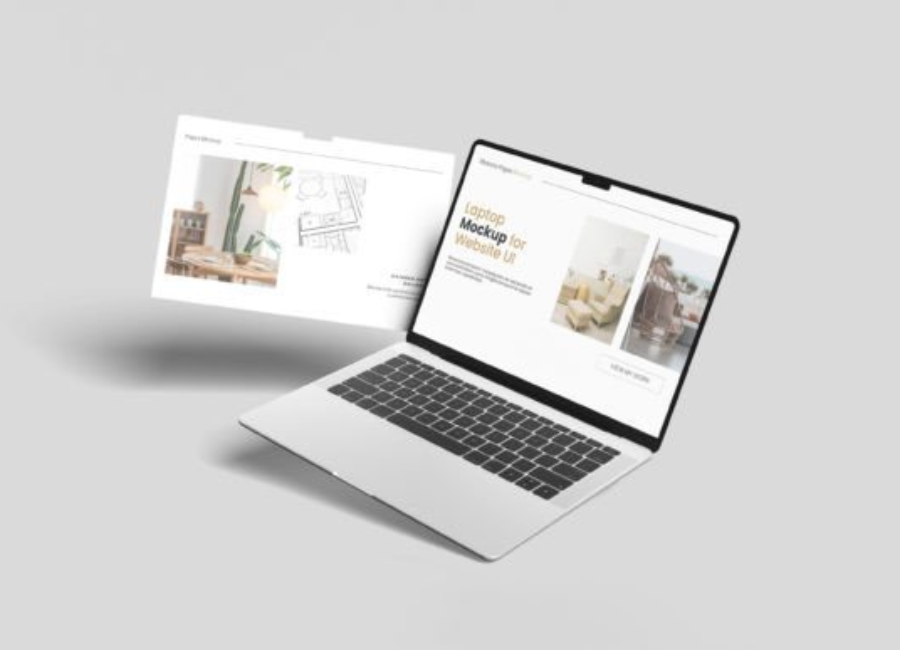
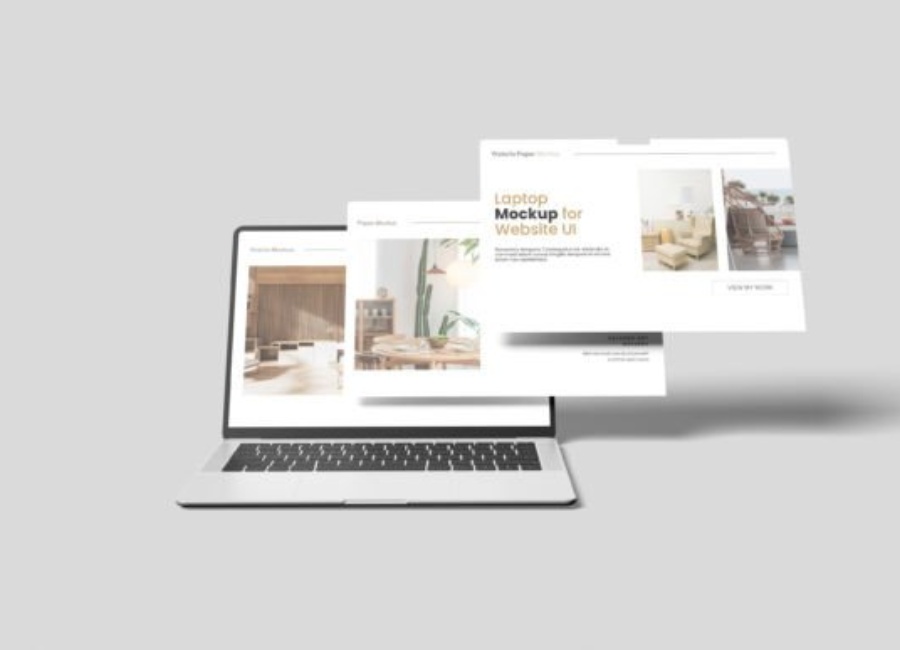
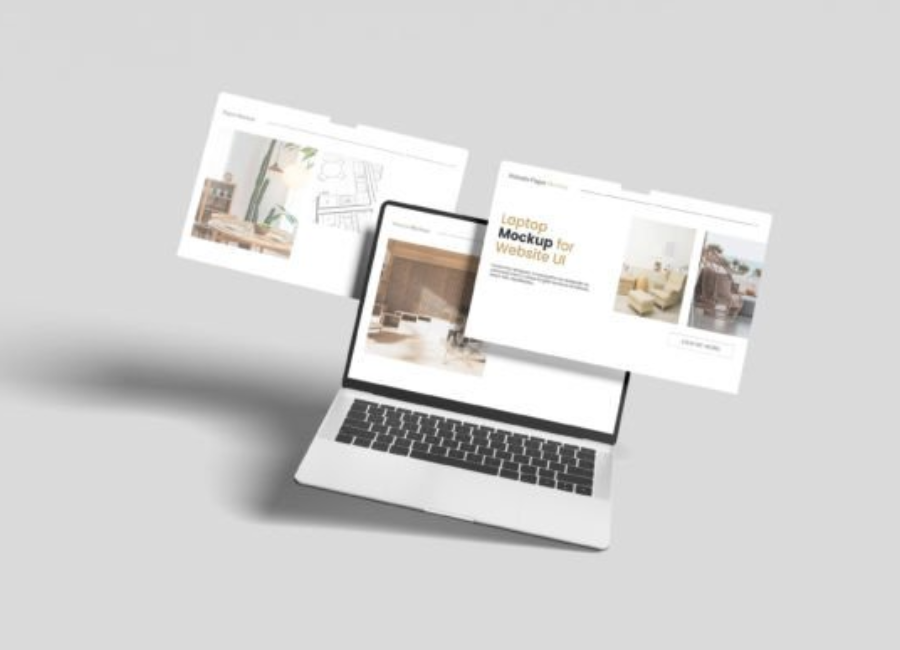
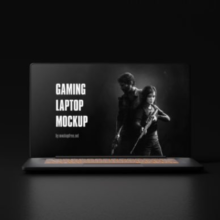
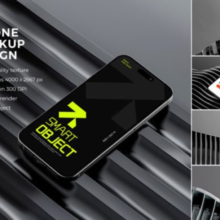
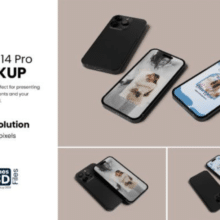
Floating screen and laptop mockups are digital templates that display screens, laptops, tablets, or mobile devices appearing to float freely in space rather than resting on a desk or surface. Unlike traditional mockups that rely on realistic environments, floating mockups focus on minimalism and abstraction. The devices often appear at dynamic angles with subtle shadows, giving a three-dimensional effect that feels lightweight and modern.
These mockups are typically created using advanced design tools and are available in formats compatible with software like Adobe Photoshop, Figma, Sketch, and Adobe XD. Designers can easily insert their screen designs into the mockup using smart objects or editable layers.
Why Floating Mockups Are So Popular
The popularity of floating screen and laptop mockups is not accidental. They align perfectly with modern design trends that prioritize simplicity, clarity, and visual impact.
First, floating mockups reduce distractions. By removing complex backgrounds and physical environments, the viewer’s attention is drawn directly to the screen content. This makes them ideal for showcasing UI designs, websites, dashboards, and mobile apps.
Second, they convey a premium and futuristic feel. Floating devices often suggest innovation, technology, and forward-thinking ideas. This makes them especially effective for tech startups, SaaS products, and creative portfolios.
Finally, floating mockups are highly versatile. They can be used across websites, presentations, advertisements, social media posts, and app store previews without clashing with brand aesthetics.
Key Benefits of Floating Screen and Laptop Mockups
One of the biggest advantages of using floating mockups is their ability to enhance visual storytelling. A well-designed mockup can communicate professionalism, usability, and brand identity in a single image.
Another benefit is time efficiency. Instead of photographing real devices or creating complex 3D renders from scratch, designers can use ready-made mockups to achieve high-quality results quickly.
Floating mockups also help maintain design consistency. Because they are minimal and neutral, they blend seamlessly with different color palettes and branding styles. This makes them perfect for agencies working with multiple clients.
Additionally, these mockups are often fully customizable. Designers can adjust lighting, shadows, angles, and backgrounds to match their creative vision, giving them full control over the final output.
Use Cases in Different Industries
Floating screen and laptop mockups are widely used across various industries. In web and app development, they help present interface designs in a realistic yet clean way. Developers use them in case studies, pitch decks, and portfolio websites to demonstrate functionality and layout.
In marketing and advertising, floating mockups are used in promotional banners, landing pages, and social media campaigns. They help visualize digital products before launch and create excitement around upcoming features.
For education and e-learning, these mockups can display learning platforms, dashboards, and online tools in a visually engaging format. They help make digital learning solutions appear accessible and professional.
Even in corporate presentations, floating laptop mockups are used to showcase software solutions, analytics platforms, and internal tools in a polished manner that appeals to stakeholders and investors.
Design Elements That Make Floating Mockups Effective
Several design elements contribute to the effectiveness of floating screen and laptop mockups. One of the most important is realistic shadowing. Soft, natural shadows give the illusion of depth and help the device feel grounded, even while floating.
Perspective and angle also play a crucial role. Slightly tilted or rotated devices add dynamism and prevent the design from looking flat or static. Clean backgrounds, often in neutral or gradient tones, further enhance the focus on the screen content.
High-resolution details such as crisp edges, accurate proportions, and realistic reflections contribute to the overall quality. When done correctly, these details make the mockup feel believable and professional.
Choosing the Right Mockup for Your Project
Selecting the right floating mockup depends on your project goals. If you want to highlight a single interface, a minimal mockup with one floating laptop or screen works best. For showcasing workflows or responsive designs, mockups featuring multiple floating devices can be more effective.
It is also important to consider the tone of your brand. Sleek, monochrome mockups suit corporate or tech brands, while colorful or creative mockups may work better for startups and creative agencies.
Always ensure the mockup does not overpower your design. The purpose of a mockup is to support your content, not compete with it.
The Future of Floating Mockups
As digital experiences continue to evolve, floating screen and laptop mockups are expected to become even more sophisticated. With advancements in 3D design, augmented reality, and motion graphics, we are already seeing animated floating mockups that add interactivity and depth.
These innovations will further enhance how designers present their work, making mockups not just presentation tools, but storytelling assets.
Conclusion
Floating screen and laptop mockups have transformed the way digital designs are presented. Their clean aesthetics, versatility, and modern appeal make them an essential tool for designers and marketers alike. By focusing attention on the screen content and conveying a sense of innovation, these mockups help elevate digital projects to a professional standard. In a competitive digital landscape, using floating mockups is not just a trend—it is a smart design strategy.