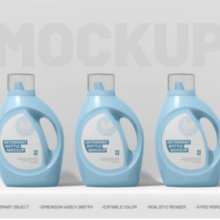
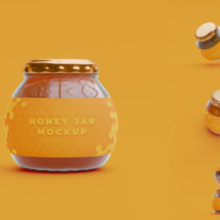
Twist Jar Packaging Mockup Bundle — A Designer’s Visual Toolkit
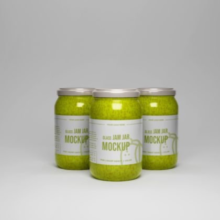
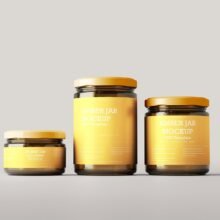
In the modern branding and Twist Jar Packaging Mockup Bundle design world, visual presentation is everything. Whether you’re showcasing product concepts to clients, curating an online product portfolio, or preparing marketing visuals for launch, twist jar packaging mockup bundles have become essential tools for creatives. These mockup bundles provide a suite of editable PSD templates that help designers present photorealistic, professional visuals of jar packaging — especially with twist lid or screw-top styles — without the need for costly physical prototypes.
What Is a Twist Jar Packaging Mockup Bundle?
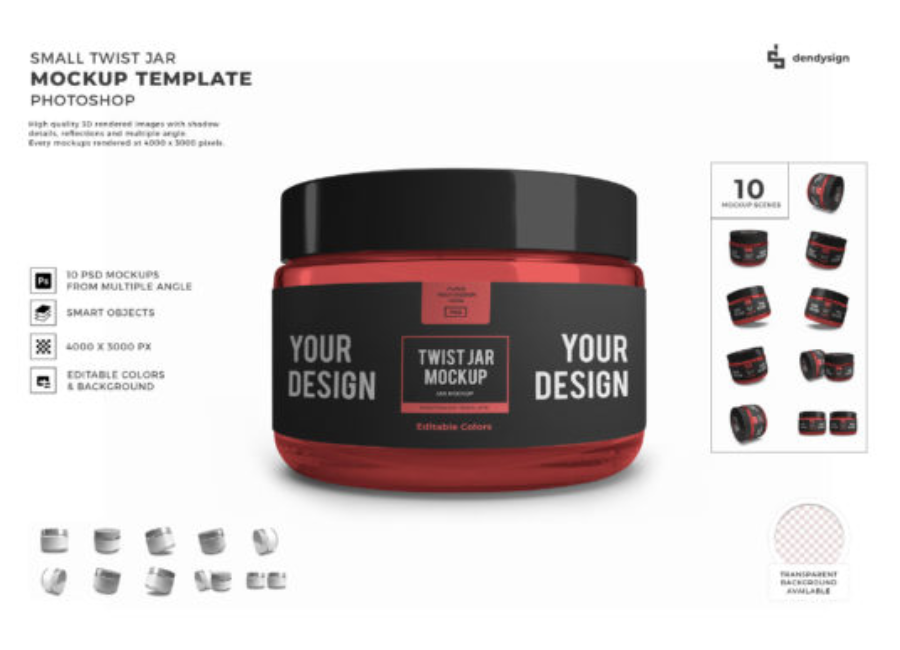
A twist jar packaging mockup bundle is a collection of mockup files—typically in Adobe Photoshop (PSD) format—designed to display brand designs on twist-top jars with lids. These can represent a range of products: from cosmetics and creams to food items like honey, jams, spices, snacks, and supplements.
The twist jar mockup templates usually include:
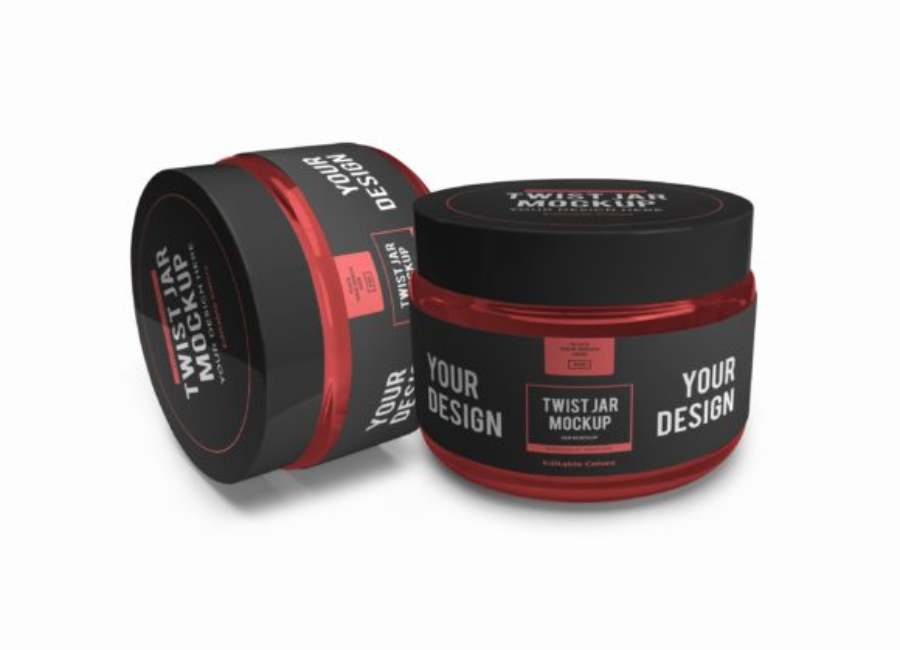
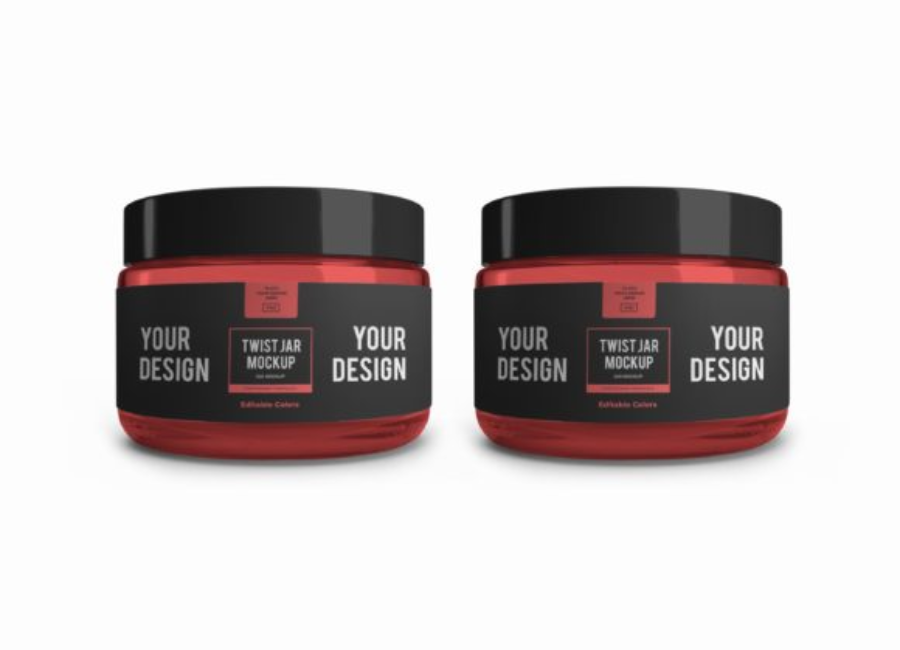
Multiple PSD scenes showing jars from various angles
Smart object layers for easy design insertion
Editable colors and backgrounds
High-resolution output for print and digital use
For example, a twist jar packaging mockup bundle may come with 10 different PSD files featuring various views and styles — making it easy to create a professional visual showcase for brand presentations or online store pages,
Why Designers & Brands Use Mockup Bundles
1. Professional Realism Without Physical Production
Flat artwork — like Illustrator layouts — can show a design but not how it feels in the real world. Mockups add shadows, reflections, and depth so stakeholders can visualize how the design will look on an actual jar. This makes mockups ideal for client pitches, internal design reviews, or retail presentations.
2. Faster Iteration
Mockups use smart object layers, which let you quickly swap in your artwork, brand logo, and label design. You don’t need to manually warp or edit lighting — just paste your design into the smart object and the mockup automatically adjusts perspective and lighting. This speeds up feedback loops and cuts down on costly physical prototypes.
3. Versatility Across Products
Twist jars come in many product categories: ✔ Cosmetics and skincare ✔ Food and beverage (honey, sauces, spices) ✔ Nutritional supplements ✔ Lifestyle goods
A well-designed mockup bundle can showcase design variations across products and use cases, helping you present a cohesive brand strategy that fits multiple SKUs.
Core Features of a Good Mockup Bundle
When evaluating a twist jar packaging mockup bundle, look for the following key features:
✔ Smart Object Editing
This allows you to place your design into placeholders with just a double-click, and the mockup applies your branding automatically in realistic lighting.
✔ Editable Backgrounds
Change backgrounds to match your brand’s visual identity — from clean white studio scenes to lifestyle or textured contexts.
✔ High Resolution
High-resolution mockups (e.g., 4000 × 3000 pixels or more) make visuals suitable for large print, presentations, and online catalogs.
✔ Organized Layers
Well-structured layers with clear names help you quickly locate where to place your artwork, adjust shadows, or turn off effects for different visual effects.
How Mockup Bundles Elevate Branding
Brand Identity Consistency
A twist jar packaging mockup bundle allows you to show consistent visuals across multiple products. This is crucial for brand identity, especially when customers see products online, on packaging, or in promotional materials.
For example, if a skincare brand uses twist jars for both body cream and face balm, mockups help show the same visual language across the entire line before production — ensuring color harmony, label alignment, and visual coherence.
Enhanced Client Presentations
Designers often include mockups in client proposals to demonstrate how designs behave in real contexts. Mockups can give clients confidence in the design direction, leading to faster approvals and stronger presentations.
Marketing & E-Commerce Readiness
After design approval, mockup visuals can go straight into marketing campaigns, ecommerce platforms, social media ads, and promotional materials — creating a ready-to-publish look without the expense of a studio photoshoot.
Tips for Using Twist Jar Packaging Mockups
1. Match Product Context
Choose mockup scenes that align with your product environment. Clean white backgrounds work well for catalogs, while realistic tabletop settings can make designs feel more lifestyle-ready.
2. Experiment with Variations
Show multiple label colorways or product variants within the same mockup bundle for comparison. This helps stakeholders see options before finalizing production.
3. Maintain Brand Consistency
When presenting multiple products, ensure background, lighting style, and design elements are consistent across all mockups. A cohesive presentation enhances brand professionalism.
Conclusion
A Twist Jar Packaging Mockup Bundle is a powerful, efficient, and visually compelling tool for designers and brands who want to showcase jar packaging in a realistic and professional format. With smart objects, customizable backgrounds, and high-resolution templates, these bundles make it easy to visualize, present, and market your product designs before production begins — saving time, boosting client confidence, and elevating your brand presentation to the next level.