Shopify Website Templates & Website Design: A Complete Guide for E-Commerce Success
Shopify Website Template, Website Design In today’s digital economy, your online store isn’t just a place where customers make purchases — it’s your brand’s identity, your storefront on the internet, and often a customer’s first impression. For entrepreneurs and businesses selling online, Shopify has emerged as one of the most popular e-commerce platforms because it combines flexibility, scalability, and user-friendly design. At the heart of an effective Shopify store are website templates and website design — tools that transform your business idea into an engaging, functional, and conversion-focused online experience.
What Are Shopify Website Templates?
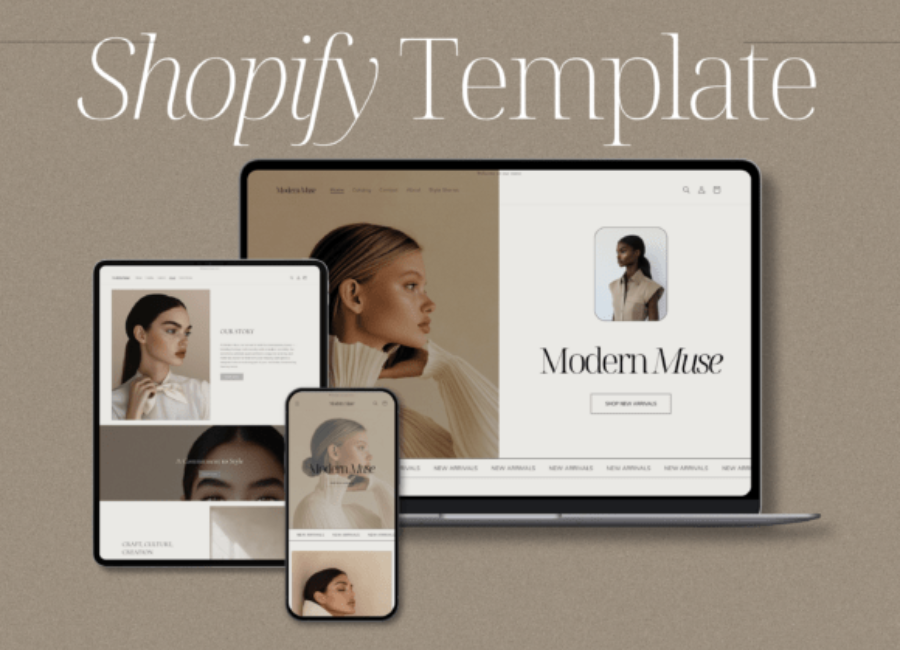
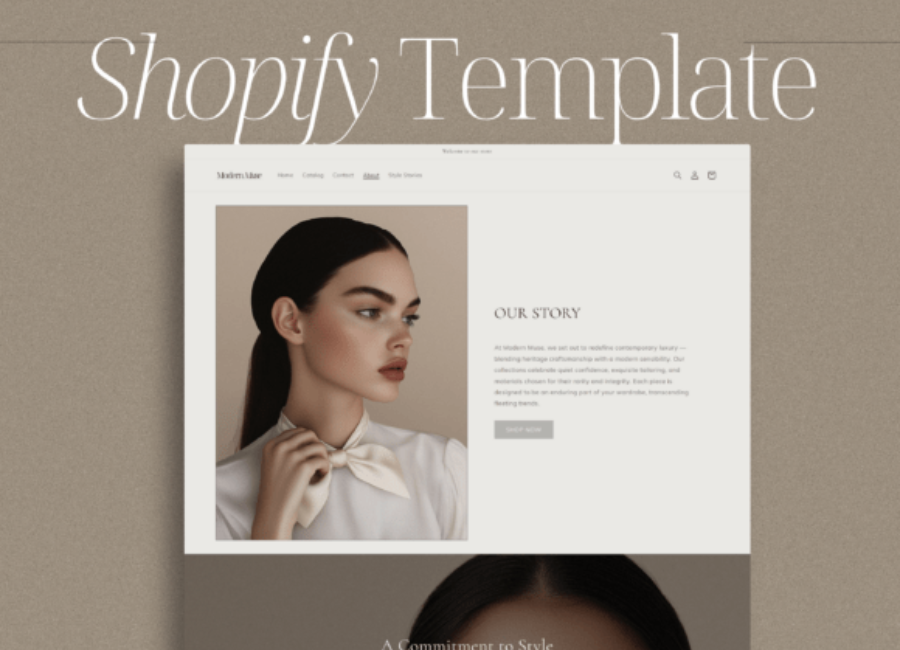
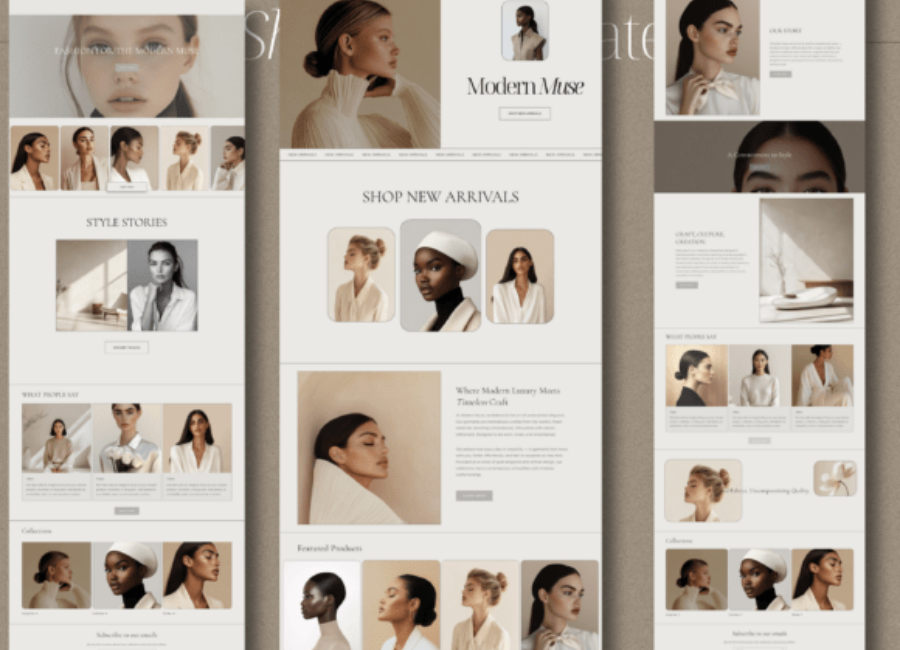
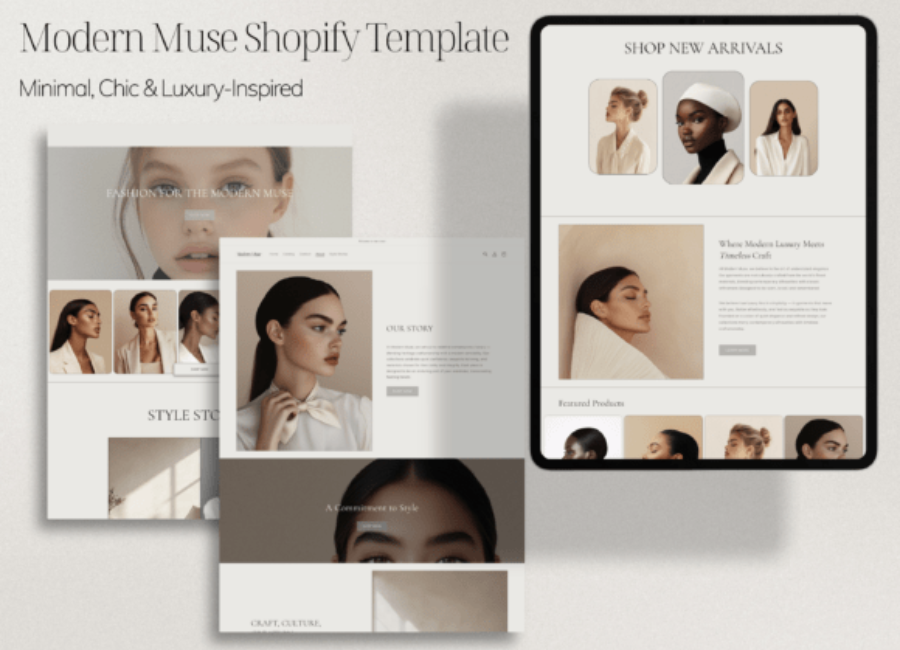
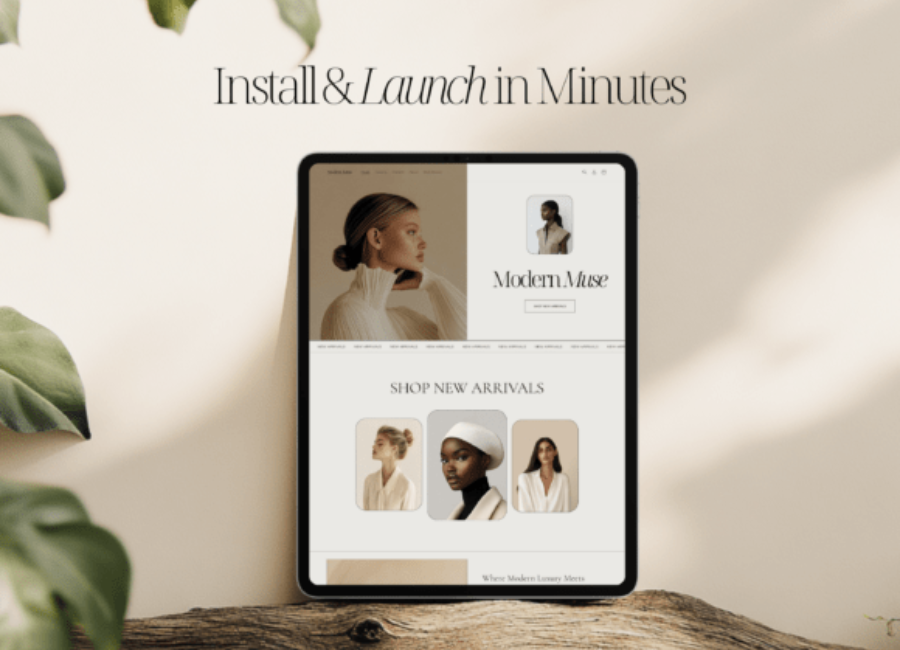
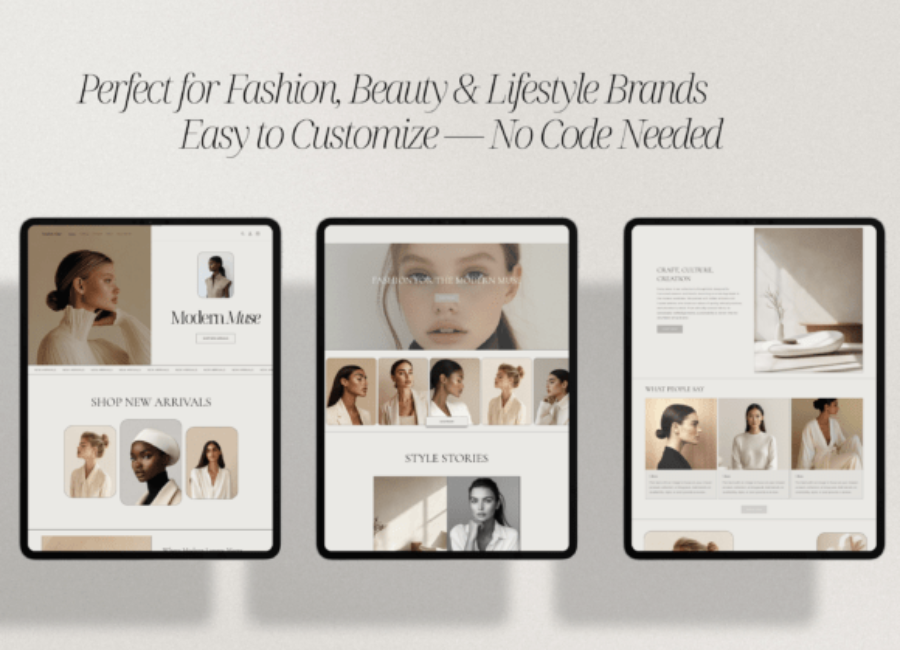
A Shopify website template (also called a theme) is a ready-to-use design framework you apply to your Shopify store. It includes the layout, visual styling, color schemes, typography, and built-in page structures like product listings, homepages, and checkout pages. Templates save you from building a website from scratch and let you launch a professional store quickly.
Shopify templates are available in both free and paid versions. Free themes are ideal for new businesses and simple stores, while premium themes provide more customization, advanced features, and design versatility. Themes are responsive, meaning they automatically adjust to mobile phones, tablets, and desktops — a critical feature today because most customers browse and shop on mobile devices.
Why Website Design Matters for Shopify Stores
Website design on Shopify isn’t just about looking good — it’s about building trust, improving usability, and increasing sales. A well-designed Shopify store can:
1. Improve User Experience
Customers should find what they’re looking for without confusion. Clear navigation, easy-to-read typography, and intuitive layout help visitors browse products and complete purchases effortlessly.
2. Boost Conversions
Clean designs with strategic calls-to-action (CTAs) — such as “Add to Cart,” “Buy Now,” or “Sign Up” — guide customers toward making a purchase. A confusing or cluttered site can distract visitors and reduce conversion rates.
3. Build Brand Identity
Your template and design choices reflect your brand’s personality. Whether you are selling fashion, tech gadgets, handmade crafts, or speciality foods, the design should convey quality, trustworthiness, and relevance.
4. Improve SEO and Speed
Themes optimized for performance load faster, which keeps visitors engaged and improves search engine rankings. Fast websites also reduce bounce rates and improve mobile usability — key factors in today’s SEO landscape.
Core Features of Great Shopify Website Templates
When picking a template, look for these essential qualities:
1. Responsive and Mobile-First Design
Your Shopify template must look and function well on phones and tablets. A responsive theme automatically adjusts layouts and element sizes to suit different screens, improving the shopping experience for everyone.
2. Customizable Layouts
Good templates let you modify colors, fonts, sections, and page structures so your brand can stand out. Customization makes your store unique and more aligned with your marketing goals.
3. Fast Loading and Optimized Performance
Templates with efficient code and optimized images load quickly, which is critical: slow pages frustrate customers and reduce conversions. Performance optimization is also tied to SEO.
4. Built-In Conversion Tools
Features such as promotional banners, countdown timers, newsletter sign-ups, trust badges, related product suggestions, and pop-ups help increase engagement and sales without extra apps.
5. Intuitive Navigation
Clear menus and easy access to product categories help customers browse more efficiently, leading to more completed purchases and better user satisfaction.
Popular Shopify Website Template, Website Design and Their Strengths
Shopify’s ecosystem includes many templates — both from Shopify itself and third-party developers. Some noteworthy themes across various needs include:
1. Dawn
Built by Shopify, Dawn is a free and clean minimalist theme with strong focus on product imagery and storytelling. It’s a solid choice for startups or small catalogs.
2. Prestige
A premium design that emphasizes editorial content and luxury visuals. Ideal for high-end fashion, home décor, or beauty brands.
3. Wokiee
A versatile multipurpose Shopify theme with many pre-built layouts and homepage options — suitable for a wide range of product types.
4. Manor
Clean and minimalist with drag-and-drop flexibility, allowing you to build layouts without coding.
5. Taste and Boundless
Examples of more specific or niche designs — Taste for image-rich storytelling, Boundless for minimal visual focus.
Beyond these, there are many industry-specific templates designed for fashion, electronics, home goods, and more. The right template depends on your brand style, product catalog, and the types of features you need.
Website Design Best Practices for Shopify Stores
Even with a great template, good design requires thoughtful execution. Here are best practices to ensure your Shopify store performs well:
1. Keep Navigation Simple
Avoid overwhelming users with too many menu options. Focus on clear category names like Shop, New Arrivals, Best Sellers, and Contact.
2. Use High-Quality Images and Videos
Visuals influence buying decisions heavily. Use crisp photos, lifestyle images, and possibly short product videos to help customers understand your offerings quickly.
3. Leverage White Space
Designs that breathe — with proper spacing between elements — look cleaner and help users focus on what matters (like product listings and calls to action).
4. Optimize for Speed and Accessibility
Ensure your site loads swiftly on all devices, and include accessibility features like alt text and readable fonts to improve user experience and SEO performance.
5. Focus on Responsive Content
Content blocks should be optimized for mobile viewing — vertical layouts often work better than wide desktop-style blocks.
Customization Tips for Non-Designers
Shopify makes design accessible even if you don’t have coding experience:
Use the Theme Editor: Shopify’s built-in editor lets you change colors, fonts, and page sections through drag-and-drop interfaces.
Leverage Page Builders: Apps like PageFly or Shogun offer enhanced layout tools beyond the default editor.
Brand Consistency: Customize templates to reflect your brand — use consistent logo treatments, color palettes, and typography.
Test Variations: A/B test different hero images, CTAs, and layouts to understand what resonates with your audience.
And if you’re short on design skills, pairing a good template with expert customization can save time and supercharge your brand identity.
Future of Shopify Website Design
The e-commerce landscape keeps evolving. In 2025 and beyond, AI is increasingly impacting how we build Shopify stores. Shopify launched an AI Store Builder that generates complete store layouts from keywords, cutting setup time dramatically and making design more accessible to merchants with limited resources.
Other trends include minimalist designs, voice commerce optimization, and sustainability in web performance, all shaping how modern Shopify templates prioritize simplicity, accessibility, and performance.
Conclusion
A Shopify website template paired with thoughtful website design isn’t just a visual layer — it’s a strategic asset. When done right, it improves user experience, strengthens brand identity, and boosts sales. Whether you’re just starting with an elegant free theme like Dawn or investing in a premium template with advanced marketing features, prioritizing design and usability gives your online store a competitive edge. With continuous innovations like AI-assisted design and evolving customer expectations, now is an exciting time to build a Shopify store that looks great, performs well, and drives real business growth.