iPhone Figma App Mockups: A Complete Guide for Modern UI/UX Design
In today’s IPhone Figma App Mockup mobile-first digital landscape, creating visually appealing and user-friendly app designs is more important than ever. Designers are no longer judged solely by creativity, but also by how effectively they present their ideas. This is where iPhone Figma app mockups play a crucial role. These mockups help transform flat designs into realistic, engaging visuals that accurately represent how an app will look and feel on an actual iPhone device.
Figma, as a cloud-based design tool, has become a favorite among UI/UX designers due to its collaborative features, flexibility, and efficiency. When combined with high-quality iPhone mockups, Figma enables designers to create compelling app presentations that resonate with clients, developers, and users alike.
What Are iPhone Figma App Mockups?
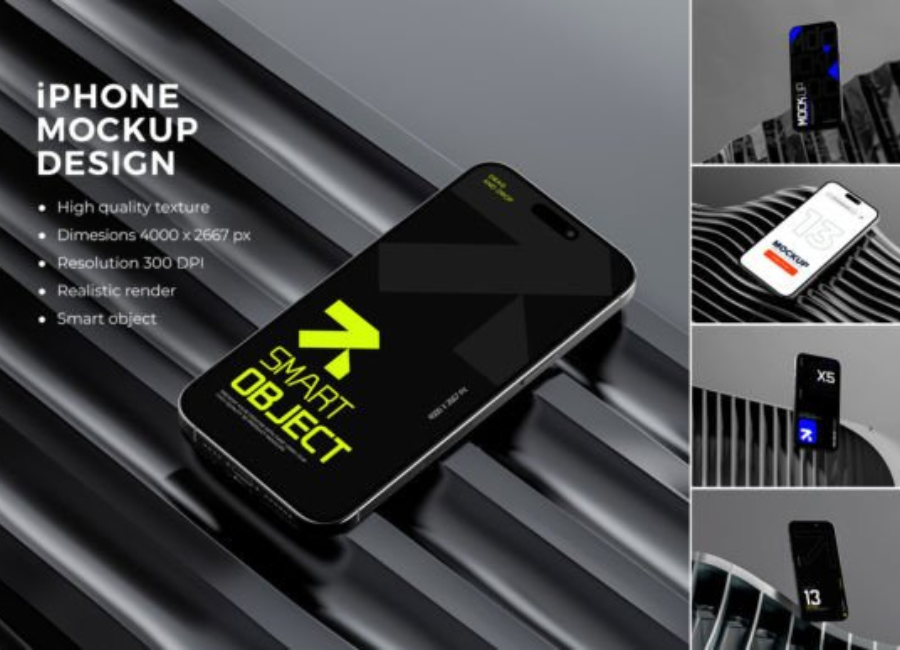
iPhone Figma app mockups are pre-designed templates or frames within Figma that simulate the appearance of an iPhone device. These mockups allow designers to place their app screens inside realistic iPhone frames, showcasing how the interface will look on real hardware.
Unlike simple wireframes, mockups provide a high-fidelity representation of the final product. They include accurate device dimensions, screen proportions, and sometimes even elements like notches, buttons, and status bars. This realism helps stakeholders better understand the design concept before development begins.
Why Use Figma for iPhone App Mockups?
Figma offers several advantages that make it ideal for creating iPhone app mockups. One of the biggest benefits is real-time collaboration. Multiple designers, developers, and clients can view and edit mockups simultaneously, reducing feedback loops and improving communication.
Another advantage is platform accessibility. Because Figma runs in the browser, designers can access their iPhone mockups from any device without worrying about software compatibility. This makes it easier for teams to stay aligned, especially in remote or hybrid work environments.
Figma also supports reusable components, auto layout, and design systems. These features help maintain consistency across multiple iPhone screens and speed up the design process significantly.
Importance of iPhone Mockups in App Design
iPhone mockups play a critical role in bridging the gap between concept and reality. They help designers visualize how their app will function in a real-world context. By placing UI designs inside an iPhone frame, designers can evaluate spacing, typography, and usability more accurately.
Mockups also improve client communication. Non-technical stakeholders often struggle to interpret flat design files. A realistic iPhone mockup makes it easier for them to understand the user experience, resulting in clearer feedback and faster approvals.
Additionally, mockups are essential for marketing and promotion. App previews, landing pages, App Store screenshots, and social media campaigns often rely on polished iPhone mockups to attract users and build trust.
Types of iPhone Figma App Mockups
There are several types of iPhone mockups available for Figma, each serving a different purpose. Minimal mockups focus on simplicity, using clean backgrounds and subtle shadows to highlight the app interface. These are ideal for portfolios and professional presentations.
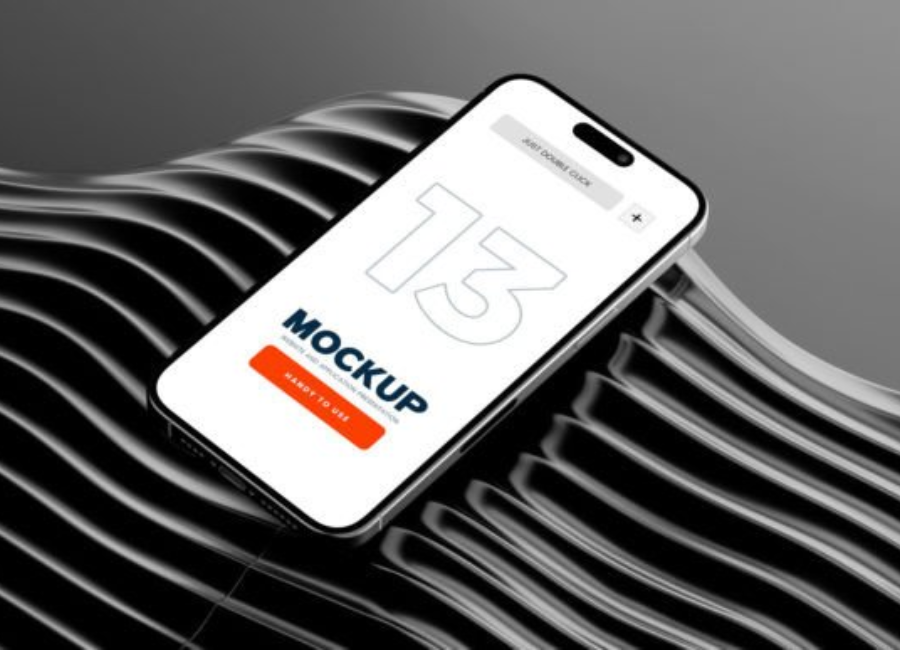
Realistic mockups include detailed device frames, reflections, and lighting effects. They are commonly used for marketing visuals and product showcases. These mockups give the impression of a real iPhone in hand, making the app feel tangible and polished.
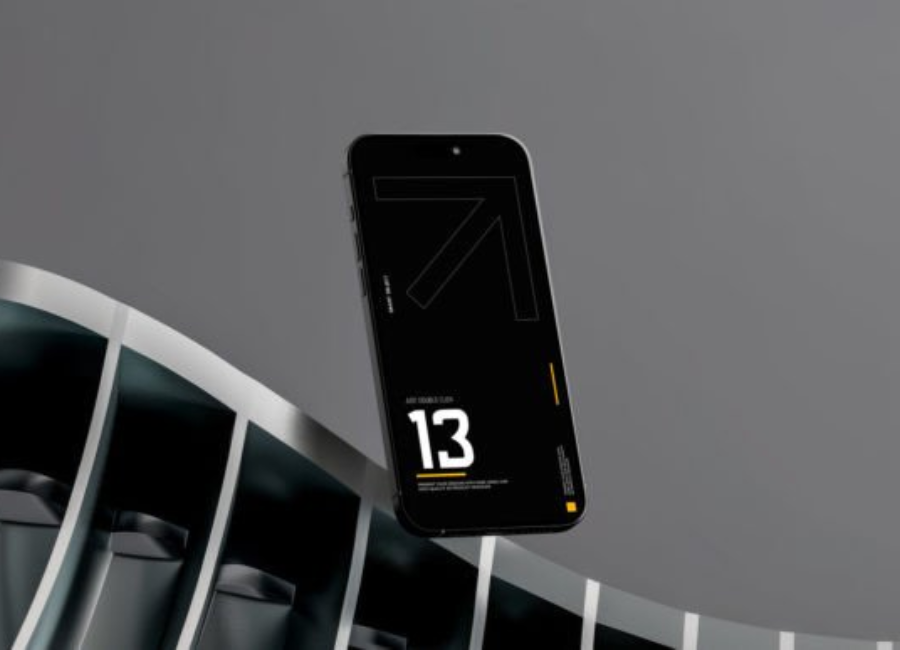
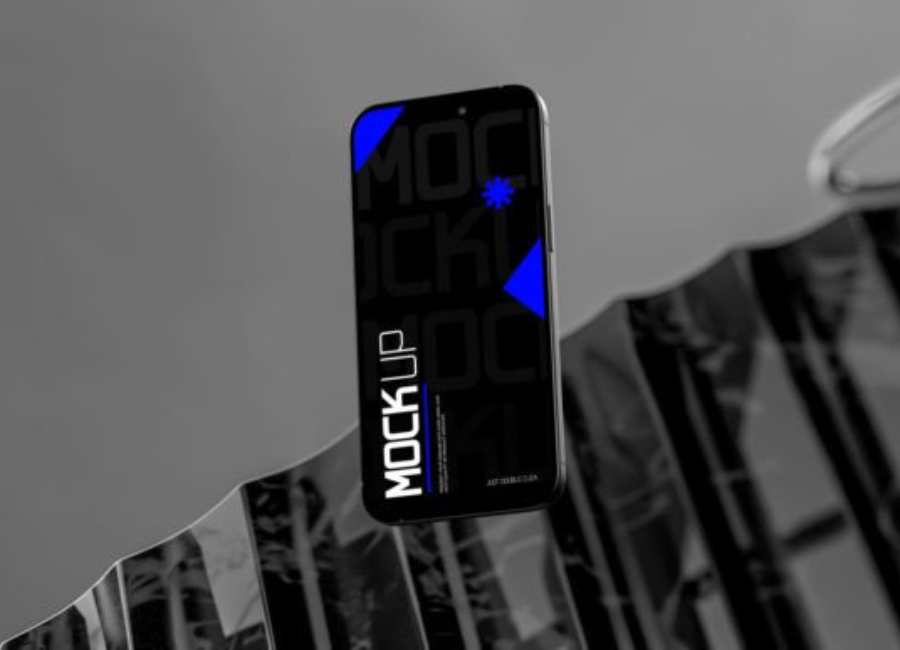
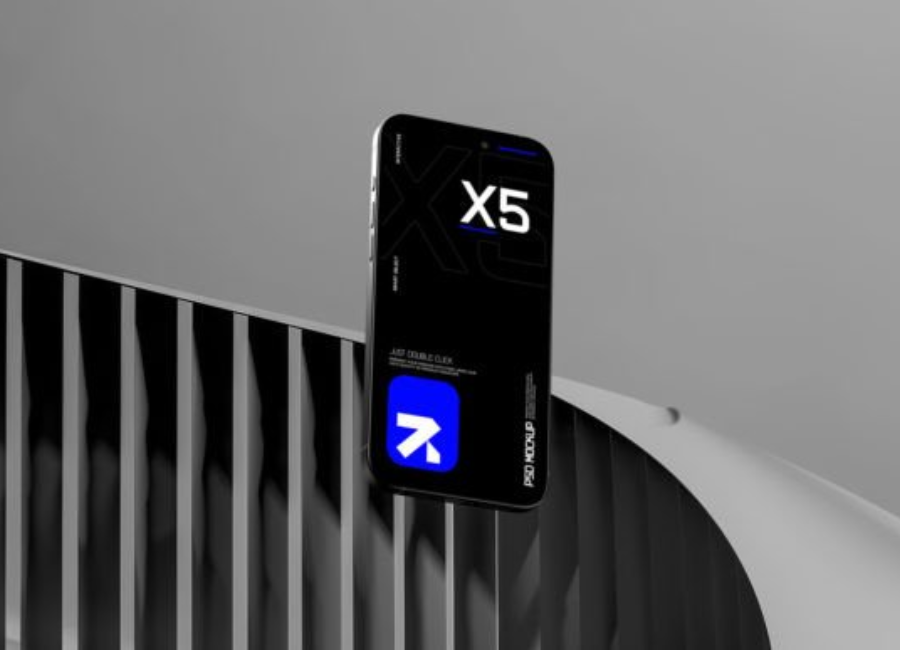
Floating mockups are another popular style. In these designs, the iPhone appears to float in space, often at dynamic angles. This modern approach is widely used in tech branding and startup presentations.
Key Features of High-Quality iPhone Mockups
A high-quality iPhone Figma mockup should accurately represent the device. This includes correct screen ratios, rounded corners, and proper placement of UI elements such as the notch or dynamic island, depending on the iPhone model.
Customization is another important feature. Good mockups allow designers to easily change backgrounds, shadows, and device colors. This flexibility ensures the mockup aligns with the brand identity of the app.
Performance and usability also matter. Well-structured mockups use organized layers and components, making them easy to edit and reuse. This saves time and reduces errors during the design process.
How Designers Use iPhone Mockups in Figma
Designers use iPhone mockups throughout the entire app design lifecycle. During the early stages, mockups help visualize layout ideas and test user flows. As the design progresses, they are used to refine details such as typography, iconography, and color schemes.
In usability testing, iPhone mockups help simulate real user interactions. Designers can create clickable prototypes in Figma, allowing users to navigate between screens as they would in a real app. This helps identify usability issues before development begins.
Mockups are also widely used in handoff to developers. Clear, realistic designs reduce misunderstandings and ensure developers implement the interface as intended.
Benefits for Freelancers, Agencies, and Teams
For freelancers, iPhone Figma mockups enhance portfolio presentations. A well-presented mockup can make a significant difference in attracting clients and demonstrating professionalism.
Agencies benefit from mockups by streamlining client approvals and maintaining consistency across multiple projects. They also help agencies showcase their work in case studies and marketing materials.
Product teams use mockups to align designers, developers, and stakeholders around a shared vision. This alignment reduces rework, saves time, and leads to better final products.
Best Practices for Creating iPhone App Mockups
When creating iPhone mockups in Figma, simplicity is key. Avoid overcrowding the screen with unnecessary elements. Let the app design remain the focal point.
Consistency across screens is also essential. Using shared components and styles ensures a cohesive look throughout the app. Designers should also test their mockups at different screen sizes to ensure responsiveness.
Finally, always design with the user in mind. A beautiful mockup is meaningless if the app is difficult to use. Usability, accessibility, and clarity should guide every design decision.
The Future of IPhone Figma App Mockup
As Figma continues to evolve, iPhone app mockups are becoming more advanced. Features like interactive components, variables, and advanced prototyping are pushing mockups closer to real app experiences.
With the rise of augmented reality, motion design, and micro-interactions, future iPhone mockups will likely include animations and dynamic behaviors. These innovations will help designers create even more immersive and realistic app presentations.
Conclusion
IPhone Figma App Mockup are an essential tool for modern UI/UX design. They bring ideas to life, improve collaboration, and enhance communication between designers, clients, and developers. Whether used for design exploration, usability testing, or marketing, these mockups play a vital role in creating successful mobile applications.
By mastering iPhone mockups in Figma, designers can elevate their workflow, deliver better experiences, and stand out in an increasingly competitive digital world.