Canva Website Template for Course: A Complete Solution for Online Education Branding
The rise of online learning has transformed the education industry. Today, educators, coaches, and course creators no longer need advanced coding skills or expensive web developers to launch a professional-looking course website. With the help of a Canva Website Template for Course, anyone can create a visually appealing, functional, and user-friendly website in a short amount of time.
Canva has evolved far beyond simple graphic design. Its website templates now provide powerful tools for building course websites that communicate value, build trust, and convert visitors into students. Whether you are launching your first online course or refreshing an existing one, Canva website templates offer an accessible and efficient solution.
What Is a Canva Website Template for Course?
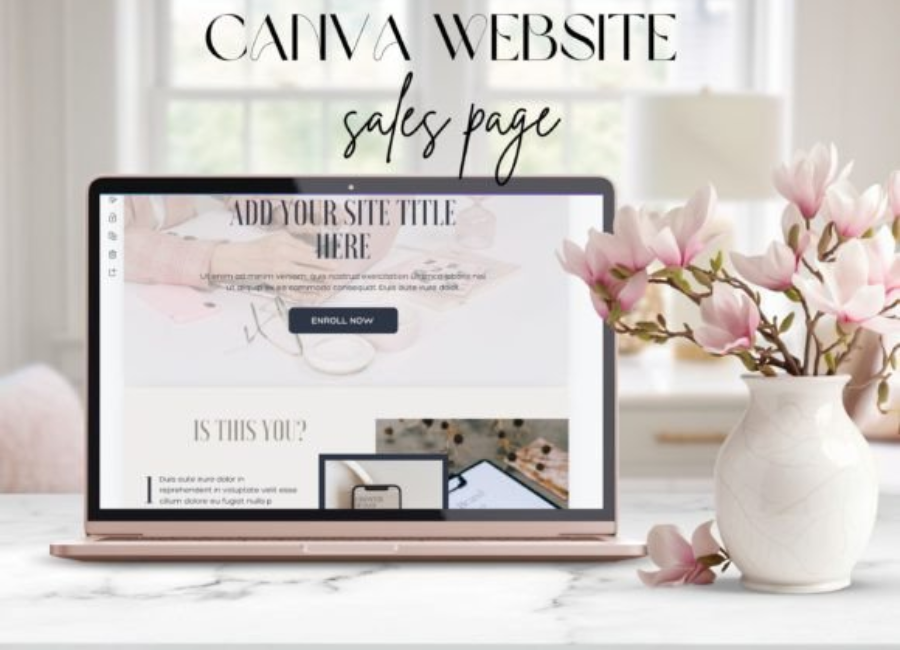
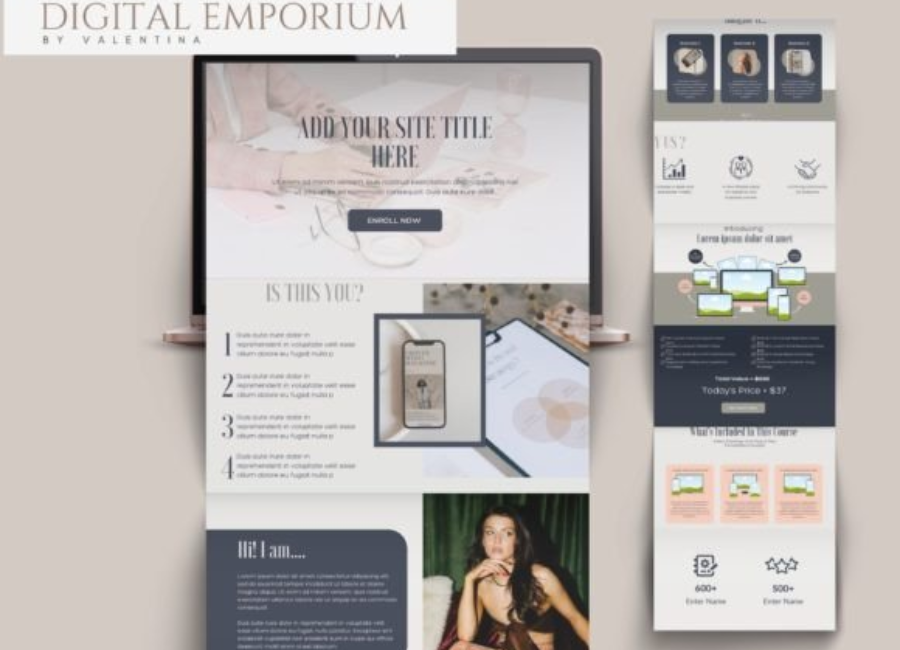
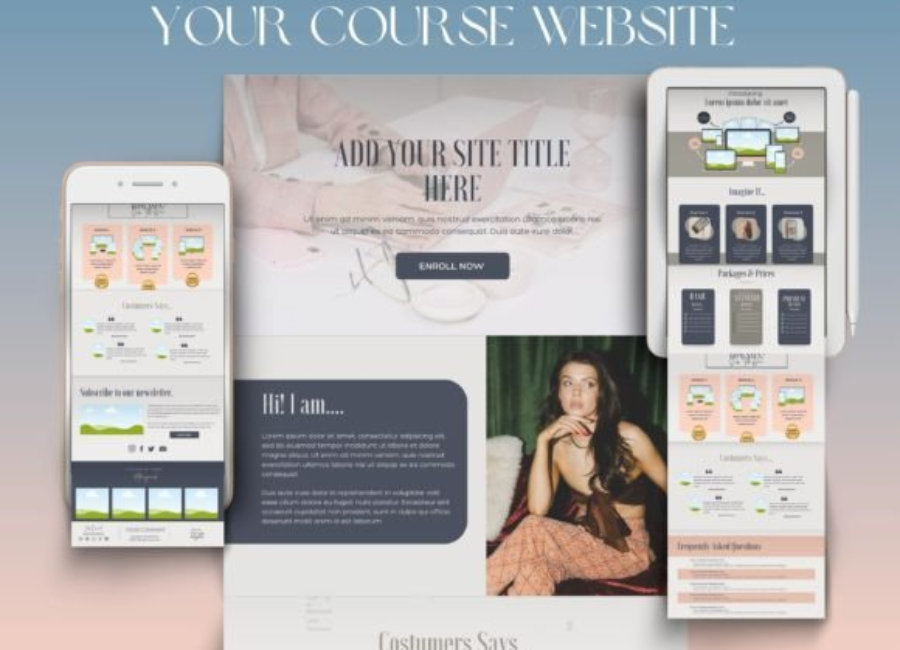
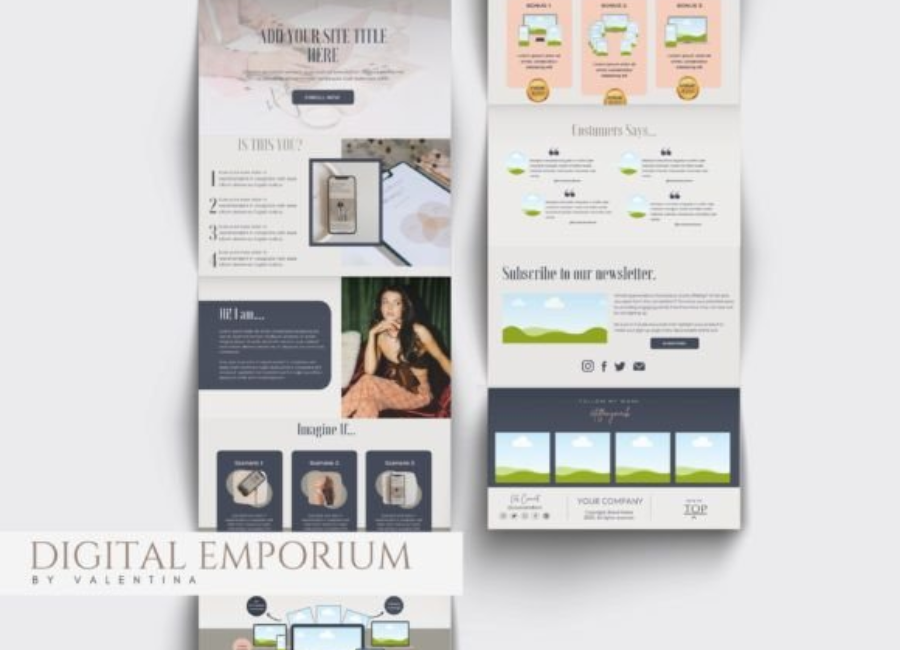
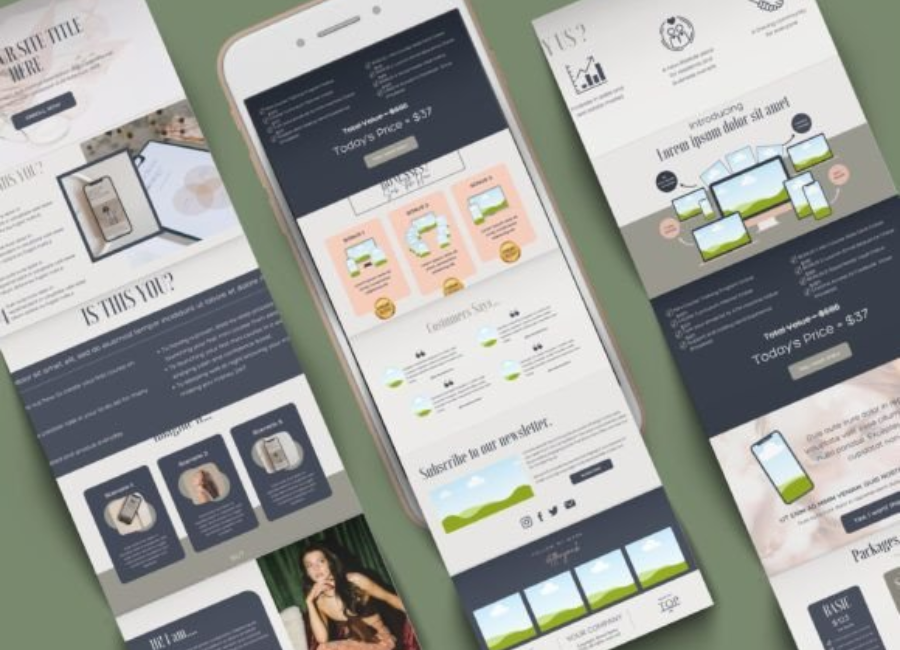
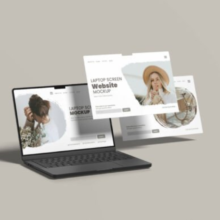
A Canva Website Template for Course is a pre-designed website layout created within Canva that is specifically structured for online courses, coaching programs, or educational content. These templates typically include sections such as course overview, instructor introduction, curriculum breakdown, testimonials, pricing, and call-to-action buttons.
The templates are fully customizable, allowing users to change colors, fonts, images, text, and layout elements to match their brand identity. Since everything is built inside Canva, no technical knowledge or external software is required.
Why Use Canva for a Course Website?
Creating a course website traditionally involves multiple tools, hosting platforms, and design skills. Canva simplifies this entire process by combining design and publishing into one platform. This makes it especially attractive for solo educators, small teams, and beginners.
Key reasons to use Canva website templates for courses include:
No coding or web design experience required
Fast setup and easy customization
Clean, modern, and professional designs
Mobile-friendly layouts
Cost-effective compared to custom websites
Canva allows educators to focus more on content creation and teaching, rather than struggling with technical website development.
Key Features of a Canva Website Template for Course
A high-quality Canva course website template includes features that support both learning and marketing goals.
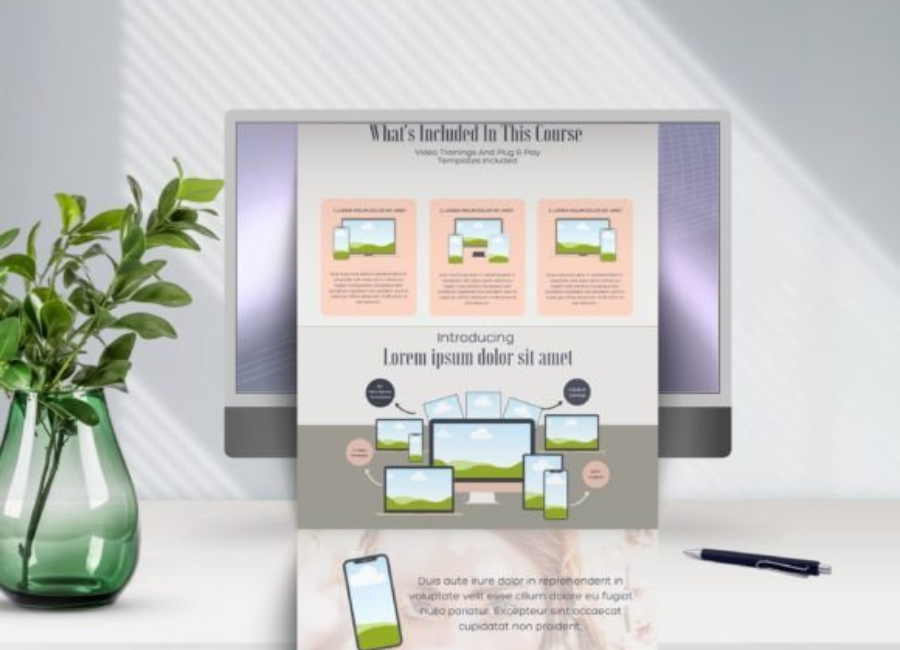
Structured Course Layout Templates are designed with clear sections such as course description, learning outcomes, modules, and lesson previews. This helps visitors quickly understand what the course offers.
Instructor Introduction Section Most templates include a dedicated space to introduce the instructor with a photo, bio, and credentials, helping to build credibility and trust.
Call-to-Action Buttons Strategically placed call-to-action sections encourage visitors to enroll, sign up, or contact the instructor.
Visual Consistency Canva templates maintain consistent spacing, typography, and color usage, giving the website a polished and professional look.
Easy Customization Users can easily edit text, replace images, change colors, and adjust layouts using Canva’s drag-and-drop interface.
Who Can Benefit from Canva Course Website Templates?
Canva website templates for courses are suitable for a wide range of users:
Online Course Creators launching digital classes
Teachers and Educators offering supplementary learning materials
Coaches and Consultants selling programs or workshops
Content Creators monetizing their knowledge
Students and Beginners creating portfolio-based learning projects
Because Canva is beginner-friendly, it empowers users who may not have access to technical resources or design teams.
Types of Courses That Work Well with Canva Templates
Canva website templates are versatile and can support many types of courses, including:
Business and entrepreneurship courses
Marketing and social media training
Design, photography, and creative skills
Fitness, wellness, and personal development programs
Language learning and academic tutoring
Short workshops, webinars, and bootcamps
The flexibility of Canva templates makes them suitable for both free and paid educational content.
How to Create a Course Website Using Canva
Building a course website with Canva is a straightforward process:
Choose a Canva website template designed for courses
Customize the layout with your course title, description, and branding
Add sections for modules, lessons, and learning outcomes
Include instructor information and testimonials
Insert call-to-action buttons for enrollment or contact
Publish the website using Canva’s built-in publishing feature
Canva also allows you to update content at any time, making it easy to revise course details or add new modules.
Canva Course Websites and Marketing
A well-designed course website is a powerful marketing tool. Canva templates are visually engaging, which helps capture attention and keep visitors interested. You can integrate your website with social media links, email sign-up forms, and external payment or learning platforms.
For creators promoting courses through Instagram, YouTube, or email marketing, Canva websites provide a consistent visual identity that strengthens brand recognition. This consistency helps build trust and increases conversion rates.
Limitations to Consider
While Canva website templates are highly convenient, they may not replace advanced learning management systems (LMS) for large-scale courses. Features such as automated quizzes, student dashboards, and advanced analytics may require external platforms.
However, for landing pages, course introductions, and small to medium-sized programs, Canva templates are more than sufficient and highly effective.
One of Canva’s greatest strengths is accessibility. Beginners can create a professional course website without feeling overwhelmed. The platform provides tutorials, design suggestions, and templates that guide users through the process step by step.
This ease of use makes Canva an excellent starting point for educators who want to test their course idea before investing in more complex systems.
Final Thoughts
A Canva Website Template for Course is a smart, efficient, and affordable solution for launching and promoting online education. It allows course creators to present their knowledge professionally, build trust with learners, and focus on teaching rather than technical challenges.
Whether you are an experienced educator or a first-time course creator, Canva website templates provide the tools you need to create a strong online presence. With the right template and clear content, your course website can become a powerful gateway to learning, growth, and long-term success.