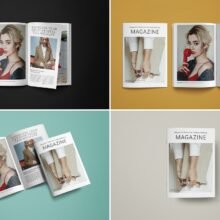
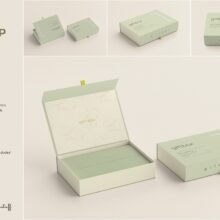
A4 Magazine Mockups for Canva – Effortless Design Presentation for Modern Creatives
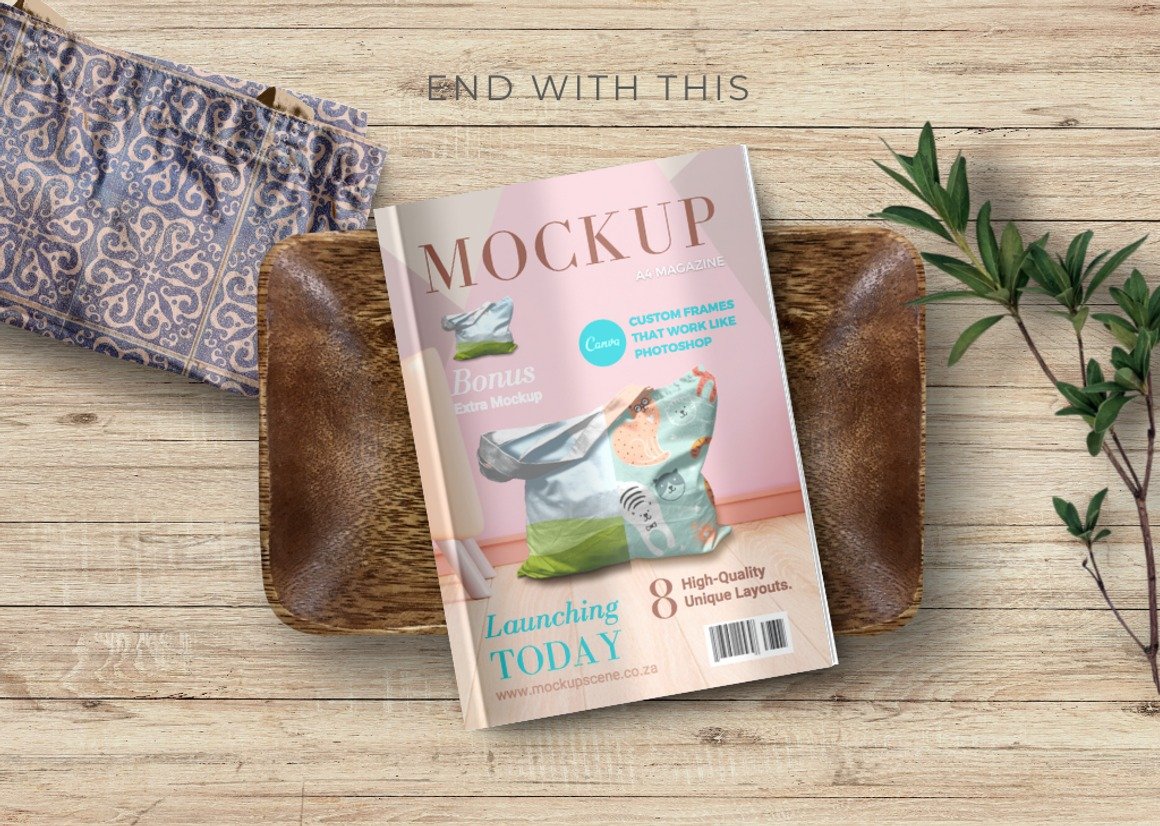
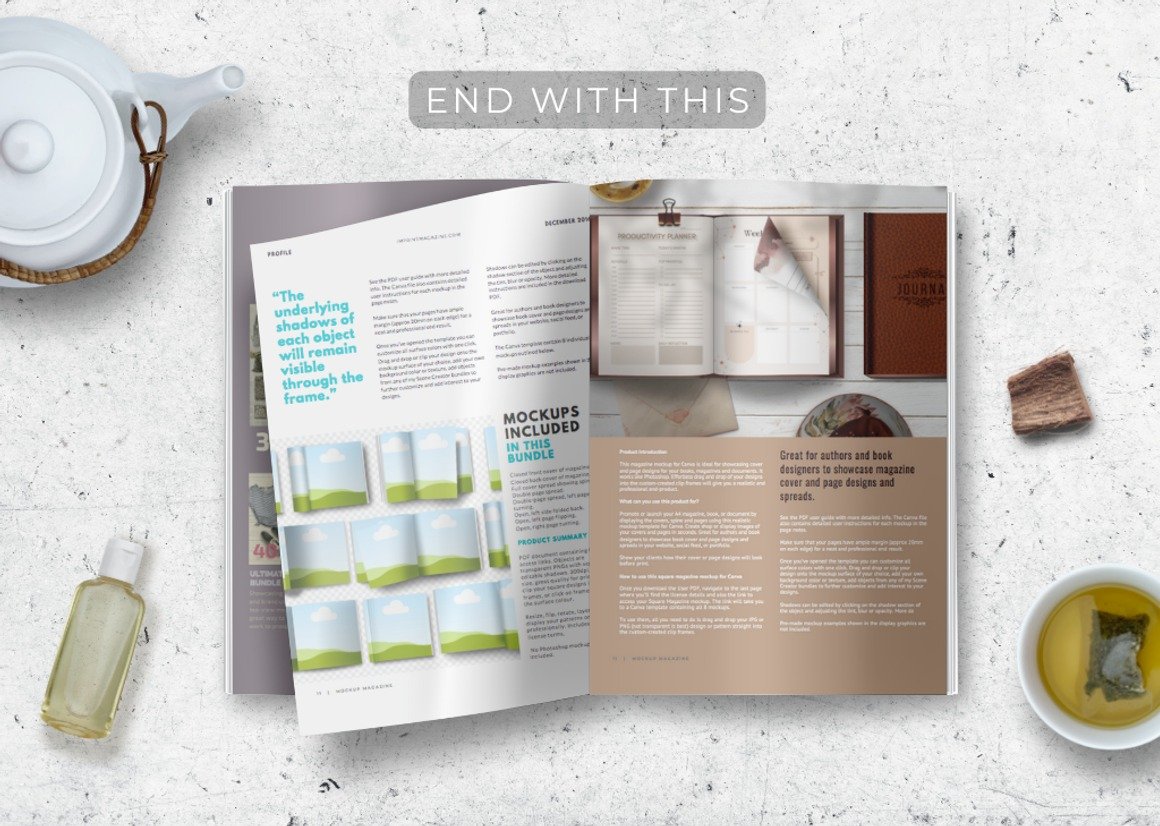
In today’s fast-paced design world, clients expect visually stunning presentations that clearly communicate ideas—even before the final design is printed. Whether you are preparing a magazine layout, newsletter, editorial spread, or promotional catalog, the way you showcase your work is just as important as the design itself. That is why A4 Magazine Mockups for Canva have become an essential tool for designers, marketers, business owners, and content creators. These mockups provide a polished and realistic way to present magazine designs without needing advanced design software or complicated editing skills.
Why Choose A4 Magazine Mockups Made for Canva?
Traditional magazine mockups are usually created in Photoshop, requiring technical skills and software access. However, Canva has revolutionized the design process, making it simple, drag-and-drop friendly, and accessible to everyone.
A4 Magazine Mockups built specifically for Canva offer the same professional output as a PSD mockup—without complexity. Designers can instantly insert their page layouts or covers into the mockup frames, scale them, adjust the composition, and export high-resolution previews within minutes.
Perfect for Designers, Businesses, and Content Creators
These mockups are extremely versatile and ideal for:
Graphic designers showcasing editorial spreads
Branding studios preparing client presentations
Magazine publishers and marketing agencies
Etsy or digital product sellers offering templates
Social media content creators and influencers
Entrepreneurs creating brand lookbooks or product catalogs
Whether you are designing a lifestyle magazine, corporate brochure, fashion catalog, or travel editorial, Canva magazine mockups help elevate your design with visual storytelling.
How to Use A4 Magazine Mockups in Canva
Using the mockup is incredibly simple:
Open the mockup template inside Canva.
Select the magazine area or frame.
Drag your design into the frame section.
Adjust alignment and scaling if needed.
Export as PNG or JPG for your presentation.
That’s it—no complicated layers, no advanced tools.
Ideal for Professional and Commercial Use
These mockups are perfect for:
Portfolio presentations: Level up Behance, Dribbble, or website case studies.
Marketing visuals: Create captivating magazine mockup images for social media ads or launch posts.
Client approval stages: Help clients visualize the final printed product.
Presenting your work using mockups enhances clarity, reduces revisions, and even helps justify pricing because your designs appear more premium and finalized.
Why A4 Format Matters
A4 is the most commonly used paper size for magazines, brochures, and corporate documents across global markets. Showing your design in A4 format provides accuracy in scale and spacing, ensuring layout integrity throughout the entire design approval process. This makes A4 Magazine Mockups highly relevant for real-world printing.
Conclusion
A4 Magazine Mockups for Canva are the ideal combination of creativity, simplicity, and professionalism. They allow designers and business owners to present magazine concepts with confidence—without needing advanced editing skills. With easy drag-and-drop functionality, photorealistic scenes, and flexible customization, these mockups turn ordinary layouts into premium visual experiences.
In a world where visuals influence decisions, a Canva magazine mockup does more than show design—it sells the vision. Perfect for portfolios, client presentations, branding, and online marketing, these mockups are a powerful tool for anyone looking to elevate their editorial design.