Honey Jar Mockup: The Sweetest Way to Showcase Your Brand
In the world of product design and branding, visuals make first impressions. For businesses in the food, organic goods, and artisanal markets—especially honey producers and packaging designers—an expertly crafted Honey Jar Mockup is one of the most powerful tools you can use to present product concepts, label designs, and brand aesthetics in a polished and realistic format. With the right mockup, a flat label becomes an eye-catching, three-dimensional presentation that tells a story, engages your audience, and boosts customer confidence.
In this comprehensive article, we’ll explore what a honey jar mockup is, why designers and brands use them, how to use them effectively, what features to look for, best practices, and creative ideas to elevate your packaging visuals.
What Is a Honey Jar Mockup?
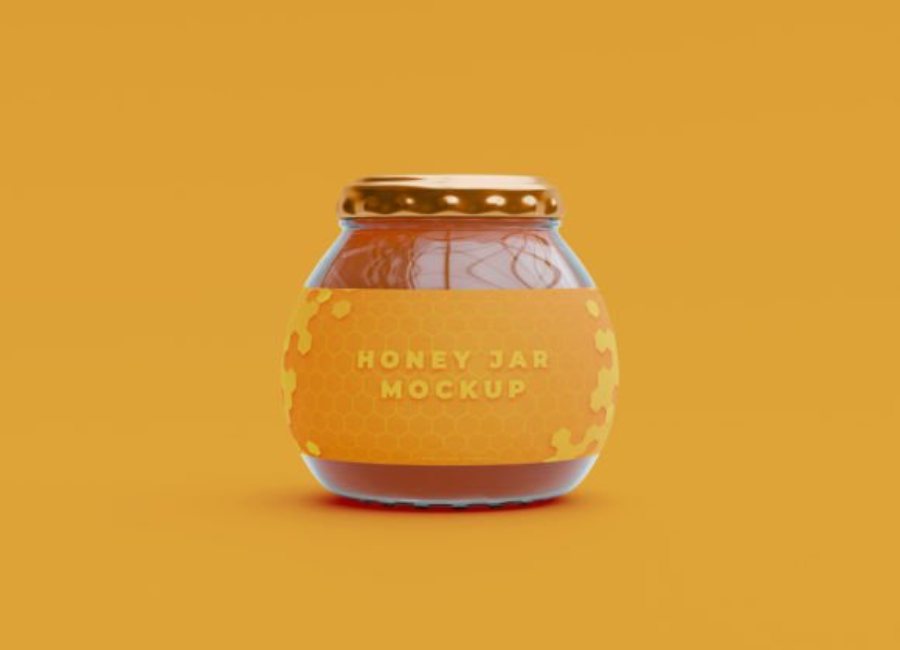
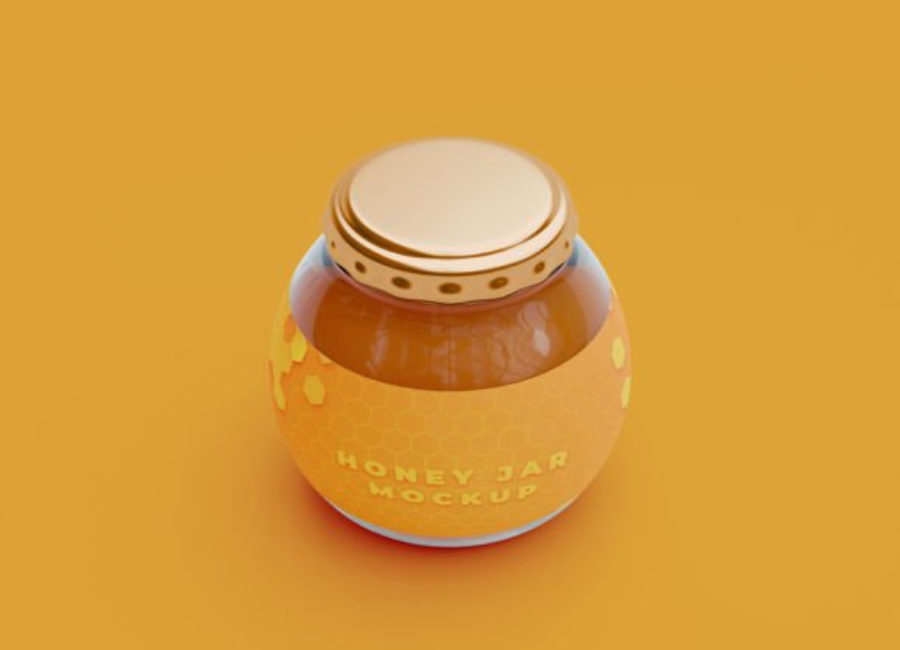
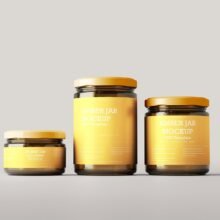
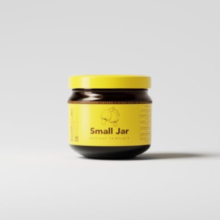
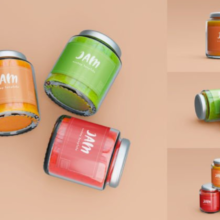
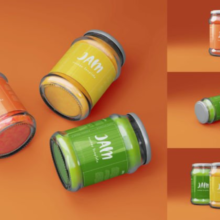
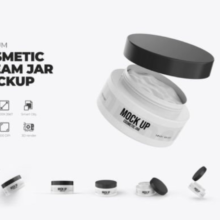
A Honey Jar Mockup is a layered Adobe Photoshop (.PSD) file that simulates a real honey jar in a highly realistic setting. These mockups allow designers to place their label or packaging design onto a glass or plastic jar model through editable smart objects so that the final result looks like an actual product photo—not just a flat piece of artwork.
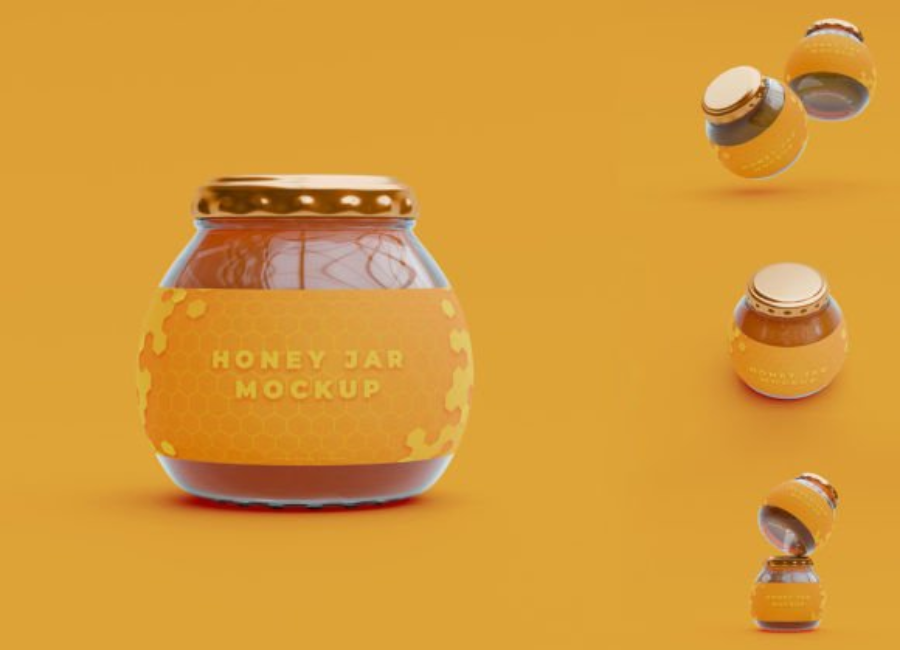
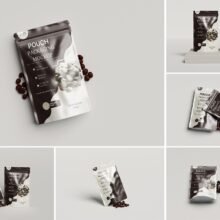
Mockups may showcase a single jar in a clean, studio environment, or multiple jars with custom backgrounds, props, or variants like rustic fabric covers and tags.
Why Honey Jar Mockups Matter
1. Create Visual Impact Before Production
Packaging design is more than a label—it’s part of the product experience. A mockup helps you visualize how your branding, typography, and color choices will appear on a finished jar. This prevents costly mistakes and gives a clear picture of the physical product before printing or manufacturing begins.
2. Save Time and Money
A professional product photoshoot can be expensive: you need the actual packaging, photography equipment, lighting, studio time, and post-production editing. A honey jar mockup lets you create realistic visuals instantly with just Photoshop, saving both time and budget.
3. Professional Presentations to Clients
If you’re a designer pitching packaging concepts to clients—beekeepers, artisanal food brands, or organic stores—a mockup portrays your ideas with professionalism and realism. It’s far more persuasive and refined than flat artwork.
4. Boost eCommerce and Marketing Assets
Online shoppers rely heavily on visuals. Crisp, realistic product images on your eCommerce store, banners, social media posts, or ads increase engagement and conversion. Mockups let you create multiple angles and scenes without a photoshoot.
Key Features of a High-Quality Honey Jar Mockup
When selecting or creating a honey jar mockup, there are essential features that separate good from great:
Smart Object Layers
Smart object layers are at the heart of most PSD mockup files. They allow you to place your design once and have it automatically warped and scaled to fit the jar’s shape and perspective. This makes editing fast and non-destructive.
High Resolution
Look for mockups with high pixel dimensions (e.g., 3000 px or higher, and ideally 300 dpi for print quality). High resolution ensures your final visuals are crisp and professional, suitable for both web and print use.
Realistic Lighting and Shadows
Good mockups include lifelike light reflections, shadows under the jar, gloss on the glass, and subtle highlights that mimic real-world photography. These effects make your design feel tangible.
Customizable Backgrounds
Being able to change or edit the background helps you match your mockup to different settings—studio white, rustic wooden surfaces, or branded environments—depending on your mood and audience.
Multiple Viewpoints
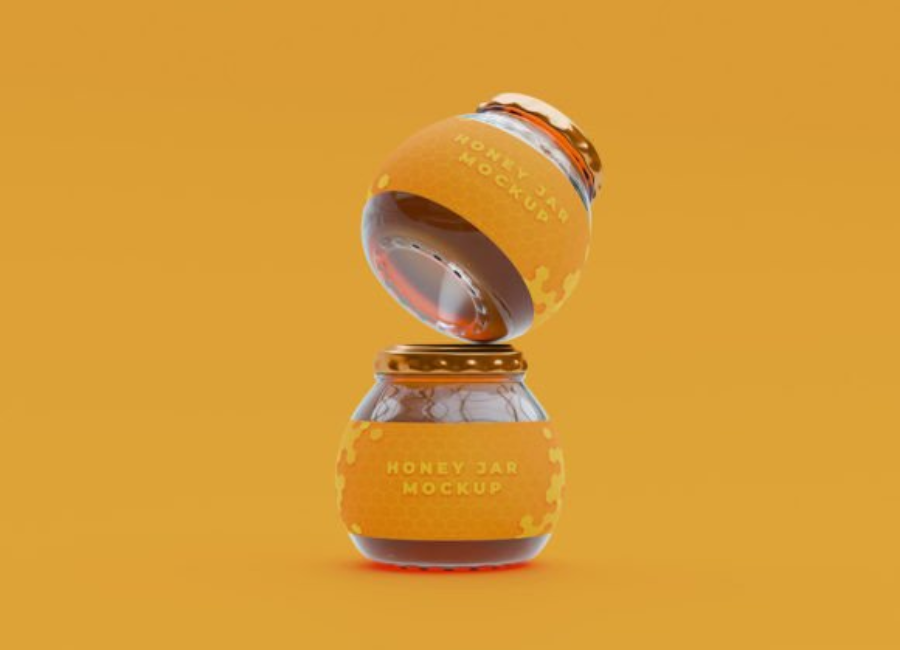
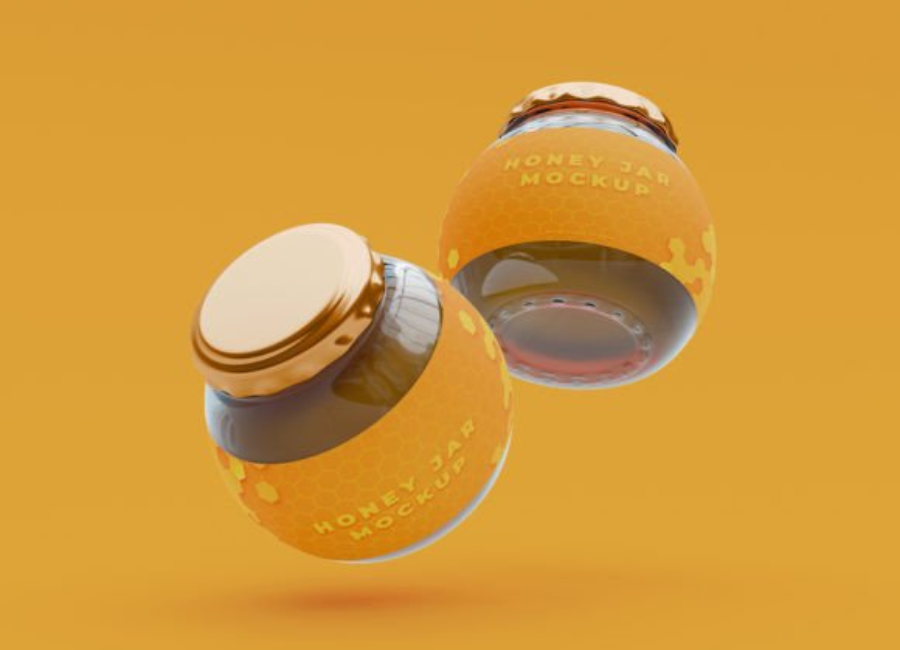
Some mockups offer several scenes: a hero straight-on shot, an angled perspective, or multiple jars in a composition. These variations enhance your presentation library.
Optional Extra Elements
Some mockups include accessories like honey dippers, fabric jar covers, tags, or even bees and flowers to enhance the theme without additional design work.
How to Use a Honey Jar Mockup
Most honey jar mockups follow a simple workflow within Photoshop:
Open the PSD File Make sure you have a compatible version of Photoshop that supports smart objects.
Locate the Smart Object Layer In the layers panel, the smart object is usually labeled something like “Place Your Design Here”.
Insert Your Label Design Double-click the smart object thumbnail, paste in your label artwork, adjust placement, save and close it. The main mockup automatically updates.
Adjust Background and Effects Switch out backgrounds, tweak lighting, or modify lid colors if the mockup supports these options.
Export the Final Image Save your mockup as a PNG or JPG for online use, or as a TIFF or PDF for print presentations.
Best Practices and Design Tips
Match Brand Aesthetic
Choose backgrounds and colors that align with your brand: earthy tones for natural honey, clean studio whites for modern minimalist brands, or rustic props for artisan appeal.
Showcase Detail with Multiple Views
Use close-ups to highlight label texture or typography and wider shots for product lineups.
Avoid Clashing Backgrounds
Your jar should stand center stage; avoid busy backgrounds that distract from the label design.
Keep Labels Clean and Clear
Ensure text and key visuals on your label are legible and uncluttered, even when viewed at small sizes in thumbnails or ads.
Test Label Colors Against Honey Color
Honey ranges from pale gold to deep amber. Make sure your label design works well with the underlying jar contents or glass transparency.
Popular Types of Honey Jar Mockups
There are many styles of honey jar mockups catering to different branding visions:
Classic Glass Jar
The most common mockup showcases a clear glass jar filled with honey and a customizable label.
Hexagonal Honey Jar
A hexagon-shaped jar evokes the honeycomb and a natural aesthetic, perfect for gourmet brands.
Rustic Jar with Fabric Lid
Some mockups feature a fabric cover and string tag to convey a rustic, handcrafted feel.
Multi-Angle Sets
Premium mockup sets include several angles and scenes in one package, ideal for portfolio presentations.
Who Uses Honey Jar Mockups?
Honey jar mockups are incredibly versatile and used across industries:
Packaging Designers to showcase concepts to clients.
Small-Batch Honey Producers to visualize product before labeling and printing.
Marketing Teams for social media content and promotional materials.
eCommerce Sellers to display products on Shopify, Etsy, or Amazon.
Brand Portfolios to demonstrate design capabilities on Behance, Dribbble, or websites.
Conclusion
A Honey Jar Mockup is more than a Photoshop file—it’s a storytelling tool that bridges imagination and reality. Whether you’re refining packaging concepts, pitching design ideas to clients, or building product visuals for online stores, mockups add depth, credibility, and artistry to your brand presentation.
By understanding what to look for, how to use mockups effectively, and how to tailor them to your brand identity, you transform simple label designs into memorable product visuals. With the right honey jar mockup, your brand doesn’t just look good—it looks irresistible.