Everything You Need to Know About Ashtray Round Mockups
From concepts to professional presentations in graphic design Ashtray Round Mockup
In modern graphic and product design, Ashtray Round Mockup have become essential tools. Whether for packaging, branding, or corporate identity, mockups help designers and clients visualize products before they’re physically produced. An ashtray round mockup is no exception — it’s a specific type of product mockup that shows how a design, logo, artwork, or brand treatment would look on a round ashtray. This article explores what ashtray mockups are, why they matter, how to use them, and how they fit into today’s design workflow.
1. What Is an Ashtray Round Mockup?
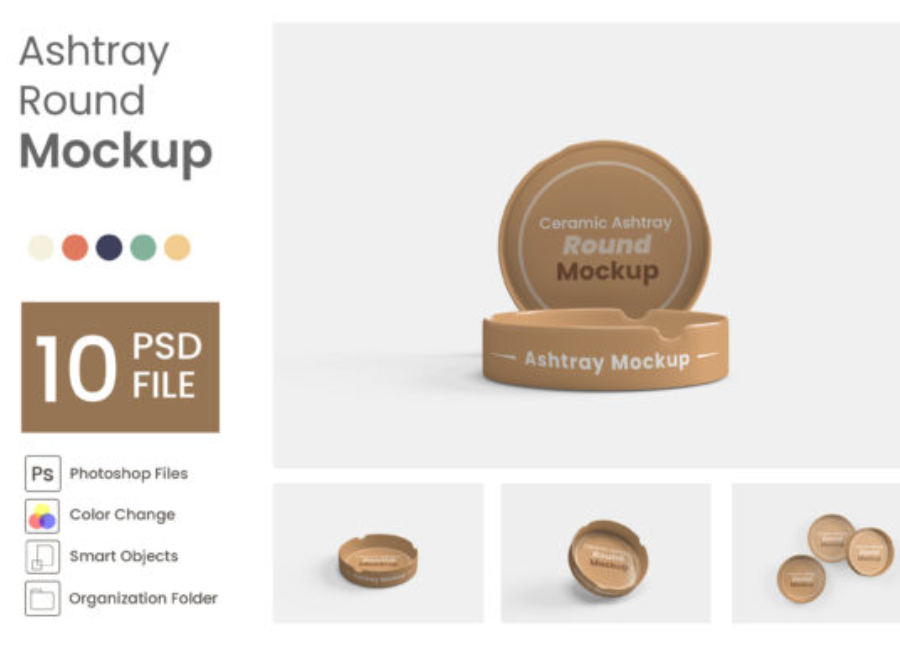
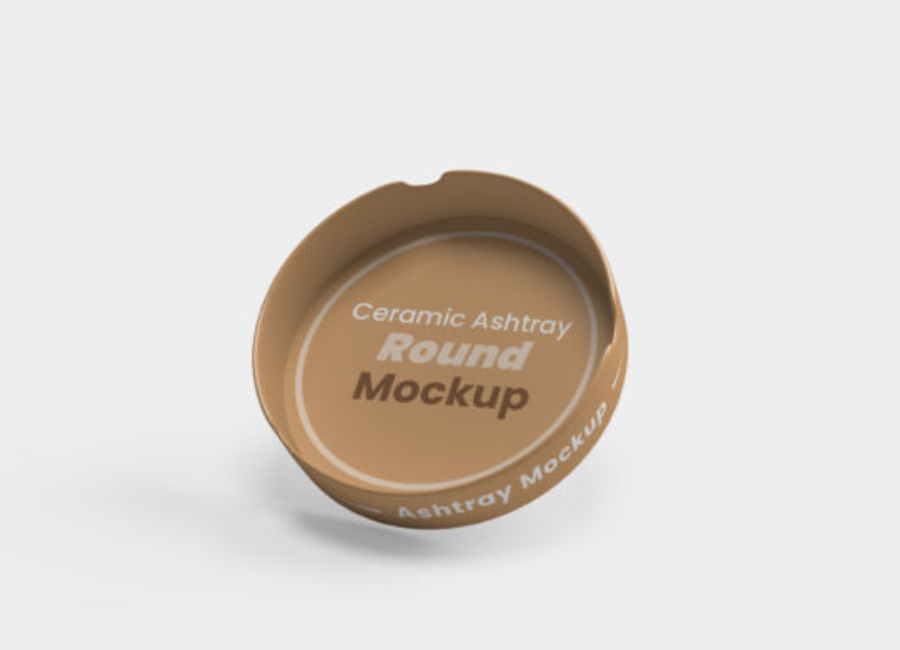
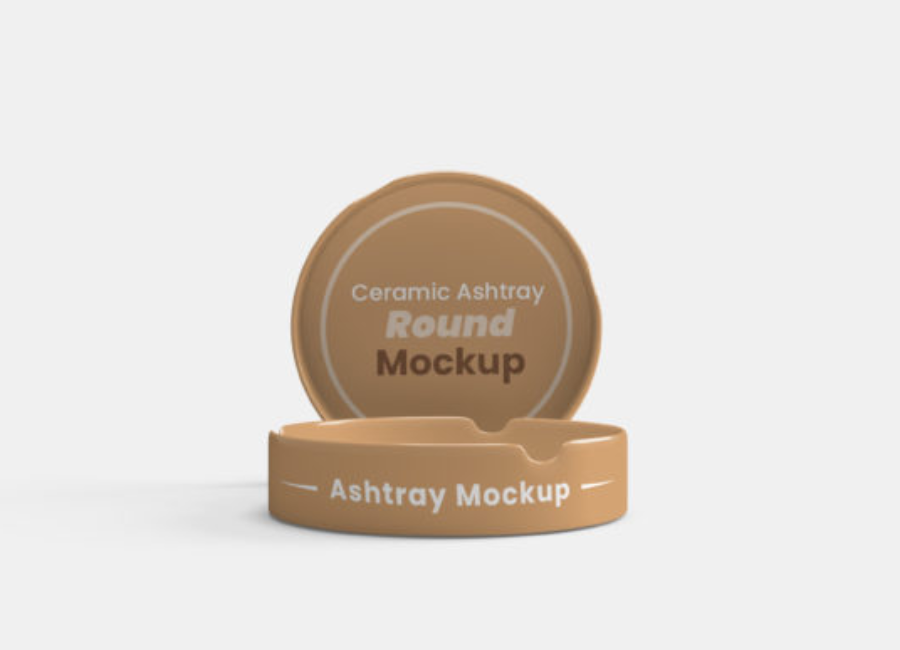
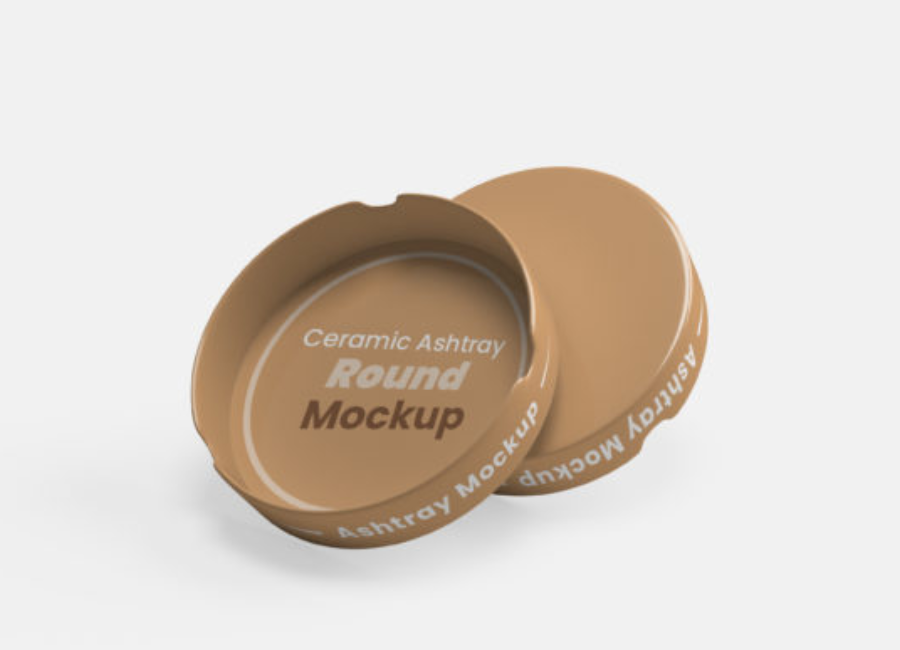
An ashtray round mockup is a digital representation of a round ashtray — typically a 3D or PSD file — that’s used to showcase design work in a realistic setting before printing or production. It allows you to see:
How logos wrap around curved surfaces
Lighting and shadows on a real-world object
Colors and textures in simulated environments
Most mockups use smart object layers in software like Adobe Photoshop, which makes placing your design on the ashtray as easy as copying and pasting into a template.
2. Why Designers Use Ashtray Mockups
Ashtray mockups are used in lots of design contexts — not just for tobacco products. They’re valuable in brand identity presentations, promotional merchandise, product packaging concepts, and even lifestyle shots for online use.
2.1 Realistic Presentation
A simple design on a flat canvas can look great, but placing it on a 3D object gives clients a much better impression of the final product. By showing your graphic on a round ashtray with realistic lighting and perspective, you help stakeholders understand how the design works in the real world.
2.2 Faster Iteration and Approval
Using a mockup lets you quickly adjust colors, layout, and logo scale, then show updated versions to clients without expensive photoshoots. This speeds up approval and reduces risk before physical prototypes are made. High-resolution mockups, which often include layers for background, shadows, and reflections, make this process even smoother.
2.3 Versatility Across Industries
Though traditionally associated with tobacco lounges or smoking accessory brands, round ashtray mockups also find use in:
Bar and restaurant branding
Hotel merchandise concepts
Corporate gift design
Vintage or retro campaign visuals
Designers can even use them for creative editorial presentations where a unique object is needed to highlight a brand story.
3. Typical Features of Ashtray Round Mockups
Most ashtray mockups — especially premium and free PSD templates — include key features that make them flexible and professional.
3.1 Smart Objects
A smart object is a layer inside the mockup file where you place your design. Double-clicking the smart object opens it in a separate window where you insert your logo or artwork. When you save that file, the mockup updates automatically, warping your design to fit the ashtray’s surface.
3.2 High Resolution
Good mockups are high-resolution (e.g., 4500×3800 px or more), so your final renders are sharp and usable in print as well as digital presentations.
3.3 Organized Layers
Professional templates organize shadows, highlights, background, reflections, and object textures into separate layers. This lets you edit individual elements (like background color or shadow opacity) with precision.
3.4 Multiple Angles
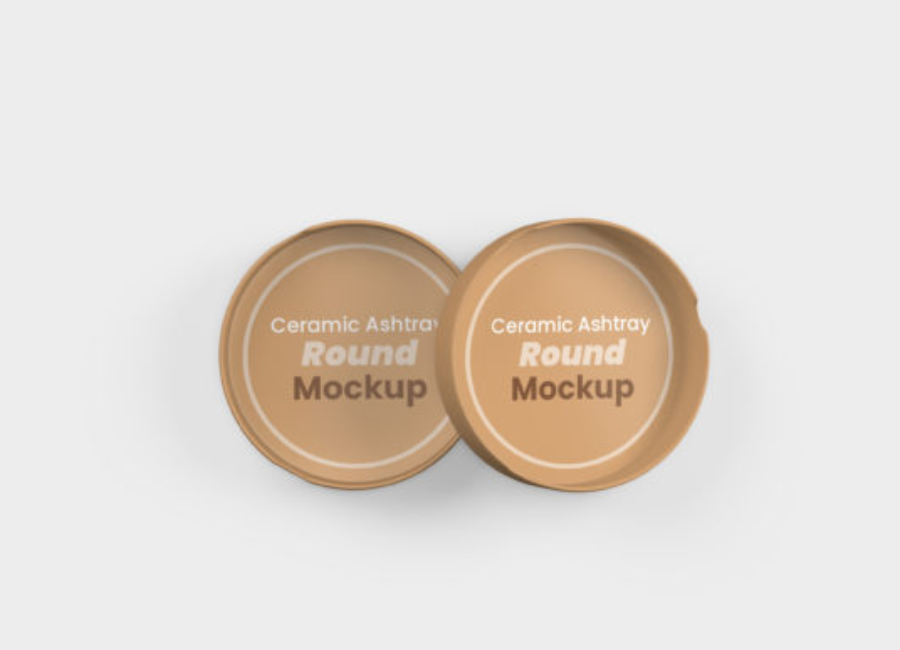
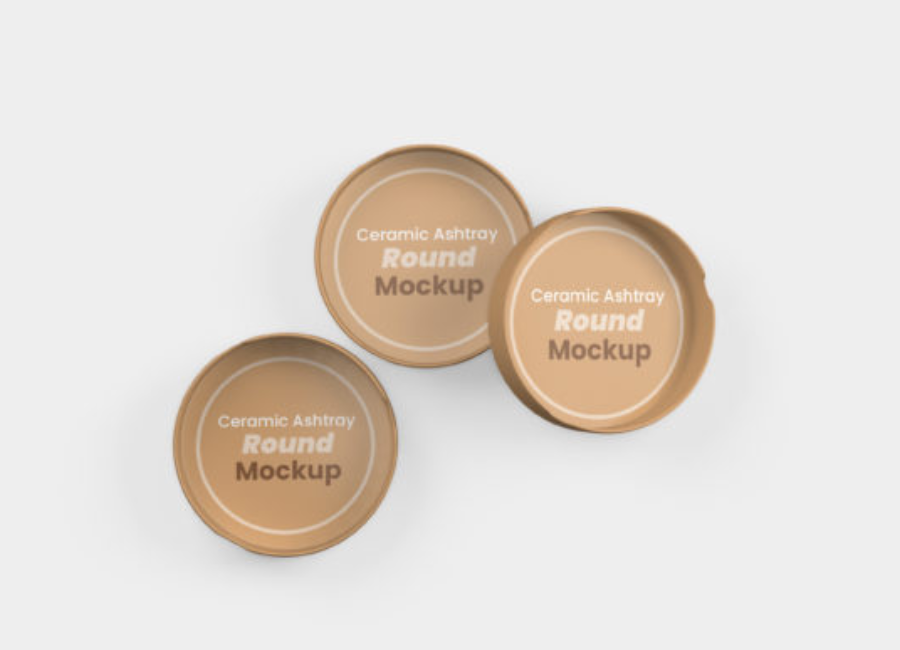
Some ashtray mockups include multiple views and angles (flat lay, perspective, top view, close-up shots), which gives more context and versatility for portfolios or marketing materials.
4. How to Use an Ashtray Round Mockup (Step-by-Step)
Using a mockup effectively is simple with the right tools and workflow:
4.1 Choose the Right Template
Select a mockup that matches your presentation needs — for example:
Transparent ashtray scene for minimalist designs
Round ceramic ashtray mockup for upscale branding visuals
Perspective or close-up shot for detail-focused presentations
4.2 Open in Photoshop
Most mockups come as layered PSD files. Open them in Adobe Photoshop or compatible software like Photopea.
4.3 Replace the Smart Object
Locate the smart object layer (usually labeled clearly). Double-click, paste your design, adjust size and placement, and save the smart object.
4.4 Adjust Environment and Effects
Modify background colors, shadows, and reflections to enhance realism. You can shift lighting angles or even add scene props if the mockup supports it.
Getting a design ready for client or portfolio use with mockups isn’t just about slapping a sticker on an object — smart choices make a big difference.
5.1 Use Realistic Lighting
Fake or inconsistent lighting can make a mockup look artificial. Adjust light direction, intensity, and shadows so they match the mood you want to convey.
5.2 Show Multiple Views
Presenting the design from multiple angles (top, side, perspective) gives a more complete picture and shows you’ve thought through how the design functions in real space.
5.3 Keep It Simple
Overly busy backgrounds or too many props can distract from the design itself. Use neutral or intentional scenes that complement but don’t overwhelm the artwork.
5.4 Label Clearly
Especially in portfolios, add captions or annotations describing the concept, purpose, or context of the ashtray mockup — this helps potential clients or employers understand your intent.
6. Common Mistakes to Avoid
Even experienced designers can make errors when working with mockups. Avoid these common pitfalls:
6.1 Misaligned Artwork
Ensure your design wraps realistically around curved surfaces. If it looks distorted or misaligned, it breaks the illusion of realism.
6.2 Low-Resolution Files
Using low-resolution mockups can lead to pixelated images — especially noticeable in print or large displays.
6.3 Ignoring Context
An ashtray mockup in a cluttered visual environment may distract more than it helps. Choose settings that relate to the brand story — like a bar table scene for nightlife branding.
7. Where to Find Ashtray Mockups
You can find high-quality ashtray round mockups from a variety of sources:
Free PSD mockups (transparent ashtray, close-up shots) available for download with editable layers.
Premium assets on marketplaces like Creative Market or Freepik that offer organized layers and multiple angles.
Mockup sets that include customizable objects ideal for branded environments (bars, lounge areas).
Always check license terms, especially if using mockups for commercial projects.
8. Creative Uses Beyond Branding
Although ashtray mockups are traditionally used in tobacco or lifestyle contexts, they can be repurposed creatively:
Graphic design portfolios to show typography or pattern work
Product-themed campaigns in hospitality branding
Event posters or advertisements where an ashtray fits the theme
Custom merch proposals for lounges or club merchandise
By thinking beyond traditional use cases, you can make even a simple object like an ashtray part of compelling visual narratives.
9. The Future of Mockups in Design
The role of mockups in design continues to grow as tools evolve. Integration with 3D modeling, real-time rendering, and AI-assisted design tools is transforming how designers prototype and present work — allowing faster iteration, interactive previews, and richer contextual visuals.
Conclusion
Ashtray round mockups may seem niche, but they’re powerful tools in a designer’s toolkit. They help bridge the gap between flat design and real-world visualization, making concepts easier to communicate, sell, and refine. Whether you’re preparing a client presentation, building a portfolio, or exploring creative branding applications, a well-executed mockup can elevate your work from idea to impact.