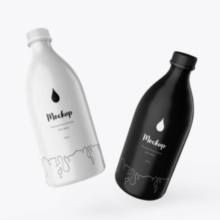
Detergent Plastic Bottle PSD Mockup: A Complete Guide for Designers and Brands
In product Detergent Plastic Bottle PSD Mockup design and branding, first impressions matter. Whether you’re presenting a new laundry detergent to a potential client or preparing visuals for a product launch, having professional imagery that feels real is crucial. Detergent Plastic Bottle PSD mockups are one of the most effective tools designers use to visualize packaging concepts in a real-world context before committing to production. With a combination of ease, realism, and flexibility, these PSD (Photoshop) mockups help bridge the gap between concept and presentation, reducing cost and streamlining the creative process.
What Is a Detergent Plastic Bottle PSD Mockup?
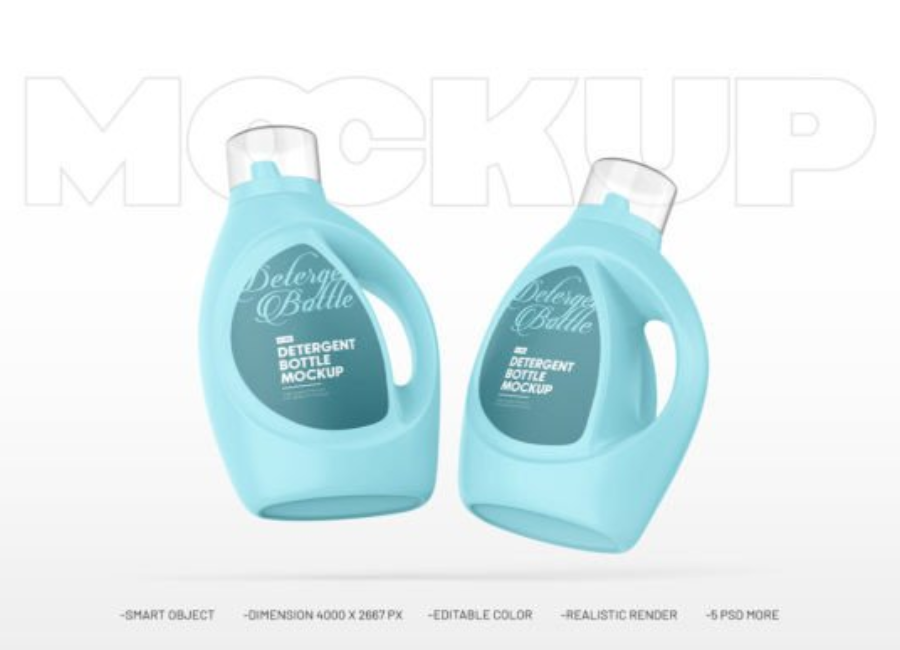
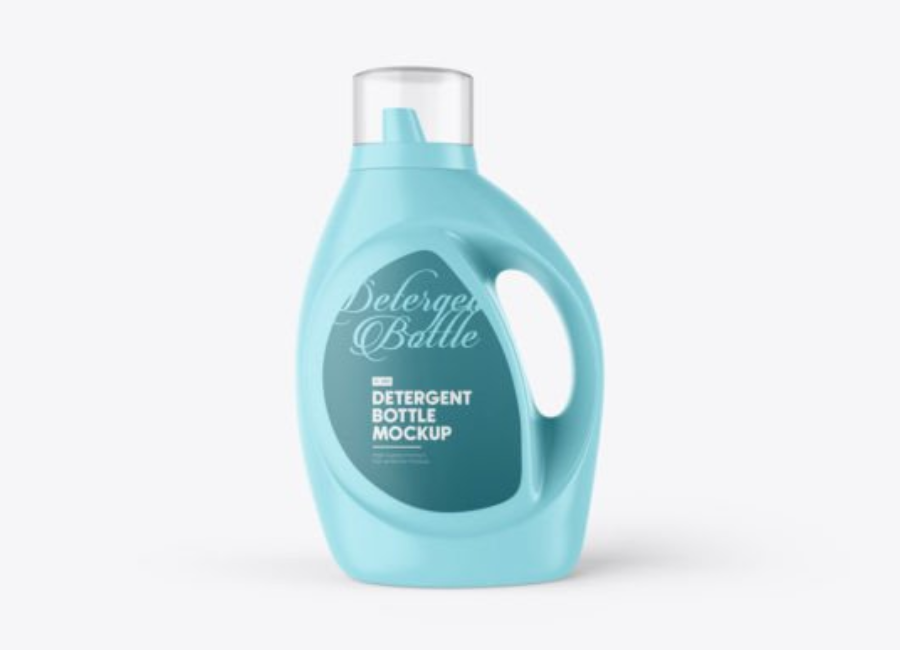
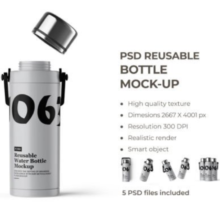
A PSD mockup is a Photoshop file that allows designers to easily insert their designs into a pre-rendered scene using smart object layers. In the context of detergents, these templates typically depict plastic bottles — often with realistic lighting and shadows — that serve as the vessel for product labels, brand logos, color schemes, or promotional visuals.
Rather than presenting a flat label or a 2D drawing, a mockup gives stakeholders a photorealistic preview of how the packaging would appear on a real shelf or in marketing materials. It’s essentially a shortcut to visualize the final product without expensive photoshoots or 3D rendering.
Why Designers Prefer PSD Mockups
PSD mockups are widely popular in the design community for several reasons:
1. Realistic Visual Presentation
A well-crafted detergent bottle mockup shows your brand design in context — including shadows, reflections, and angles that mimic real photography. This level of realism helps clients and teams better understand how the label and packaging will look once printed and assembled.
2. Easy Customization
Most mockups use smart objects: double-click a layer, paste your artwork, save, and the design automatically wraps around the bottle’s shape. This workflow saves hours compared to manually compositing designs or creating actual physical prototypes.
3. Time and Cost Efficiency
Creating physical prototypes or conducting product photography early in the design process can be expensive. With a PSD mockup, designers can quickly iterate and present multiple options without material costs or studio setups.
4. Versatility for Brand Presentations
Mockups are not limited to product shelves — they are useful for client presentations, portfolios, advertising campaigns, and e-commerce visuals. Besides detergent bottles, designers often employ mockups for other household cleaners, cosmetic products, beverages, and more.
Key Features of Detergent Plastic Bottle PSD Mockups
A high-quality mockup comes with features that make it truly useful and adaptable:
1. Layered and Editable PSD Files
These files contain multiple layers for smart objects, shadows, background, bottle color, cap color, and highlights. Designers can tailor every major aspect of the scene to fit their concept.
2. Background Customization
Whether designing for a white studio look, lifestyle context, or bold graphic presentation, background layers can be changed to match branding needs.
3. Size and Resolution
Mockups are often high resolution (e.g., 3000×4500 px or greater). This ensures sharp imagery for prints, presentations, and online marketing materials.
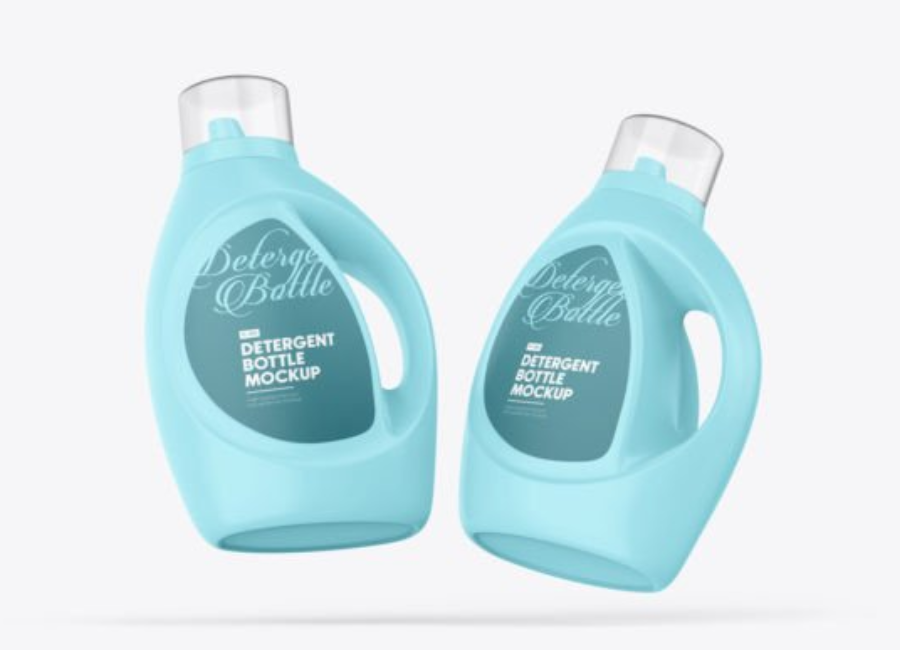
4. Versatile Angles and Views
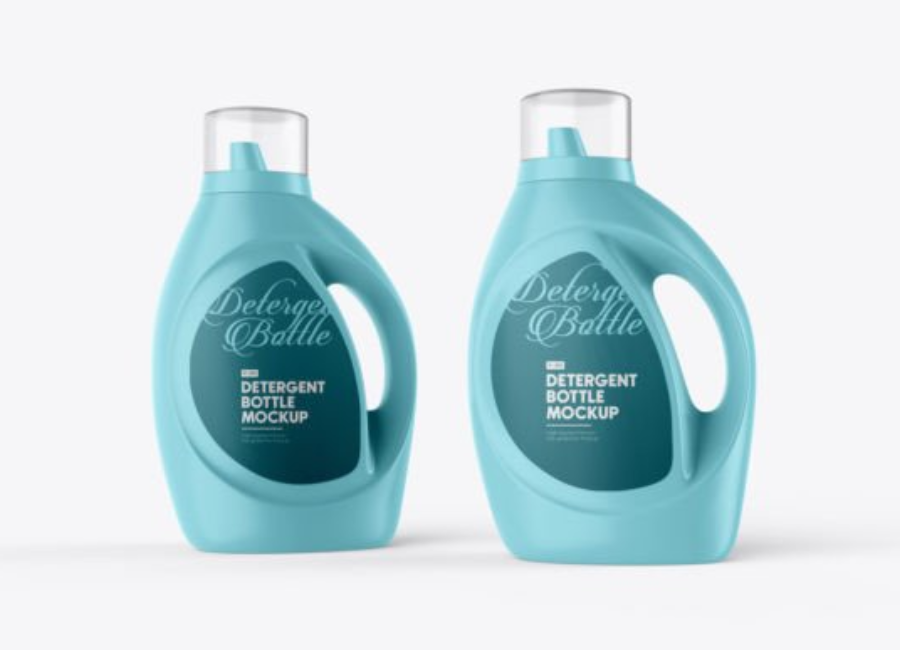
Some mockups offer multiple bottle angles — front view, perspective views, or even contextual backgrounds — giving a broader perspective of the design.
Types of Detergent Bottle Mockups
Designers will find a range of mockups depending on their needs. Common variations include:
1. Standard Plastic Bottle Mockups
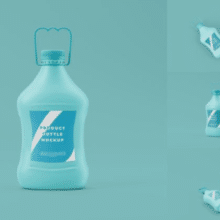
These represent the classic laundry detergent bottle with screw cap or handle — useful for regular laundry liquid, fabric softener, or general cleaners.
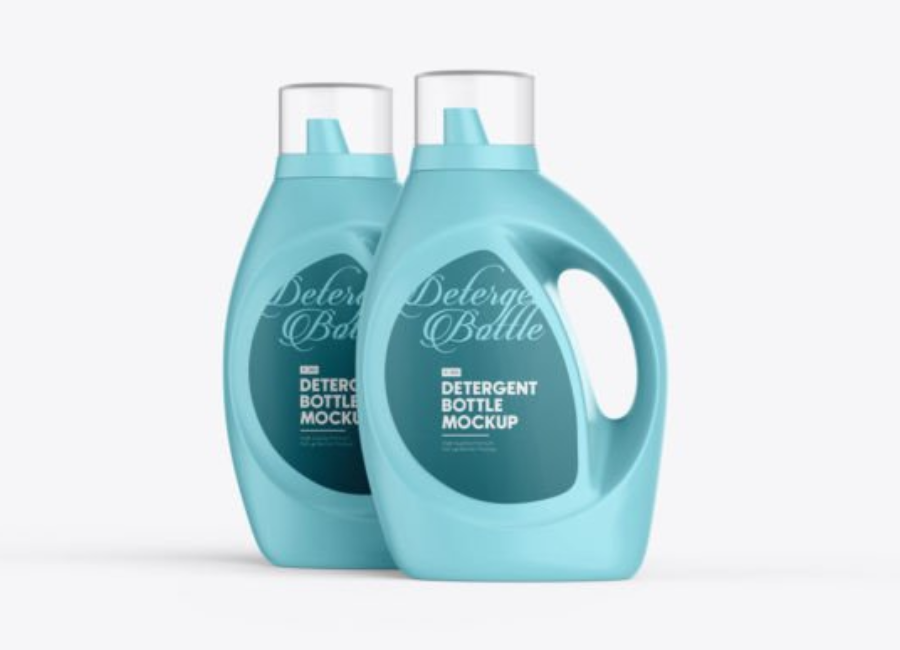
2. Front View Mockups
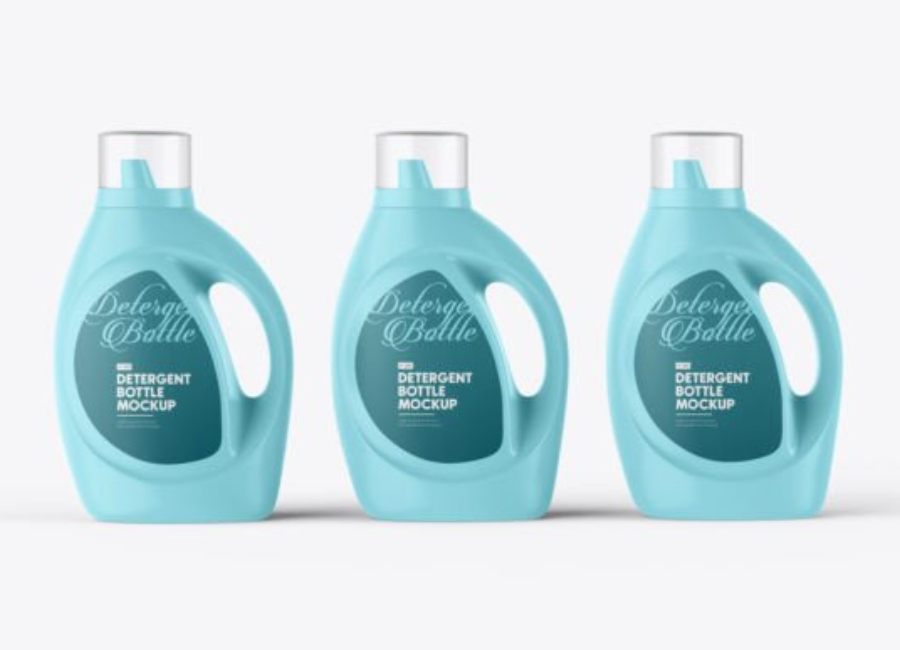
Simple and clean front-on presentations are ideal for label showcases and product lineups.
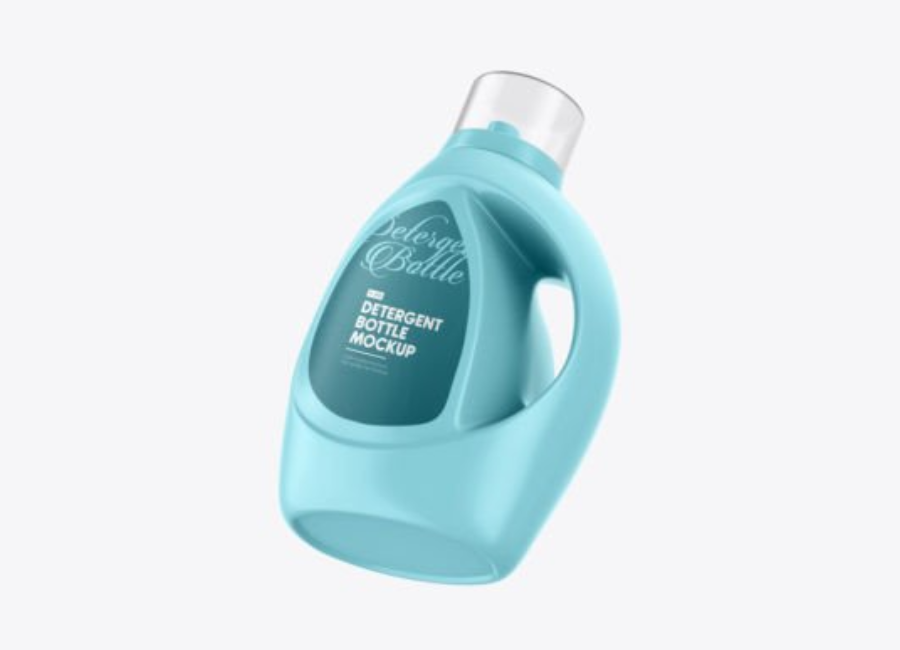
3. Perspective or Angle Views
Mockups that show the bottle at an angle give depth and feel more realistic in portfolios or promotional banners.
4. Spray Bottle Mockups
For surface cleaners or specialized detergents, spray bottle mockups offer a contemporary look that suits modern branding.
How to Use a Detergent Bottle PSD Mockup
Using a mockup involves a few straightforward steps:
1. Open the PSD in Photoshop
Ensure you have Adobe Photoshop CS5+ or later to fully leverage smart objects and layers.
2. Locate the Smart Object Layer
Look for a layer labeled with something like “Your Label Here”. This is where your design (logo, pattern, text) goes.
3. Paste Your Artwork
Double-click the smart object thumbnail, replace the placeholder with your label design, save and close. Photoshop will update the mockup automatically.
4. Adjust Colors
Many mockups let you change the color of the bottle, cap, and background through fill layers or adjustment layers. Use these to match your brand palette.
5. Refine Lighting and Effects
To enhance realism, adjust shadows or lighting layers within the PSD file — particularly if preparing visuals for a website or high-quality print.
Benefits for Brands and Packaging Designers
The use of detergent bottle mockups extends beyond graphic design:
1. Better Client Communication
Visual mockups help clients visualize the final packaging and give meaningful feedback — often without needing technical brand explanations.
2. Faster Iterations
During concept development, designers can quickly generate multiple style options and rapidly refine based on stakeholder input.
3. Improved Marketing Collateral
Mockups serve as ready-to-use visuals for websites, brochures, social media, or advertisements — saving production time later.
4. Portfolio Enhancement
Designers use professional mockups in portfolios to demonstrate real-world application of their label and packaging designs, making their work more impressive to potential clients or employers.
Common Mistakes to Avoid
Even with these powerful tools, some pitfalls can reduce the quality of your mockups:
1. Using Low-Resolution Files
Always use high-resolution mockups, especially when presenting to clients or printing. Pixelated mockups will cheapen your brand presentation.
2. Ignoring Realistic Lighting
Simply pasting your design without adjusting lighting or shadows can make it look flat or pasted. Pay attention to highlights and reflections.
3. Overcrowding with Details
Avoid cluttering labels with too much text or imagery — clear, bold designs often read better on mockups.
Advanced Tips for Better Mockups
If you want your mockups to look professionally photo shot rather than just templated:
1. Add Natural Shadowing
Use Photoshop’s shadow and reflection layers to make the bottle appear part of the surrounding environment.
2. Match Background to Brand Mood
A stark white background might suit minimalist brands, while a lifestyle context (kitchen shelf or laundry room) can add narrative value.
3. Use Multiple Angles
Presenting the same design from different viewpoints helps show completeness, especially in portfolios or pitch decks.
4. Include Accessories
Sometimes pairing the main bottle with related products — like fabric softener or spray cleaners — creates a cohesive product range visual.
Where to Find Detergent Bottle Mockups
The web has abundant free and paid resources for PSD mockups:
Free mockups that you can edit and use — many support personal and commercial use.
Mockup libraries with multiple angles and styles to fit different product types.
Premium mockups with advanced effects, reflections, and professional lighting setups for high-end presentations.
Conclusion
Detergent Plastic Bottle PSD mockups are a foundational tool in modern product design and branding. They allow designers to transform flat label concepts into lifelike presentations, helping brands visualize packaging before printing, saving time and reducing costs. Whether for client pitches, e-commerce listings, or portfolio showcases, mastering how to use PSD mockups effectively will elevate your design work and enhance communication throughout the creative process.
From quick proofs to high-fidelity presentations, detergent bottle mockups bring your ideas to life — turning concepts into visuals that can sell a product before it even hits the shelf.