Carton Shopping Box PSD Mockup — The Ultimate Guide for Branding & Product Presentation
In today’s competitive retail and e-commerce landscape, first impressions matter just as much as product quality. Whether you’re a packaging designer, a brand owner, or a marketing professional, presenting packaging designs in a realistic and professional way before production can dramatically influence client decisions and consumer perception. This is where a Carton Shopping Box PSD Mockup becomes an invaluable tool.
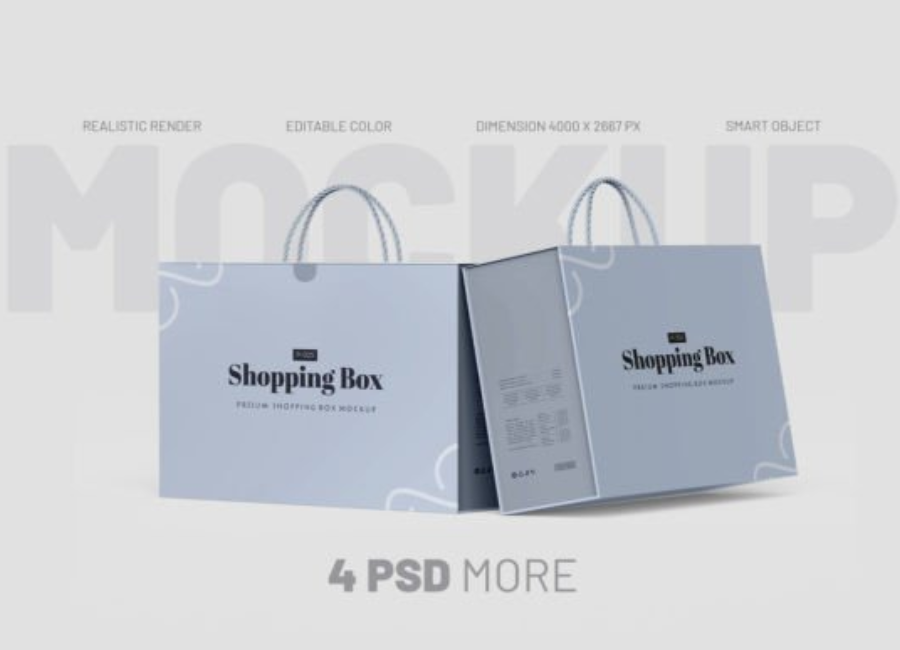
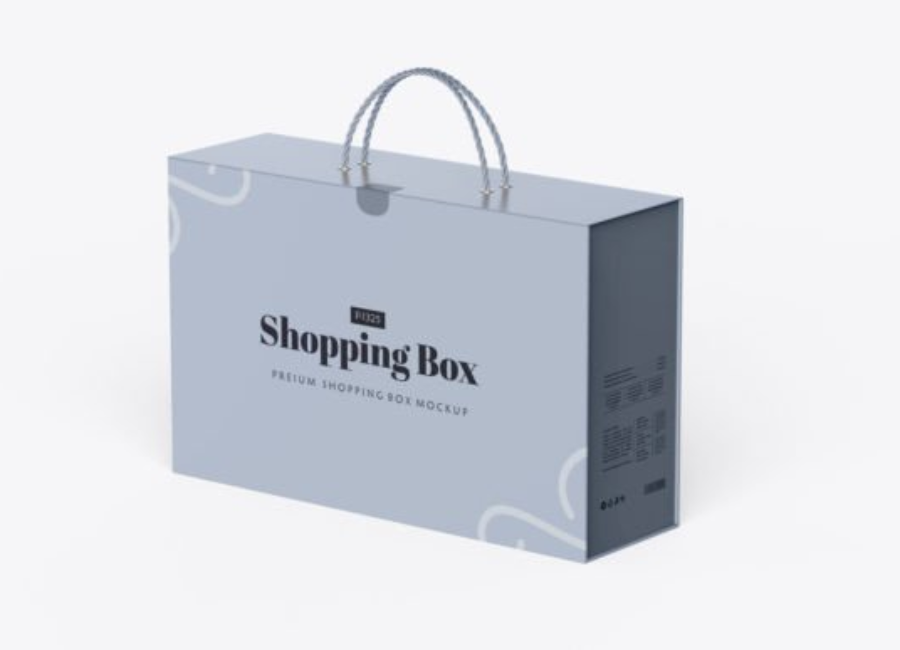
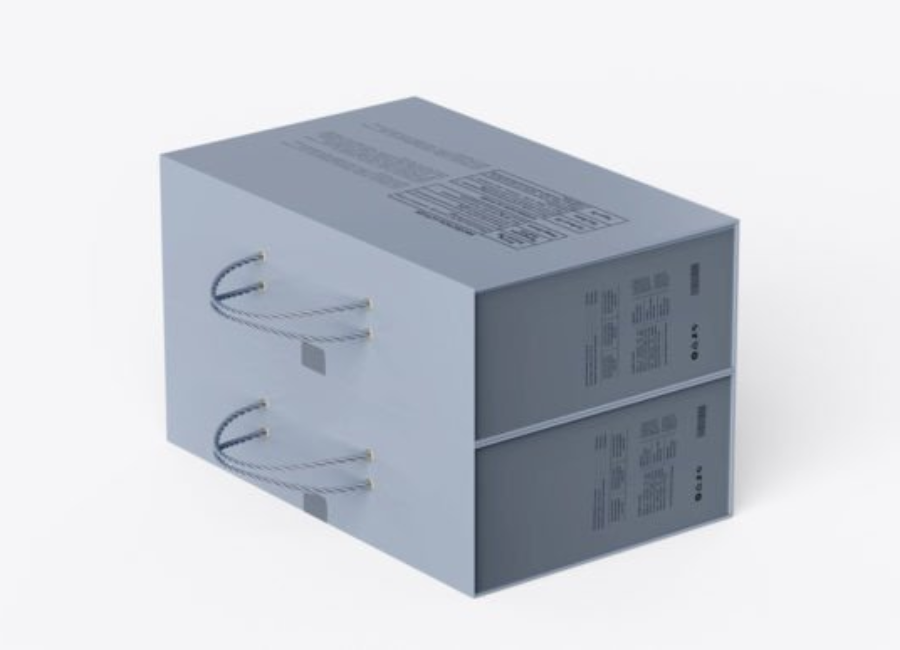
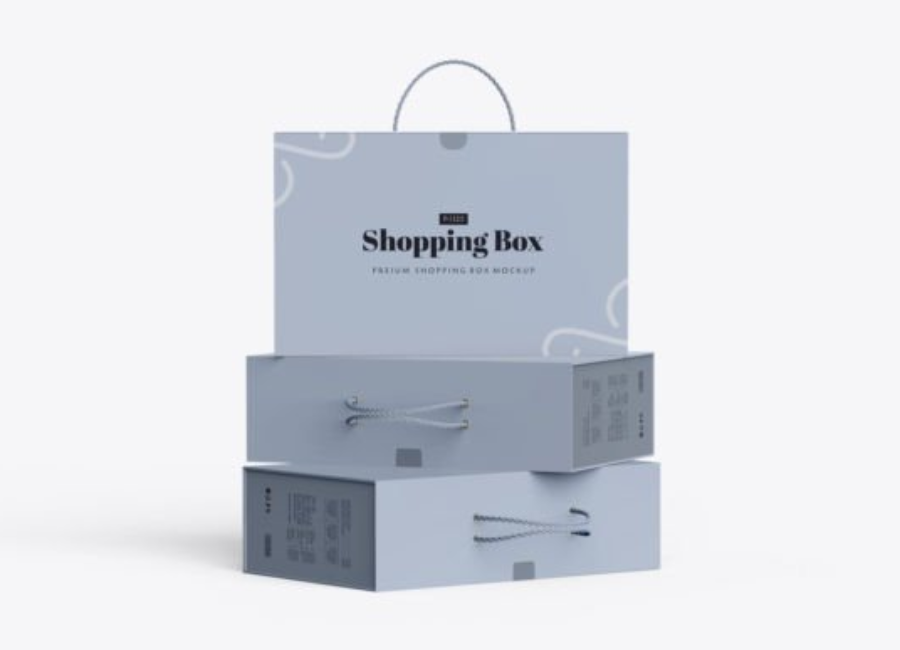
A carton shopping box mockup is a high-resolution Photoshop (PSD) file that allows you to place your artwork, logo, and branding on a 3D representation of a cardboard or carton box. Using smart object layers, you can instantly replace the placeholder graphics with your own design work to see a lifelike visualization — without the time and cost of producing physical prototypes.
What Is a Carton Shopping Box PSD Mockup?
A Carton Shopping Box PSD Mockup is essentially a digital packaging template that simulates a real cardboard or shopping box in a photorealistic manner. These mockups are typically used to display packaging designs for:
Retail product packaging
Gift or seasonal boxes
Shipping or delivery cartons
Brand presentations and marketing materials
Online storefront visuals
The PSD file includes multiple editable layers such as backgrounds, shadows, textures, and most importantly Smart Object layers where you place your custom design. Designers use these to replace the default placeholder graphics with their own, instantly seeing how a logo, color palette, or pattern will look on a real box surface. This dramatically improves design clarity and presentation quality.
Why Carton Box Mockups Matter in Branding
1. Bring Designs to Life with Realism
Flat design flats — like Illustrator artwork or PDF layouts — only show graphics and measurements. They don’t feel like packaging. A carton box mockup adds realistic shadows, lighting, and texture so stakeholders can visualize the design in context, giving a powerful sense of what the final printed box will look like on a shelf or in a catalog.
2. Faster Iteration and Decisions
Instead of waiting for prototype samples, designers can immediately test multiple packaging options with different colors, logos, and typography by simply updating smart objects within the mockup. This accelerates feedback loops and improves efficiency across design reviews.
3. Professional Presentations
Presenting a poster or flat graphic to a client hardly compares to showcasing a photorealistic image of their product’s packaging. Packaging mockups add credibility to pitches, portfolios, and stakeholder meetings — making the design more persuasive and compelling.
4. Marketing & Sales Assets
Once your design is finalized, mockup visuals can be used beyond design approval — in e-commerce product listings, social media posts, lookbooks, and promotional materials. They help create a cohesive brand presence across digital platforms.
Key Features of a Great Carton Shopping Box PSD Mockup
Not all mockups are built the same, but most high-quality models include:
✔ Smart Object Layers for Easy Editing
The magic behind PSD mockups lies in smart objects. These layers allow you to insert your design once and automatically wrap it around the 3D surface of the box — preserving perspective, lighting, and shadows without manual effort.
✔ High Resolution & Realistic Textures
Premium mockups are typically 300 DPI or higher and show realistic corrugated or kraft paper textures that add tactile depth and visual richness to your design presentations.
✔ Customizable Backgrounds and Lighting
Many mockups allow you to change the color of the background, adjust shadow strength, or tweak lighting to better match the context where the packaging might be showcased — from a clean studio look to an ambient retail environment.
✔ Multiple Angles & Views
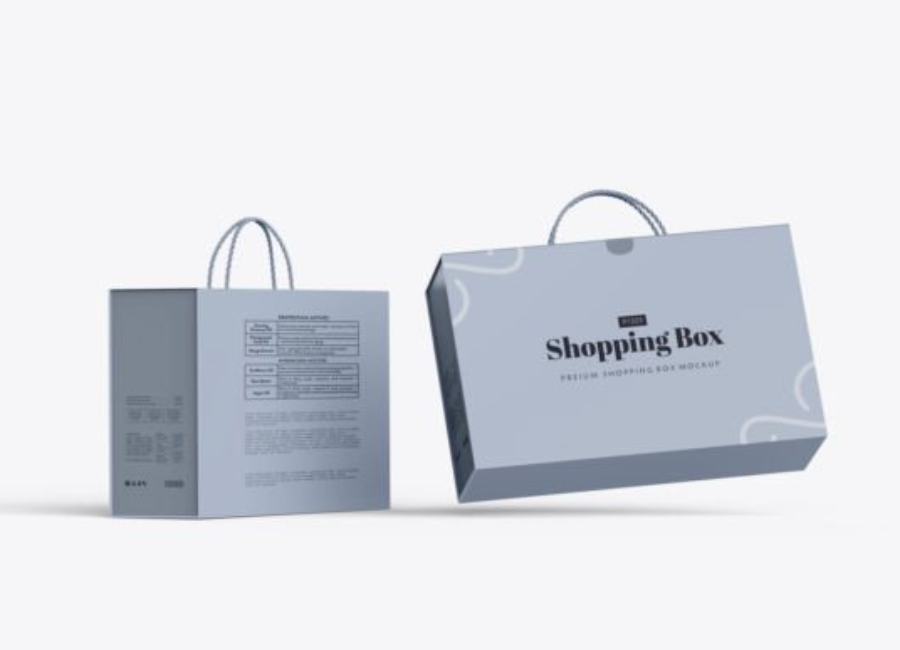
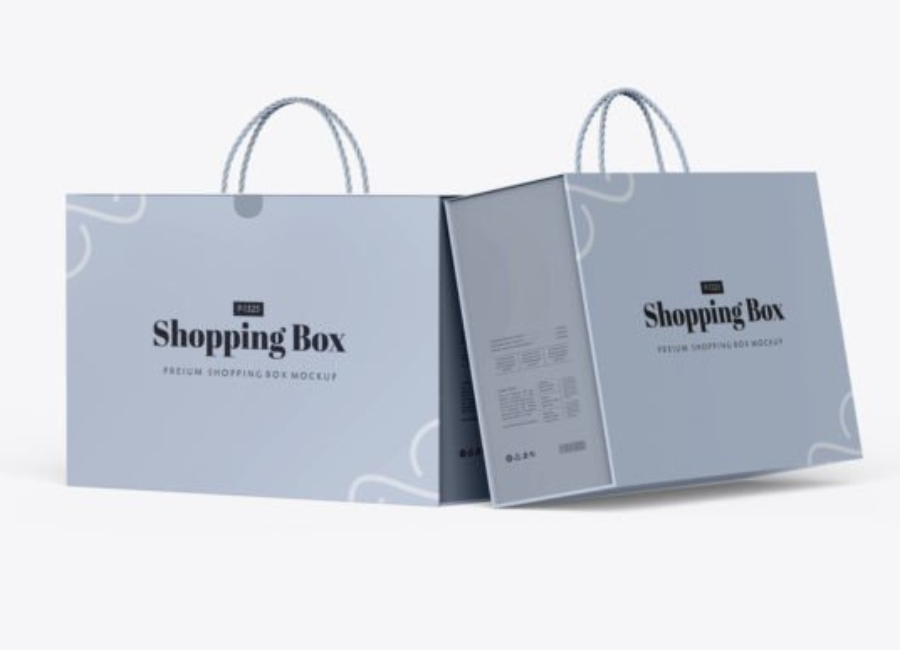
Some boxes come with front, side, top, and isometric views — letting you display designs from different perspectives within a single presentation or portfolio layout. This gives a full understanding of how the design interacts with the box’s form.
Depending on your project and branding needs, you can choose from different styles of mockups:
1. Simple Everyday Carton Box Mockups
These are ideal for general retail packaging, e-commerce boxes, or everyday product cartons. They offer clean surfaces that make designs stand out clearly.
2. Kraft Paper & Eco-Friendly Boxes
Perfect for brands with sustainability values, kraft or brown carton box mockups provide a natural, earthy look that aligns with eco-friendly products and artisanal brands.
3. Premium Shopping Box Mockups
Some mockups include elegant and refined box designs suitable for premium or gift packaging. These often include nicer lighting, dynamic shadows, and detailed textures that convey luxury and quality.
4. Free vs. Premium PSD Files
Free mockups (like collections with multiple box angles) are great for quick or personal projects, while premium mockups typically offer more detail, higher resolution, and cleaner compositions for professional brand presentations.
How to Use a Carton Shopping Box PSD Mockup — Step by Step
Using PSD mockups in Adobe Photoshop is surprisingly straightforward if you follow these steps:
Step 1: Open the PSD File
Download and open your mockup in Adobe Photoshop. Most mockups are compatible with CS5 or later.
Step 2: Locate the Smart Object Layer
Smart object layers are usually named something like “Replace Your Design Here” or “Your Artwork.” Double-click this layer to open it.
Step 3: Insert Your Design
Paste your label artwork, logo, or branding into the smart object document. Save and close the smart object — the mockup will automatically update with your design in place.
Step 4: Adjust Background & Effects
Customize the background color, shadows, and lighting to match your brand presentation or campaign aesthetic.
Step 5: Export Final Visuals
When you’re happy with how the box looks, export the mockup as a high-resolution PNG or JPG for use in client presentations, online stores, marketing, or portfolio displays.
Best Practices for Shopping Box Mockups
Here are some tips to ensure your mockups look professional and effective:
Use consistent styling across multiple mockups if presenting several products together.
Choose high resolution templates to ensure sharp visuals in both web and print.
Leverage multiple angles where possible so stakeholders can see the design from all side.
Match background colors to brand identity for more cohesive marketing visuals.
Conclusion
A Carton Shopping Box PSD Mockup is a must-have tool for packaging designers, brand marketers, and product creators who want to showcase packaging designs with realism and professional polish. With editable smart objects, customizable backgrounds, and high-resolution textures, mockups bridge the gap between design concept and real-world experience. Whether you’re preparing client presentations, e-commerce visuals, or portfolio showcases, using carton box mockups elevates your design work — helping you communicate ideas clearly, attract attention, and build stronger brand engagement.