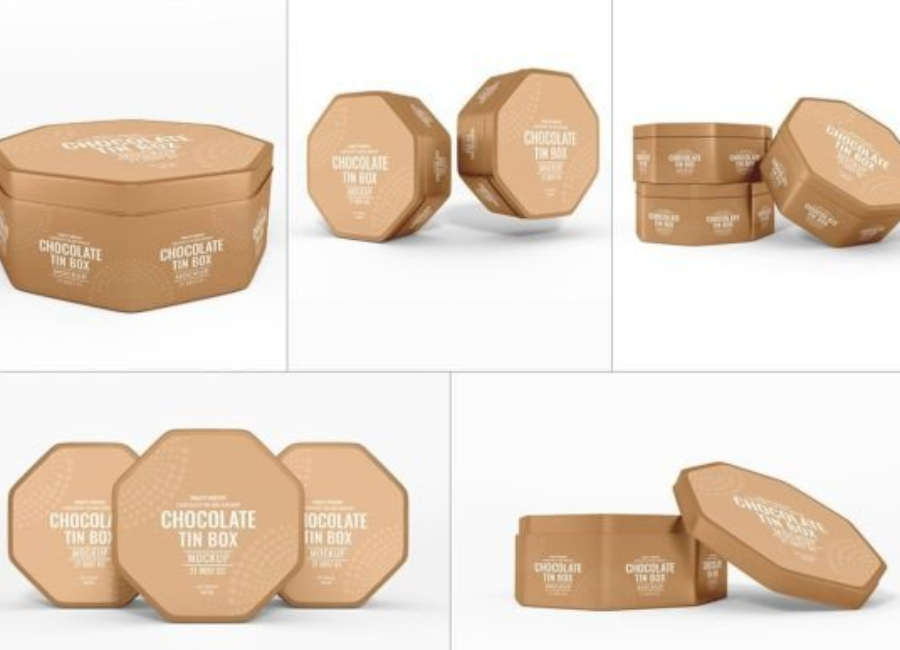
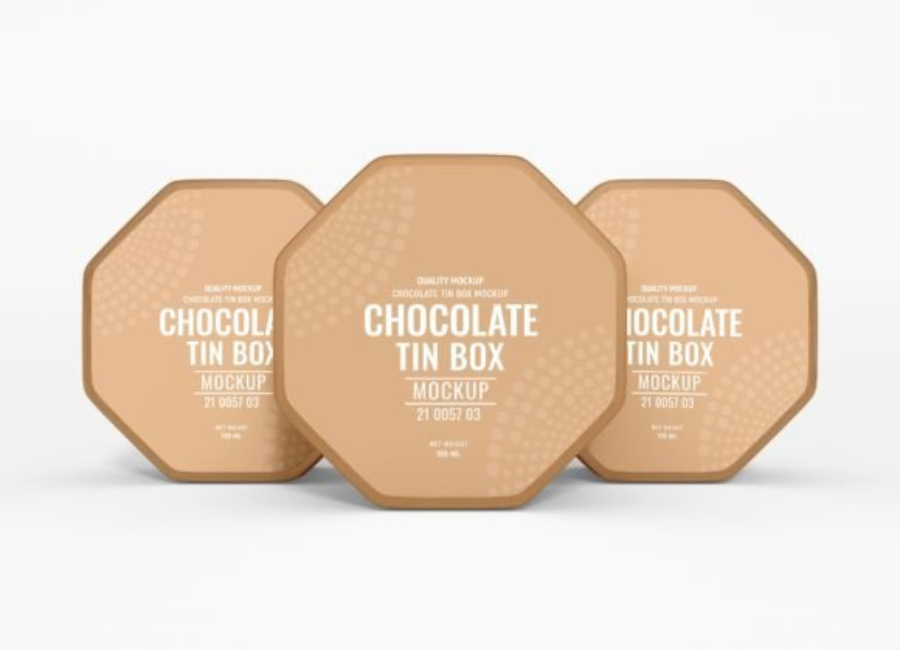
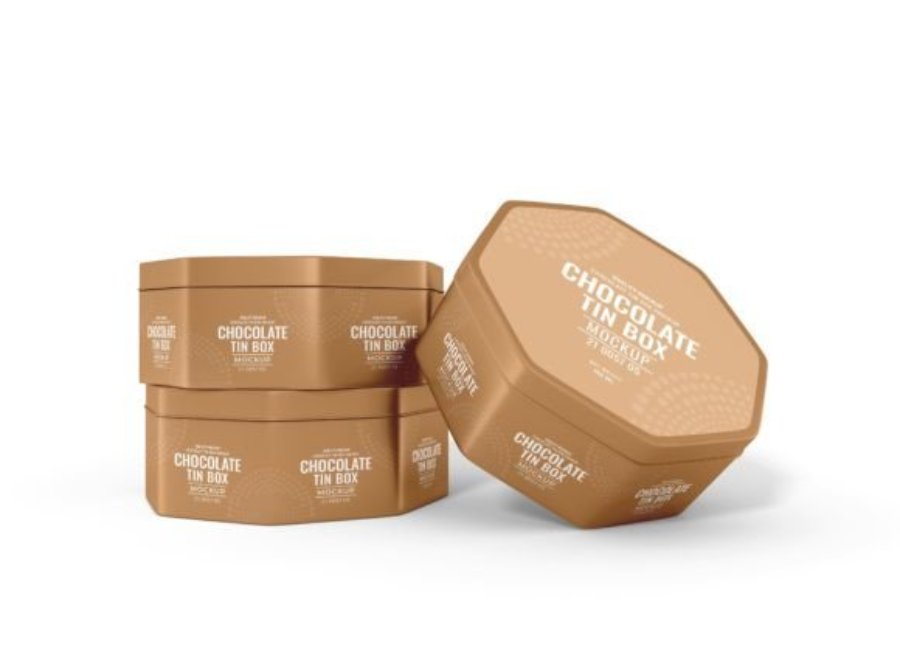
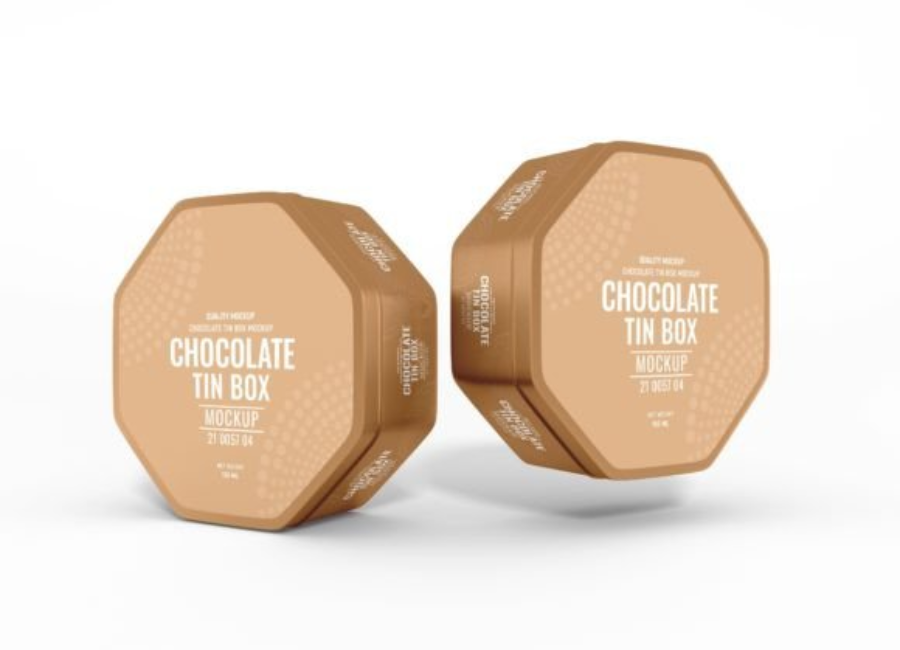
Chocolate Tin Box Mockup Set: The Ultimate Guide for Packaging Designers
In today’s competitive marketplace, great packaging can make or break a product’s success. For chocolate brands—especially boutique chocolatiers and high-end confectioneries—the packaging carries not just the product, but the entire brand story. A Chocolate Tin Box Mockup Set is an indispensable asset for designers and marketers alike, helping them present conceptual ideas in a visually compelling and realistic way before production ever begins. Whether you’re pitching to a client, showcasing designs on your portfolio, or preparing for social media campaigns, mockups let your design shine in a simulated real-world context.
What Is a Chocolate Tin Box Mockup Set?
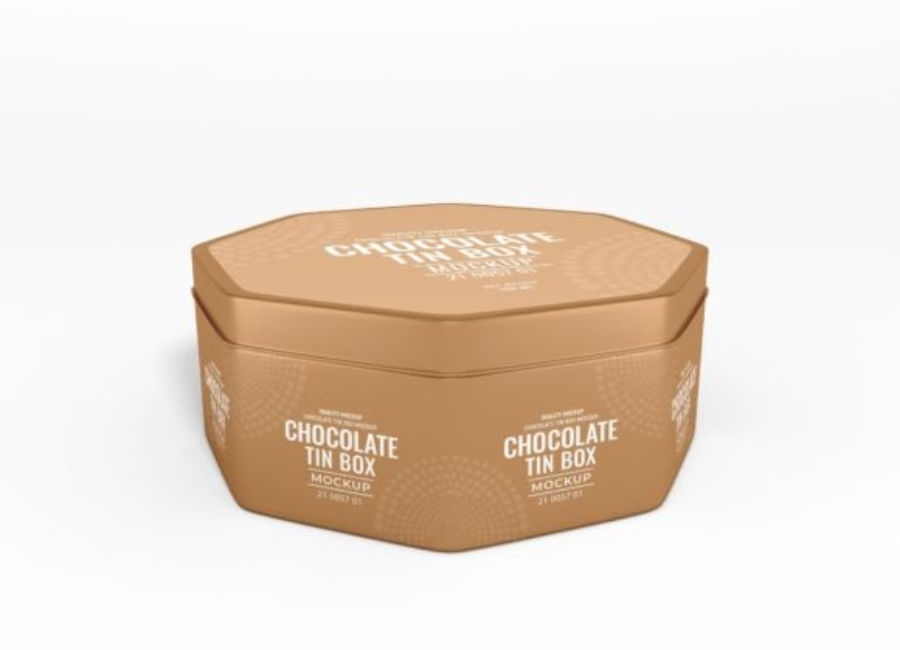
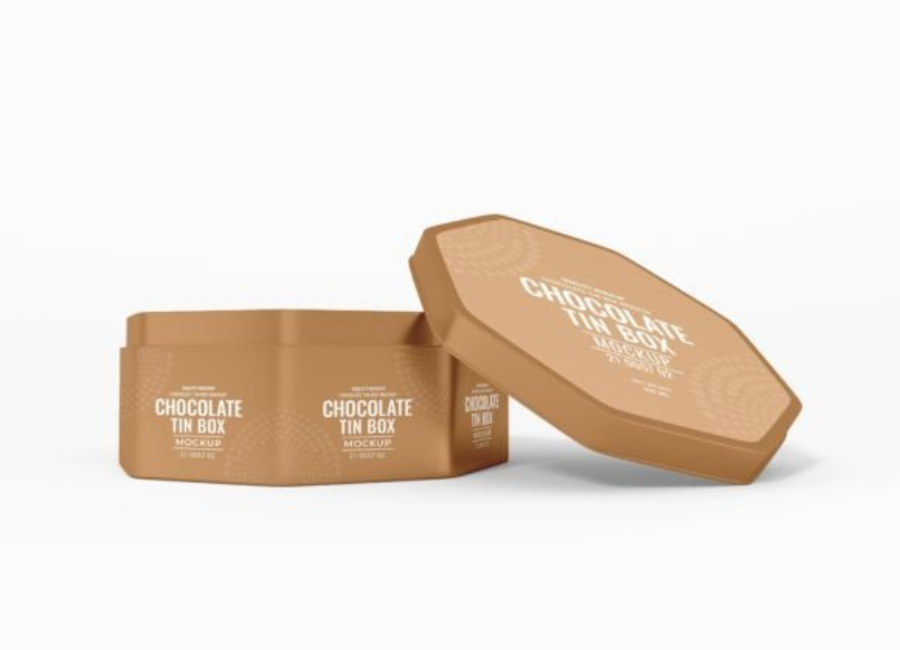
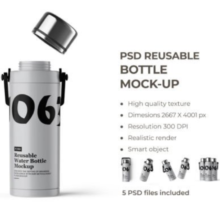
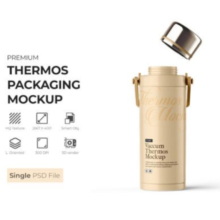
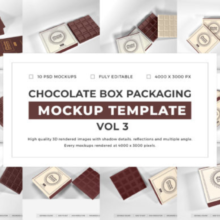
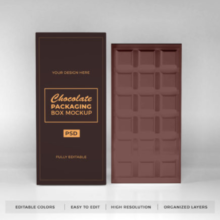
A Chocolate Tin Box Mockup Set is a collection of editable graphic files—usually in formats like PSD—that show various perspectives and presentations of a tin box used for chocolate packaging. These mockups are often layered, high-resolution designs that enable designers to easily insert their own artwork and branding elements using “smart objects” inside software like Adobe Photoshop.
Unlike simple flat templates, mockups simulate realistic lighting, shadows, reflections, and textures to give viewers an accurate sense of how the final product might look in real life. The “tin box” format is especially popular in premium chocolate packaging because it conveys quality, heritage, and durability—associations that many brands find valuable when trying to appeal to gift buyers or luxury consumers.
Why Mockups Matter in Packaging Design
Designing packaging is both an artistic and strategic process. A good mockup bridges the gap between a two-dimensional concept and a three-dimensional physical product. Here’s why mockups are essential:
1. Visual Realism
Mockups bring sketches and digital designs to life. Instead of just showing a label or pattern on a flat sheet, a mockup shows your design wrapped around the actual product shape with realistic lighting and materials. This helps designers predict visual issues and fine-tune colors, textures, and typographic hierarchy.
2. Client Communication
Clients often struggle to imagine how flat artwork transforms into a finished product. A mockup gives them a preview that’s much closer to reality, reducing misunderstandings and revisions. It helps ensure that everyone—from the designer to the client to the manufacturer—is aligned on expectations.
3. Portfolio & Marketing
Presentation matters. A visually compelling mockup enhances portfolios and marketing materials, helping designers attract new clients or employers. Even chocolate brands without an in-house design team can use mockups to elevate their product displays on websites, online stores, and social media.
What’s Included in a Mockup Set?
A well-organized Chocolate Tin Box Mockup Set typically includes several files and extras designed to give flexibility and quality results. Common features include:
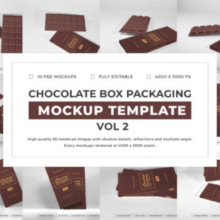
Multiple Angles & Perspectives: A variety of views (front, back, side, top-down, angled) so you can show the box from every direction.
Smart Object Layers: These let you quickly place your design into the mockup by simply double-clicking a placeholder layer, pasting your art, and saving.
Editable Backgrounds: Change the backdrop color or texture to suit your brand’s aesthetic or marketing context.
High Resolution: Mockups often come in resolutions suitable for print and digital usage (often 300 dpi or higher).
Organized Layers & Guides: Clear naming and documentation help even beginners navigate and customize the files easily.
Bonus Files: Some sets include extra elements like stickers, shadows, or close-up detail views.
Mockup sets can vary widely depending on design needs. Here are some common categories:
1. Classic Rectangular Tin Boxes
These are ideal for standard chocolate bars or gift sets. They often have hinged lids and are rendered with shadows to show depth and luxury.
2. Round or Cylindrical Tin Packaging
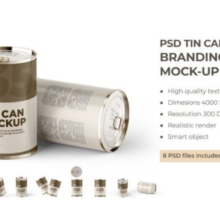
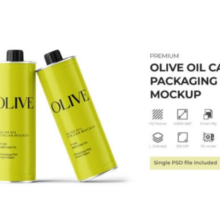
Round tins convey a traditional confectionery feel and are especially good for assortments or specialty chocolates. Their curved surfaces require well-crafted mockups for seamless design application.
3. Luxury Gift Tin Sets
These mockups might include elegant lighting and reflections to emphasize metallic finishes, embossing, or foil details designed to evoke premium quality.
4. Paper & Tin Hybrid Packs
Some mockup sets allow you to integrate tin box visuals with additional materials like paper wraps or labels, giving a hybrid presentation that’s useful for promotional packaging.
Best Practices When Using Mockup Sets
Using mockups smartly can dramatically enhance your design workflow. Here are a few tips:
1. Start With High-Quality Art
Before inserting into a mockup, ensure your artwork is finalized in terms of layout, colors, and typography. Mockups amplify your design—so any flaws will be more visible.
2. Mind the Material
Tin surfaces reflect light differently than matte paper or cardboard. Adjust lighting and gloss levels in your mockup to simulate realistic material behavior.
3. Use Multiple Angles
Displaying your design from several angles gives viewers a more complete understanding of how it will appear in reality. This is especially helpful for client presentations or portfolio showpieces.
4. Customize Environments
A mockup is more than just a box floating over a white background. Consider placing your box within a styled scene—on a wooden table, next to cocoa beans, or styled with props—to suggest context and sophistication.
Common Challenges and How to Solve Them
Designers sometimes encounter issues with mockups. Here are common roadblocks and quick fixes:
Color Mismatch
Colors might appear different on screen than in print. Always check with calibrated screens or printed proofs before final delivery.
Perspective Distortion
If the mockup angles are not accurate or if your inserted design doesn’t align properly, the final preview can look warped. Use guides and smart objects carefully to prevent distortion.
Over-Editing
Less is often more. Adding too many effects or unnecessary background props can distract from the core design. Keep focus on the package itself unless context enhances the story.
Final Thoughts
A Chocolate Tin Box Mockup Set is more than just a design tool. It’s a visual storyteller that amplifies your creativity and bridges the gap between concept and reality. Whether you are a seasoned brand designer or a chocolate maker showcasing your first packaging design, mockups provide clarity, professionalism, and a competitive edge that flat designs simply can’t match.
Next time you prepare your packaging portfolio or proposal, leverage a high-quality mockup set—and let your design shine in a world that’s all about first impressions.