Coffee Cup Mock-up: The Ultimate Guide for Designers and Brands
In the world of branding and visual design, presentation is everything. Creating a strong first impression can elevate a concept from good to unforgettable — especially when that concept involves packaging for a product as universally loved as coffee. Whether you’re designing for a café, a specialty coffee brand, or preparing a portfolio piece, a coffee cup mock-up is a powerful tool that brings your creative vision to life.
In this article we’ll break down what a coffee cup mock-up is, why designers rely on mock-ups, how to use them effectively, and tips to get the most out of your design presentations.
What Is a Coffee Cup Mock-up?
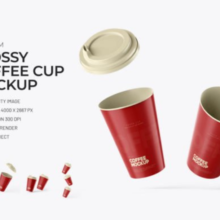
A coffee cup mock-up is a digital template, often in PSD (Photoshop) format, that allows designers to place artwork, logos, or branding elements onto a photo-realistic representation of a coffee cup. These files typically include smart objects, which make it easy to swap out placeholder graphics with your own designs in a few clicks.
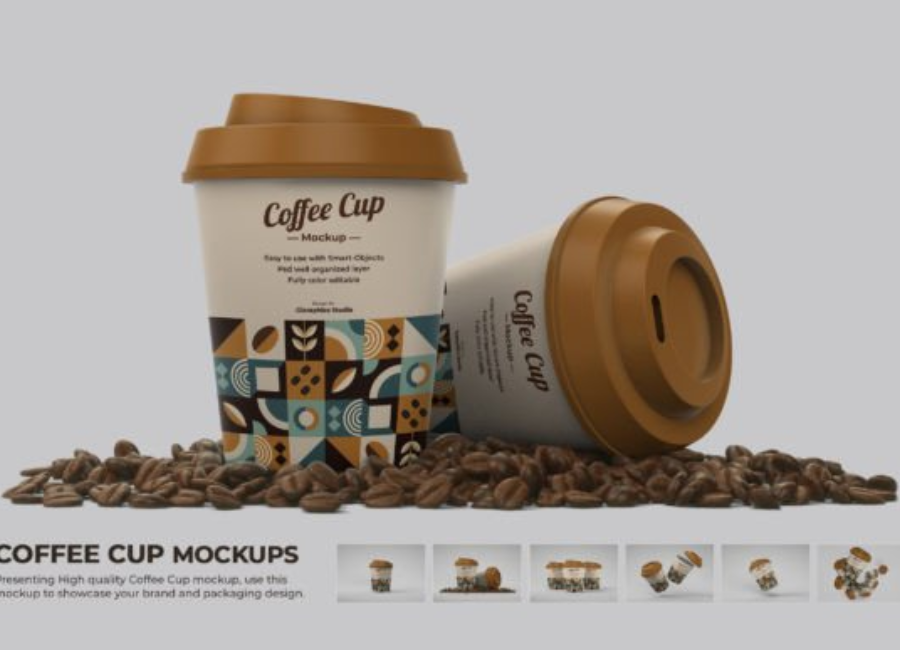
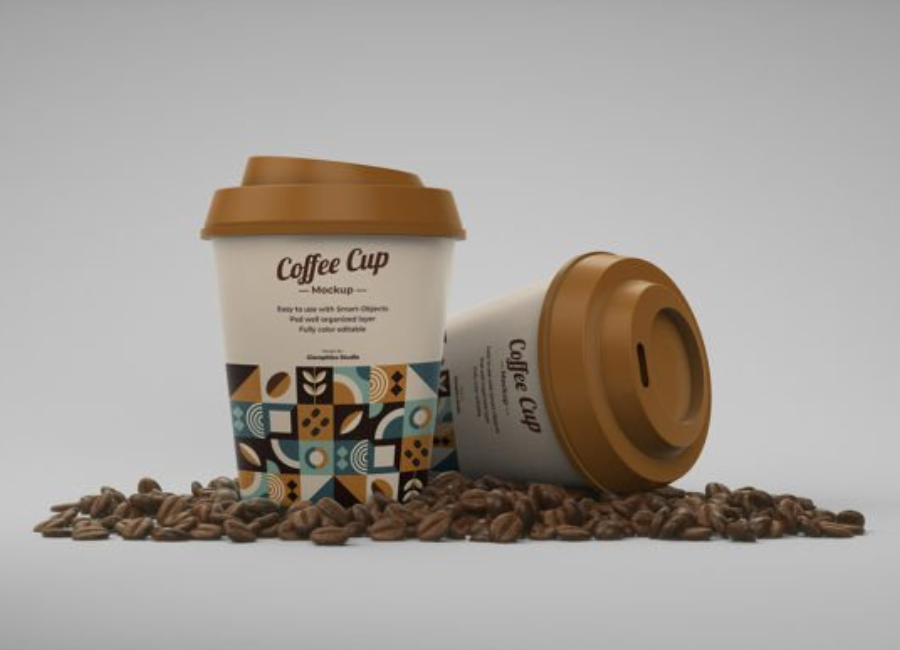
Mock-ups are widely used in graphic design because they show how a design will look in the real world without the time and cost of printing physical prototypes. For coffee branding, that means seeing your logo, pattern, or label on a realistic cup — sometimes surrounded by props like coffee beans or café environments — before production begins.
When pitching a brand identity or packaging project, flat artwork rarely conveys the final impact of a design. A photo-realistic mock-up shows how your design wraps around an actual object, including shadows, lighting, perspective, and material texture. This helps clients visualize the final product and builds confidence in your concept.
2. Faster Design Iterations
Instead of ordering expensive physical prototypes, designers can create multiple mock-ups in minutes. By experimenting with different logo placements, color schemes, or background contexts, you can rapidly test ideas and refine your work before moving to production.
3. Enhancing Portfolios and Marketing
High-quality mock-ups are more than presentation tools — they sell your work. Whether it’s for your portfolio, website, or social media, a compelling coffee cup mock-up puts your design in a lifelike context that clients and potential customers can instantly relate to.
Types of Coffee Cup Mock-ups
Coffee cup mock-ups come in different formats and styles depending on your design needs:
1. Static PSD Mock-ups
These are layered Photoshop files that include editable objects — often called smart objects. You replace placeholder designs with your own art, and Photoshop handles perspective and lighting automatically. This is the most common type used in professional brand presentations.
2. Minimal & Clean Mock-ups
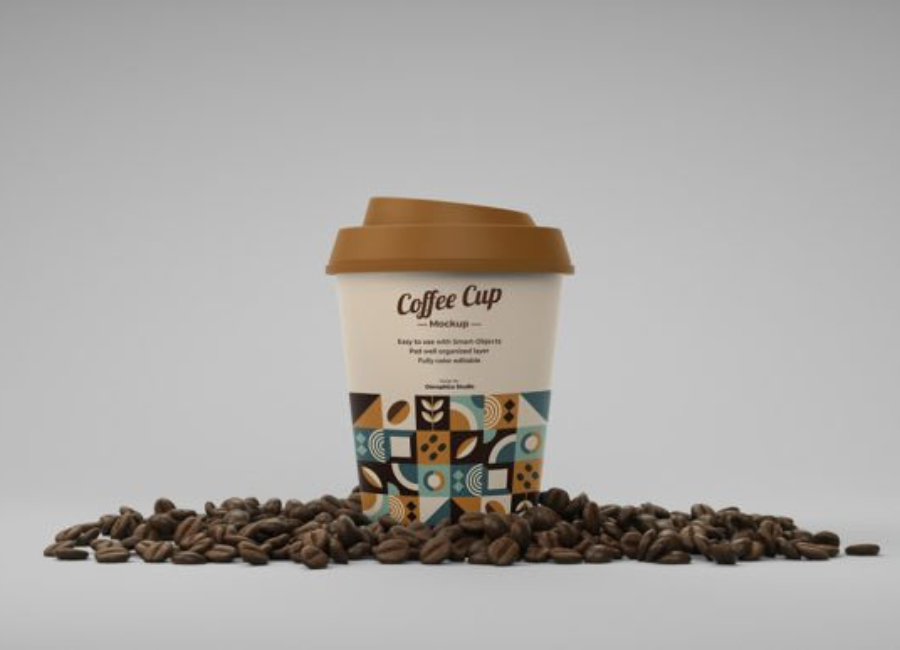
Some mock-ups feature minimal scenes with a clean, neutral background. These are perfect to showcase modern and elegant branding designs where simplicity is key.
3. Scene & Lifestyle Mock-ups
More elaborate mock-ups include environments like tables, coffee beans, or props that give context — ideal for marketing materials or product imagery for websites and social feeds.
4. Online Generators
Some online tools let you customize coffee cup mock-ups directly in your browser without design software. These are quick and accessible for non-designers or early testing phases.
How to Use a Coffee Cup Mock-up: Step-by-Step
Step 1: Select the Right Mock-up
Choose a mock-up that fits your style and project goals. If your design is minimalist, a clean background may work best; for lifestyle branding, a scene with props could enhance context.
Step 2: Prepare Your Artwork
Before inserting into the mock-up, finalize your design elements:
High-resolution logo and graphics
Vector files if possible
Color palette adjusted for cup material
This preparation ensures crisp, professional output.
Step 3: Open Your Mock-up File
In Photoshop, open your PSD mock-up. Locate the smart object layer usually named something like “Your Design Here” or “Place Logo.”
Step 4: Replace the Placeholder
Double-click the smart object layer, paste your artwork into that window, save, and return to the main mock-up file. Photoshop automatically places it on the cup with realism and perspective.
Step 5: Adjust Lighting and Shadows
Fine-tune lighting, shadows, and background colors to make the design look as natural or dramatic as preferred.
Step 6: Export and Share
Export the final design at high resolution for use in client presentations, portfolios, marketing materials, or social media.
Best Practices for Effective Mock-ups
Focus on Context
While realistic mock-ups help clients visualize the design, don’t clutter the scene. Use props and environments sparingly so the focus remains on the branding.
Use Smart Object Layers
Always work with mock-ups that support smart objects — they make editing easier and more consistent across multiple versions.
Match Lighting and Mood
The mood of your design presentation should align with brand identity — cozy and warm for a boutique café, bold and bright for a modern brand. Adjust lighting to enhance this mood.
Explore Different Angles
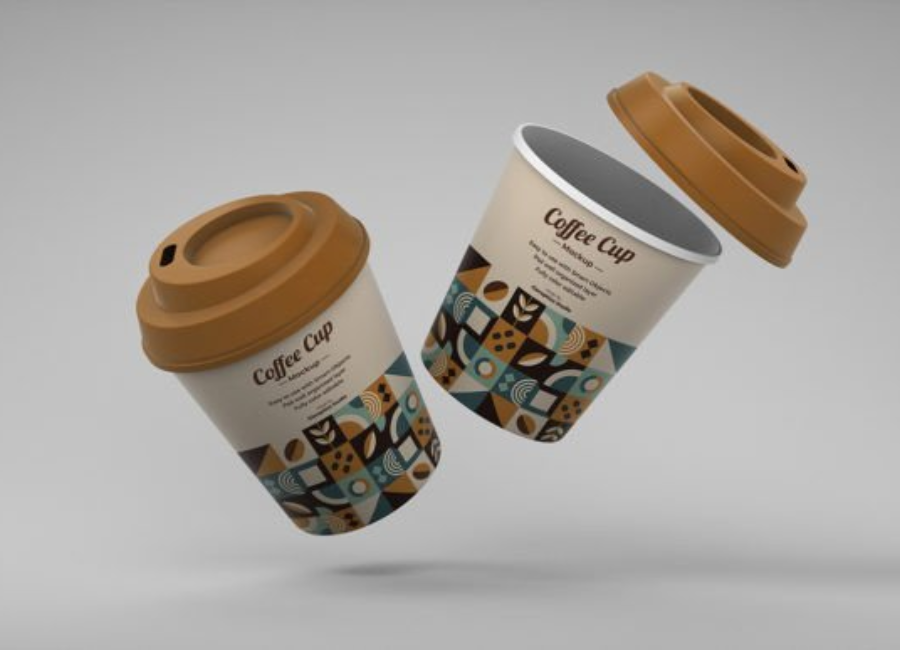
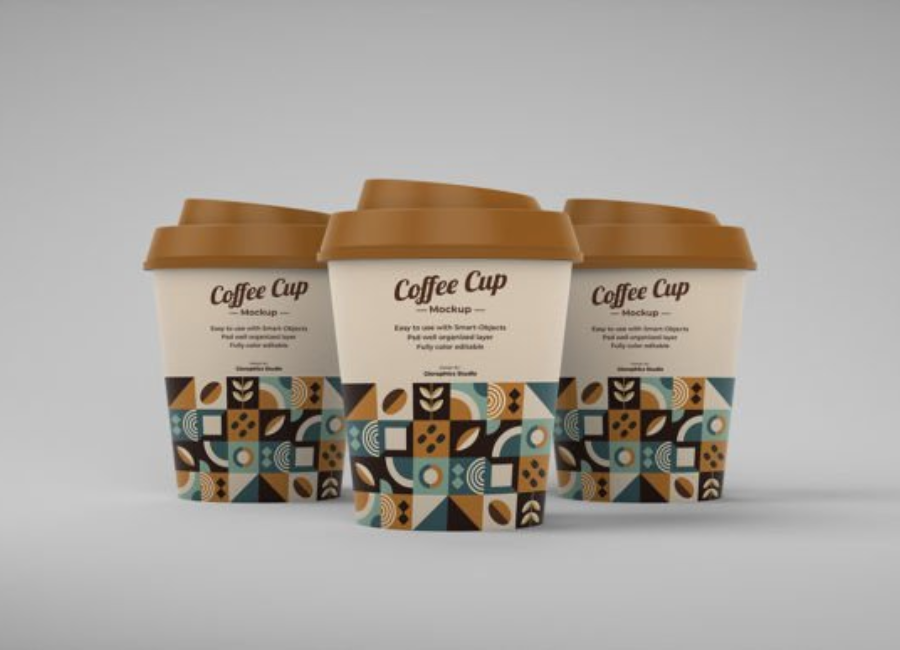
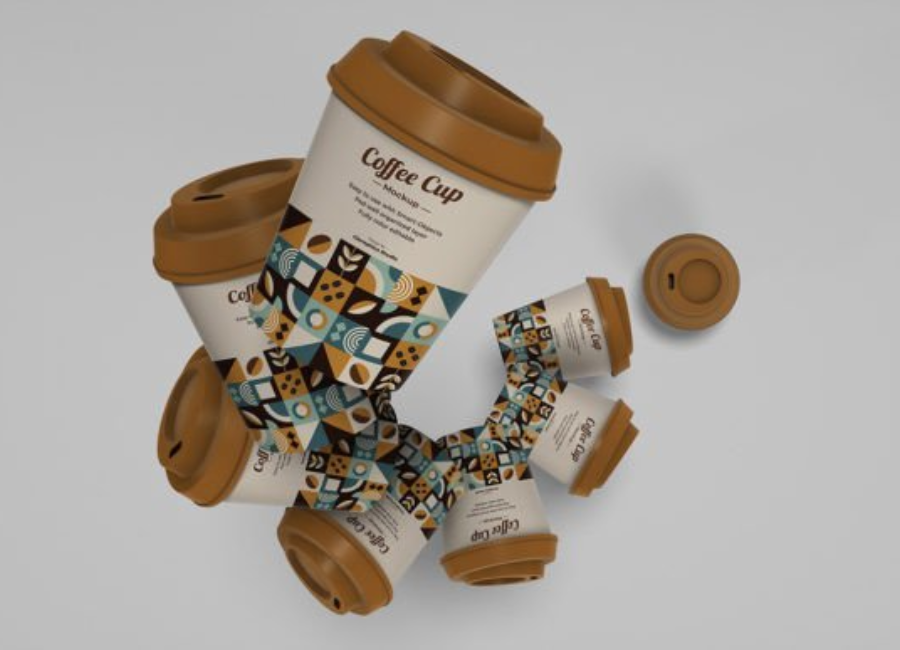
Show the design from multiple perspectives — front, angle, top view — so stakeholders can see how it performs in varied contexts.
Common Mock-up Use Cases
Brand Pitch Presentations
When designers present to clients or stakeholders, mock-ups make the concept tangible. Instead of flat artboards, clients see how branding behaves on an actual object.
Marketing & E-Commerce
Mock-ups are often used in websites, social media, and promotional visuals. They help demonstrate product packaging before production, helping generate buzz and anticipation.
Portfolio Showcases
For freelance designers and studios, including coffee cup mock-ups in a portfolio shows professionalism and adds real-world context to your design work.
Where to Find Mock-up Resources
There are numerous places to find coffee cup mock-ups:
Free PSD downloads with smart object layers for quick presentations.
Scene and branding packs that include multiple mock-ups with props and backgrounds.
Online template editors for quick customization without Photoshop.
Sites like graphic mock-up repositories offer free and premium selections, making it easy to choose a template that fits your brand’s aesthetic.
Tips for Better Branding with Coffee Cup Mock-ups
Test Legibility
Before finalizing, check that typography and logos are readable on the mock-up at actual size. Adjust spacing and contrast as needed.
Stay Consistent
Maintain consistency between the mock-up style and other branding elements like menus, signage, or merchandise.
Consider Contextual Backgrounds
For lifestyle presentations, select backgrounds that reflect the brand’s vibe — rustic wood, clean café counters, nature scenes, or minimalist studio lighting.
Conclusion
A coffee cup mock-up is more than a pretty image — it’s a strategic tool that elevates brand presentation, enhances client communication, and accelerates design refinement. Whether you’re a seasoned designer, a startup founder, or a marketing professional, mastering coffee cup mock-ups gives you a competitive advantage in visual storytelling and packaging design.
With realistic templates, smart object layers, and thoughtful presentation techniques, your coffee branding will resonate with clarity and professionalism. And the next time you sit down with a cup of coffee, remember — the design on that cup might just have started life on a mock-up.