Coffee Mug Cup Mockup: A Complete Guide for Designers, Brands, and Creatives
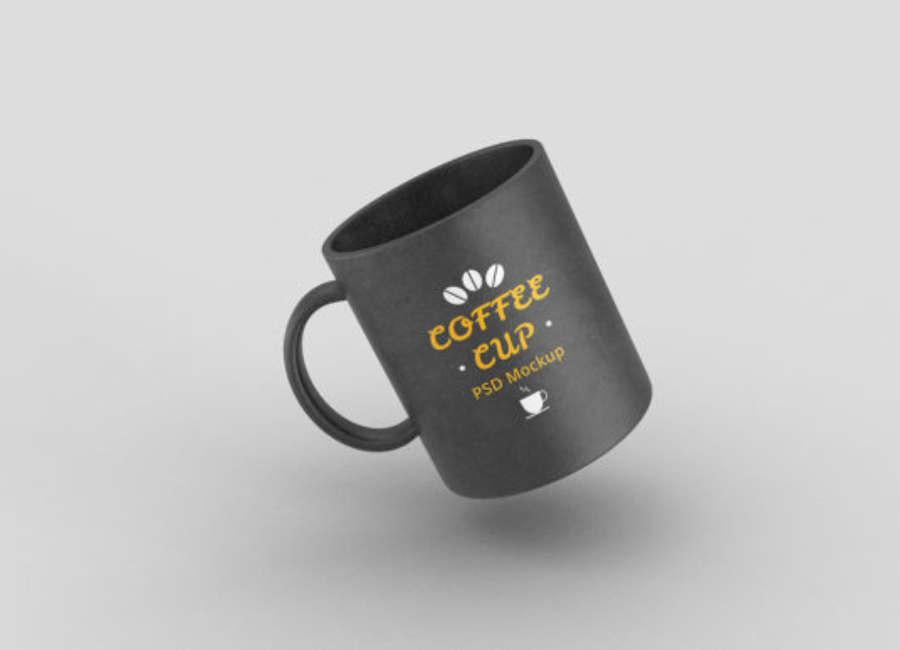
A Coffee Mug Cup Mockup is more than just a pretty picture — it’s a visual tool that helps designers, business owners, and creatives showcase their artwork, logo, or branding on a life-like representation of a mug before physical production. Whether it’s for client presentations, portfolios, ecommerce listings, or promotional materials, coffee mug mockups bring designs to life in a realistic and compelling way.
In this article, we’ll explore what a coffee mug mockup is, why you should use one, the different types available, how to create and use them effectively, and tips to make the most out of your mockup presentations.
What Is a Coffee Mug Cup Mockup?
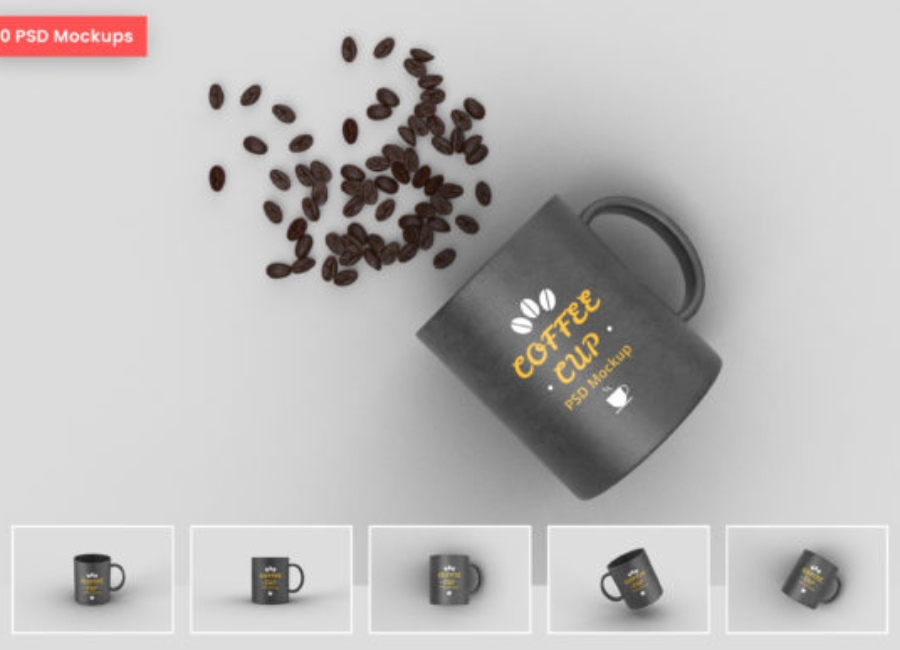
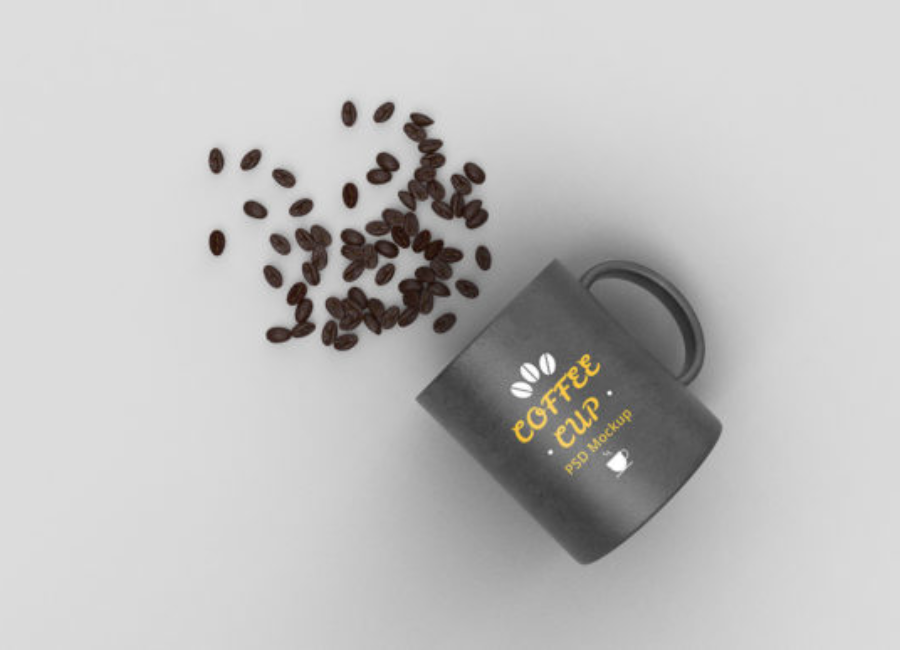
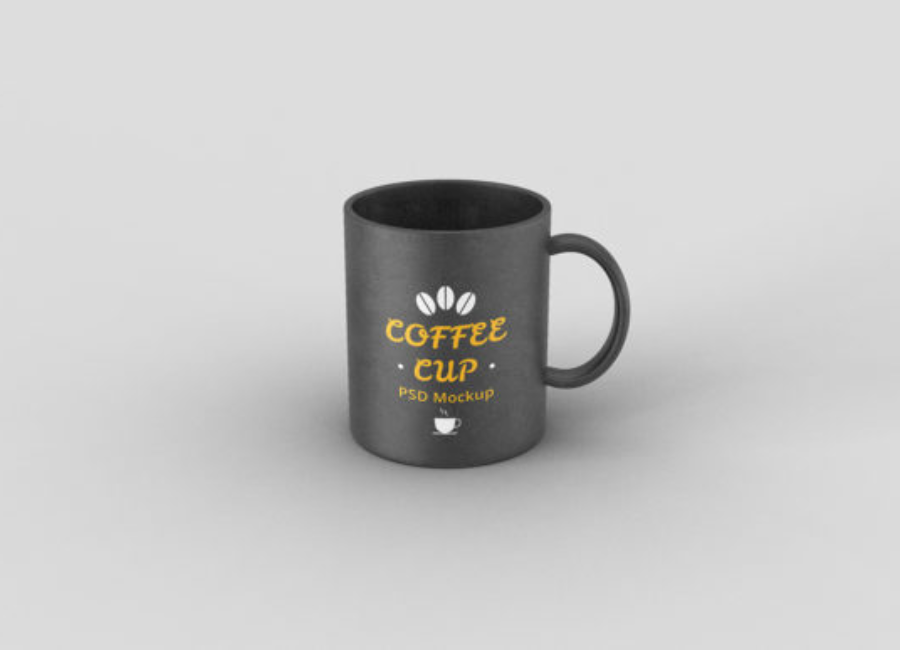
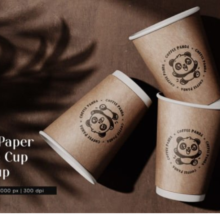
A coffee mug mockup is a digital file — most often in Photoshop (.PSD) or available through web-based generators — that allows you to place a design onto a mug image in a realistic scene. Most mockups use smart object layers so that you can easily insert your artwork, logo, or pattern into the template with minimal effort. The mockup then displays your design wrapped around or placed on the mug, complete with lighting, shadows, and textures that simulate real photography.
Mockups serve as a visual preview of a design in a real-world context without needing to create and photograph a physical product — saving time, money, and effort.
Why Use a Coffee Mug Mockup?
1. Bring Designs to Life with Realism
Flat artwork — such as a logo file, SVG, or illustration — doesn’t always communicate how a design will feel in reality. A mug mockup places your art within a natural 3D space, showing how it looks under realistic lighting, perspective, and texture. This helps clients and stakeholders better visualize the final product.
2. Speed Up Design Iterations
Instead of ordering multiple physical prototypes, designers can quickly experiment with multiple versions digitally. Changing colors, adjusting logo placement, or testing background setups becomes instant — enabling rapid refinement before printing or production.
3. Enhance Presentations and Portfolios
High-quality mockups elevate your presentations and portfolios. Whether you’re proposing a brand identity for a café, showcasing ecommerce products, or building a case in a pitch, a polished mockup shows professionalism and design intent.
4. Support Ecommerce and Marketing Materials
Mockups are ideal for online stores, social media content, ads, and packaging previews. Showing a product in context helps customers imagine owning it, boosting engagement and conversion.
5. Cost Efficiency
Physical prototypes — especially custom printed mugs — can be expensive and slow to produce. Mockups avoid these costs entirely, making them ideal for early stages of design or marketing planning.
Types of Coffee Mug Cup Mockups
Different projects call for different mockup styles. Here’s an overview of common types:
1. Static Photoshop (.PSD) Mockups
These are layered Photoshop files that include editable smart objects. Smart objects allow you to replace placeholder artwork with your design quickly. These files often include multiple angles and customizable backgrounds — perfect for professional presentations, print, and digital use.
2. Online Mockup Generators
Web-based tools like Canva’s mug mockup generator or Kittl’s mockup editor let you upload your design directly in your browser and preview it on tables, cozy scenes, or clean product shots. These don’t require Photoshop and are accessible for beginners.
3. AI-Powered Mockup Tools
Some generators (e.g., AI mug mockup sites) let you upload artwork and automatically generate realistic mockups that wrap your design around the mug and include shading, highlights, and background settings. They often offer multiple styles and allow downloads in high resolution.
4. Scene & Lifestyle Mockups
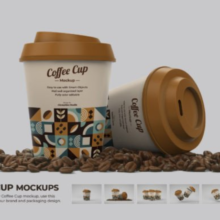
Going beyond simple product shots, some mockups place mugs in real life environments — on kitchen counters, coffee shop tables, or alongside accessories like beans and pastries. These are ideal for marketing imagery and social posts.
How to Create a Coffee Mug Mockup – Step-by-Step
Here’s a general workflow you can follow, whether you’re using Photoshop or an online generator:
Step 1: Choose Your Mockup Base
Pick a mockup style that fits your project’s goal. For portfolio or client pitches, high-resolution PSD mockups work best. For quick previews or social media banners, online generators may be faster.
Step 2: Prepare Your Design
Ensure your logo, artwork, or pattern is ready at high resolution. If possible, work with vector files (SVG, EPS) so they remain crisp when scaled. Decide where the design should sit on the mug — centered, wrapped, or positioned to a handle.
Step 3: Insert Your Design
In Photoshop: Double-click the smart object layer labeled something like “Place Your Design Here.” Paste your artwork, save, and close the smart object window to see it applied.
Online Tool: Upload your design through the tool’s interface and drag it into place. Tools like Canva let you scale and align the artwork without external software.
Step 4: Customize the Scene
Adjust background colors, shadows, lighting, or props. A neutral or clean background keeps the focus on the mug, while lifestyle scenes add context and mood.
Step 5: Export Your Final Image
Export in high resolution (e.g., 3000×3000 px or more) so your mockup looks good on both screens and prints. Save versions optimized for web (smaller file size) and print (higher resolution) as needed.
Best Practices for Coffee Mug Mockups
1. Use Smart Objects Wisely
Smart objects ensure your design stays editable and optimized. When possible, choose mockups that support these layers — they make editing faster and prevent distortion.
2. Maintain Visual Consistency
When creating multiple mockups for a brand (e.g., mugs, tote bags, stickers), use consistent lighting and background styles so all visuals look unified.
3. Check Readability and Contrast
Mug surfaces — especially darker or colored ones — can affect how designs appear. Make sure text and logos remain legible and don’t blend into the mug’s base color.
4. Showcase Multiple Angles
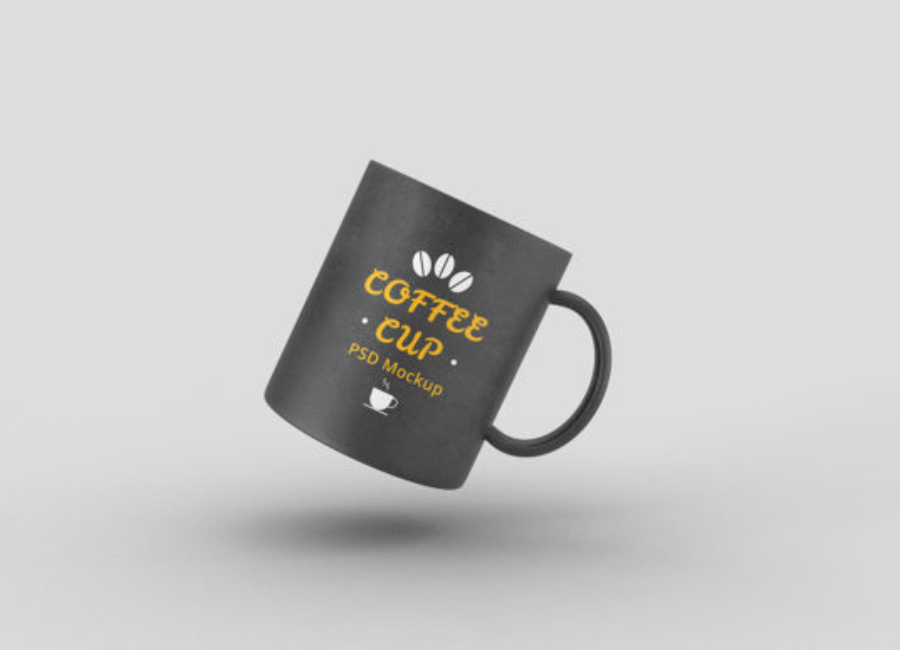
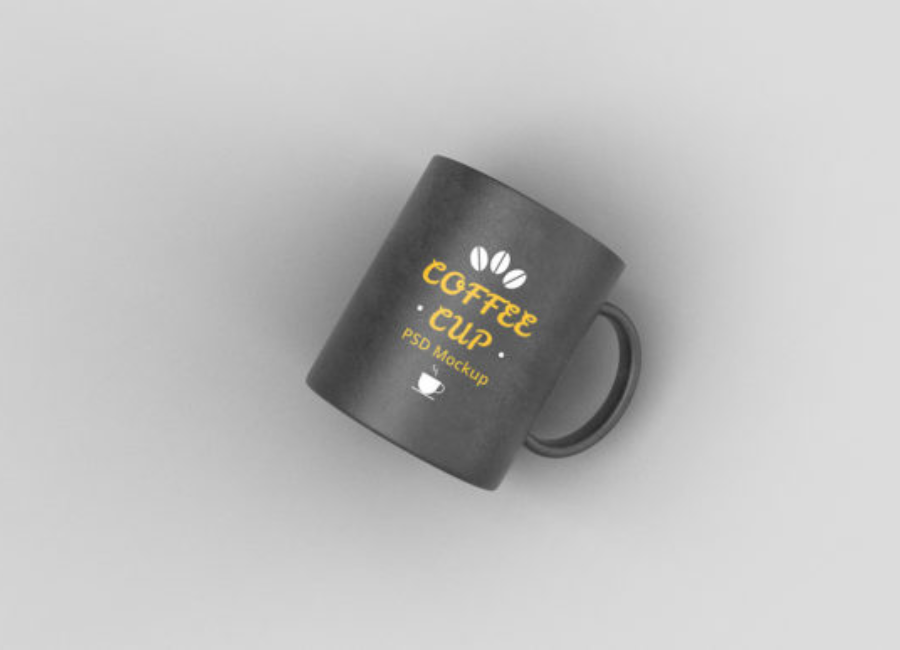
Clients often appreciate seeing frontal, side, and tilted views so they can fully understand how the design wraps around the mug.
5. Use Mockups as Marketing Content
Don’t just use mockups for proposals — post them on social media, include them in your ecommerce product galleries, or feature them in advertising materials.
Common Mistakes to Avoid
1. Using Low-Resolution Designs
Low-resolution artwork looks blurry and unprofessional. Always work with high-quality files for clean mockups.
2. Ignoring Backgrounds
A busy or mismatched background distracts from your design. Keep it simple or aligned with the brand’s aesthetic.
3. Skipping Feedback Loops
Always get feedback — especially for client work — before finalizing your mockup prints.
4. Overloading Design Elements
Too many graphics or competing elements on a small mug area can feel crowded. Keep it simple and focused.
Applications of Coffee Mug Mockups
Brand Identity Projects
When building a coffee brand or café identity, use mug mockups to show how your logo, color palette, and design system perform on real products.
Marketing Campaigns
Mockups help visualize seasonal promotions, limited-edition merchandise, or themed campaigns before physical production.
Ecommerce Listings
High-quality mockups often replace product photography for online shops — especially in early stages of selling custom mugs.
Print On Demand
Platforms that sell custom mugs use mockups as product previews so customers see how designs will look before they buy.
Where to Find Mockup Resources
There are many places to get coffee mug mockups:
Online generators like Canva, Kittl, and Mockup Labs make mockups in your browser.
Free PSD mockups available from resources like GoodMockups or GraphicsFamily.
Premium packs with multiple angles and high resolutions from Creative Market.
Conclusion
A coffee mug cup mockup is a powerful visual design and marketing tool. It helps you present your designs realistically, speed up creative iterations, and enhance client and customer engagement — all without needing physical prototypes. Whether you’re a seasoned designer, a café owner, or an ecommerce seller, mastering mug mockups can elevate your branding and visual communication.
With accessible online tools, smart object-ready PSD files, and best practices in hand, you’re ready to create stunning coffee mug mockups that bring your designs to life.