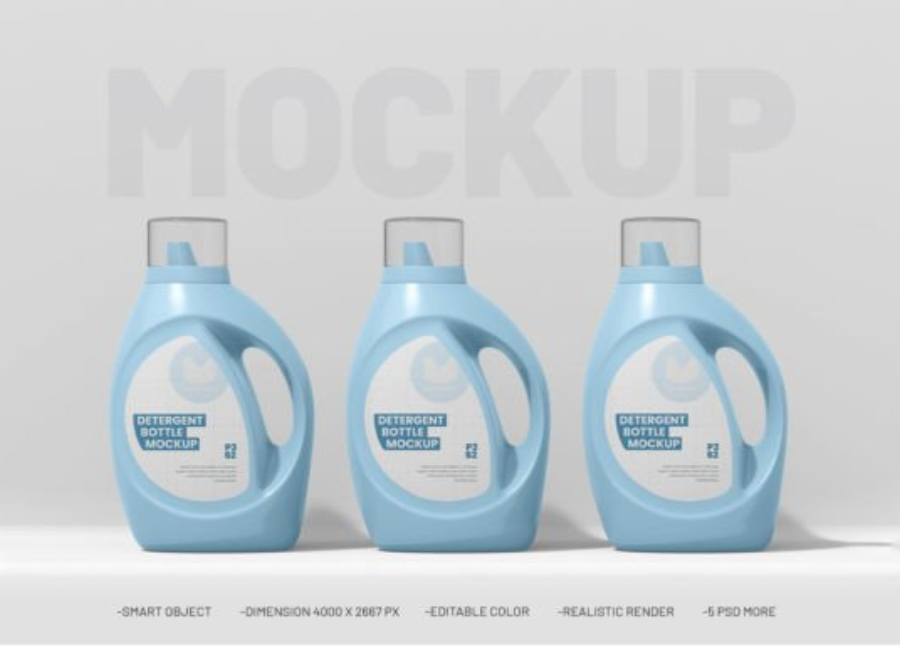
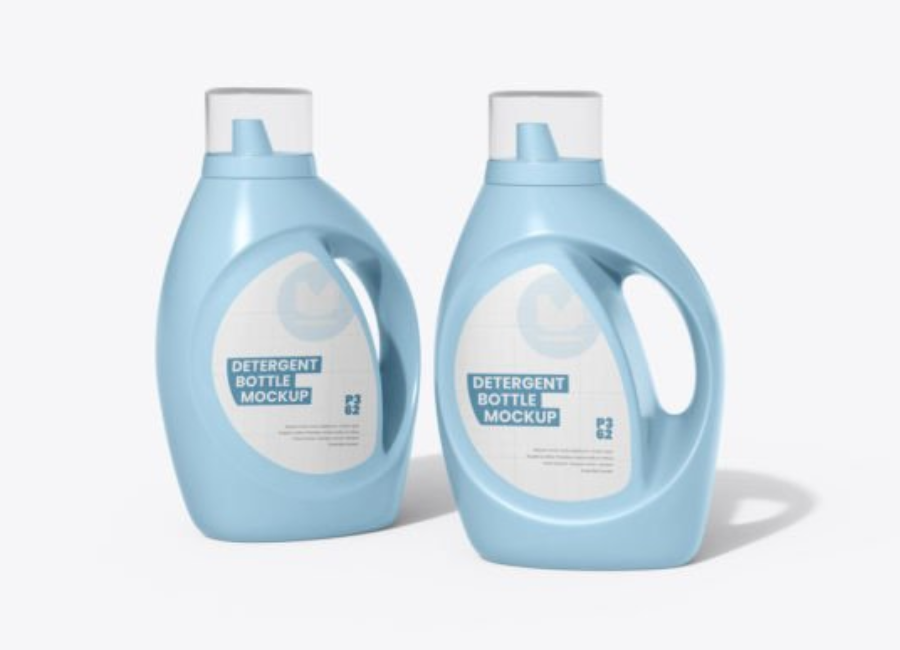
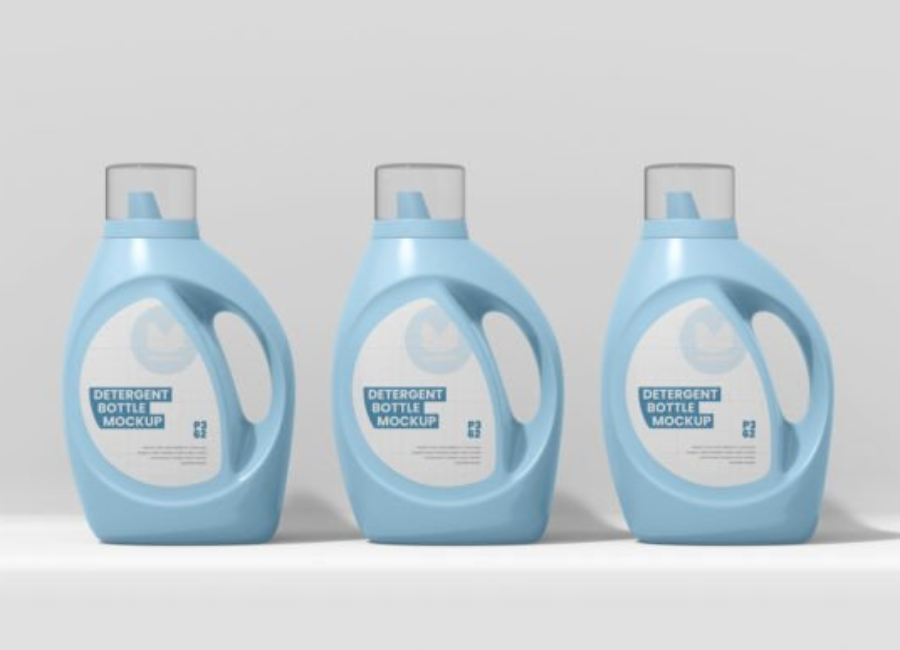
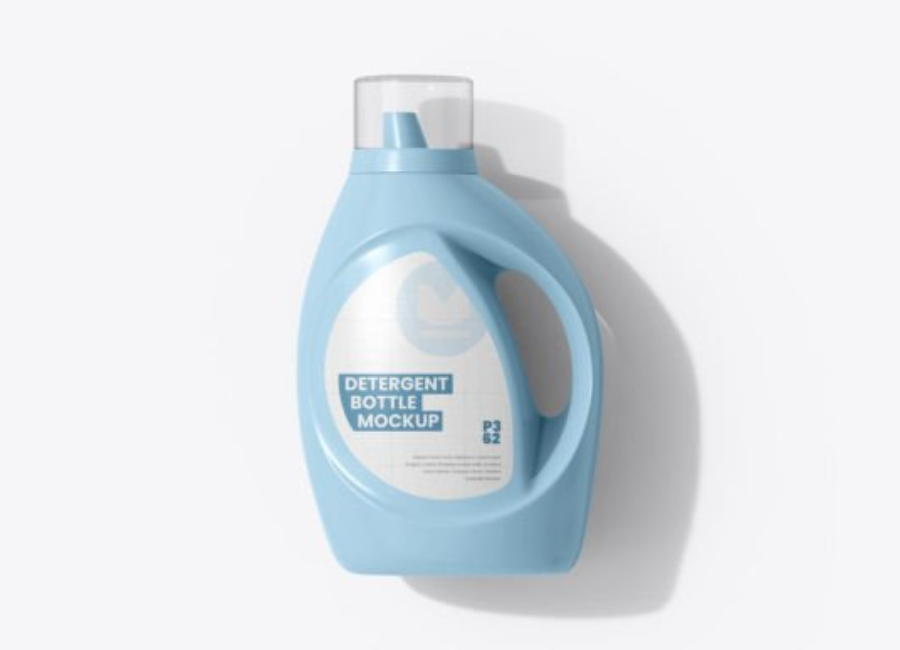
Detergent Plastic Bottle PSD Mockup – The Ultimate Guide for Designers & Brands
In the world of packaging design, presenting a concept convincingly is just as crucial as crafting the design itself. For detergent brands, liquid cleaners, and household products, the Detergent Plastic Bottle PSD Mockup has become an indispensable tool for designers, marketers, and packaging professionals. It enables you to showcase how your label, logo, and graphic design will look in real life — all without expensive photography or prototype production.
This comprehensive article dives deep into what detergent bottle mockups are, how to use them, why they matter, and how to choose the right one. Whether you’re a seasoned graphic designer or a small business exploring branding tools, this guide will help you make the most of detergent bottle PSD mockups.
What Is a Detergent Plastic Bottle PSD Mockup?
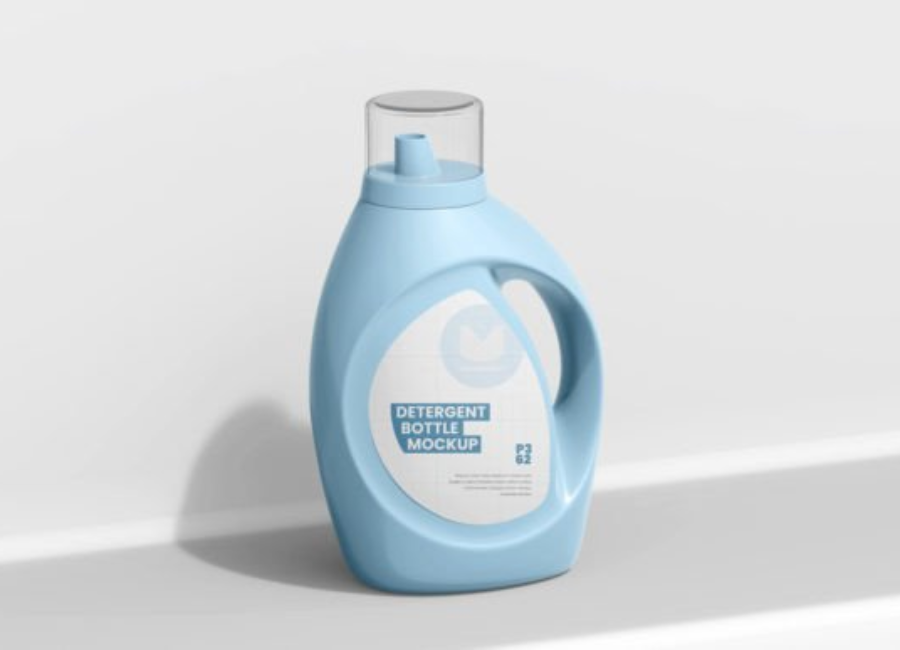
A Detergent Plastic Bottle PSD Mockup is a Photoshop file (PSD) that contains a photorealistic image of a detergent bottle, often with editable layers and smart objects. Designers can easily insert their own label artwork into the mockup. The smart object feature ensures that your design wraps around the bottle realistically, following the shape and perspective of the container.
Typical mockups include the bottle body, cap, shadows, highlights, and background — all in separate layers that can be modified independently. This makes it possible to change colors, adjust lighting, and even alter background scenes for different presentation contexts.
Why Use a Detergent Bottle Mockup?
1. Professional Presentation
Mockups elevate your design from flat sketches to polished visuals. They simulate real product packaging, helping clients or stakeholders visualize the final product more clearly than flat designs or sketches. Designers can make label layouts look market-ready and professionally rendered.
2. Cost-Effective Prototyping
Creating a physical prototype with printed labels and photography can be costly — especially for multiple versions. With PSD mockups, you can test different branding concepts without any physical production, saving both time and money.
3. Faster Approval and Feedback
Clients often struggle to understand packaging designs presented in isolation. A realistic mockup bridges that gap, allowing stakeholders to approve label placement, colors, and branding elements faster because they can see exactly how it will look.
4. Boosted Marketing and E-Commerce Appeal
Mockups aren’t just for internal design review — they’re also powerful marketing tools. You can use them on e-commerce product pages, social media posts, branding decks, and promotional materials to give customers a vivid impression of your product.
5. Enhanced Portfolio Display
For designers and agencies, including well-executed mockups in portfolios demonstrates not just artistic ability, but real-world application of packaging design skills.
Features of a High-Quality Detergent Bottle PSD Mockup
When choosing or creating a mockup, consider the following features:
✔ Smart Object Integration
Smart objects allow seamless placement of your artwork — just double-click, paste your label design, save, and the template updates automatically.
✔ High Resolution
Look for mockups with resolutions of at least 3000-4000 pixels on the longest side, ensuring clarity even in print and detailed previews.
✔ Customizable Color Layers
Being able to change the color of the bottle, cap, or background lets you align the presentation with brand colors.
✔ Realistic Shadows & Lighting
High-quality mockups simulate real lighting conditions with shadows, reflections, and highlights that enhance realism and depth.
✔ Multiple Angles & Variants
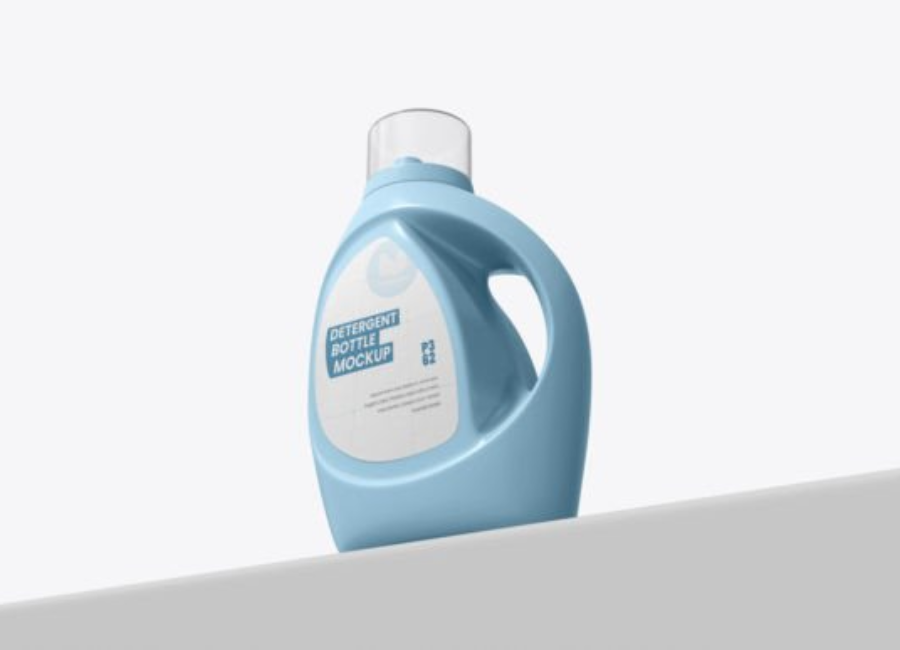
Some mockups include different views (front, perspective, top) or multiple bottle styles — adding diversity to presentations.
Common Types of Detergent Bottle Mockups
Detergent bottles come in many physical shapes, and different mockups reflect these variations:
Standard Liquid Detergent Bottles
These are tall bottles with a screw top or handle, common for laundry liquids and household cleaners.
Gallon-Size Jugs
Larger containers for bulk detergents or industrial cleaners. These mockups often show handles and extra label space.
Spray Bottle Mockups
While not a traditional detergent jug, spray bottles are used for cleaning products and surface cleaners, showcasing more contemporary designs.
Freeform Bottle Mockups
Some free templates provide a generic bottle shape useful for versatile product presentations — from toilet cleaners to fabric softeners.
Step-by-Step: How to Use a PSD Mockup in Photoshop
Using a detergent bottle mockup may vary slightly depending on the file, but the basic process is usually:
Open the PSD file in Adobe Photoshop.
Locate the Smart Object layer — typically named something like “Your Design Here.”
Double-click the Smart Object thumbnail.
Paste your label or artwork into the Smart Object window.
Save and close the Smart Object.
Adjust background, lighting, or bottle colors if needed.
Export the final image for use in presentations, web shops, or client previews.
This simple workflow helps you create professional presentations without complex 3D tools.
Where to Find Detergent Bottle Mockups
There are many sources for mockups online:
Free Mockup Resources
Mockup files available from sites like the one offering detergent bottle PSDs that allow you to change bottle and cap colors, and background elements.
Free generic detergent bottle PSD files for quick label presentation with smart layers.
Simple bottle mockups that support personal and commercial use, ideal for designers on a budget.
Premium Marketplaces
Sites like Creative Market offer higher-quality mockups with organized layers, help files, and advanced customization options.
Online Mockup Generators
Web tools let you upload designs and adjust bottle visuals without Photoshop — useful if you don’t have the software.
Best Practices When Using a Detergent Bottle Mockup
To achieve the best results with your mockup:
Keep Label Text Clear & Legible
Ensure the product name, usage instructions, and branding elements fit well within the label space. Mockups are only as effective as the design inserted into them.
Match Brand Color Palette
Use background and bottle colors that reflect your overall brand identity. Dark backgrounds can highlight bright labels, while white bottles create a clean, modern look.
Use Multiple Angles
Present your design from several views to give clients or stakeholders a complete understanding of how the final retail product will appear.
Export in High Resolution
When designing for print or large-format presentation, export mockup images in the highest possible resolution.
Combine with Marketing Material
Integrate mockup images into product pages, brochures, and social media graphics for a coherent brand presentation.
As digital marketing evolves, visual tools like mockups are increasingly important. Before consumers ever see a physical bottle, they interact with images online. For this reason, industries from cosmetics to household cleaners rely on mockups for product launches, investor pitches, and online stores.
In the future, mockups could integrate AR (augmented reality) or be created via generative AI, but Photoshop PSD mockups remain a core component of design workflows due to their flexibility, ease of use, and wide adoption among designers and brands.
Conclusion
The Detergent Plastic Bottle PSD Mockup is a powerful and versatile tool for designers and brands. It enables professional, cost-effective presentations of label design and packaging concepts. Whether you’re pitching to clients, launching a new product line, or refining your brand identity, using a high-quality mockup ensures your design looks polished and market-ready.
From understanding the basics of smart objects to choosing the right mockup for your project, the insights in this guide will help you elevate your packaging visuals and communicate your creative vision with impact.