Kraft Paper Coffee Cup Mockup – A Complete Guide for Designers and Brands
In today’s crowded marketplace, branding matters — especially when it comes to coffee and café culture. Whether you’re launching a boutique coffee brand, creating marketing materials for a café, or preparing a pitch for investors or clients, presenting your design professionally is essential. This is where the kraft paper coffee cup mockup becomes an invaluable tool. In this article, we’ll explore what a mockup is, why kraft paper cups are popular, how mockups help your design process, and practical tips for using, creating, and presenting kraft coffee cup mockups effectively.
What Is a Mockup?
A mockup is a realistic, high-fidelity representation of a design applied to a real-life object. Unlike flat designs — like logos or packaging artboards — a mockup places your artwork into a three-dimensional context. For packaging and merchandise designs, mockups help stakeholders see how the final product will look before production.
Mockups are used across industries: tech gadgets, apparel, stationary, and packaging design. For coffee brands, a mockup of a coffee cup lets you showcase your logo, patterns, colors, and typography as if they were already in use on the actual product.
Kraft Paper Coffee Cups — Why They Matter
Eco-Friendly Appeal
Kraft paper coffee cups have surged in popularity due to their natural, recyclable, and sustainable appearance. Kraft paper has a raw, earthy look that resonates with brands that emphasize organic, artisanal, or environmentally responsible values.
Designers and brands often choose kraft paper cups for:
Eco-conscious coffee brands
Artisan and specialty cafés
Pop-ups and sustainable events
Boutique branding projects
Their neutral brown tone provides a clean backdrop that allows logos and branding elements to stand out without distraction.
Why Use a Mockup for a Kraft Paper Coffee Cup?
Mockups serve several important purposes in the design and branding workflow:
1. Visual Realism and Presentation
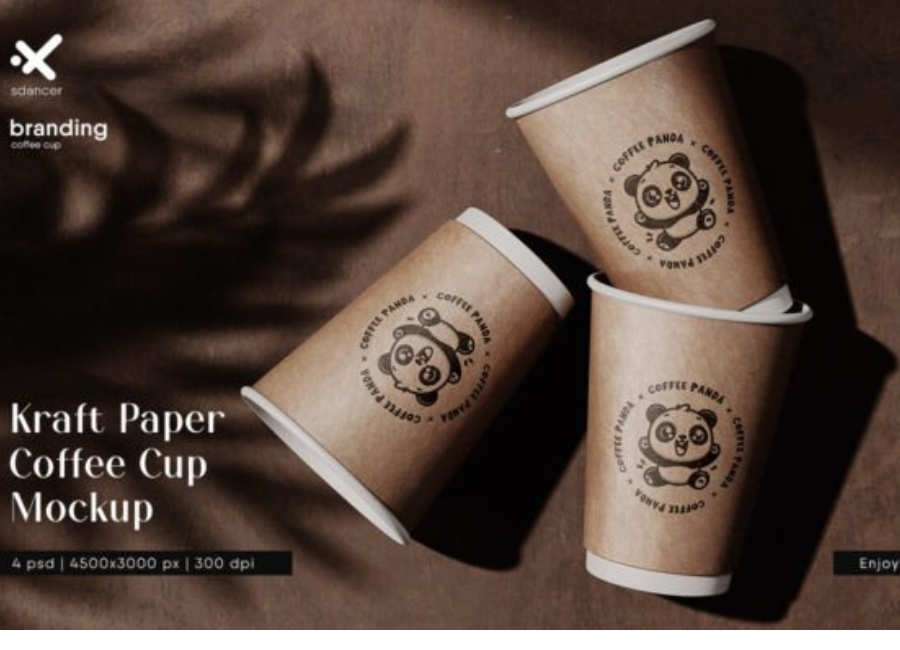
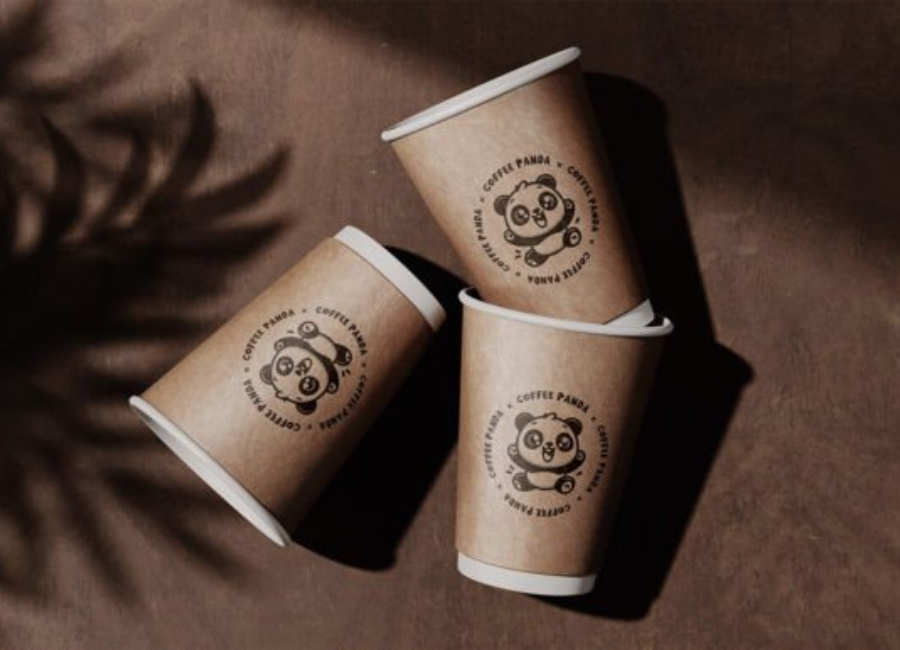
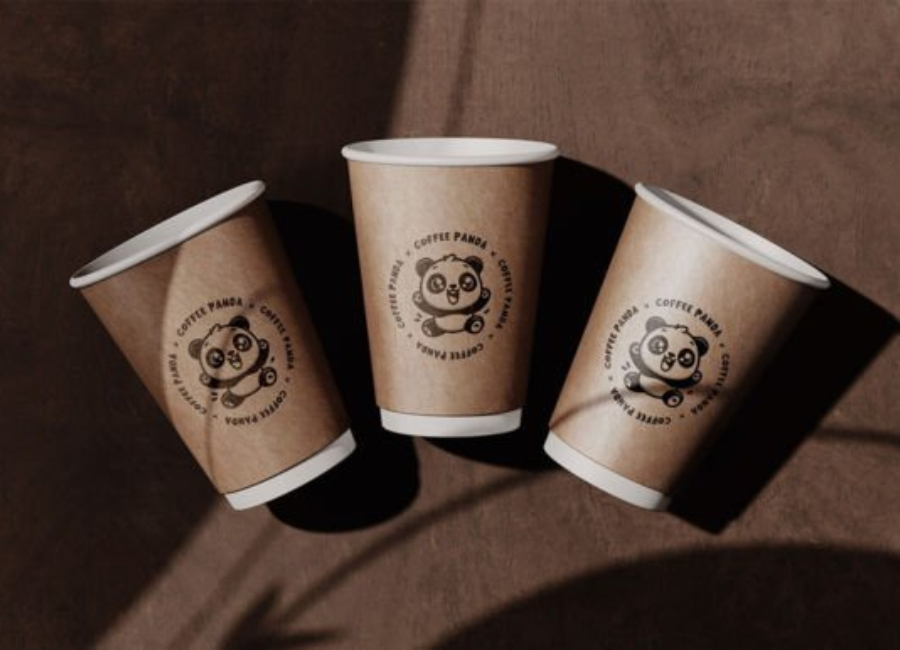
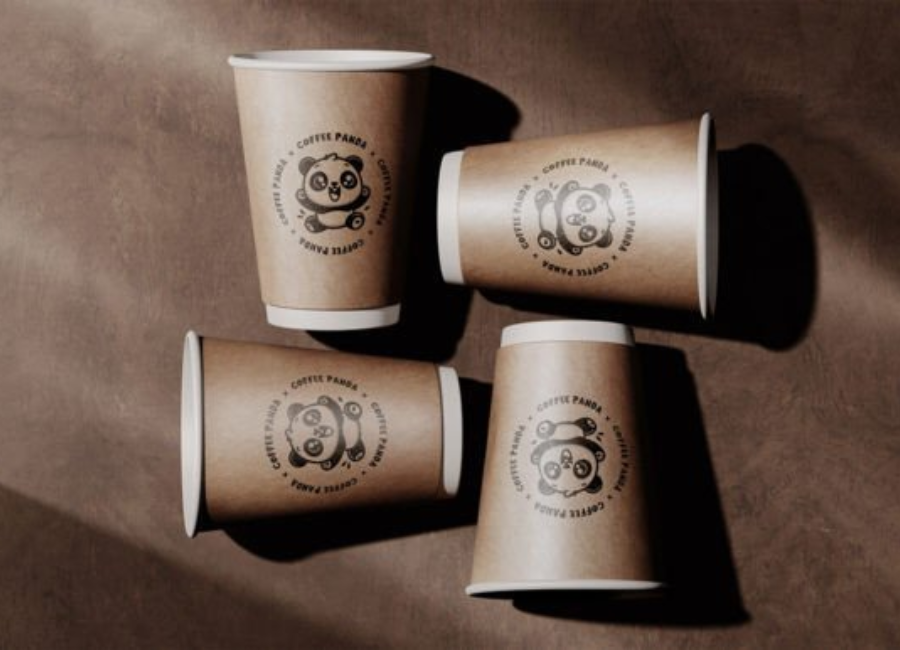
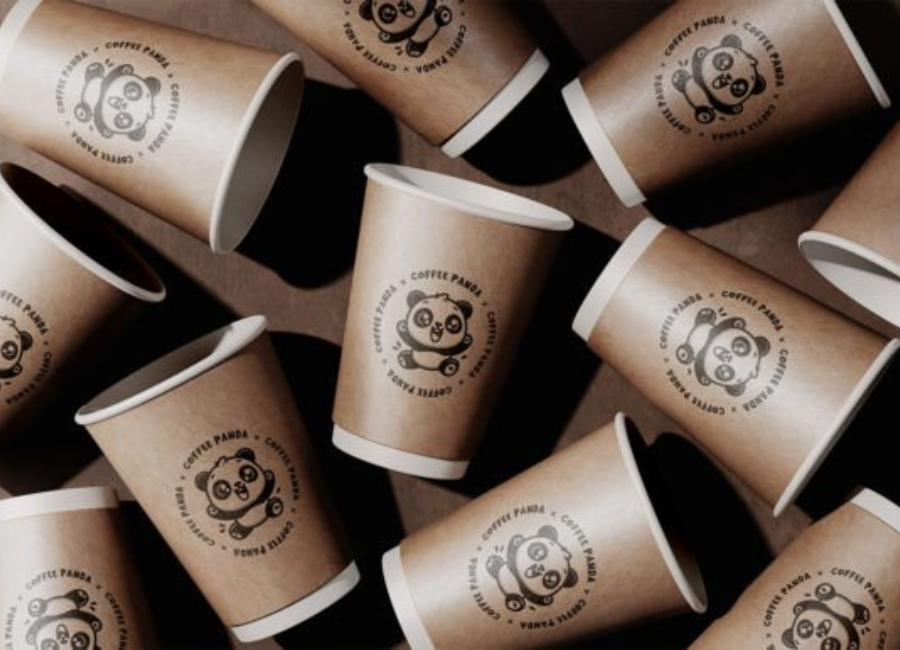
A mockup transforms a flat pattern or logo into a photo-realistic preview of how the design will look on an actual kraft paper coffee cup. This helps clients, team members, and stakeholders visualize the final product more clearly than static illustrations can.
For example, a kraft paper cup mockup can show how your logo wraps around the cup, how text aligns with the lid, and how lighting or shadows interact with the design.
2. Faster Iteration and Feedback
Instead of spending time and budget on physical prototypes, designers can generate multiple versions of mockups quickly. You can then adjust:
Logo placement
Cup color tone
Lid design
Background settings
This speeds up feedback cycles and helps refine the design before committing to production.
3. Marketing and Promotion
High-quality mockups can be used in:
Brand pitch decks
Website hero images
Social media posts
Online stores
A professional mockup makes your product look real — even if it doesn’t physically exist yet. This builds confidence with customers and clients alike.
Types of Kraft Paper Coffee Cup Mockups
Mockups come in several styles depending on your needs:
1. Static PSD Mockups
These are layered Photoshop files that include editable smart objects. Designers can replace placeholder graphics with their artwork quickly.
Editable shadows
Customizable backgrounds
Multiple angles or views
These are ideal for print portfolio pieces and client presentations because they offer maximum control.
2. Digital Mockup Generators
Online tools let you upload your artwork and instantly generate a mockup without design software. Some tools even use AI to enhance realism.
Pros:
No Photoshop required
Quick turnaround
Useful for social media assets
Cons:
Less control over specific elements
3. 3D Rendered Mockups
More advanced than static images, 3D mockups allow rotation, lighting changes, and interactive views. These are great for detailed presentations and premium brand pitches.
How to Use a Kraft Paper Coffee Cup Mockup – Step by Step
Step 1: Choose the Right Mockup File
Consider your project’s needs:
PSD layered mockup for full design control
Simple image mockup for quick social graphics
3D viewer mockup for interactive presentations
Step 2: Prepare Your Design
Before placing your artwork on the mockup, ensure you have:
A high-resolution logo
Vector graphics if possible
Clean typography
Considerations for contrast against the kraft paper tone
Step 3: Insert Your Artwork
Most mockups use smart objects (in Photoshop) where you simply:
Open the smart object layer
Paste your design
Save and close the smart object
Your design will automatically appear on the mockup — perfectly positioned and scaled.
Step 4: Adjust Light and Shadow
A realistic mockup often includes lighting and shadow effects. Adjusting these can make the presentation feel more natural or dramatic depending on the mood you want.
Step 5: Export and Present
Export the final mockup in high resolution for:
Client presentations
Portfolio showcases
Social media posts
Pitch documents
Step 6: Iterate
Share with stakeholders and collect feedback. If changes are needed, update your mockup rather than redesigning from scratch.
Best Practices for Coffee Cup Mockup Design
Keep It Consistent
If you’re presenting multiple brand elements (like cups, bags, and signage), ensure consistent lighting, angle, and background across all mockups. This consistency strengthens the brand narrative.
Use Neutral Backgrounds
Neutral backgrounds prevent distraction and keep the focus on the cup and your design.
Pay Attention to Color Contrast
Kraft paper’s brown tone can dull some colors. Make sure your design contrasts enough to be legible and visually appealing.
Mockup Context Matters
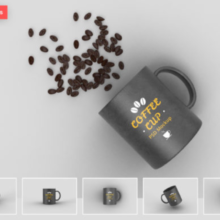
Sometimes adding a lifestyle context — like a café table, coffee beans, or a hand holding the cup — can make the mockup feel more authentic.
Label and Save Versions
Label mockup files clearly (e.g., Logo_Version1.psd, Logo_Version2.psd) to track changes and compare variations easily.
Common Mistakes to Avoid
Using low-resolution graphics: This results in blurry or pixelated mockups.
Ignoring perspective distortions: A poor fit can break the illusion of realism.
Overloading designs: Too many elements on a small coffee cup can make the design feel cluttered.
Skipping feedback loops: Always get input before finalizing your mockup for production.
Real-World Applications
Brand Launch Campaigns
Mockups are essential for launch campaigns. Use them to build anticipation on social platforms before the product is available.
Client Proposals
When pitching to a café owner or coffee startup, a mockup helps bring your concept to life — increasing buy-in and reducing back-and-forth revisions.
Packaging Design Portfolios
For designers, high-quality mockups demonstrate professional skill and attention to detail in portfolios.
Conclusion
A kraft paper coffee cup mockup is more than just a pretty picture — it’s a practical tool in the design and branding workflow. It helps you bridge the gap between flat artwork and a tangible product, improves communication with stakeholders, speeds up the design process, and enhances marketing materials.
Whether you’re a freelance designer, brand manager, or café owner looking to showcase your identity, mastering the use of kraft coffee cup mockups will elevate your visual presentation and help your brand stand out in a competitive market.