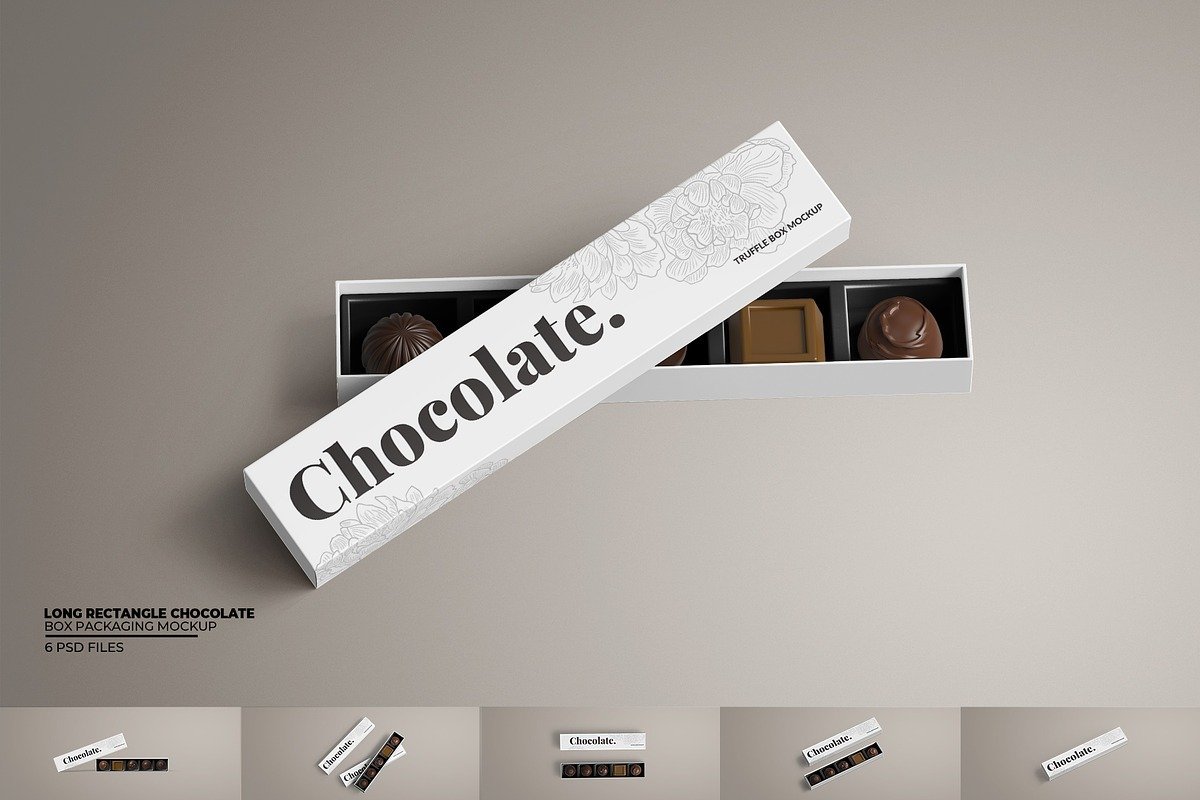
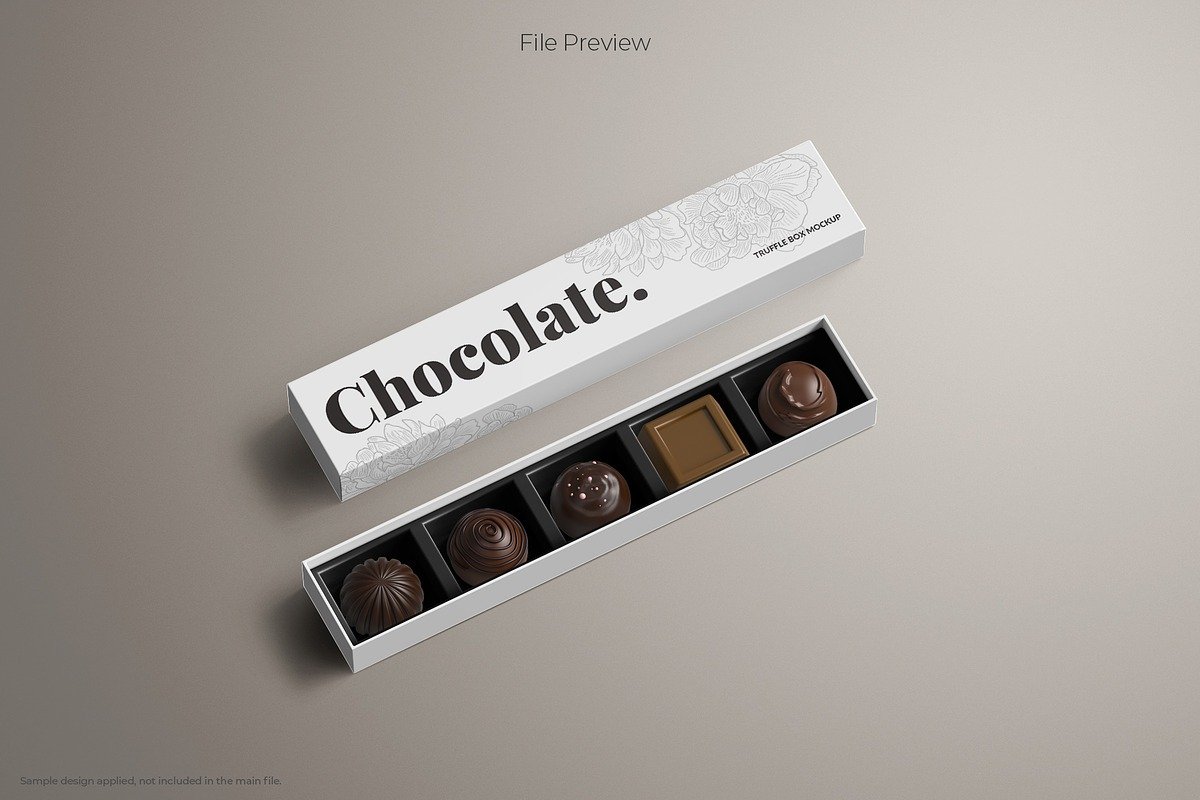
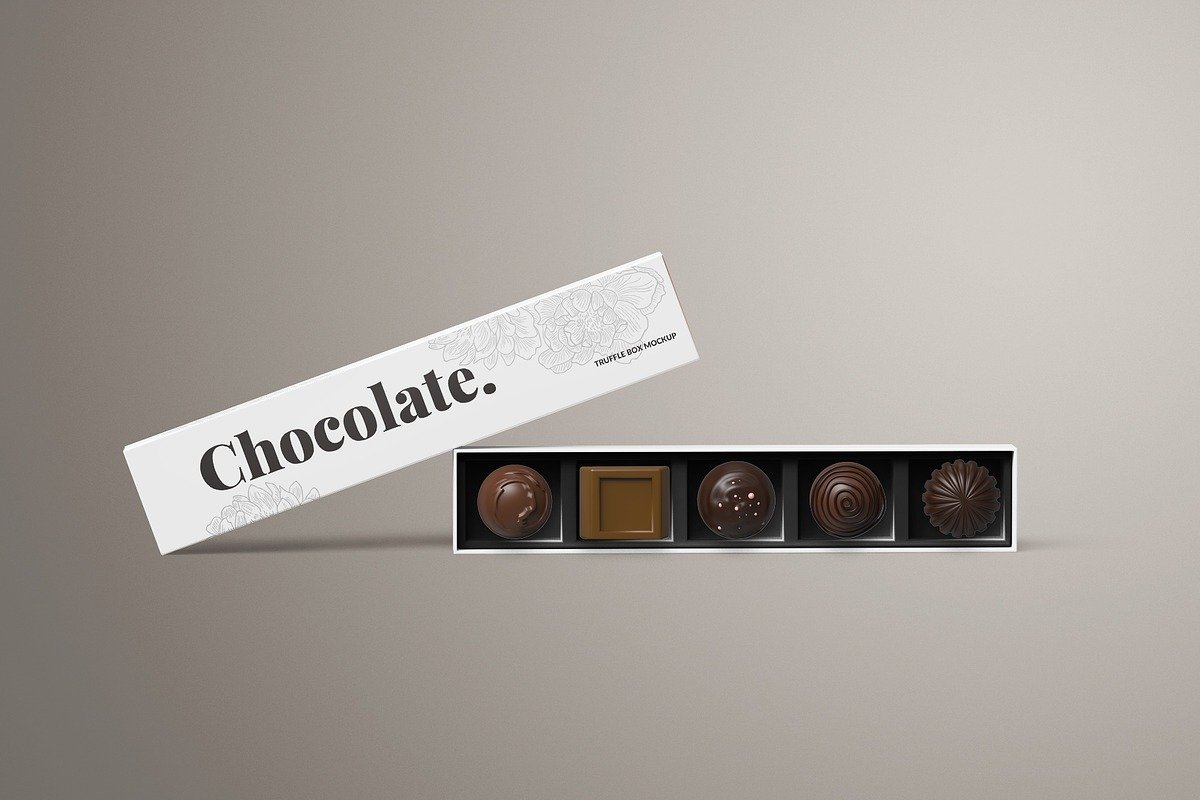
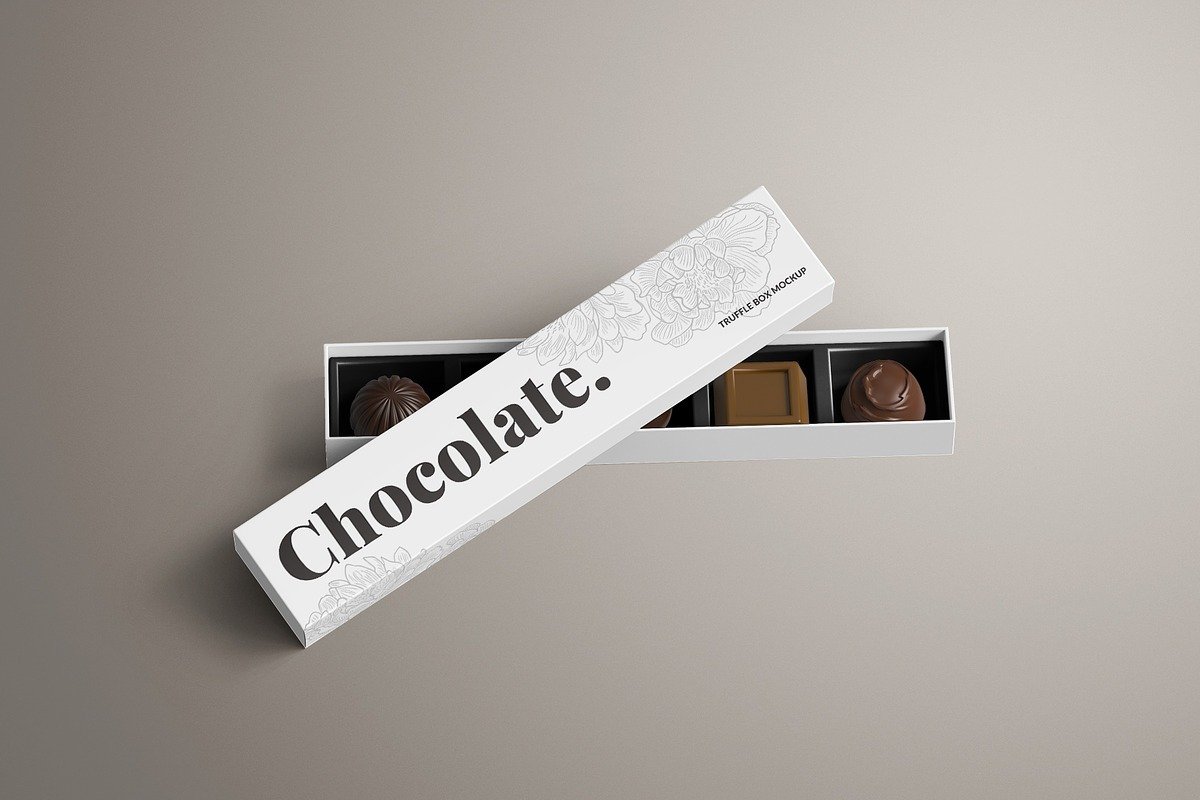
Long Rectangle Chocolate Box Mockup: The Definitive Guide (1500 Words)
In the world of product packaging design, how you present your concept is as important as the concept itself. A long rectangle chocolate box mockup is a specific type of packaging visualization tool that helps designers and brands show their chocolate packaging designs in realistic and engaging ways — before the product ever goes into production. Whether you’re preparing a client pitch, building a portfolio, creating marketing visuals, or preparing print files, mockups are one of the most powerful tools in a designer’s toolkit.
In this article, we’ll explore what these mockups are, why they matter, how they’re used, best practices, different types, and tips for creating highly effective presentations that sell designs and build brands.
1. What Is a Long Rectangle Chocolate Box Mockup?
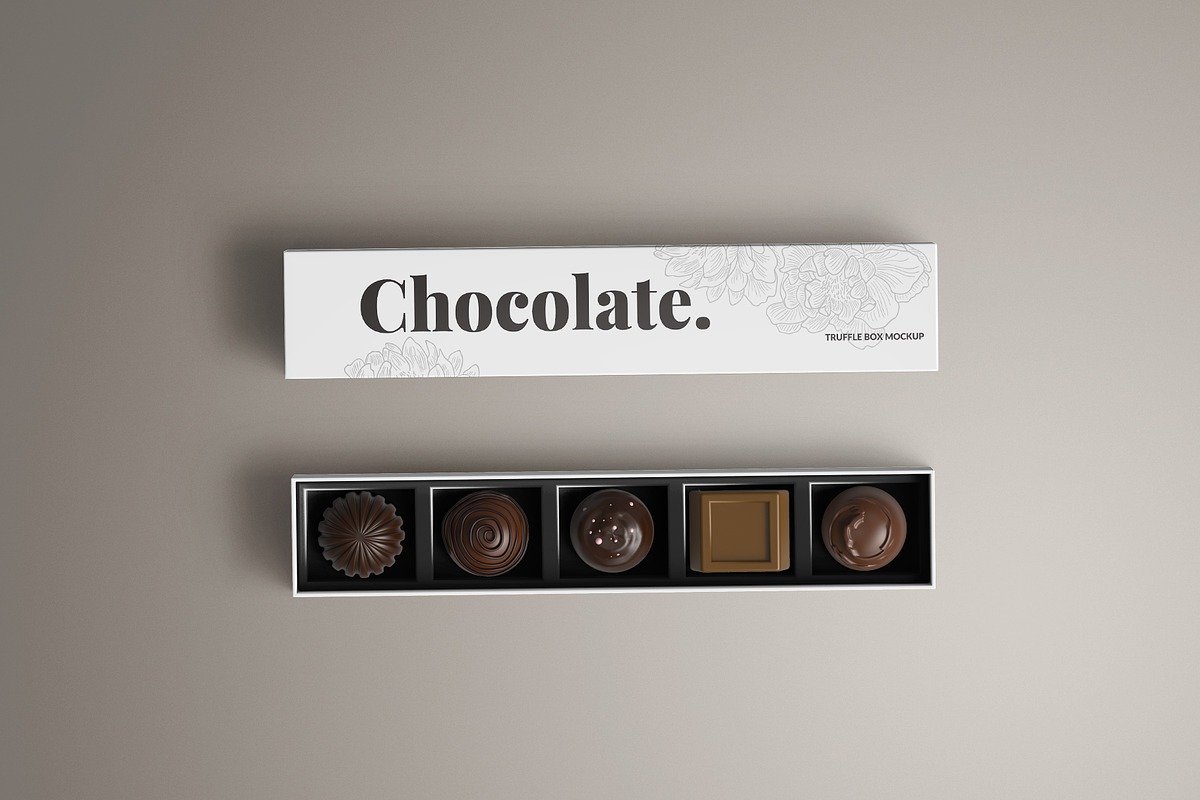
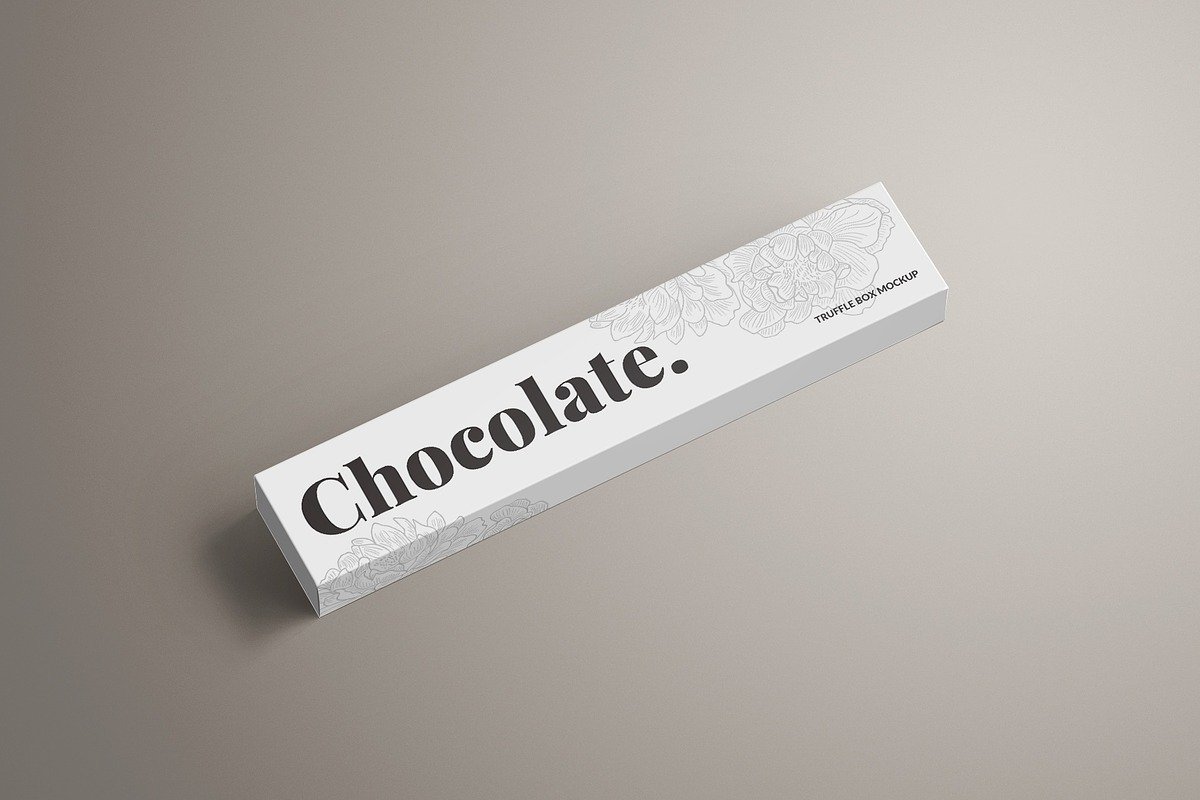
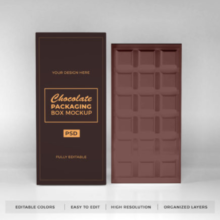
A long rectangle chocolate box mockup is a digital template — typically in PSD (Photoshop) or 3D format — that shows a chocolate box with a long, horizontal rectangular shape. This shape is especially suitable for packaging chocolate bars, chocolate sticks, artisanal chocolate assortments, and other elongated confectionery items. The mockup simulates realistic shadows, lighting, proportions, and material textures so that your design doesn’t look flat or artificial.
Unlike flat layouts or dielines (the technical outlines used for printing and cutting boxes), mockups bring your design into a three-dimensional, realistic context that buyers, clients, and marketing teams can visualize and connect with instantly.
The typical mockup file includes smart objects — special layers that allow designers to easily place their own artwork (logos, patterns, typography, colors) onto the box in just a few clicks.
2. Why Use a Mockup for a Chocolate Box?
Mockups are much more than “pretty previews.” They are strategic tools used throughout the design and marketing workflow:
Helps Visualize Design in 3D
Flat artwork or packaging dielines are difficult for non-designers to interpret. A mockup transforms flat graphics into shapes, letting you see how graphics wrap around a physical product.
Speeds Up Feedback and Approval
Clients approve faster when they see a photorealistic representation of the box rather than just sketches or flat art.
Enhances Portfolios and Branding
Professional mockups are widely used in portfolios, websites, social media, and advertising. They make your designs look market-ready.
Helps Avoid Costly Mistakes
Seeing your design in context allows you to spot errors — such as color mismatch or awkward text placement — before printing thousands of boxes.
3. The Anatomy of a Great Long Rectangle Box Mockup
While mockups vary in style and complexity, most high-quality templates share these key features:
High Resolution
Mockups need to be high resolution so that details remain sharp in print or retina-quality digital displays — especially important if the visuals will be used in slideshow presentations, large banners, or marketing materials.
Smart Object Integration
Smart Objects make editing easy: double-click the layer, paste your design, save, and your artwork wraps automatically on the 3D shape.
Organized Layers
Good mockups have clearly labeled folders for shadows, highlights, backgrounds, and design layers, making customization intuitive.
Customizable Backgrounds
Changing background color or environment allows you to tailor the presentation to match brand identity or presentation context.
Perspective Angles
Multiple viewpoints (e.g., front, top, angled close-up) help showcase different design elements — particularly helpful for advertising visuals and detailed review.
4. Where Long Rectangle Box Mockups Are Used
These mockups are versatile and widely used across industries and design activities:
Chocolate Branding & Packaging
From artisanal boutiques to global chocolatiers, long boxes are perfect for premium bars or multi-piece assortments. Mockups help communicate the brand story visually.
E-commerce Product Pages
Mockups provide realistic product presentations that improve click-through rates and conversions in online shops.
Portfolio and Case Studies
Designers use mockups to show before/after evolutions, client projects, and portfolio highlights.
Marketing Collateral
Used in social media, banners, product catalogs, brochures, advertisements, and POS materials.
Client Presentations
Presenting design options with realistic mockups helps clients understand the subtle differences between alternatives.
5. Different Styles of Long Rectangle Box Mockups
Not all mockups are created equal. Depending on your goals, you might choose one style over another:
Minimal & Clean
Perfect for portfolios and concept presentations with simple backgrounds and focus on the box itself.
Branded Scene Mockups
Includes props like ribbons, chocolates, surface textures, or supporting design elements to create a lifestyle feel (great for commercial showcases).
Multiple Perspectives
Mockups offering various angles — top, side, angled, close-up — make it easier to highlight texture, shadows, and reflective material effects.
Print-Ready Mockups
For packaging manufacturers or internal design approvals, print-quality mockups scaled to real dimensions help check alignment and color fidelity before production.
6. How to Customize a Long Rectangle Chocolate Box Mockup (Step-by-Step)
Below is a typical workflow when customizing a box mockup in Photoshop:
1. Open the PSD file
Use Adobe Photoshop CS5+ or higher. Most mockups specify minimum requirements.
2. Locate and open the Smart Object
You’ll find a dedicated layer where you can paste your artwork. Double-click it to open in a separate tab.
3. Insert your design
Copy and paste your branding, illustrations, colors, and typography into the Smart Object. Save and close.
4. Adjust background & shadows
Depending on presentation needs, tweak the background color, shadow strength, and lighting to complement your design.
5. Export
Export in the format you need — JPG, PNG, or even TIFF — for use in marketing, portfolios, or client reviews.
7. Best Practices for Using Mockups
To ensure your mockups actually drive impact, follow these tips:
✔ Use Realistic Dimensions
Match the mockup’s proportions to real packaging dimensions whenever possible.
✔ Keep Context Relevant
If presenting to clients, include brand elements like logos and color schemes to make visuals more meaningful.
✔ Utilize Multiple Angles
Showing the box from different perspectives makes your design feel more complete and intentional.
✔ Mind the Texture and Materials
Different finishes (matte, gloss, metallic) behave differently in light. Choose mockups that reflect your product’s intended material.
✔ Stay Consistent
For portfolio pieces with multiple product types, use a consistent mockup style so all visuals feel cohesive.
Even experienced designers can slip up. Here are some common errors:
Ignoring Scale
Always verify that your mockup’s scale matches your product’s expected real-world size. Misleading visuals can cause client confusion.
Over-Decorating
Too many props or busy backgrounds can distract from the design. Keep it balanced.
Not Calibrating Colors
Designs look different on various screens; use calibrated displays if possible.
9. Where to Find Long Rectangle Box Mockups
Many platforms offer free and premium mockups:
Free Resources
Long rectangle box mockups with editable smart objects — PSD format — ideal for chocolate bars.
Behance free mockup templates with easy downloads.
Public PSD collections that allow customization.
Premium Marketplaces
Creative Market offers long rectangle box mockup sets with multiple angles and high-quality assets.
Other marketplaces provide well-layered, adjustable mockups with advanced features.
10. Final Thoughts
A long rectangle chocolate box mockup bridges the gap between concept and reality. It allows designers to communicate ideas vividly, clients to visualize results clearly, and brands to present packaging that resonates with consumers. Whether you’re a seasoned designer or just starting in packaging design, mastering the use of mockups — especially those tailored to specific product forms like long rectangular chocolates — will elevate your work, enhance your presentations, and help you create packaging that isn’t just seen, but felt.
Packaged chocolate deserves packaging that tells a story — and with the right mockup, you bring that story to life long before the first box hits the shelves.