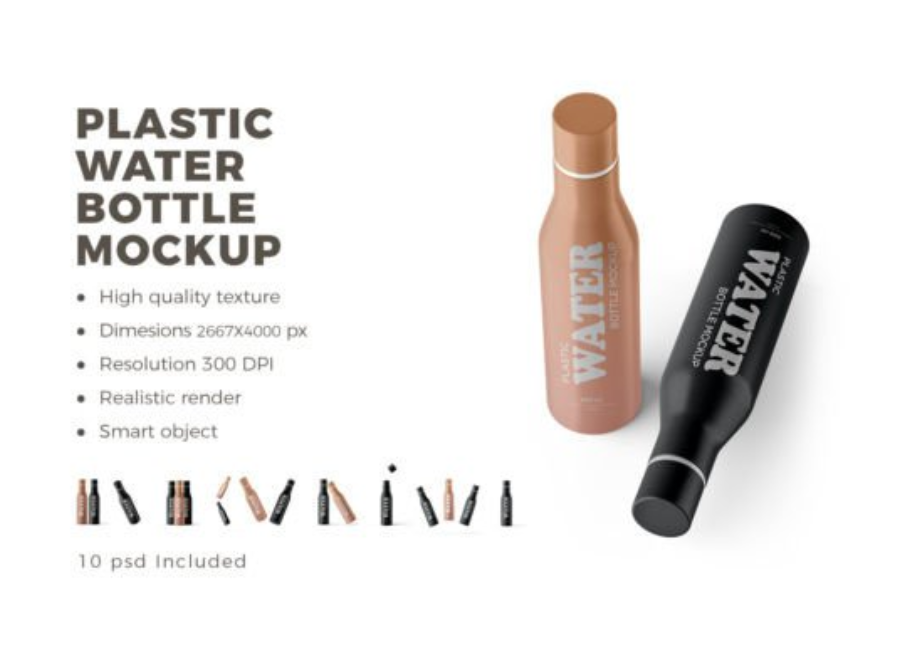
Plastic Water Bottle PSD Mockup: A Complete Guide for Designers and Brands
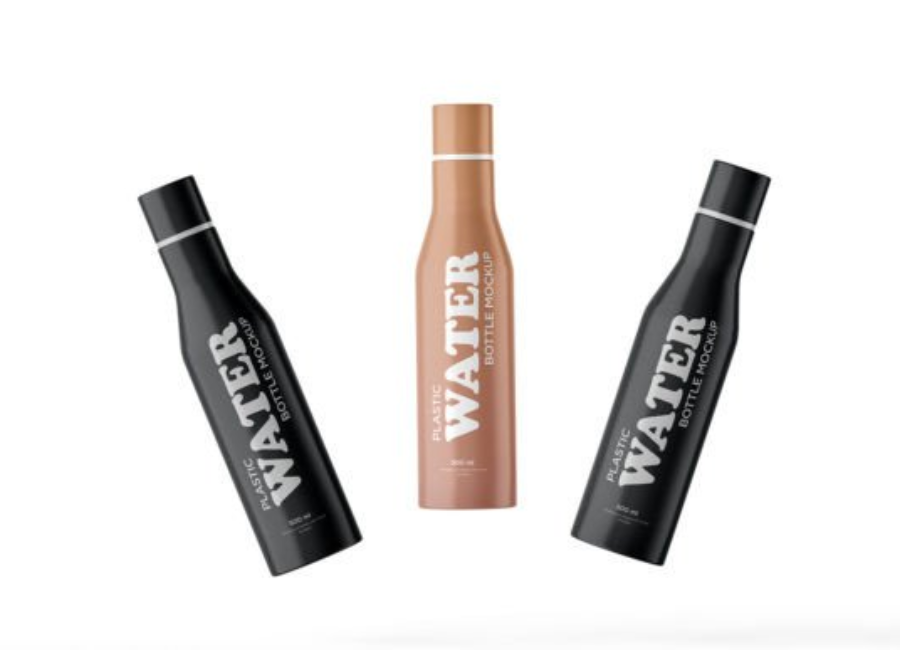
Plastic Water Bottle PSD Mockup in today’s highly competitive market, visual presentation plays a crucial role in how products are perceived. Before a product ever reaches a shelf or an online store, customers form opinions based on how it looks. This is where Plastic Water Bottle PSD Mockups become an essential tool for designers, marketers, and branding professionals. They allow you to showcase your label designs, logos, and branding concepts in a realistic and professional way—without the cost of printing or photography.
This article explores what plastic water bottle PSD mockups are, why they matter, how to use them effectively, and what to look for when choosing the right mockup for your project.
What Is a Plastic Water Bottle PSD Mockup?
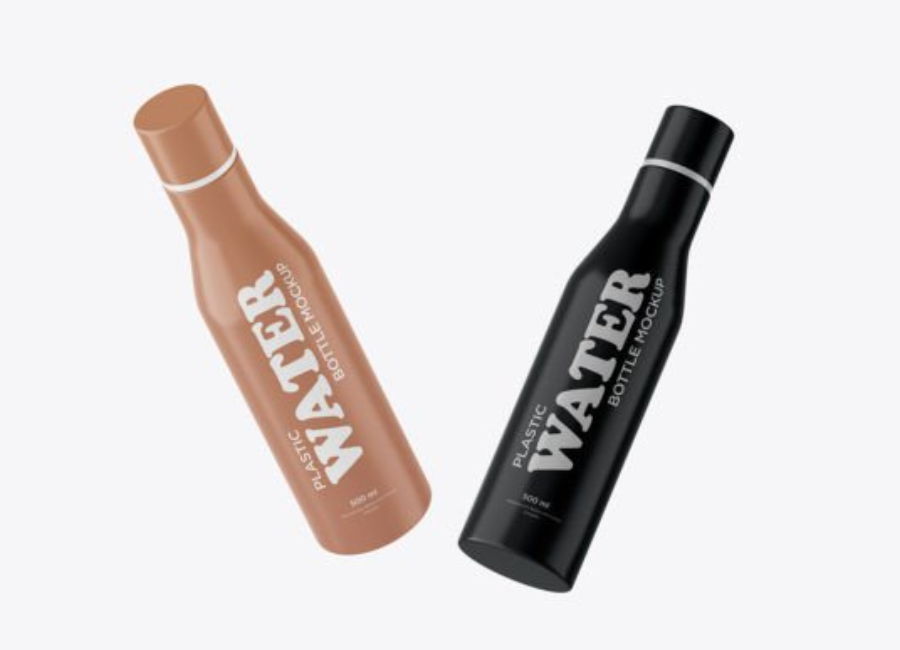
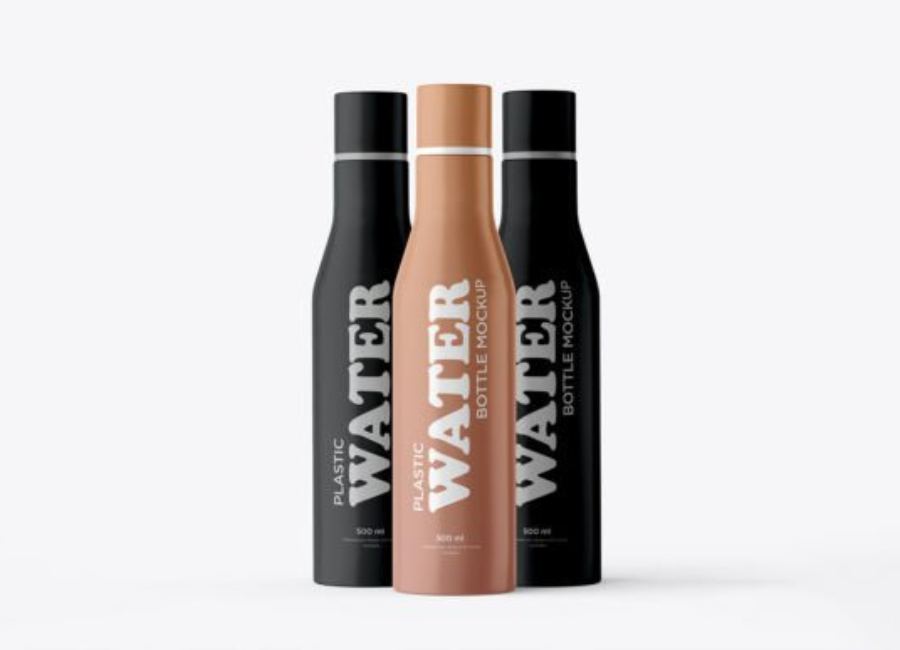
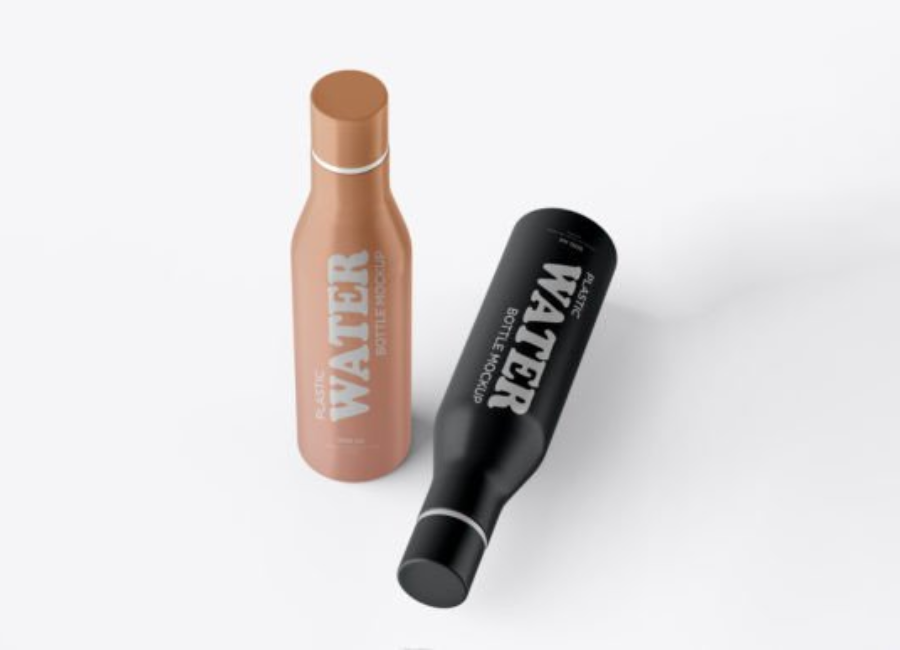
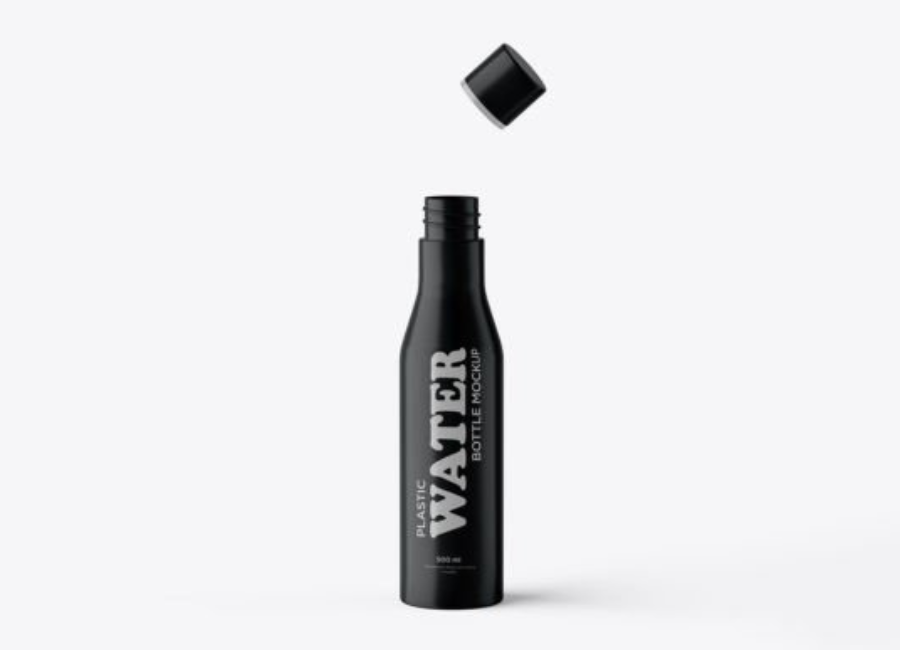
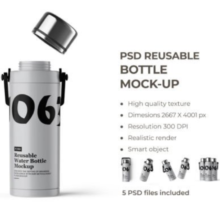
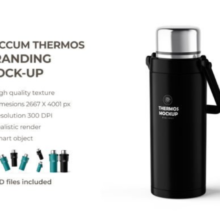
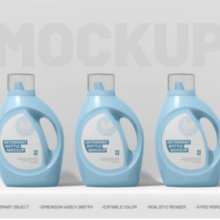
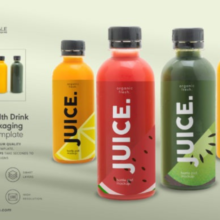
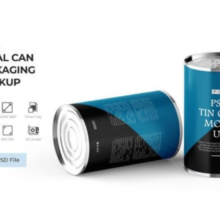
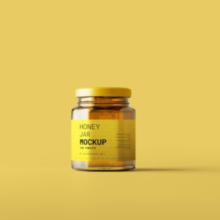
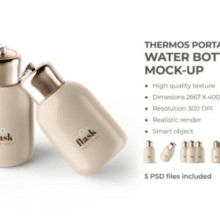
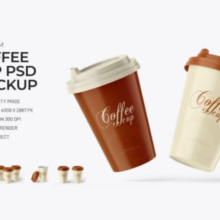
A Plastic Water Bottle PSD Mockup is a layered Photoshop (PSD) file designed to help users present their bottle label or packaging design in a realistic environment. These mockups typically include smart objects that allow designers to insert their artwork with just a few clicks. Once applied, the design automatically adapts to the bottle’s shape, lighting, highlights, and shadows.
Unlike flat design previews, PSD mockups simulate real-world conditions such as reflections, plastic texture, transparency, condensation, and background depth. This makes them ideal for presenting concepts to clients, showcasing products in portfolios, or promoting items in online stores.
Mockups elevate your design by making it look like a finished, real-world product. Clients and customers are far more likely to engage with a design that feels tangible rather than a flat label pasted onto a white background.
2. Cost-Effective Solution
Creating physical prototypes can be expensive and time-consuming. With PSD mockups, you can experiment with multiple designs, colors, and branding variations without spending money on printing or photography.
3. Faster Design Approval
Clients often struggle to visualize how a label will look on an actual bottle. Mockups remove this uncertainty, helping stakeholders understand the final result and approve designs more quickly.
4. Ideal for Marketing and E-Commerce
Mockups are widely used for product listings, advertisements, social media promotions, and website banners. A realistic bottle mockup can significantly increase perceived value and customer trust.
Key Features of a High-Quality Plastic Water Bottle PSD Mockup
Not all mockups are created equal. When selecting a plastic water bottle PSD mockup, look for the following features:
Smart Object Layers
Smart objects allow you to replace the existing design easily. Simply double-click the smart layer, paste your design, save, and your artwork appears perfectly wrapped around the bottle.
High Resolution
A good mockup should be at least 3000×2000 pixels. High resolution ensures sharp details, making it suitable for both web and print presentations.
Realistic Lighting and Shadows
Lighting plays a major role in realism. High-quality mockups include natural highlights, soft shadows, and reflections that mimic real plastic bottles.
Customizable Backgrounds
Many PSD mockups allow you to change background colors, gradients, or even place the bottle in a scene. This flexibility helps align the mockup with your brand identity.
Bottle Variations
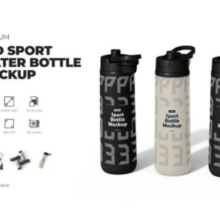
Some mockups include multiple bottle shapes or sizes, such as sports bottles, mineral water bottles, or flip-cap bottles, giving you more creative freedom.
Common Uses of Plastic Water Bottle PSD Mockups
Branding and Identity Design
Mockups help designers visualize how a brand’s identity will look on actual packaging. Logos, typography, and color schemes can be tested before final production.
Client Presentations
Instead of showing raw design files, mockups create an impressive presentation that communicates professionalism and attention to detail.
Online Marketplaces
Designers selling label templates or branding kits often use mockups to display their products attractively on platforms like Creative Market or Envato.
Advertising and Promotions
Mockups are widely used in promotional graphics, social media ads, and landing pages to highlight bottled water products.
Portfolio Showcases
Including realistic mockups in your portfolio can make your work stand out and demonstrate real-world application of your designs.
How to Use a Plastic Water Bottle PSD Mockup in Photoshop
Using a PSD mockup is simple, even for beginners. Here’s a general step-by-step process:
Open the PSD file in Adobe Photoshop.
Locate the smart object layer labeled something like “Place Your Design Here.”
Double-click the smart object thumbnail.
Paste or insert your label design into the new window.
Adjust the size and alignment if necessary.
Save the smart object file.
Return to the main PSD—your design will now appear on the bottle.
Customize background colors, shadows, or effects as needed.
Export the final image for presentation or marketing use.
Benefits for Water Bottle Brands and Startups
For startups and small businesses, plastic water bottle mockups are especially valuable. They allow brands to test different label designs and branding approaches before committing to mass production. This reduces risk and helps refine the brand’s visual identity.
Mockups also help startups pitch their product to investors, distributors, or retailers by presenting a polished and professional concept that feels market-ready.
Tips for Choosing the Right Mockup
Match the bottle style to your product (sports, mineral, luxury, eco-friendly).
Ensure the mockup supports your label dimensions.
Look for realistic plastic texture and transparency.
Check licensing terms for commercial use.
Choose neutral lighting if you want versatility across platforms.
The Role of Mockups in Modern Packaging Design
In modern packaging workflows, mockups are no longer optional—they’re a standard part of the design process. With the rise of digital-first branding and online shopping, consumers often see mockups before they ever see a physical product.
A well-designed plastic water bottle PSD mockup bridges the gap between concept and reality, helping brands communicate quality, trust, and professionalism.
Conclusion
A Plastic Water Bottle PSD Mockup is a powerful tool that enhances the way packaging designs are presented, reviewed, and marketed. Whether you’re a graphic designer, brand strategist, or business owner, using mockups can save time, reduce costs, and significantly improve visual impact.
By choosing high-quality PSD mockups with smart objects, realistic lighting, and flexible customization options, you can transform simple label designs into compelling, market-ready visuals. In an industry where first impressions matter, plastic water bottle mockups help ensure your designs stand out and leave a lasting impression.