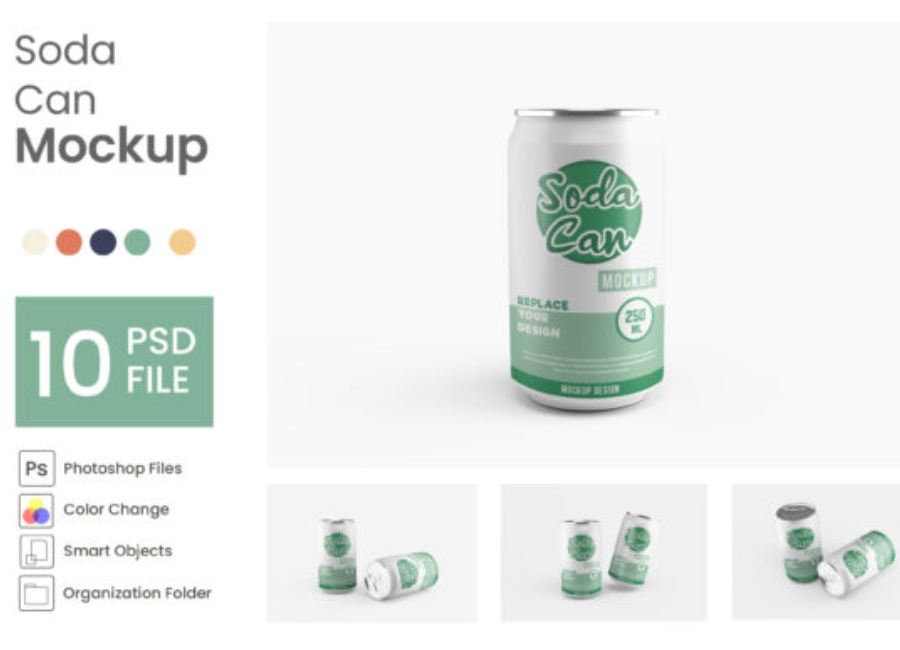
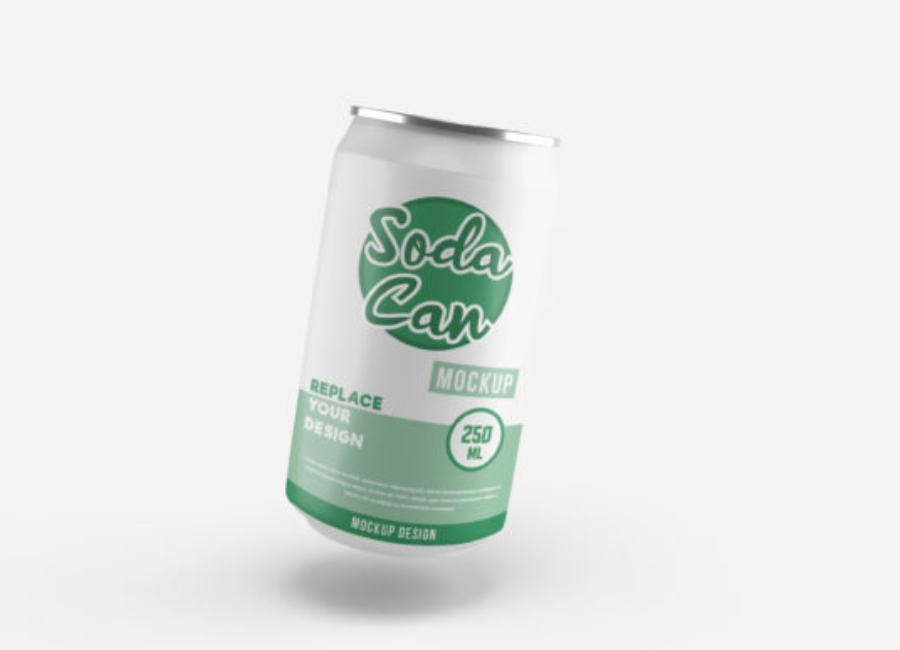
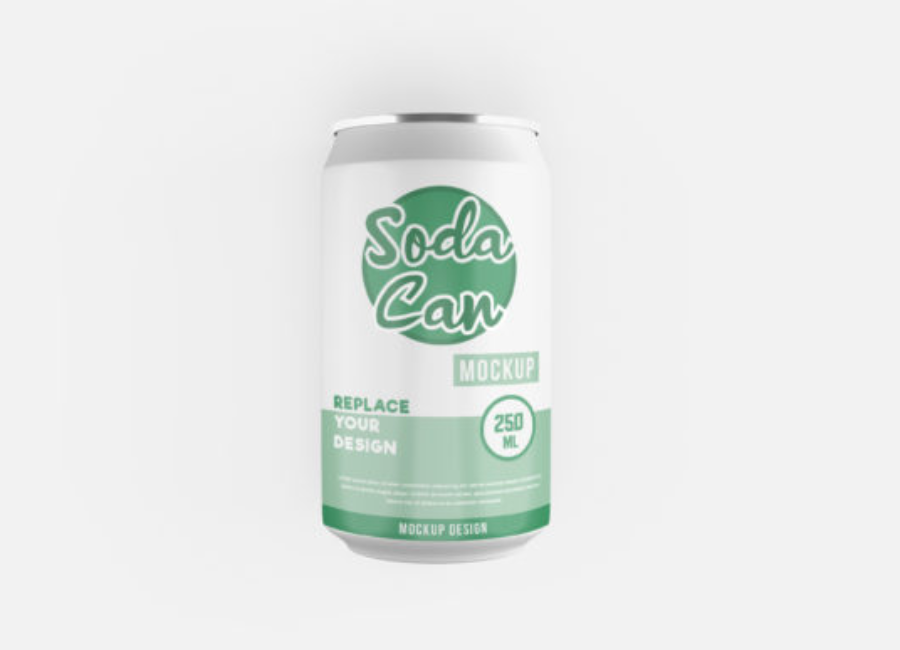
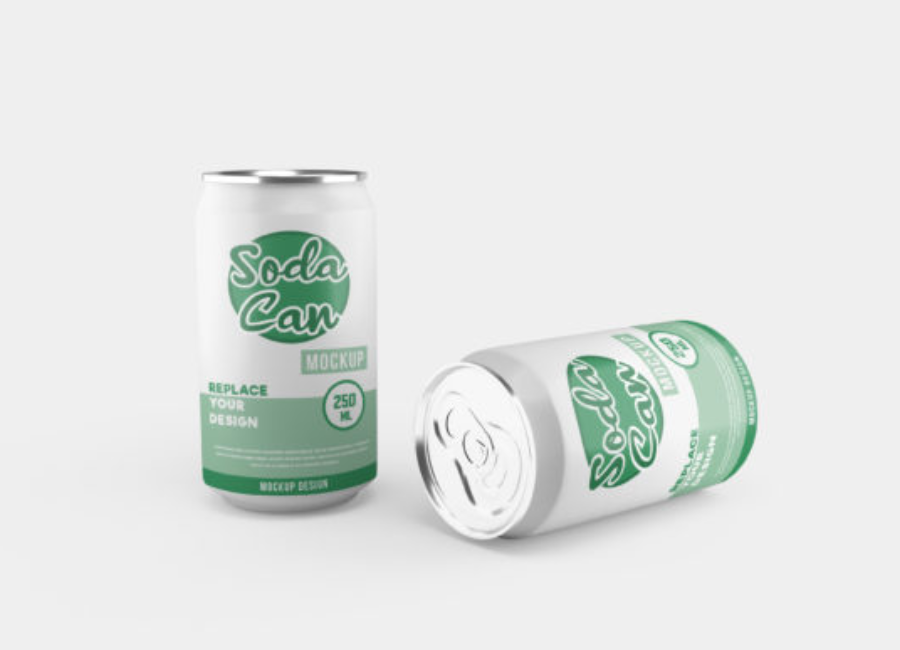
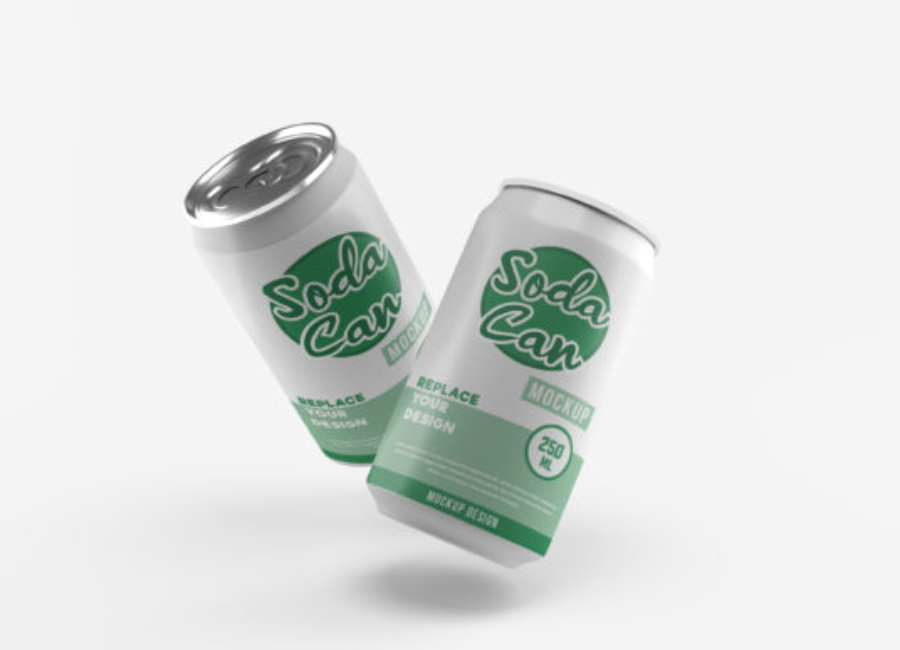
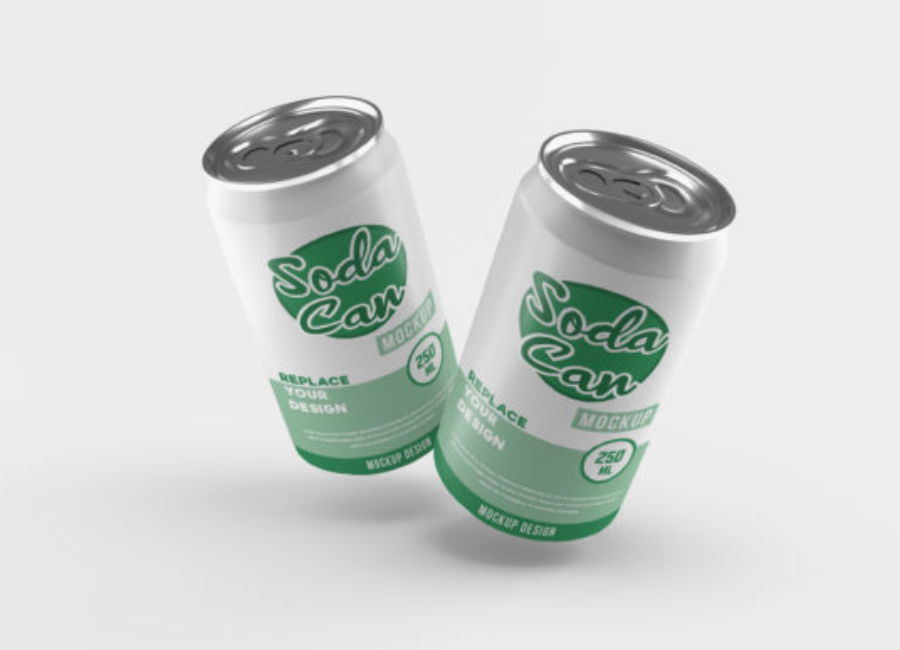
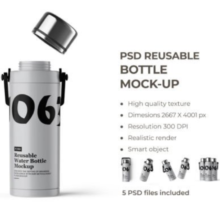
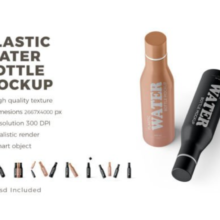
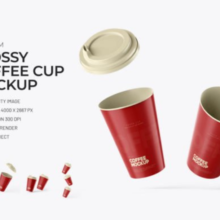
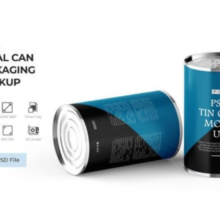
In product design and branding, mockups are indispensable. A Soda Can Mockup is a realistic representation of how a product would look in real life before it’s manufactured. Among the most common packaging mockups are soda can mockups — used by beverage companies, designers, and marketers to visualize branding, packaging design, advertising concepts, and product placement. This article explores soda can mockups from fundamentals to advanced AI-assisted design workflows.
What Is a Soda Can Mockup?
A soda can mockup is a digital file (often PSD, PNG, or 3D model) that shows a soda can with photographic or 3D realism. Designers place their label artwork or branding design onto this mockup so they and their clients can see how the can would look in a real environment without physically printing or producing it.
Mockups typically include aspects like:
Editable artwork (smart objects or layers)
Lighting and reflections
Shadows, condensation droplets, or environmental context
Multiple angles and backgrounds for presentation.
Unlike simple graphic previews, professional mockups look photographic and convey how lighting, shadow, and surface texture interact — crucial for marketing and packaging approval.
Why Soda Can Mockups Matter
1. Brand Visualization
Mockups let companies preview product branding in context. A label might look excellent on a flat sheet, but how it wraps around a cylindrical surface and reacts to lighting can change the perception entirely.
2. Pitching & Client Approval
Design agencies use high-quality mockups in presentations to show clients a near-final version of packaging. This builds confidence before production begins.
3. Online Store & Marketing
Ecommerce platforms and pitch decks use soda can mockup images to show virtual products in lifestyle shots, catalogs, ads, and social media content.
4. Cost and Time Savings
Creating physical prototypes is costly. Digital mockups reduce the need for early physical models, enabling instant revisions and experimentation.
Traditional Mockup Creation Workflows
Before AI tools became prevalent, designers typically used software like Adobe Photoshop or 3D programs (Cinema 4D, Blender) to create mockups:
Photoshop Mockups
Many mockup files are PSDs with smart objects. Designers open the file and double-click the smart object layer, paste in their label design, save, and the main mockup updates automatically. This workflow is flexible and widely supported by graphic design communities.
Pros:
Highly controllable and realistic
Easy to share with clients
Cons:
Requires Photoshop expertise
2D file doesn’t always convey depth or angle changes
3D Modeling
Tools like Blender or Cinema 4D allow true 3D mockups. Designers can control camera angles, lighting, and reflections dynamically.
Pros:
Full control
Animation possible
Cons:
Steeper learning curve
Time-intensive
AI-Assisted Mockups & Image Generation
In recent years, AI tools have changed how designers approach mockups.
AI Mockup Generators
Web platforms (e.g., mockey.ai or mockuplabs.ai) offer auto-generated soda can mockups where users upload designs and receive finished visuals. Some offer templates with different settings (hands holding cans, studio lighting, outdoor scenes).
Advantages:
Quick & easy
No Photoshop skill needed
Lots of preset scenes
Drawbacks:
Less granular artistic control
Quality varies by platform
AI Image Models
OpenAI’s image-generation models (like GPT Image, successor to DALL-E) can generate high-quality images from text or combined inputs such as sketches or rough designs. Models can create stylized visuals such as:
Concept ads
Hyper-realistic scenes featuring a soda can
Product presentations
These tools help imagine creative directions and prototype ideas before refined mockups are built.
Use cases include generating quick concept visuals from prompts like:
Best Practices for Creating Soda Can Mockups
Whether using traditional tools or AI, certain design practices improve the result:
1. Keep Design Proportionate
Make sure logos and label elements scale properly for the curvature of a can — avoid distortions.
2. Use High-Resolution Templates
Working with high-resolution mockups ensures sharp output in print or marketing materials.
3. Context Matters
Present the can in environments relevant to your brand (e.g., picnic for a summer soda, gym for energy drinks).
4. Represent Angles
Include multiple perspectives — front, side, tilted or held angles — to give a full view of the product.
5. Combine AI with Human Editing
AI can generate engaging scenes quickly, but refine them in Photoshop or 3D software for final use.
Common Mistakes in Mockup Design
Some pitfalls designers should avoid:
Poor lighting or shadows → undermines realism
Over-busy backgrounds → distracts from key branding
Ignoring reflections or highlights → beverage cans catch light dramatically
Using low-res graphics → blurry final output
The Future of Mockups
AI tools are evolving rapidly. The ability to generate images from text and visuals means designers and marketers can prototype entire campaigns without leaving the design prompt. OpenAI’s image generation tools, for example, are part of a broader trend toward multimodal creative workflows that combine text, image, and artistic direction.
Future tools may:
Seamlessly integrate user design files with auto-generated environments
Offer real-time collaboration for teams
Enable virtual reality mockups with interactive 3D views
Conclusion
Soda can mockups are an essential tool for designers, marketers, and brand builders. From traditional Photoshop mockups to AI-assisted generation, the goal is the same: present a believable, compelling preview of how a product will look when it reaches real consumers. As AI tools improve, the speed and quality of conceptual visualization continue to accelerate, empowering creatives to iterate faster and with greater visual impact.