Sports Drink Bottle PSD Mockup: A Complete Guide for Designers
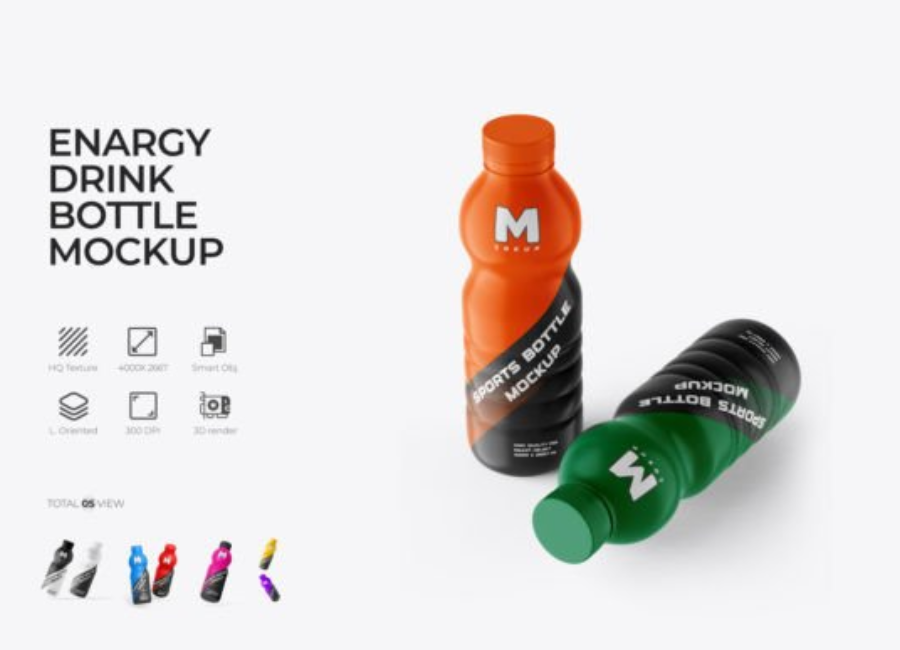
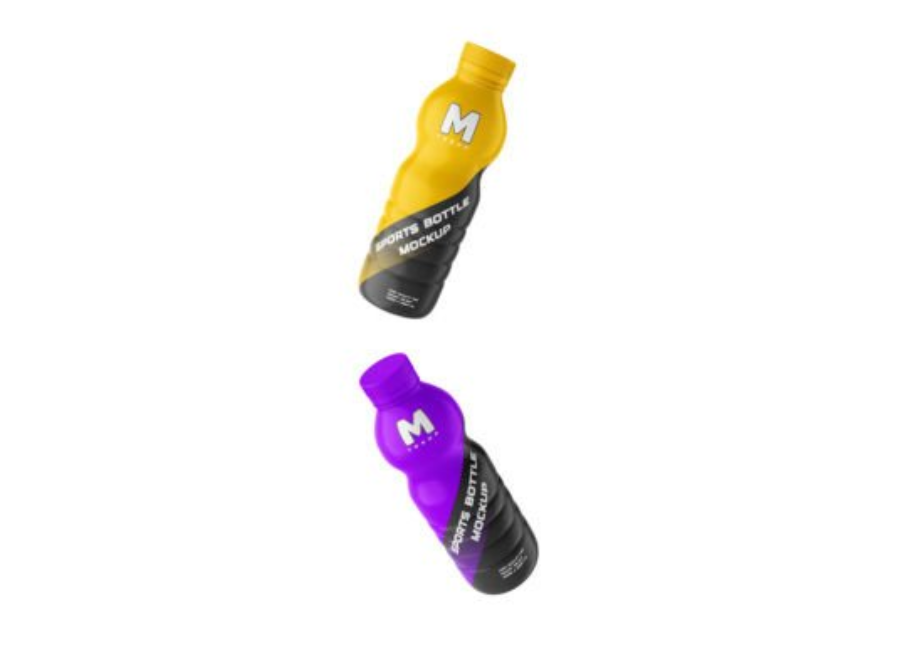
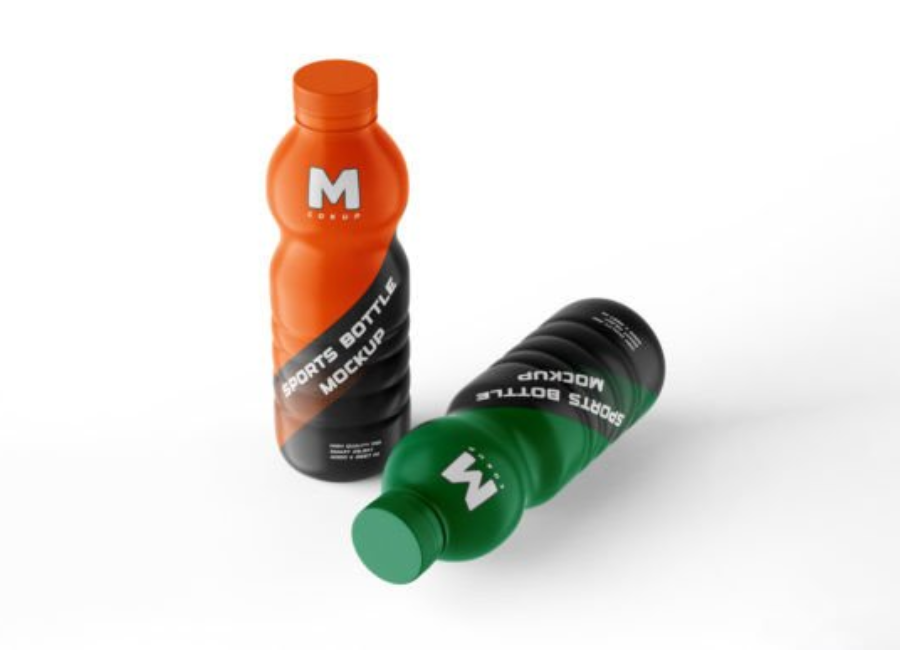
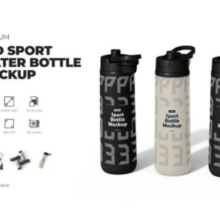
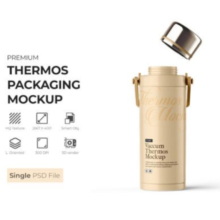
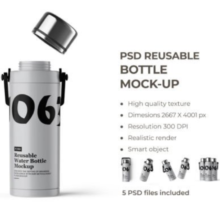
A sports drink bottle PSD mockup is a professional design resource that allows graphic designers and brands to display their label or packaging design on a realistic bottle template. Instead of producing a physical sample, designers can place their artwork on a digital bottle model to visualize how the final product will look. This method is widely used in branding, packaging design, marketing presentations, and online stores.
Sports drink brands rely heavily on eye-catching packaging to attract customers. A well-designed bottle label combined with a realistic mockup can help designers present their ideas clearly and professionally. PSD mockups are especially popular because they are fully editable and easy to customize using design software like Adobe Photoshop.
What Is a Sports Drink Bottle PSD Mockup?
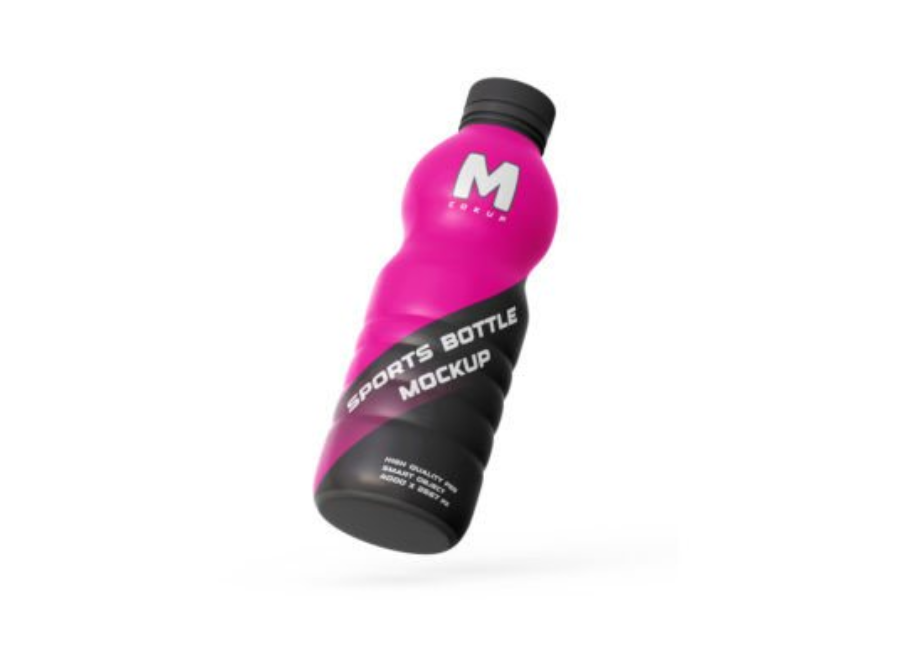
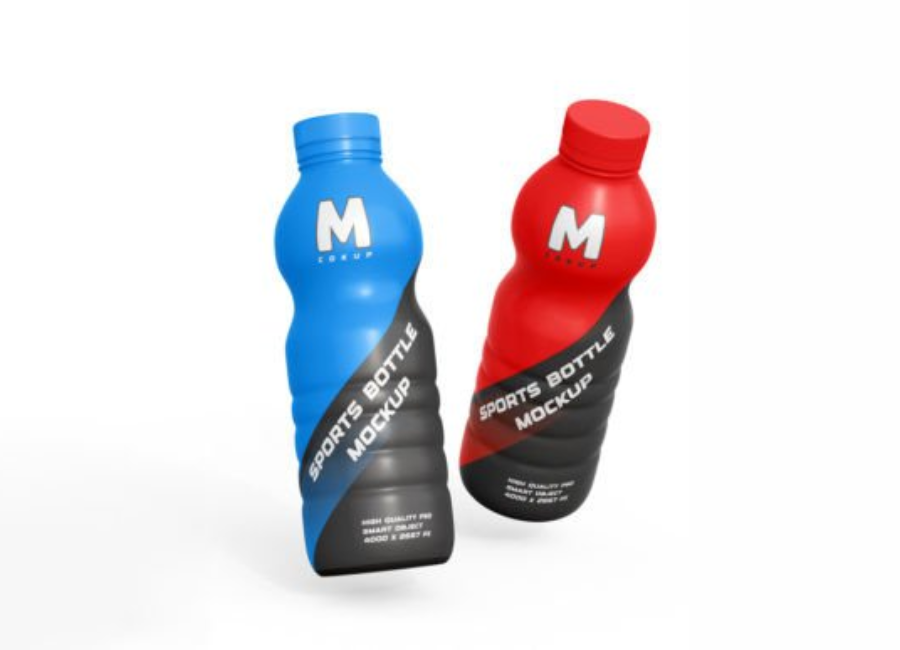
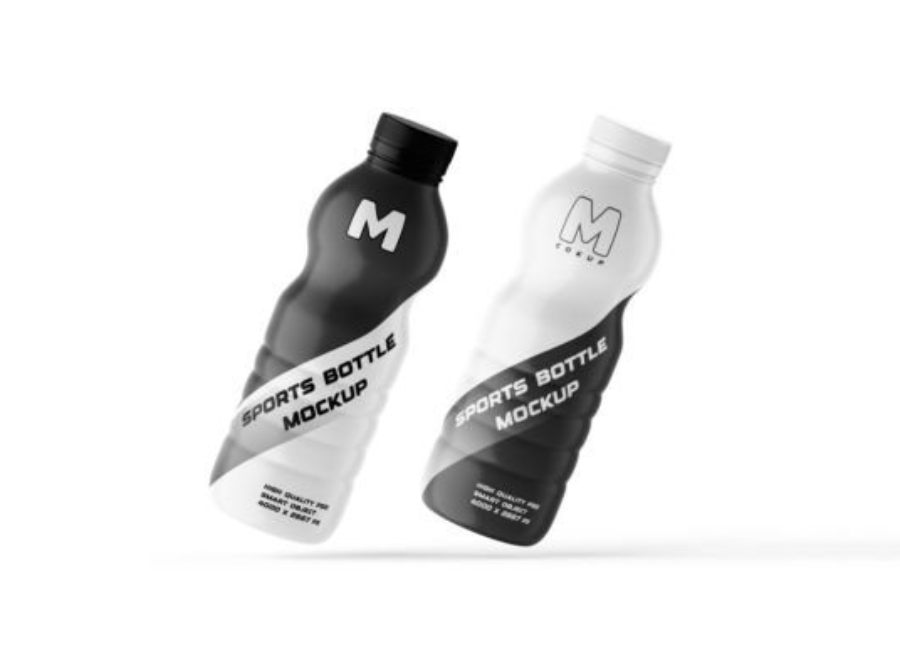
A PSD mockup is a Photoshop file that contains layered elements representing a real product. In the case of a sports drink bottle mockup, the file includes a detailed bottle design with areas where users can place their own label or artwork.
These mockups typically use smart object layers, which allow designers to quickly insert their design into the template. Once the design is placed, Photoshop automatically adjusts it to match the shape, lighting, and perspective of the bottle.
A typical sports drink bottle PSD mockup may include the following:
A realistic bottle shape and cap
Editable label or wrap area
Smart object layers for quick design placement
Customizable colors and backgrounds
Adjustable lighting and shadows
High-resolution output for professional presentations
This makes PSD mockups a convenient and powerful tool for packaging design projects.
Sports drink bottle mockups provide several advantages for designers and marketing teams.
1. Realistic Product Preview
A mockup helps visualize how the label will look when printed on an actual bottle. Designers can evaluate color combinations, typography, and layout in a realistic setting.
2. Professional Client Presentation
When presenting packaging concepts to a client, showing the design on a real-looking bottle creates a stronger impression than a flat label design. It helps clients understand how the final product will appear on store shelves.
3. Saves Time and Production Costs
Creating physical samples for every design revision can be expensive. PSD mockups allow designers to test multiple design ideas without printing prototypes.
4. Useful for Marketing Materials
Many companies use mockups for promotional purposes. Before the product is even manufactured, a realistic bottle image can be used in advertisements, social media graphics, and product catalogs.
Common Types of Sports Drink Bottle Mockups
Sports drink bottle mockups come in different styles depending on the design needs and product type.
Plastic Bottle Mockups
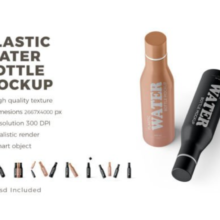
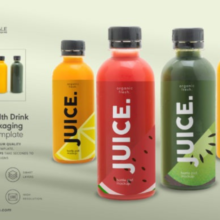
Plastic bottles are the most common packaging for sports drinks. These mockups usually feature squeeze bottles or ergonomic bottle shapes used by athletes and fitness enthusiasts.
Energy Drink Bottle Mockups
These mockups are designed specifically for energy drinks or electrolyte beverages. They often have sleek shapes and bold design areas for strong branding.
Transparent Bottle Mockups
Transparent bottle mockups allow designers to show the liquid color inside the bottle. This can be useful for beverages like flavored water, isotonic drinks, or vitamin drinks.
Lifestyle Scene Mockups
Some mockups place the sports drink bottle in a real-life environment such as a gym, running track, or outdoor sports setting. These scenes help communicate the product’s active lifestyle appeal.
Key Features of a High-Quality PSD Mockup
Not all mockups offer the same level of realism or flexibility. A high-quality sports drink bottle PSD mockup should include several essential features.
High Resolution
A professional mockup should have high resolution so it can be used for websites, presentations, and promotional materials without losing image quality.
Smart Object Layers
Smart objects make it easy to replace the default design with your own artwork. With just a few clicks, the label automatically fits the bottle’s shape and perspective.
Customizable Bottle Color
Being able to change the bottle color allows designers to experiment with different product variations and brand styles.
Realistic Lighting and Shadows
Proper lighting effects and shadows help the bottle look like a real photographed product instead of a flat graphic.
How to Use a Sports Drink Bottle PSD Mockup
Using a PSD mockup is simple and requires only basic Photoshop knowledge.
First, open the PSD file in Adobe Photoshop. Inside the layer panel, locate the smart object layer labeled for the label or design area. Double-click on this layer to open the editable canvas.
Next, paste or place your design into this canvas. Adjust the design to fit the label space, then save and close the smart object window. Once you return to the main PSD file, the bottle will automatically update with your new design.
You can then customize additional elements such as the following:
Bottle color
Background color or texture
Lighting intensity
Shadow effects
Finally, export the mockup as a high-quality PNG or JPG image for presentations or marketing use.
Where Sports Drink Bottle Mockups Are Used
Sports drink bottle PSD mockups are widely used in several professional fields.
Packaging Design Projects
Graphic designers working on beverage branding use mockups to test different label designs before sending them to production.
E-Commerce Product Listings
Online stores often display products using mockups, especially when professional product photography is not available yet.
Branding Portfolios
Designers frequently include mockups in their portfolios to demonstrate how their designs would appear on real products.
Advertising and Social Media
Marketing teams can use mockups to create promotional content for new drink launches, advertisements, or social media campaigns.
Tips for Creating an Effective Mockup Presentation
To create an impressive sports drink bottle mockup presentation, designers should follow a few simple tips.
First, choose a mockup style that matches the brand’s identity. For example, a high-energy sports drink might benefit from a bold and dynamic background.
Second, keep the design clear and readable. Labels with too many elements may appear cluttered on a small bottle surface.
Third, experiment with lighting and color variations to highlight the product in the best way possible.
Conclusion
Sports drink bottle PSD mockups are an essential tool for modern packaging design and product marketing. They allow designers to present label concepts on realistic bottles without the need for physical prototypes. With customizable layers, smart objects, and high-resolution visuals, PSD mockups make it easy to create professional product presentations.
Whether used for branding projects, marketing campaigns, or portfolio showcases, a well-designed sports drink bottle mockup can significantly enhance the visual appeal of a design and help bring creative ideas to life.