Thermos Portable Water Bottle Mockup — The Ultimate Guide for Designers and Brands
In an era where presentation drives perception, designers and brands know that a visually compelling product image makes all the difference. Whether you’re launching a new insulated bottle design, composing a portfolio, or creating graphics for an online store, a Thermos Portable Water Bottle Mockup is one of the most powerful tools at your disposal.
In this guide, we’ll explore what a thermos water bottle mockup is, why it’s essential for design and marketing, how it works, and why both beginner and advanced designers use it frequently in modern workflows.
1. What Is a Thermos Portable Water Bottle Mockup?
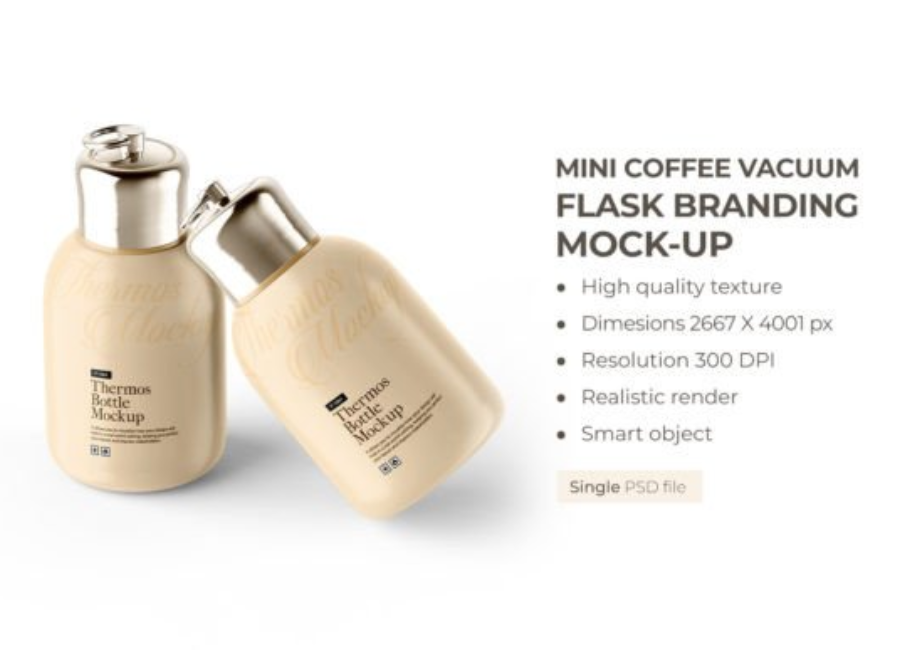
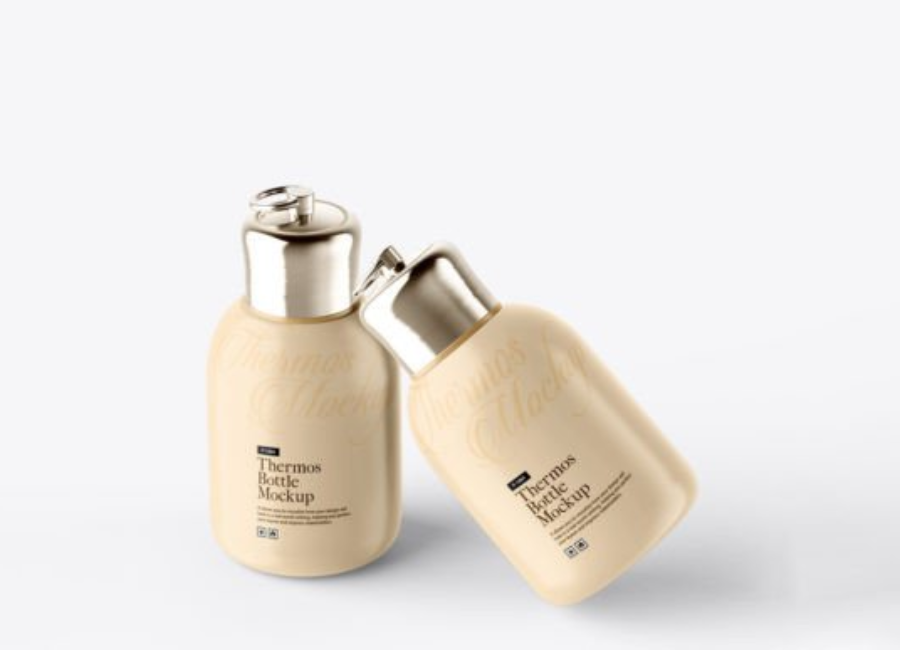
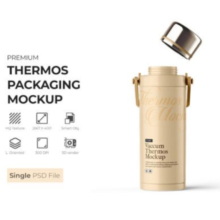
A Thermos Portable Water Bottle Mockup is a digital file — typically a PSD (Photoshop Document) — that allows graphic designers to apply their branding or artwork to a realistic representation of a thermos or portable water bottle. These mockups include smart object layers, organized components, and editable backgrounds that make it simple to insert and visualize a logo or label design in a photorealistic scene.
Instead of relying on a flat illustration or product sketch, designers place their design into the mockup’s smart object layer. Photoshop then automatically wraps the design around the bottle’s shape, including with highlights, shadows, texture, and perspective that emulate a real-world photo.
In simplest terms: mockups are visual previews — a bridge between concept and reality prior to production.
2. Why Thermos Mockups Matter in Design and Marketing
Realism Matters
A flat 2D graphic cannot convey how a design will truly appear on a curved surface like a bottle. Photorealistic mockups allow designers and clients to see exactly how a logo, pattern, or brand message will interact with lighting, material textures, shadows, and color.
Faster Iterations Without Physical Samples
Producing physical prototypes for every logo variation, color choice, or size would be time-consuming and expensive. Instead, mockups let you create as many versions as you want in minutes — saving both time and money. This is particularly useful for product launches, crowdfunding campaigns, or e-commerce listings.
Professional Presentations
Clients, marketing teams, and stakeholders respond more confidently to polished visuals. A mockup transforms a design from conceptual to “ready for press.” It also shows attention to detail — important when pitching for new branding or securing investment.
E-Commerce and Advertising Power
Mockups are the backbone of product images for online stores. High-quality bottle mockups improve conversion rates by showing customers what the product will look like with branding, increasing trust and professionalism.
3. Key Features of a Quality Thermos Mockup
When choosing or creating a thermos water bottle mockup, these features distinguish high quality from basic:
Smart Objects for Easy Editing
The best mockups use smart object layers. These allow you to simply double-click, paste your design, save, and watch the mockup update automatically — without manual warping or masking.
High Resolution and Realistic Details
A professional mockup will be high resolution (e.g., 4000×3000 pixels or more) and capture nuanced lighting, reflections, and texture details. These realistic elements help visualize how a label will look on surfaces like stainless steel, matte paint, or glossy finishes.
Organized Layers
Good mockups are easy to navigate. Layer organization allows users to tweak backgrounds, shadows, bottle body color, logo placement, and other elements without confusion.
Multiple Views
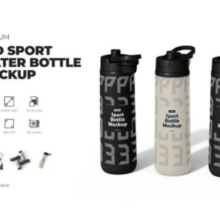
Some mockups include front, back, and angled views. This gives designers a comprehensive way to showcase all sides of a product — important for listings, presentations, and social posts.
Customizable Backgrounds
Being able to change the background color or setting enables mockups to be adapted for brand colors or campaign themes.
4. Typical Uses of Thermos Water Bottle Mockups
Mockups serve a wide range of purposes across design, marketing, and branding:
Brand Identity Development
Designers use mockups to test how logos, monograms, colors, and branding accents perform in a real-world style. Seeing your brand on an actual bottle surface helps reveal issues like legibility and contrast that a flat image might hide.
Client Pitches and Proposals
When presenting to a client, mockups elevate the perceived value of a design. A simple PDF may communicate concept, but a photorealistic image shows feasibility and final potential.
Product Launches and E-Commerce
Online stores, marketplaces, and print-on-demand shops rely on strong visuals to sell products. A mockup with lifestyle imagery (e.g., bottles in use) increases click-through rates and engagement.
Social Media Content
Platforms like Instagram, Pinterest, and TikTok benefit from lifestyle or professional mockup visuals. Eye-catching product images improve brand visibility and storytelling.
Portfolios
Mockups are crucial for designers showcasing water bottle branding, packaging work, or product design in portfolios.
Thermos bottle mockups come in different styles and formats. Some common types include:
Free Mockups
Free PSD mockups exist as great starter tools for beginners. They may lack advanced customization but provide a solid baseline for quick previews. For example, there are free thermos mockups featuring simple bottle scenes with editable designs.
Premium Mockups
Premium mockups often include multiple scenes, advanced lighting, and customizable environments. These are ideal for high-end branding projects and commercial use.
Outdoor & Lifestyle Mockups
Mockups placed in environments such as outdoor scenes connect the product with a particular lifestyle. Think thermos bottles on hiking trails or desks — these settings help tell a narrative about the product’s use.
Matte vs. Glossy Finishes
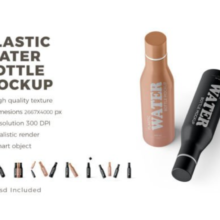
Different mockups emulate different material finishes. Matte mockups show muted light and a soft feel, while glossy mockups simulate reflective surfaces — useful for premium branding.
6. How to Use a Thermos Mockup — Step by Step
Here’s a typical workflow for using a PSD mockup in Adobe Photoshop:
Step 1: Open the PSD File
Open the mockup file in Photoshop (ensuring your version supports smart objects).
Step 2: Find the Smart Object Layer
Locate the smart object labeled something like “Your Design Here” or “Place Graphic Here.”
Step 3: Insert Your Design
Double-click the smart object thumbnail. This opens a separate file where you can paste your artwork, logo, or label design.
Step 4: Save the Smart Object
Once your design is placed and adjusted, save the smart object document. The main mockup will automatically update.
Step 5: Adjust Background and FX
Now tweak any background colors, shadows, or additional elements to fit your brand or campaign aesthetic.
7. Benefits for Designers and Businesses
Here’s why mockups are indispensable:
Streamlined Feedback and Iteration
Rather than explaining design verbally or with sketches, mockups show tangible visuals that make feedback easier and faster.
Enhanced Brand Perception
Professional mockups suggest quality and professionalism — important for brands competing in crowded marketplaces.
Marketing Efficiency
Instead of scheduling product photography, designers generate visuals while the product is still in concept phase.
Cost Savings
Mockups help avoid expensive physical prototype production just to test a logo or label design.
8. Best Practices for Mockup Use
To make the most of mockups:
Choose High-Resolution Files: This ensures crisp visuals for print and online use.
Keep Layers Organized: Maintain editable and labeled layers for future updates.
Match Real Materials: If your bottle will be matte, use a matte mockup. If glossy, choose a reflective mockup.
Use Consistent Branding: Apply your brand colors and typography consistently across scenes.
Consider Scene Context: For lifestyle images, choose mockups that match your brand’s target audience — e.g., outdoor environments for adventure brands.
9. Mockups and Sustainability Branding
Reusable thermos bottles are often marketed as sustainable alternatives to disposable plastic bottles. Mockups help convey this lifestyle choice visually, aligning branding with eco-friendly values. Designers can add nature backgrounds, earthy colors, and minimalist designs to reinforce sustainability.
10. Future of Mockups and Design Trends
As design tools evolve, so do mockups. New trends include:
Interactive Mockups: Allowing clients to explore product views in 3D on web pages.
Augmented Reality: Enabling customers to visualize products in their own space via smartphone.
AI-Assisted Mockup Generation: Faster customization with AI-generated scenes.
The demand for realistic, flexible mockup tools continues to grow with online commerce and digital branding.
Conclusion
A Thermos Portable Water Bottle Mockup is far more than just a design tool — it’s a strategic asset for creators and businesses alike. By helping designers visualize branding in a real-world context, mockups bridge the gap between concept and reality, streamline collaboration, and power effective marketing visuals.
Whether you’re a seasoned designer or just starting your journey, mastering thermos mockups will dramatically elevate your portfolio, presentations, and product launches. With mockups, you don’t just create designs — you showcase possibilities.