Candy Plastic Pack Mockup: A Sweet Tool for Packaging & Branding
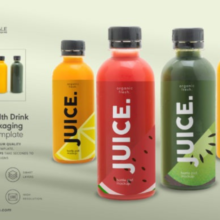
In the fast‑moving world of consumer goods, Candy Plastic Pack Mockup packaging isn’t just protection — it’s a powerful visual communicator that influences buying decisions. This is especially true for sweets and snacks like candy, where vibrant design, playfulness, and appeal to emotions matter just as much as the product itself. To present packaging designs in the best light possible, designers and brands turn to Candy Plastic Pack Mockups — editable visual templates that simulate how a candy pack design will look in reality.
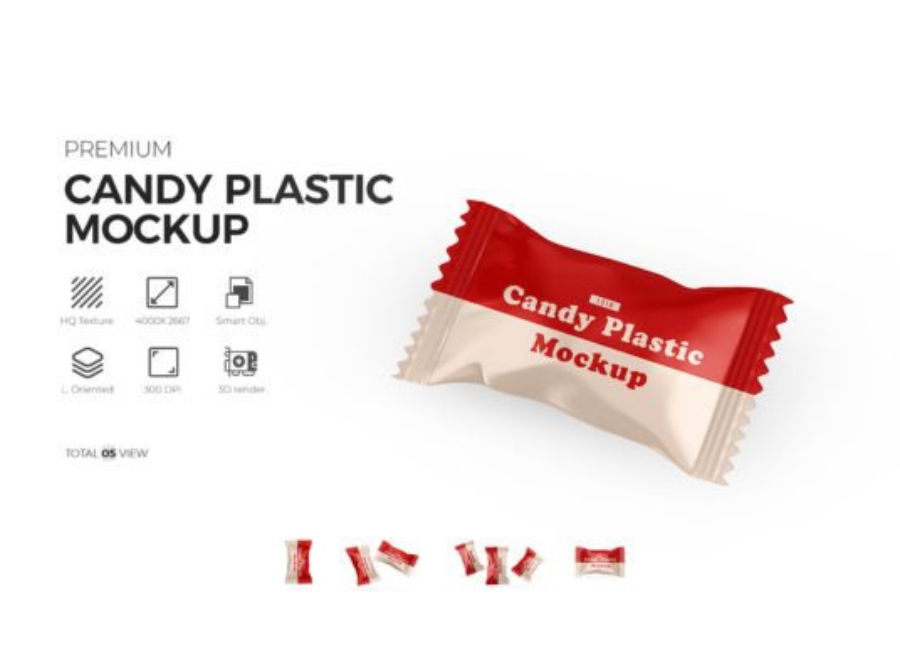
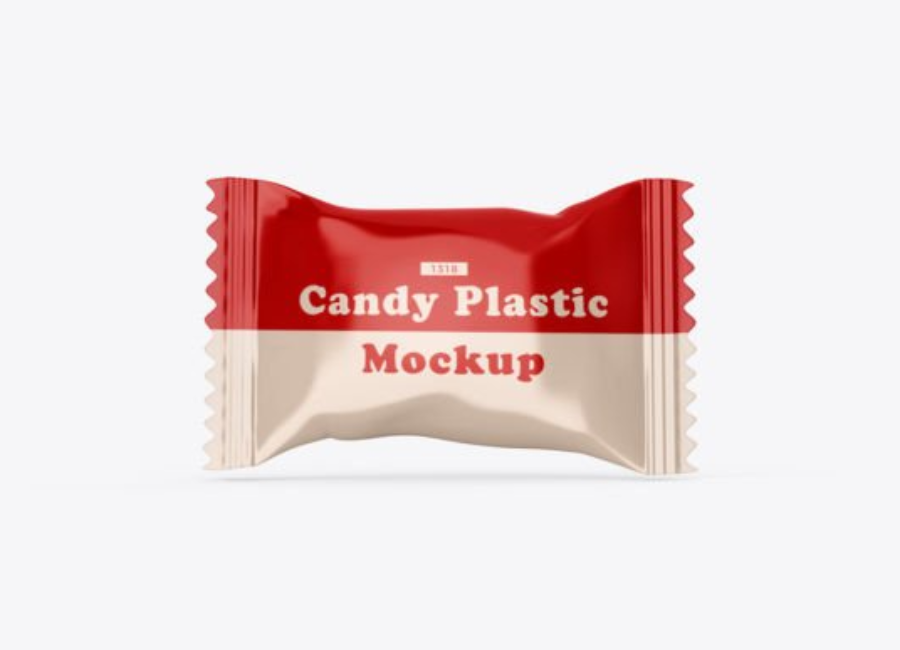
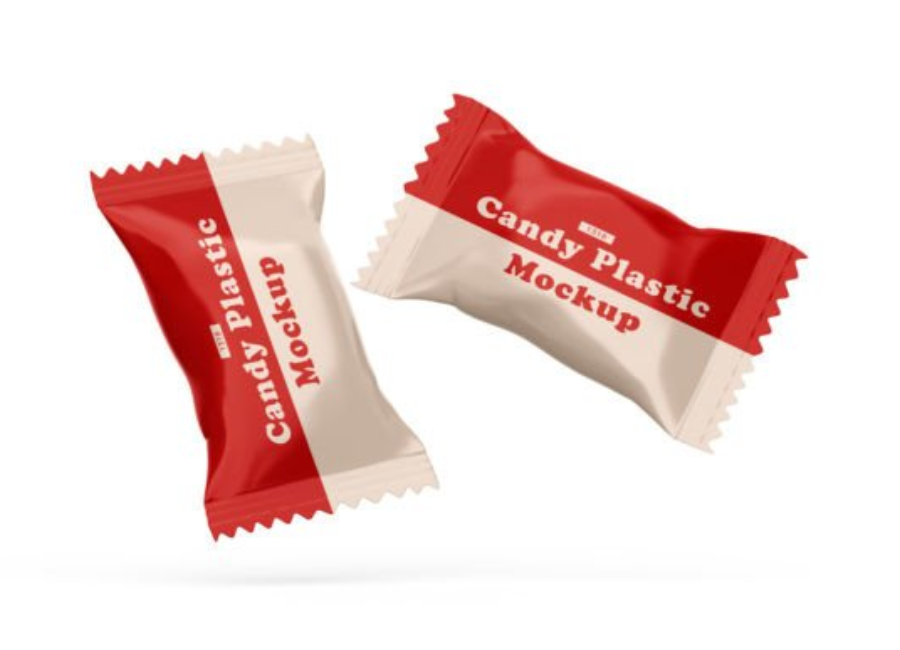
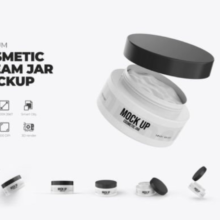
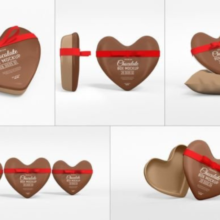
A candy plastic pack mockup is typically a high‑resolution PSD (Photoshop) file designed to showcase candy packaging artwork like labels, branding, and design motifs in a photorealistic way, without needing a physical prototype. These mockups are essential for presentations, portfolio displays, marketing previews, and client reviews because they turn flat artwork into realistic 3D visuals..
What Is a Candy Plastic Pack Mockup?
A Candy Plastic Pack Mockup represents a digital simulation of a candy bag, pouch, sachet, or wrapper, designed to help you display your packaging design as if it were a real, physical product. Whether it’s a typical plastic candy bag or a clear pouch meant to show the sweets inside, these mockups come with smart object layers that let you easily insert your design with just a few clicks.
Such files are most commonly used in Adobe Photoshop. They’re fully layered PSDs that include editable elements like:
Smart object layers — where you place your design artwork
Background layers — for changing the scene or color
Lighting and shadow effects — to enhance realism
Adjustable packaging details — size, shape, color, or reflections
Free mockups often come with high resolution (e.g., 300 DPI) and good customization features, while premium templates offer even more control and detail.
Why Candy Plastic Pack Mockups Matter
1. Turn Ideas into Realistic Visuals
Flat designs created in software like Illustrator or Photoshop can look great on paper — but they don’t show how a design will look on an actual candy pack. Mockups add depth, shadows, realistic lighting, and three‑dimensional perspective so clients and teams can better understand the packaging. This improves confidence and reduces guesswork.
2. Speedy Iteration and Cost Savings
Physical prototyping is expensive and time‑consuming, especially when testing multiple variations of a design. Candy plastic pack mockups let designers swap colors, labels, and background scenes instantly via smart object layers, saving both time and budget during the review process.
3. Professional Presentations
Presenting a packaging concept in a realistic mockup — rather than a flat design — makes your portfolio, pitch, or client review look more polished and compelling. A clean mockup can help win approvals, attract attention on design platforms, and strengthen a brand identity.
4. Useful in Marketing and Product Promotion
Mockups aren’t just for designers. They’re also valuable assets for marketing teams. A photorealistic candy pack visual can be used in:
Product pages on ecommerce sites
Social media brand campaigns
Market testing visuals
Advertising layouts
All without spending extra on photography or studio shoots.
Common Types of Candy Plastic Pack Mockups
Candy packaging comes in many forms, so designers have a range of mockup options:
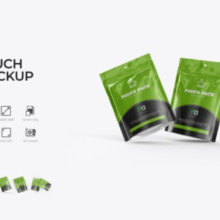
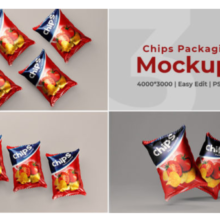
Plastic Candy Pouch Mockups
These showcase flexible plastic bags or pouches — ideal for sugar candies, gummi sweets, or mixed treats. Smart object layers allow designers to insert their label or design, then adjust background colors as needed.
Candy Sachet or Wrapper Mockups
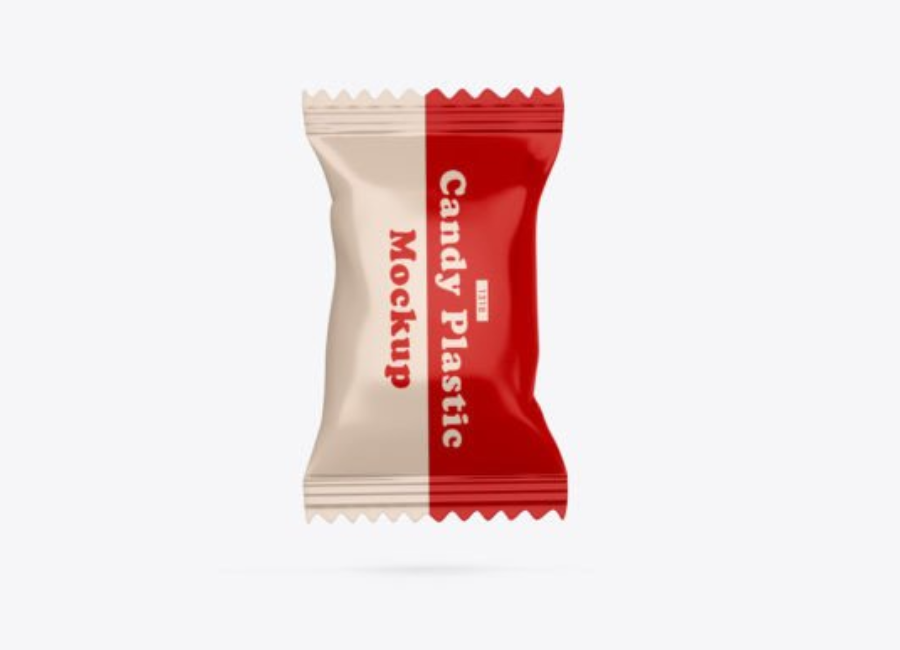
This type represents small sealed wrappers for individual candies or chocolate bars. These are perfect for branding single‑serve items or chocolate candy bars in marketing visuals.
Clear Plastic Candy Box Mockups
Some mockups simulate transparent or semi‑transparent plastic boxes where the candies are visible. These are great for premium candy packaging where the visual appeal of the candy itself is part of the brand story.
Free vs. Premium Mockups
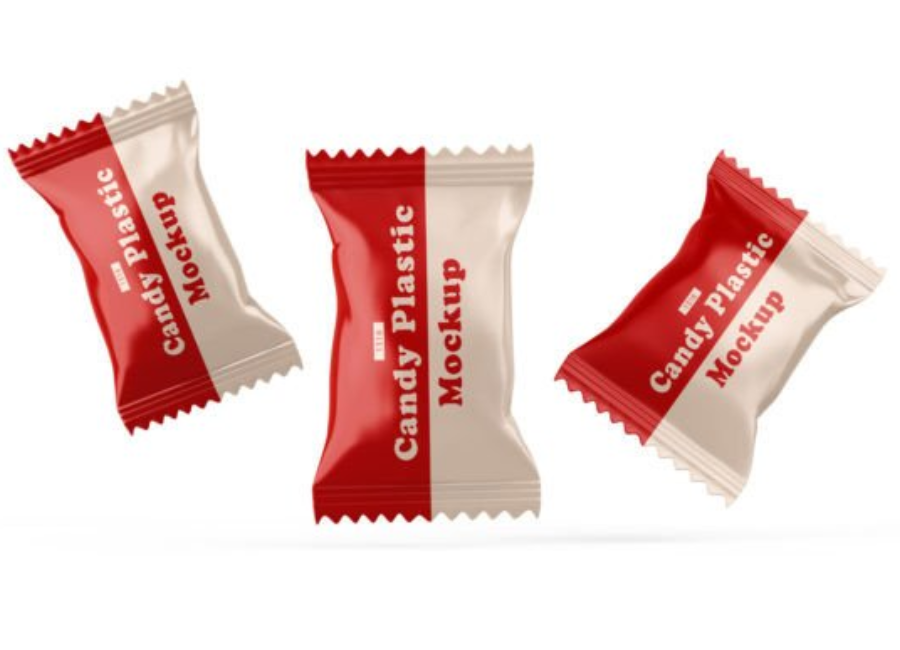
Many free PSD mockups are available online for designers to use, which typically come with standard editing features and good quality resolution. Premium mockups often offer even higher quality visuals, more detailed lighting, multiple angles, and additional customization options.
How to Use a Candy Plastic Pack Mockup (Step‑by‑Step)
Using these mockups in Photoshop is intuitive thanks to smart object layers. Here’s a simple workflow:
1. Open the PSD File in Photoshop
After downloading a mockup, open it in Adobe Photoshop (CS5 or later for full compatibility).
2. Locate the Smart Object Layer
Look for a layer that says something like “Replace Design Here” or “Your Artwork.” This is where you’ll place your candy pack design.
3. Insert and Place Your Artwork
Double‑click the smart object. A new window opens where you paste or create your design. Save and close it — the mockup will auto‑update with your branding.
4. Customize the Background and Effects
Many mockups let you change background colors, shadows, or other effects to match your branding style or presentation needs.
5. Export the Final Visual
Once done, export a high‑resolution PNG or JPG file for presentations, portfolios, or digital promotions.
Best Practices for Candy Packaging Mockups
To make the most out of your candy plastic pack mockups:
Choose high‑resolution files (300 DPI or higher) for crisp visuals.
Match brand aesthetics — use consistent colors, fonts, and backgrounds.
Present multiple variations — show 2–3 options to help stakeholders compare choices.
Keep scenes clean — avoid unnecessary props or clutter that distract from the packaging design.
Conclusion
A Candy Plastic Pack Mockup is more than just a design asset — it’s a strategic visualization tool that bridges the gap between flat design and real‑world product perception. Whether you’re a graphic designer preparing a client pitch, a packaging professional refining a brand concept, or a marketer preparing product visuals, mockups help present candy packaging in photorealistic, polished forms that resonate with audiences and stakeholders alike.