Snacks Packet PSD Mockup for Branding: A Complete Guide for Designers & Brands
In the world of food and consumer goods, first impressions play a huge role. A snack product’s packaging isn’t just a protective covering — it’s a visual ambassador of your brand and the first point of physical interaction for customers. Whether you’re designing packaging for chips, cookies, nuts, or granola bars, having a professional presentation of your design ideas is crucial. This is where a Snacks Packet PSD Mockup for Branding comes in. PSD mockups allow designers and brands to visualize, present, and refine their packaging concepts in a photorealistic setting before production begins.
What Is a Snacks Packet PSD Mockup?
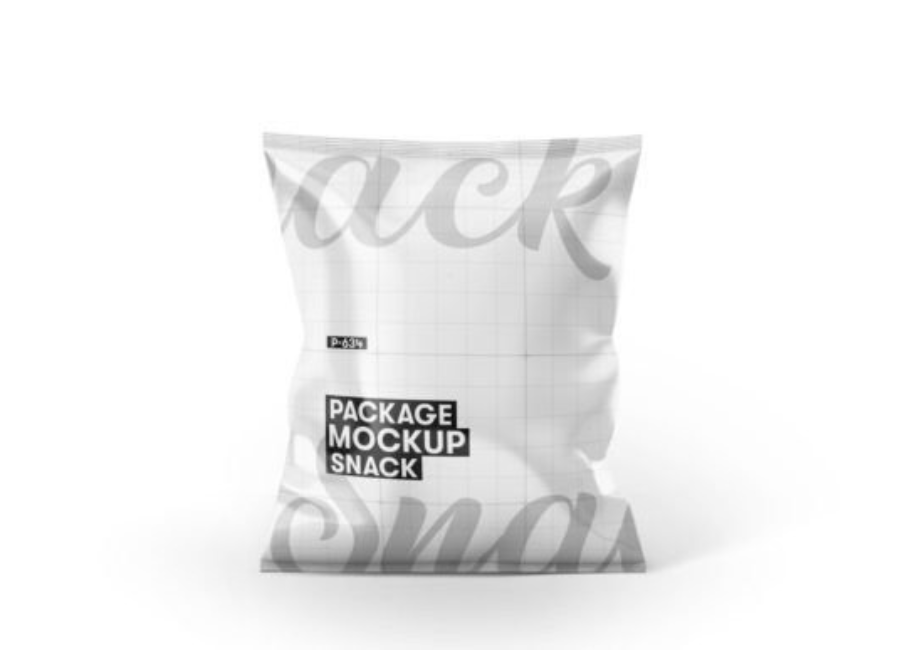
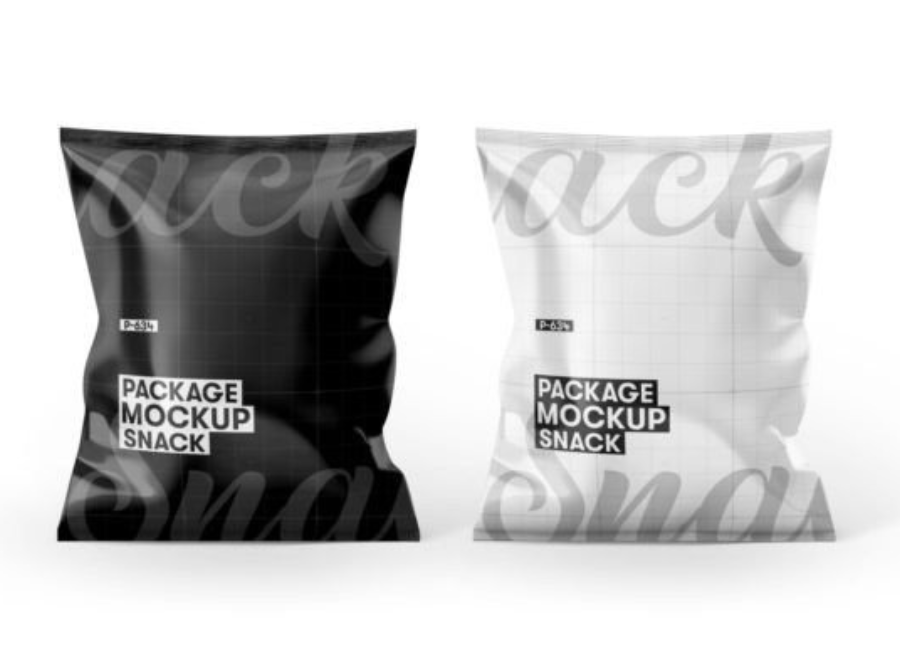
A PSD mockup is a layered Photoshop file (.PSD) that uses smart objects to let you easily insert your design into a realistic image of packaging — in this case, a snack packet. It allows you to see how your branding looks in a real‑world context without printing or photography. These mockups often include editable layers for the pouch, background, lighting, and shadows.
With a snacks packet mockup, you can showcase your logo, label artwork, color schemes, textures, and brand story as they’d appear on actual packaging. It gives clients, stakeholders, or decision-makers a tangible feel for the final product.
Why Snacks Packet PSD Mockups Matter in Branding
Professional Visualization
Designers often start with flat artwork — a vector layout in Illustrator or Photoshop that shows front and back artwork. While those files are essential, they don’t show how the design interacts with shape, light, and surface texture. A mockup adds depth and realism, enabling more confident decision‑making.
Faster Feedback & Iteration
Instead of producing physical prototypes — which are costly and time‑consuming — designers can quickly update and test multiple variations of a design using mockups. With smart object technology, swapping artwork takes only minutes.
Better Client & Marketing Presentations
Mockups elevate your presentations by showing not just what a design looks like, but how it feels. Whether you’re pitching to a food brand, submitting a portfolio, or promoting products online, polished visuals make your design more persuasive and marketable.
Core Features of a Good Snacks Packet PSD Mockup
Not all PSD mockups are the same. The best ones for branding purposes usually include:
Smart Object Layers
These are Photoshop layers where you place your custom artwork. Smart objects automatically warp your design to fit the shape of the snack packet — including curves, edges, and lighting effects — so you don’t manually manipulate elements.
Editable Backgrounds
Many mockups let you customize the background color or texture to match your brand’s aesthetic, providing a more cohesive presentation.
High Resolution & Realistic Details
The best mockups are high resolution (typically 3000+ px on the long side) with realistic shadows, highlights, and material effects that elevate your design from flat to photorealistic.
Multiple Views or Pack Options
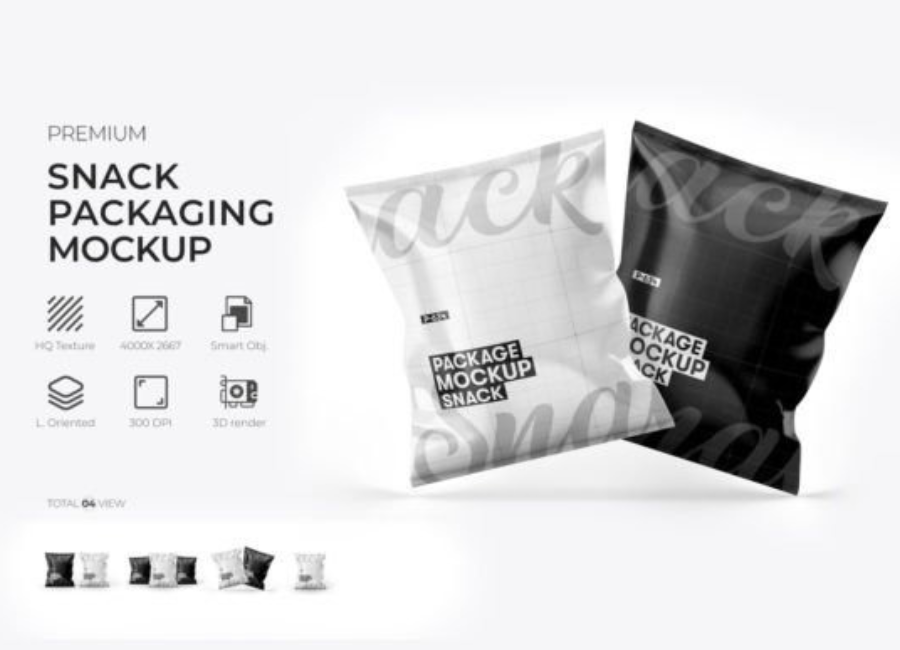
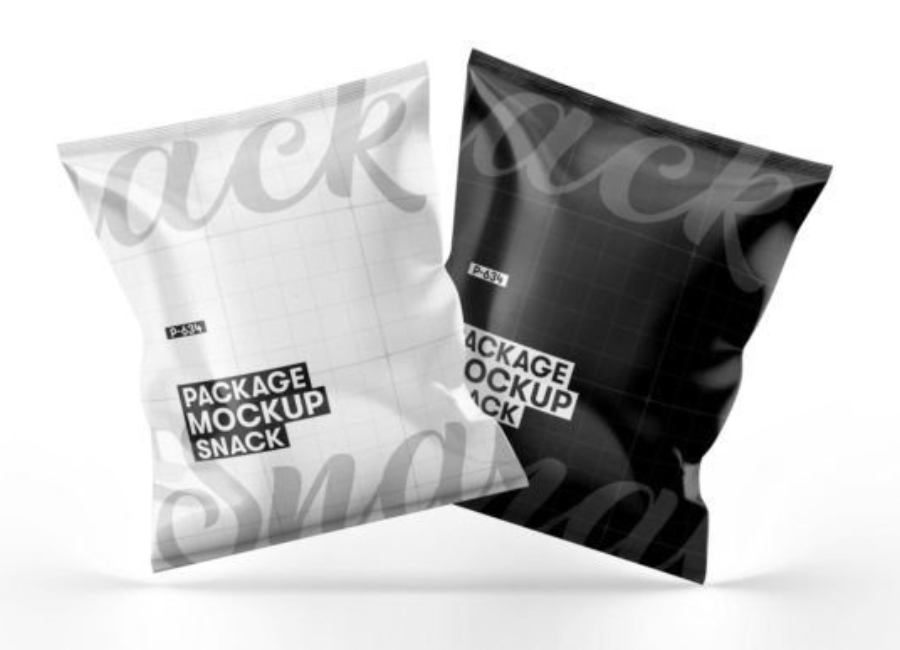
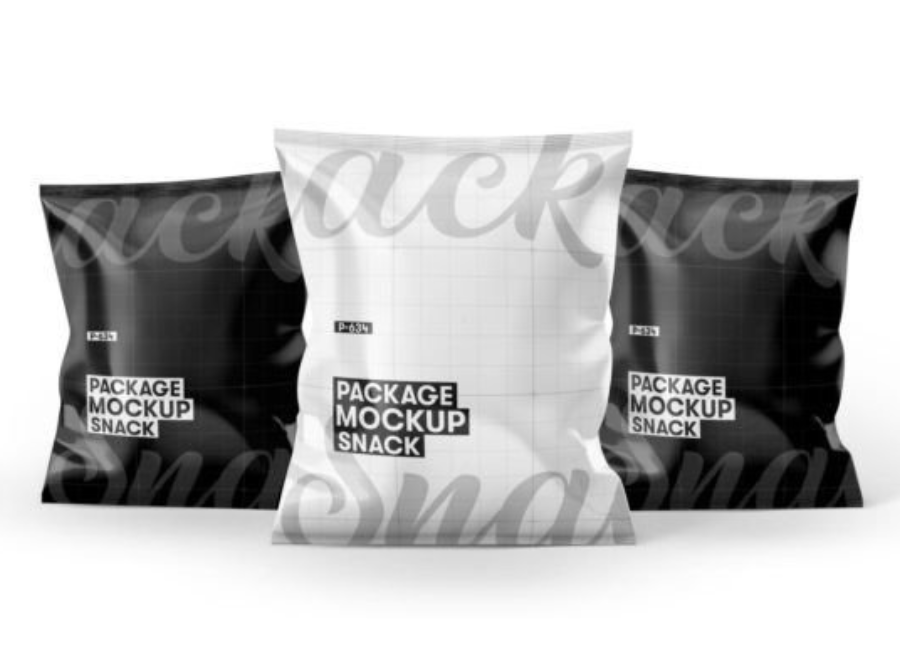
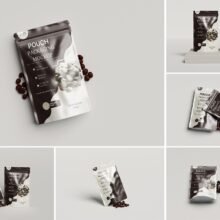
Some sets include front and angled views, or even multiple packets in a single file — allowing you to show variations (e.g., product line ups, flavor variants, or packaging alternatives).
Popular Free Snacks Packet Mockup Resources
There are many free PSD mockups online that can help you visualize and promote your snack packaging:
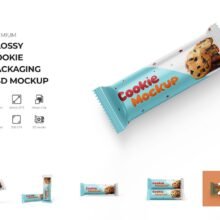
Snack Packaging Packet Mockup: A realistic PSD template that lets you edit colors, insert logos, and apply your design for snacks, spices, grocery items, and more.
Free Snack Packet Packaging Mockup: A layered PSD with smart objects suitable for chips and quick snacks, ideal for branding presentations.
Snack Pack Pouch Packaging Mockup: Offers shadow and light layers to simulate realistic folds and material texture, perfect for chips and snacks packaging.
Chips Packet / Snack Packaging Mockup Set: Includes multiple PSD files for individual and grouped packets, letting you show variations and design options.
Additional Free PSD Snack Mockups: Other mockups available through resources like Free Mockup and Free Mockup World give you diverse options for presentation styles.
Make sure to check the license terms: while many are free for personal use, some require attribution or have limitations for commercial use.
How to Use a Snacks Packet PSD Mockup in Photoshop
Using a PSD mockup is surprisingly easy if you follow these steps:
1. Open the PSD File
Load the mockup in Adobe Photoshop. Most mockups have organized layers with clear labels.
2. Locate Smart Object Layers
Find the smart object layer where your design belongs — usually labeled “Place your design here” or something similar. Double‑click it to open it in a new window.
3. Insert Your Artwork
Paste or design your label and branding in the smart object. Save and close the smart object window — your design will update automatically on the mockup.
4. Adjust Background & Effects
Customize background colors, lighting, or shadow layers to enhance the presentation and match your branding.
5. Export Final Visuals
Once satisfied, export a high‑resolution image (PNG or JPG) for presentations, portfolio showcases, or social media posts.
Tips for Better Branding with Mockups
Use high‑resolution mockups: Crisp visuals make your design look more professional.
Maintain consistency: If showing multiple products together, use mockups with similar lighting and backgrounds.
Leverage staging: Consider adding props or contextual backgrounds that suit the snack category (e.g., wood tables for organic snacks).
Test multiple variations: Present clients with 3–5 versions showing color and layout alternatives.
Conclusion
A Snacks Packet PSD Mockup for Branding is more than a design asset — it’s an essential tool in visual communication that bridges the gap between concept and consumer perception. Whether you’re a freelance designer or a brand marketer, mockups help you present packaging ideas in the most polished, realistic way possible. With editable PSD files and smart objects, you can quickly test designs, get stakeholder buy‑in, and make confident branding decisions without needing physical prototypes.