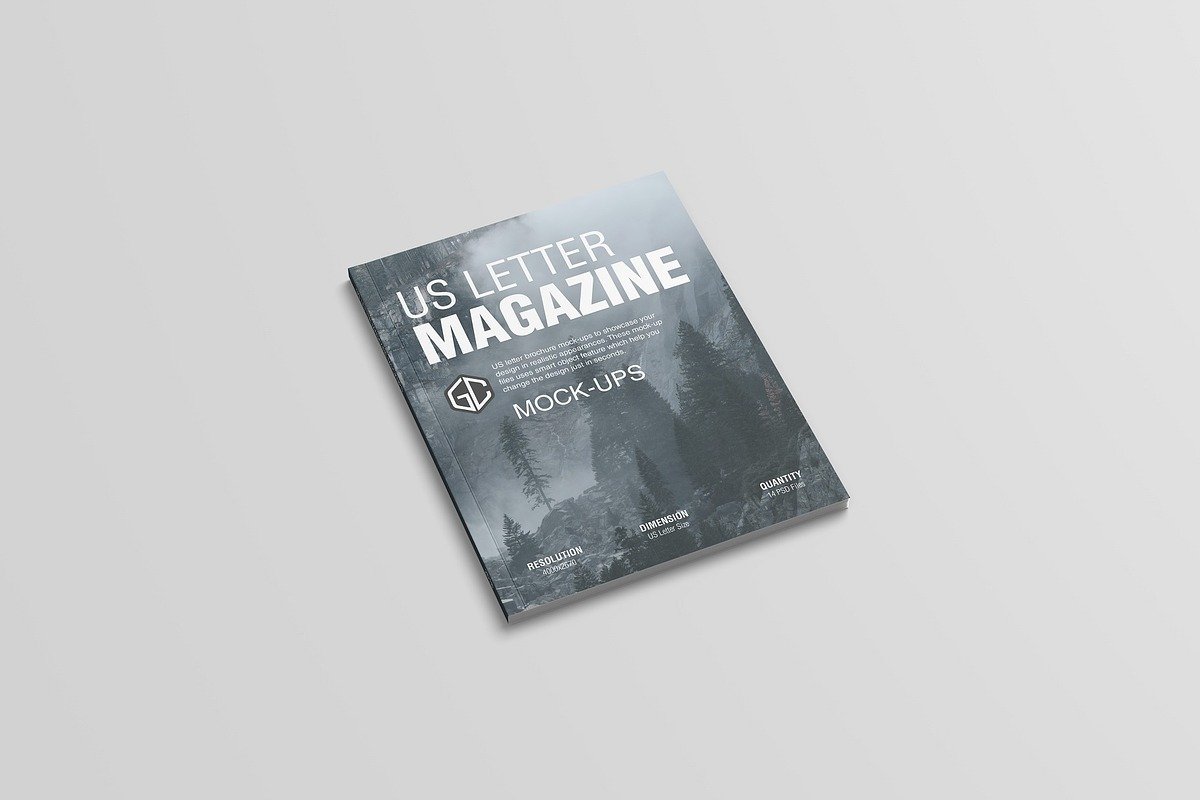
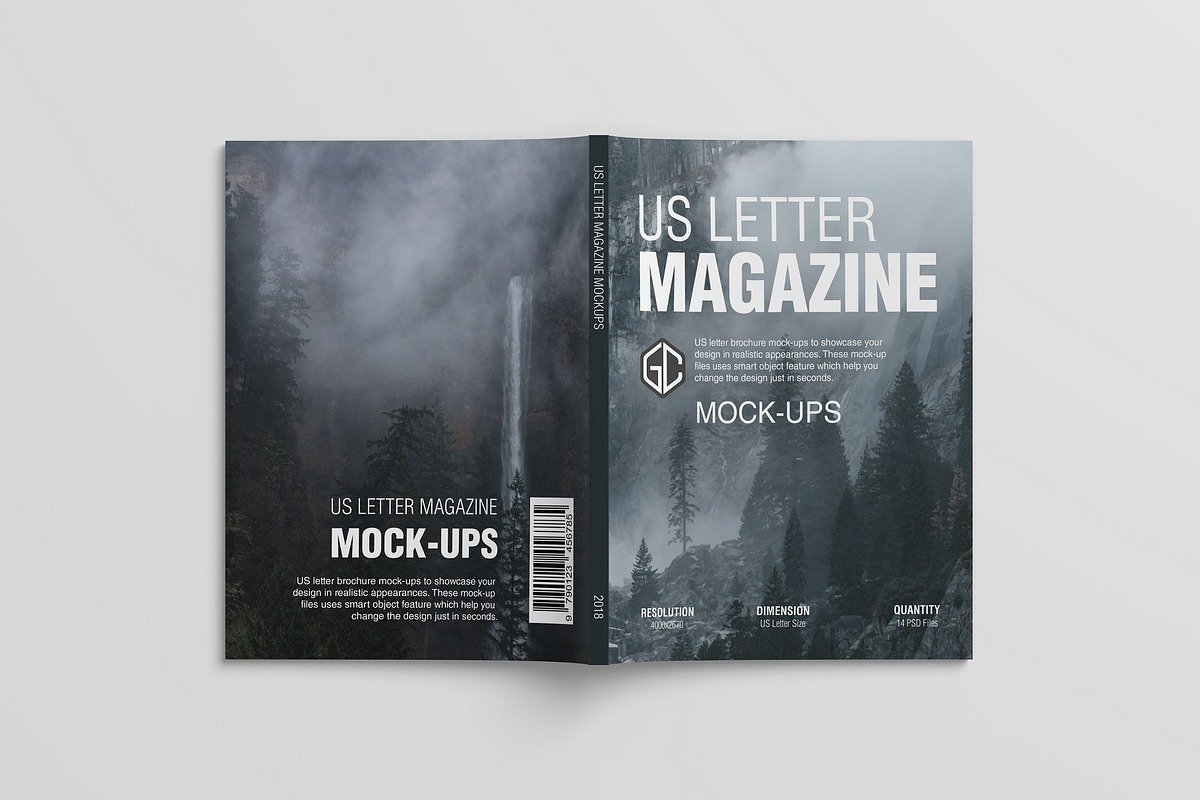
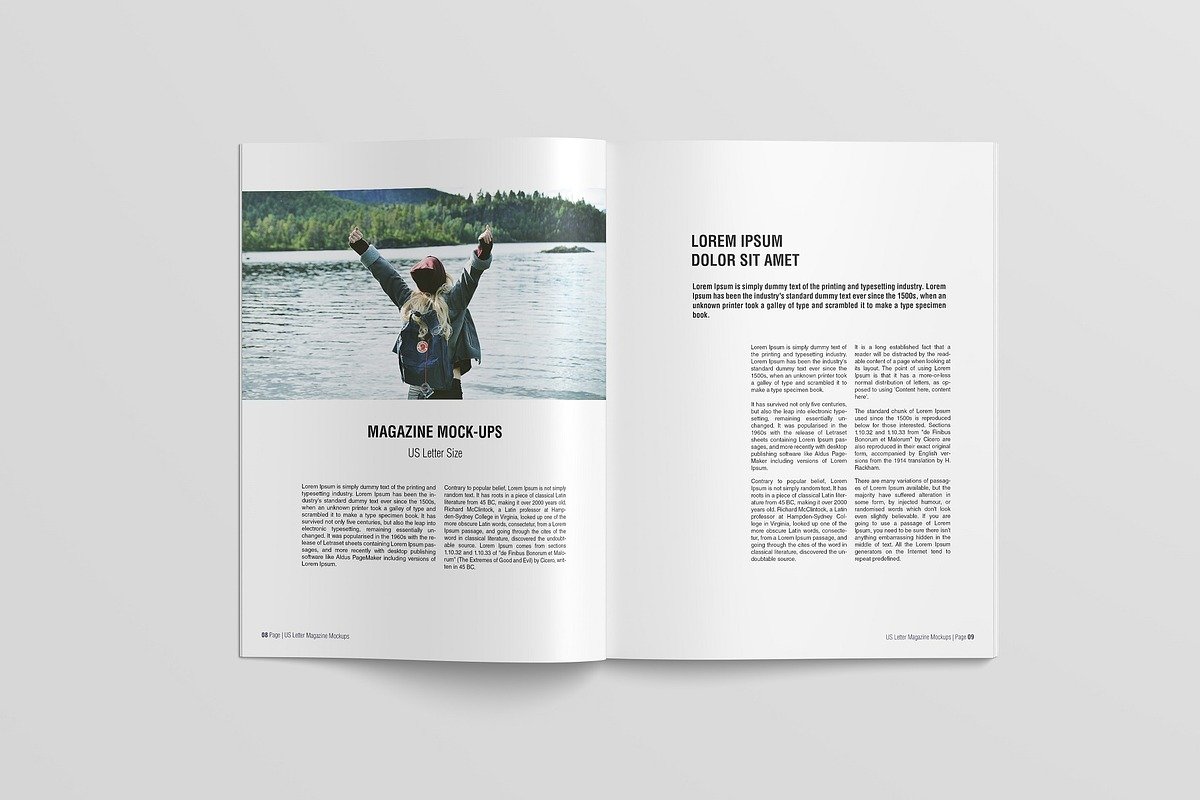
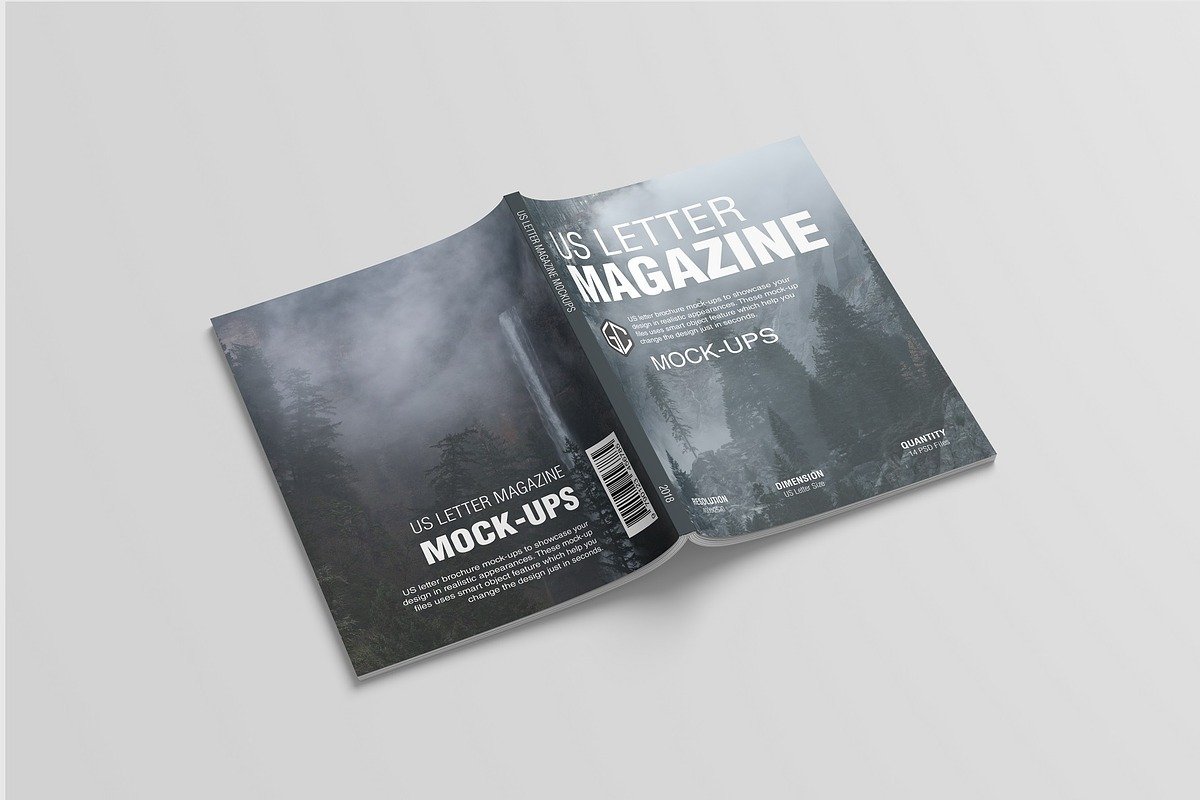
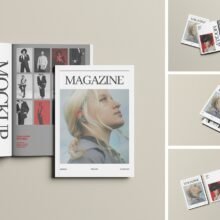
In today’s design-driven world, showcasing your editorial layout, branding or publication work with realism has become essential. That’s where a US Letter magazine mockup comes in-handy. Specifically tuned to the 8.5″ × 11″ US Letter size standard, these mockups allow designers to present their work as if it were already printed and in hand. One example: the mockup from Mockupnest offers a resolution of 4500 × 3000 px, includes multiple PSD files and utilizes smart objects for easy insertion of your design.
Why use it?
Real-world presentation – A flat PDF or InDesign spread is fine, but placing your design into a photorealistic magazine mockup gives it life. It helps you and your client visualise how pages will appear in print: cover, inside spread, binding, shadows and ambient lighting.
Correct dimensions – Because the mockup uses the US Letter size (8.5″ × 11″), you avoid mismatches with print standards. That means no surprises when moving to production. For example, one resource lists the artwork size explicitly as US Letter in its specs.
Efficiency & professionalism – Most good templates come with layered PSDs and smart-object placeholders, so you just drop in your artwork and the scene updates. No need to build lighting, shadows or page folds from scratch. As Mockupnest points out: “quick replace using smart objects” makes it fast.
Key Features to Look For
High resolution: Better resolution (3000px+ on the short side) means crisp results even when zoomed or used on high-end displays. Example: a mockup boasting 3000 × 2000 px.
Smart object layers: Enables you to drop in your design and have the mockup scene update automatically.
Isolated shadows/background: Helps you customize the scene, change background colour or remove distractions.
Multiple views: Covers (front/back), open spreads, angled views give you more versatility in presentation. One set lists seven different renders in its bundl2.
How to Use It in 3 Simple Steps
Download the PSD file from the provider.
Open the PSD in Adobe Photoshop, locate the smart-object layer where you insert your magazine cover or spread.
Replace that smart object with your design, adjust as needed, then export the final image (e.g., JPEG or PNG) for portfolio, web, client review or social-media presentation.
Tips & Best Practices
Keep your original design at correct dimensions (8.5″ × 11″) or larger so the result remains sharp when placed into the mockup.
When customizing backgrounds or shadows, use the isolated layers if provided rather than flattening your PSD—this gives you flexibility.
Use these mockups not only for print-ready designs but also for digital presentations: clients often like to see how a magazine would look physically, even if it’s going to be distributed online.
Check the licensing: most are free for personal and commercial use, but some may have restrictions. For example, the mockup set from Good Mockups is “Free for personal and commercial use.”
Conclusion
A US Letter magazine mockup is a small investment in presentation value—but a big gain in perceived professionalism. Whether you’re building a portfolio, presenting a magazine cover to a client, or simply sharing your layout on social media, using a realistic mockup can make your work pop. With the smart-object workflow and high resolution provided by modern mockup templates, you’re just a few minutes away from turning a flat design into a polished presentation. Let me know if you want me to find some free US Letter magazine mockups you can download right now.