US Letter Magazine Mockup – A Professional Way to Present Your Editorial Designs
In the world of publishing and graphic design, presentation is just as important as the design itself. Whether you are preparing a proposal for a client, building your portfolio, or marketing templates online, showing your work in a realistic context helps communicate the full impact of your design. A US Letter Magazine Mockup offers the perfect solution to display magazine covers and editorial spreads with polished professionalism.
The US Letter format (8.5 x 11 inches) is widely used across North America for magazines, brochures, catalogs, and commercial publications. A mockup designed specifically for this standard ensures that proportions stay accurate and layouts appear exactly as they would in print—no cropping, no warping, no distortion. With a US Letter Magazine Mockup, your design becomes more than just a flat PDF; it becomes a lifelike visual that clients can understand and connect with instantly.
Realistic, High-Quality Visuals
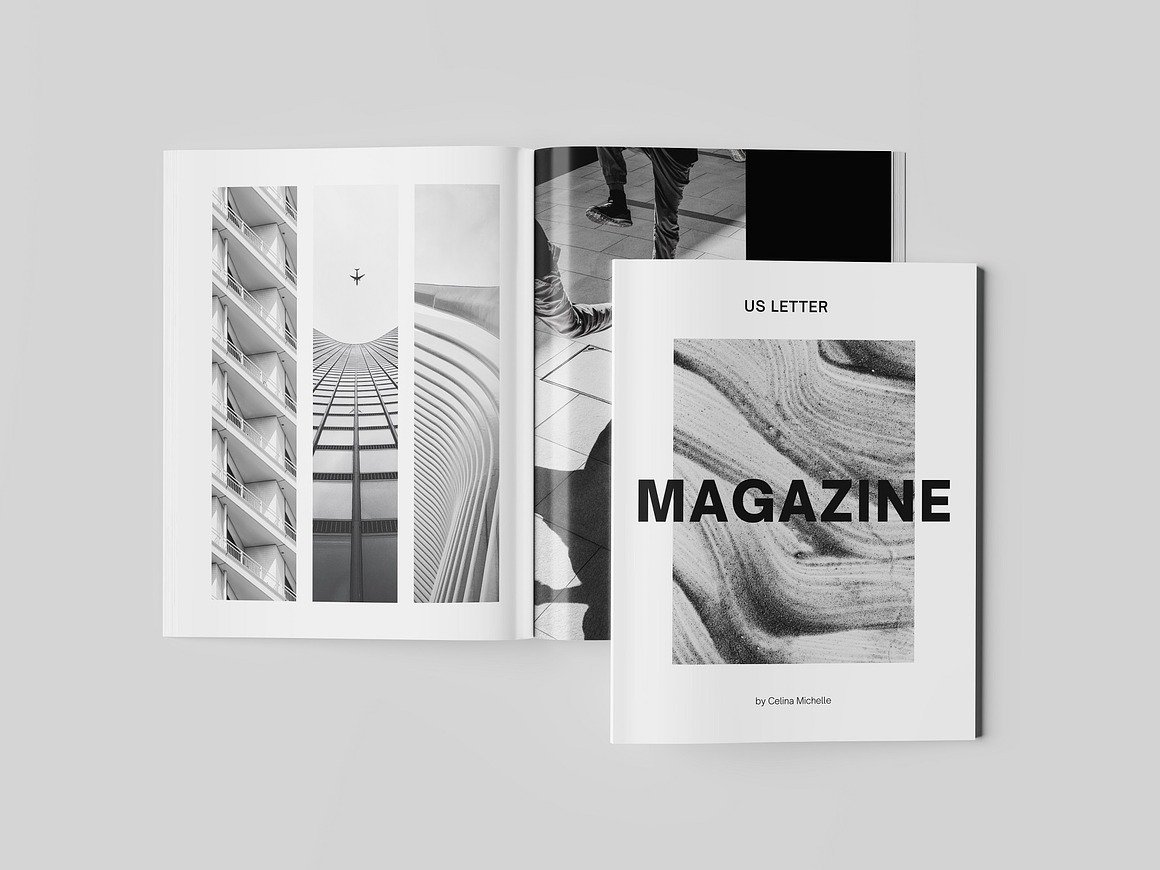
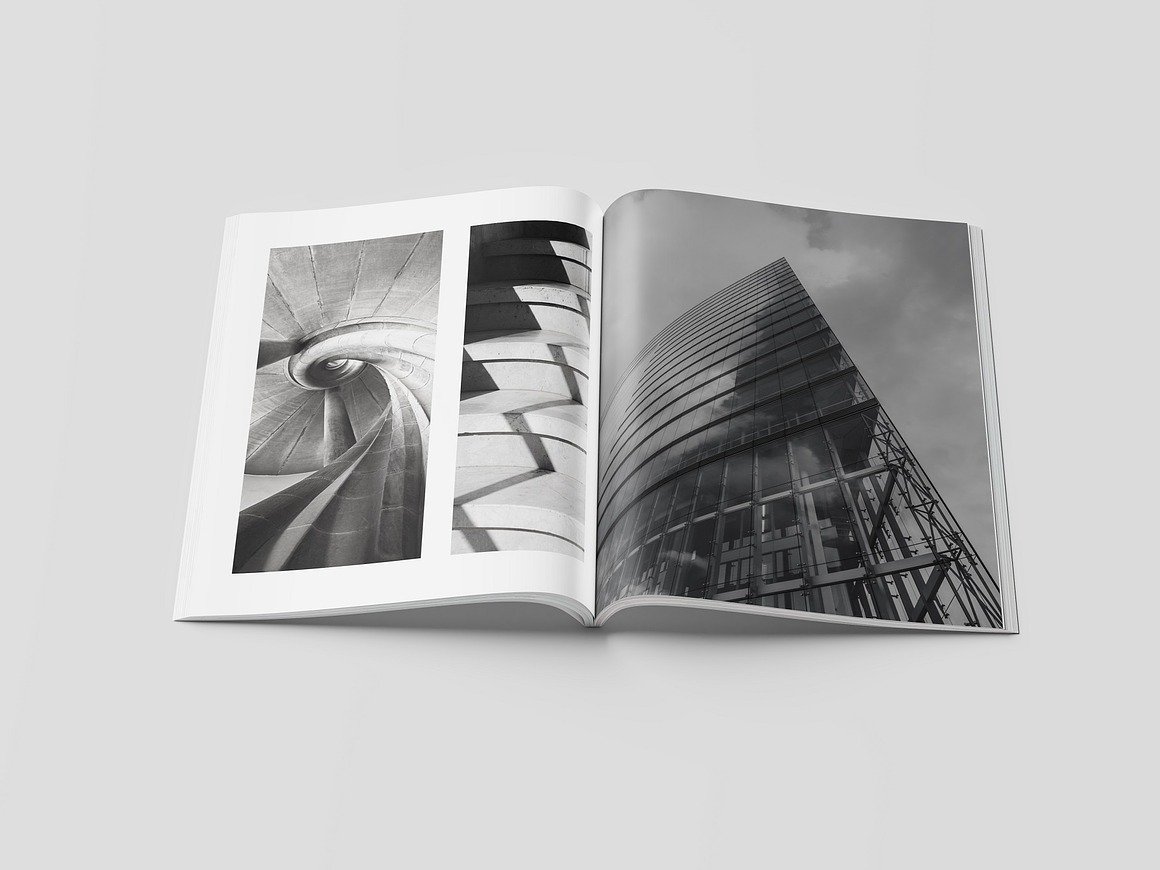
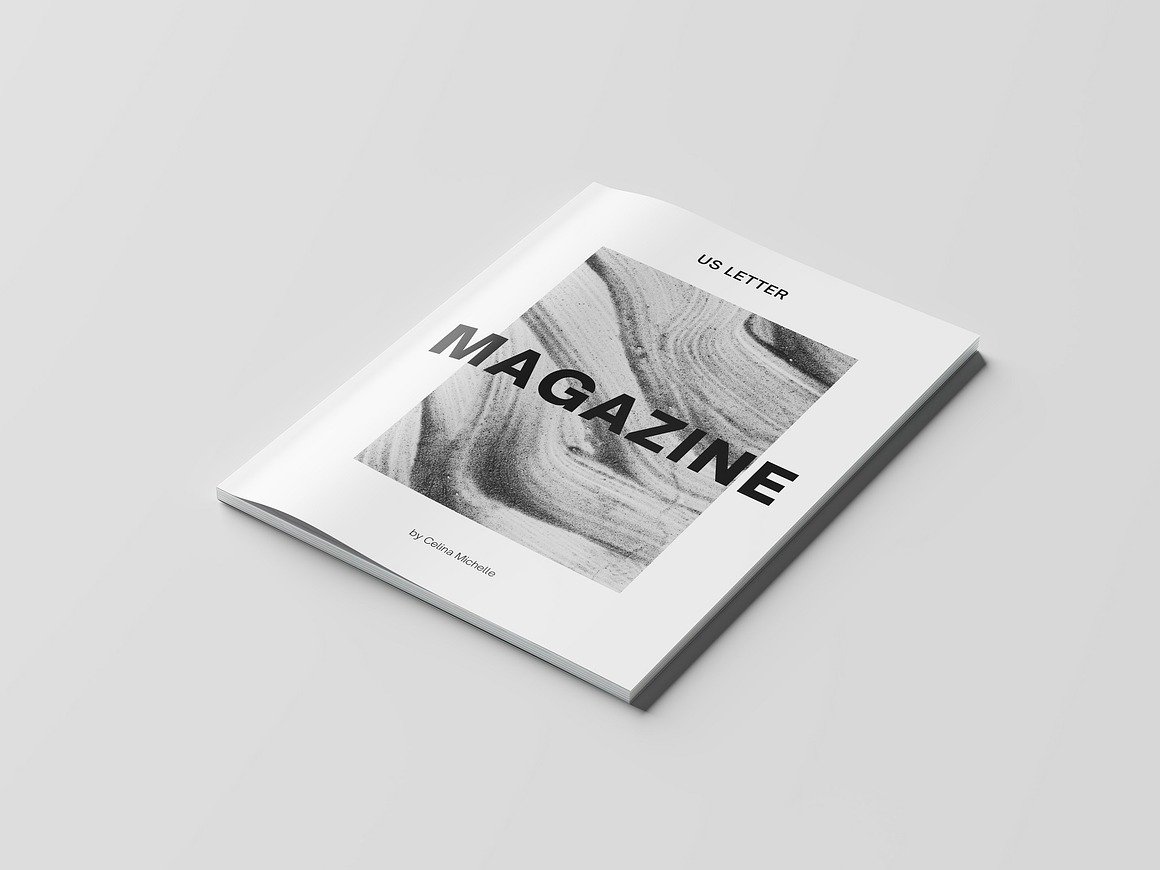
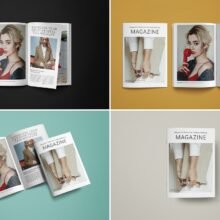
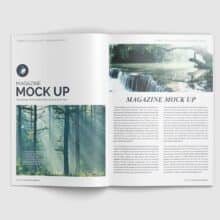
What sets a US Letter Magazine Mockup apart is its realism. High-resolution photography paired with editable layers gives your design depth and dimension. Natural shadows, smooth page curves, and authentic lighting make your work look like it has been professionally photographed in a studio setting.
Whether the mockup shows the magazine open to a spread, viewed at an angle, or stacked with other issues, every scene is designed to amplify detail and visual appeal. Viewers can see how images and text flow across pages, how the cover interacts with light, and how overall layout balance feels in print.
Ideal for Designers, Publishers, and Digital Sellers
This mockup is a valuable asset for:
Graphic designers showcasing editorial projects
Publishers previewing magazine layouts before print
Template sellers on Etsy, Creative Market, or Gumroad
Freelancers creating presentations for client approval
Clients are far more likely to approve a design when they can visualize the final outcome. Instead of imagining how the magazine will look, they see it—instantly.
Simple Customization with Smart Objects
Even if you’re not a Photoshop expert, customization couldn’t be easier. Smart-object layers make inserting your artwork a quick process:
Open the PSD file
Click on the smart-object layer
Add your design and save
Your artwork automatically adjusts to the correct angle, lighting, and perspective. Many mockups also allow customization of background colors or scene styling to match your branding.
Conclusion
A US Letter Magazine Mockup does more than display your design—it elevates it. It adds realism, enhances visual storytelling, and gives your audience confidence in the final result. Whether you’re preparing a client presentation or promoting your design online, this mockup makes your magazine look polished, tangible, and ready for print.