Gaming Laptop Mockup: A Complete Guide for Designers, Marketers, and Creators
In the highly visual world of digital design and gaming culture, presentation matters. Whether you’re a UI/UX designer, brand marketer, game developer, or streamer looking to showcase your work, a gaming laptop mockup can elevate your visuals beyond flat screenshots. A mockup places your artwork — such as game interface screens, streaming layouts, wallpapers, or branding — onto a realistic gaming laptop context, helping viewers immediately understand how your design would look in action.
In this article, we’ll explore what gaming laptop mockups are, why they’re valuable, how to create them, and best practices for using them in portfolios, pitches, and marketing campaigns.
What Is a Gaming Laptop Mockup?
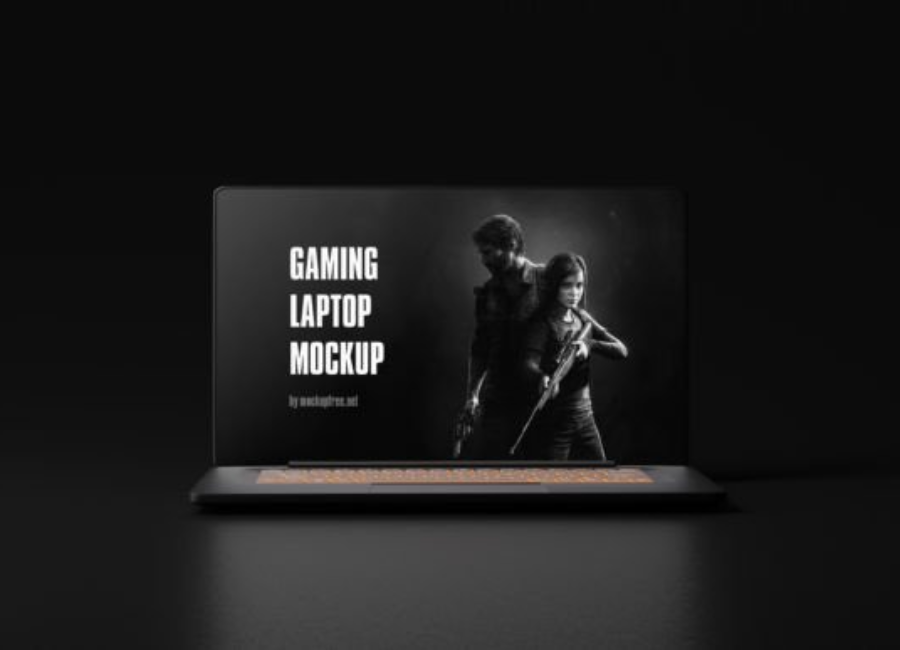
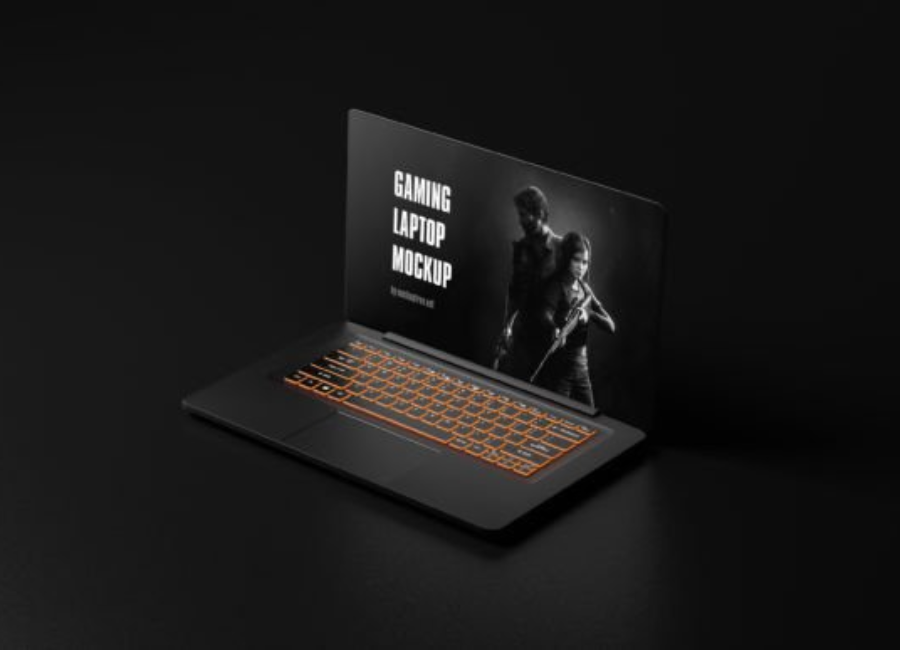
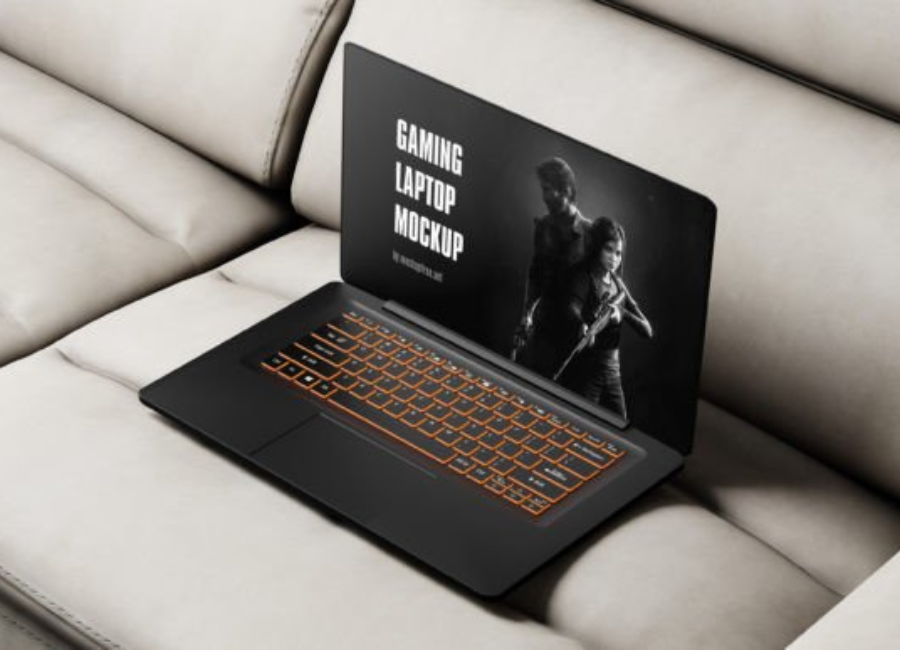
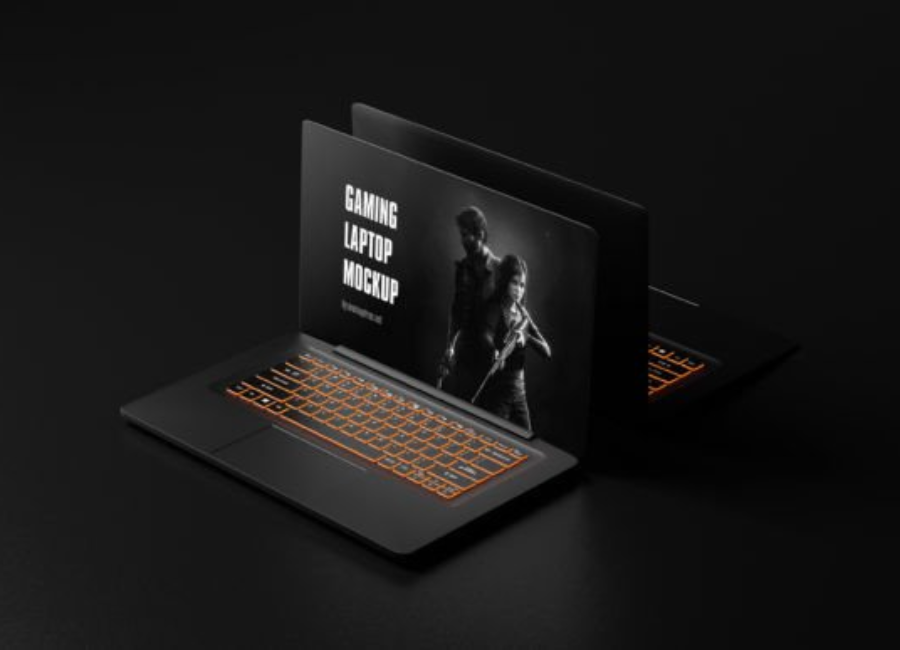
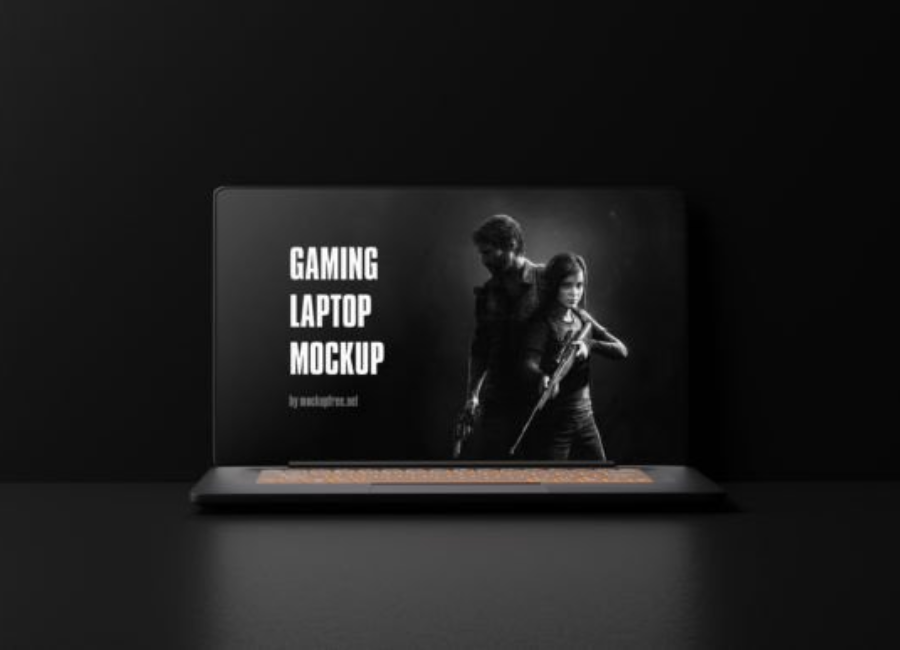
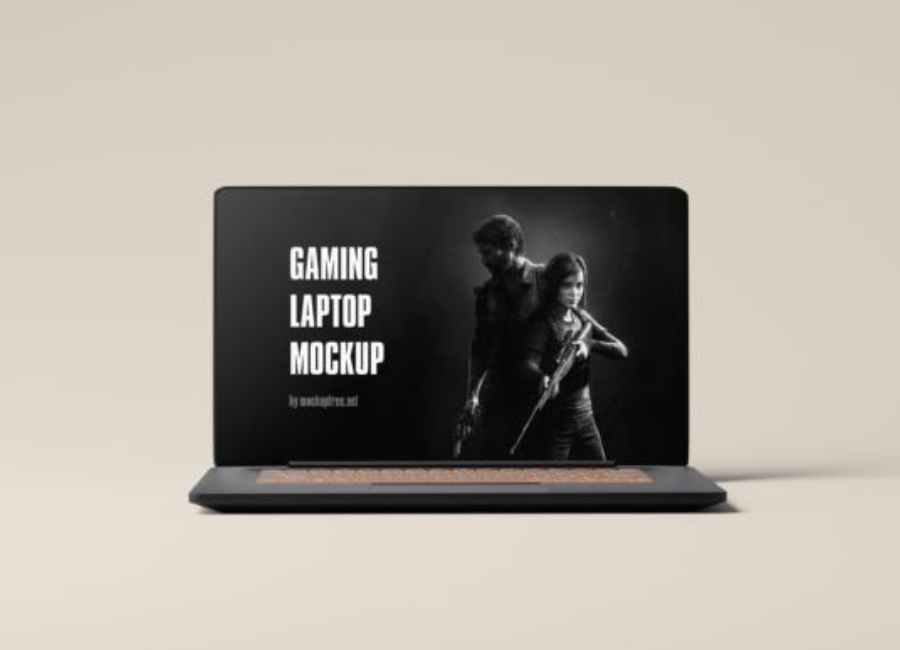
A gaming laptop mockup is a graphic visual template that displays your designs — like UI screens, game menus, dashboards, or promotional content — on a laptop styled with gaming aesthetics. Unlike generic laptop mockups, gaming laptop templates often incorporate bold design elements, dramatic lighting, and environments that reflect gaming contexts (e.g., dark rooms, RGB lighting, or futuristic desks). These mockups help to visually place your creative work in a context that resonates with gamers and gaming audiences.
Technically, a mockup could be a PSD (Photoshop) file with smart object layers that let you insert your own design easily, or a PNG/JPG template generated by online tools that accept your upload and generate a finished image. Some tools now even use AI to automatically create scenes based on text prompts and uploaded designs.
Why Use a Gaming Laptop Mockup?
1. Adds Realism and Context
Instead of showing a flat game screen, a mockup puts your design into context — viewers instantly understand how it would look on a real machine. This is particularly important in gaming, where aesthetics and atmosphere are integral to user engagement.
A well-chosen gaming laptop mockup can evoke mood and experience, making your design feel part of the gaming lifestyle rather than just an image on a page.
2. Enhances Portfolios and Presentations
A strong portfolio communicates not just what you designed, but how it might be experienced. Gaming laptop mockups help designers present work in a cinematic and professional way that captivates potential clients, recruiters, or collaborators.
Whether you’re showcasing UI for a game launcher, custom wallpapers, Twitch layouts, or promotional screens, a gaming context can make your work more memorable.
3. Improves Marketing Materials
Marketers often use mockups in promotional assets — such as landing pages, social media posts, or ads — because they help audiences envision the product in real world or lifestyle contexts. For example, a gaming laptop mockup showing a new competitive game UI on a sleek device could be used in a campaign banner that clearly communicates the product’s look and feel.
Types of Gaming Laptop Mockups
There are several ways to create and use gaming laptop mockups depending on your skills and tools:
1. PSD Templates (Photoshop)
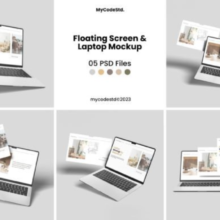
Classic mockups come as PSD files with layered smart objects. Designers can double-click the smart object layer, paste their artwork, and save the file — and Photoshop automatically applies the design into the scene with realistic lighting and perspective. These high-quality files often allow customization of background objects, reflections, shadows, and more.
You can find general laptop PSD mockups and adapt them for gaming by placing your own gaming-themed background or props.
There are also collections of dedicated gaming laptop mockup PSDs available for download that include multiple angles and dynamic perspectives.
2. Online Mockup Generators
If you don’t have Photoshop, there are powerful online mockup generators that let you upload your design and generate a mockup automatically. Sites like Canva, Pixelcut, Pacdora, and others provide user-friendly tools where you select a base laptop template, upload your design, adjust positioning, and download the finished image — no advanced software required.
Many of these platforms have extensive libraries of device styles and backgrounds, and some even include gaming laptop templates with edgy lighting or themed scenes.
3. AI-Powered Tools
Modern AI-powered tools take customization to the next level. For example, some tools let you describe the scene you want — “a futuristic gaming laptop in neon lights with my UI on the screen” — and generate a unique mockup based on that description along with your uploaded art. These tools typically handle realistic lighting and perspective for you.
How to Create a Gaming Laptop Mockup (Step by Step)
Here’s a practical workflow you can follow whether you’re a beginner or a seasoned designer:
Step 1: Select Your Mockup Tool
Decide whether you’ll use Photoshop with PSD files or an online/mockup generator. Photoshop gives you more control and advanced editing options, but online tools are much faster and accessible without specialized software.
Step 2: Prepare Your Artwork
Before using a mockup, ensure your game UI design, wallpaper, or other visual assets are final and high resolution. Screenshots or UI exports should be crisp and aligned to the resolution recommended by the mockup tool.
Step 3: Upload or Insert Your Design
Photoshop (PSD): Open the mockup file, locate the smart object layer, and place your artwork inside it. Save the smart object to automatically update the main scene.
Online Generator: Upload your image to the mockup platform, adjust size and position to fit the laptop screen area, and optionally tweak background and scene elements.
Step 4: Customize the Environment
If the tool permits, adjust the background scene, lighting, shadows, and additional props — such as RGB setups, gaming peripherals, or dynamic lighting — to complement the gaming aesthetic.
Step 5: Export Your Final Mockup
Download your completed mockup in a high-resolution format suitable for your needs — whether for portfolio pages, client presentation slides, social media posts, or digital ads.
Best Practices for Gaming Laptop Mockups
Match the Mood to the Audience
Gaming designs often benefit from high-contrast lighting, dark themes, and immersive environments. Choose backgrounds and props that resonate with the gaming niche you’re targeting — whether that’s competitive esports, fantasy RPGs, or tech-enthusiast lifestyles.
Use Professional-Quality Files
Low-resolution images, inconsistent lighting, or mismatched perspectives can undermine your design’s impact. Use high-quality mockups and ensure your artwork is optimized for clarity and scale.
Keep Your Work Clear
While ambiance is valuable, ensure your main design remains the focus. Avoid overly busy backgrounds that distract from the core UI or graphic you’re showcasing.
Experiment with Angles
Different perspectives — such as slight tilt angles, over-the-shoulder views, or dynamic compositions — can convey energy and make your visuals more engaging.
Common Mistakes to Avoid
Overuse of Generic Templates: Using the same generic mockups everyone else uses can make your work feel derivative. Customize scene elements or lighting for uniqueness.
Neglecting Branding Consistency: If you’re presenting work for clients, ensure backgrounds and props don’t conflict with the client’s branding or aesthetic.
Ignoring Resolution: Low-resolution exports can look blurry or pixelated, especially on high-definition screens.
Conclusion
Gaming Laptop Mockup are powerful visual tools that help designers and creators put their work in context, adding realism, atmosphere, and professional polish. Whether you use traditional PSD files, online generators, or AI-assisted tools, a well-executed mockup can elevate presentations, portfolios, and promotional materials — especially in the gaming space where vibe and mood are integral to engagement. With the right approach and careful attention to detail, gaming laptop mockups can help your designs make a memorable impression.