Square Book Mockup – A Stylish and Modern Way to Present Book Designs
In the world of publishing and branding, presentation plays an essential role in how a design is perceived. Whether you’re designing a photo book, children’s book, planner, or brand lookbook, showing the final product in a realistic form can make all the difference. A Square Book Mockup provides a polished visual preview of how a book will appear once printed, giving designers, authors, and clients a clear and professional representation of the final product.
Why Square Book Mockups Stand Out
Square book formats are becoming increasingly popular in modern design because of their contemporary and balanced proportions. Unlike traditional rectangular books, square books offer a clean, minimalistic appearance that complements visual-heavy content. With equal measurements on all sides, they create a sense of symmetry and refinement, making them ideal for:
Photography and art books
Children’s storybooks
Planners and journals
Portfolio-style publications
Branding or product showcase books
However, because square books are less conventional, showcasing them with realism is crucial. A Square Book Mockup gives you that exact visual advantage.
Realistic Presentation That Brings Ideas to Life
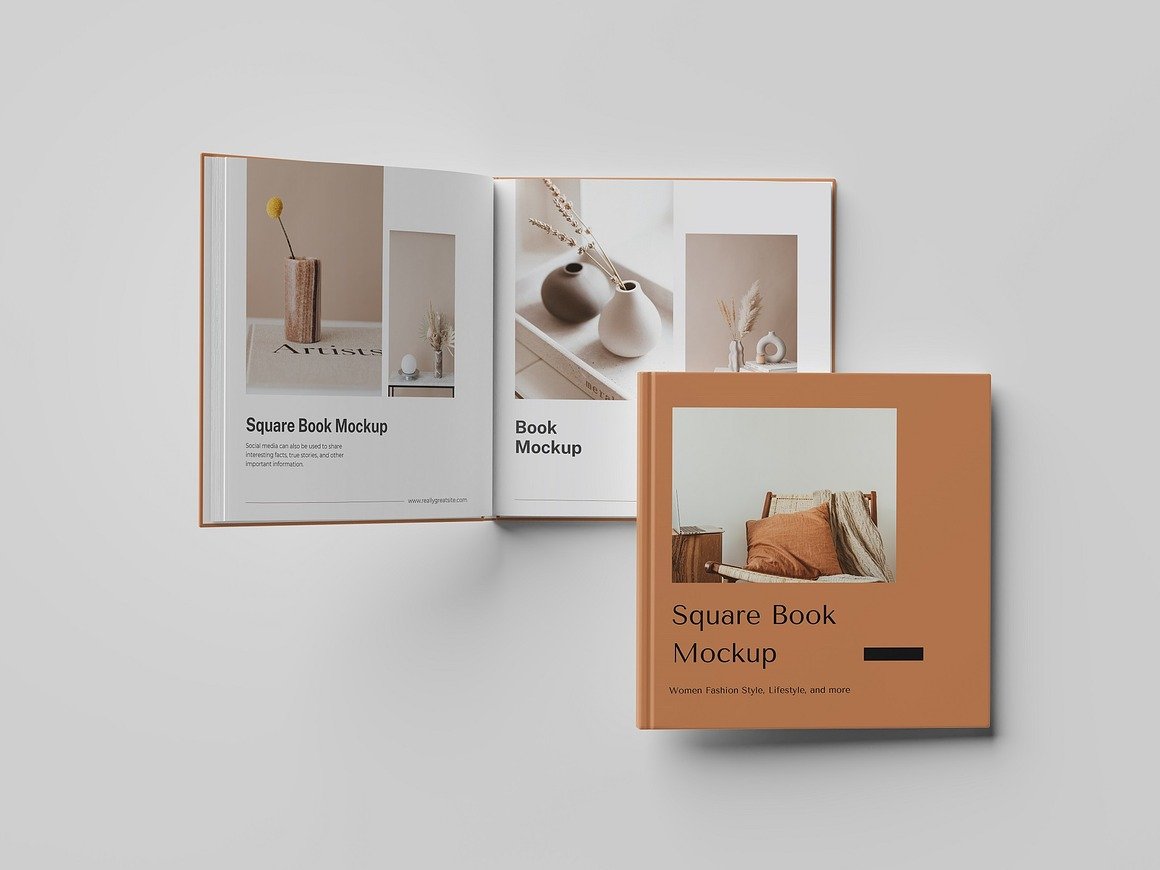
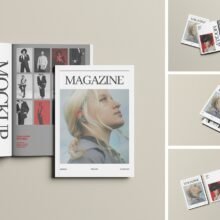
With a high-resolution square book mockup, flat images instantly transform into photorealistic scenes. Instead of showing a simple .jpg of your cover, you can present:
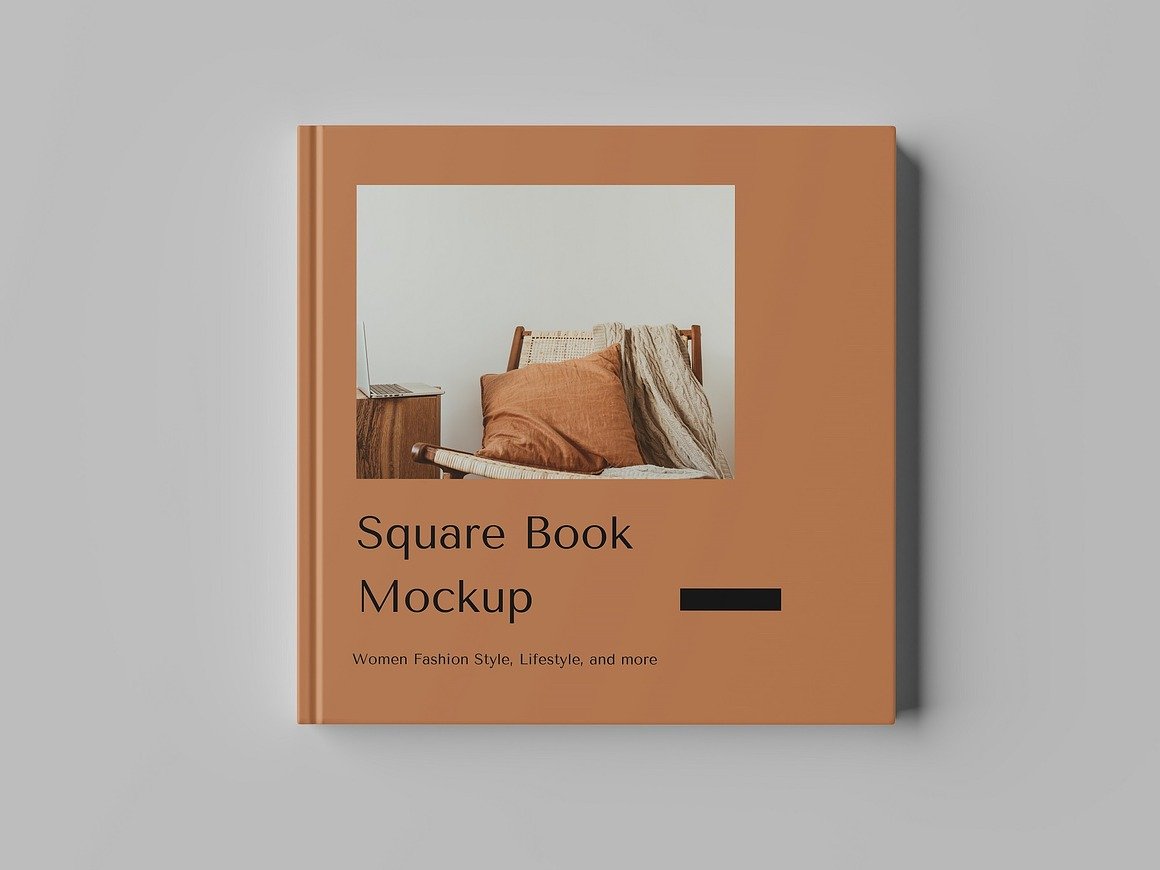
The front cover design in perspective view
The book lying flat on a surface
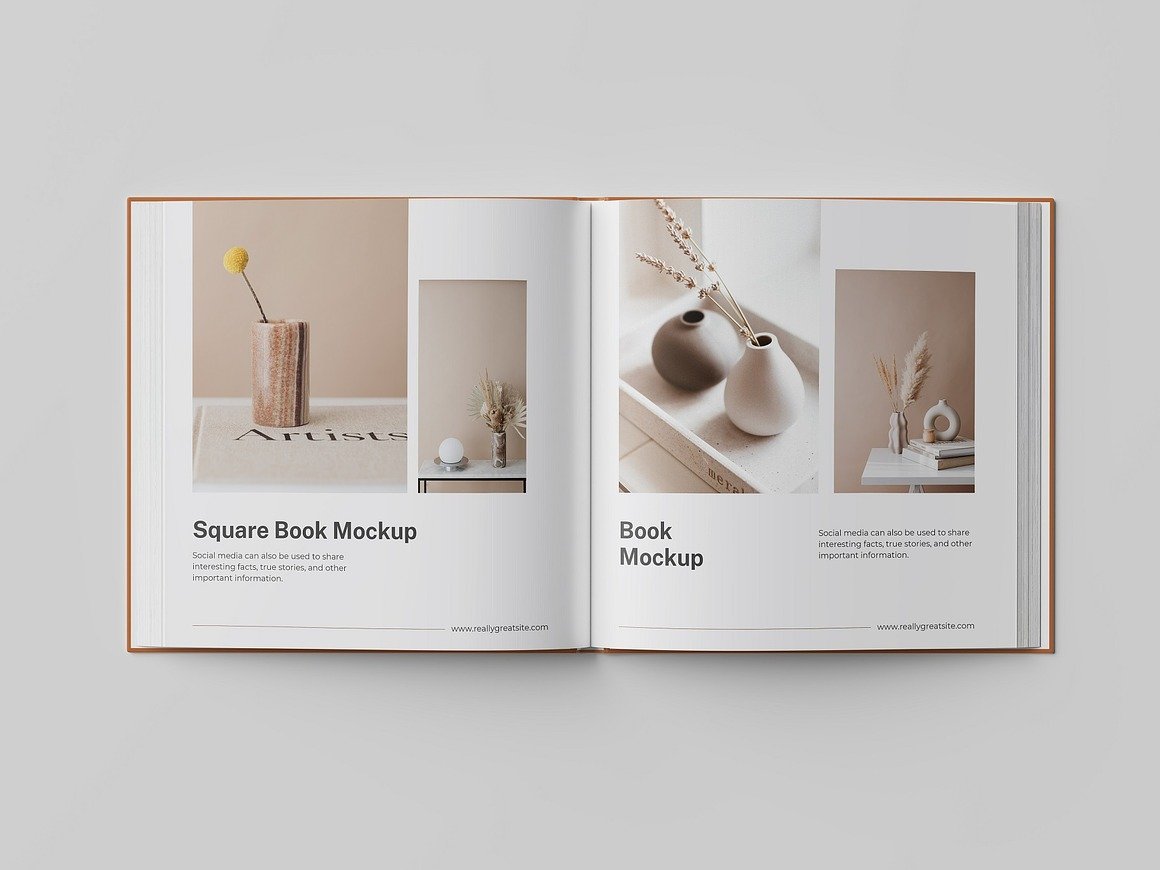
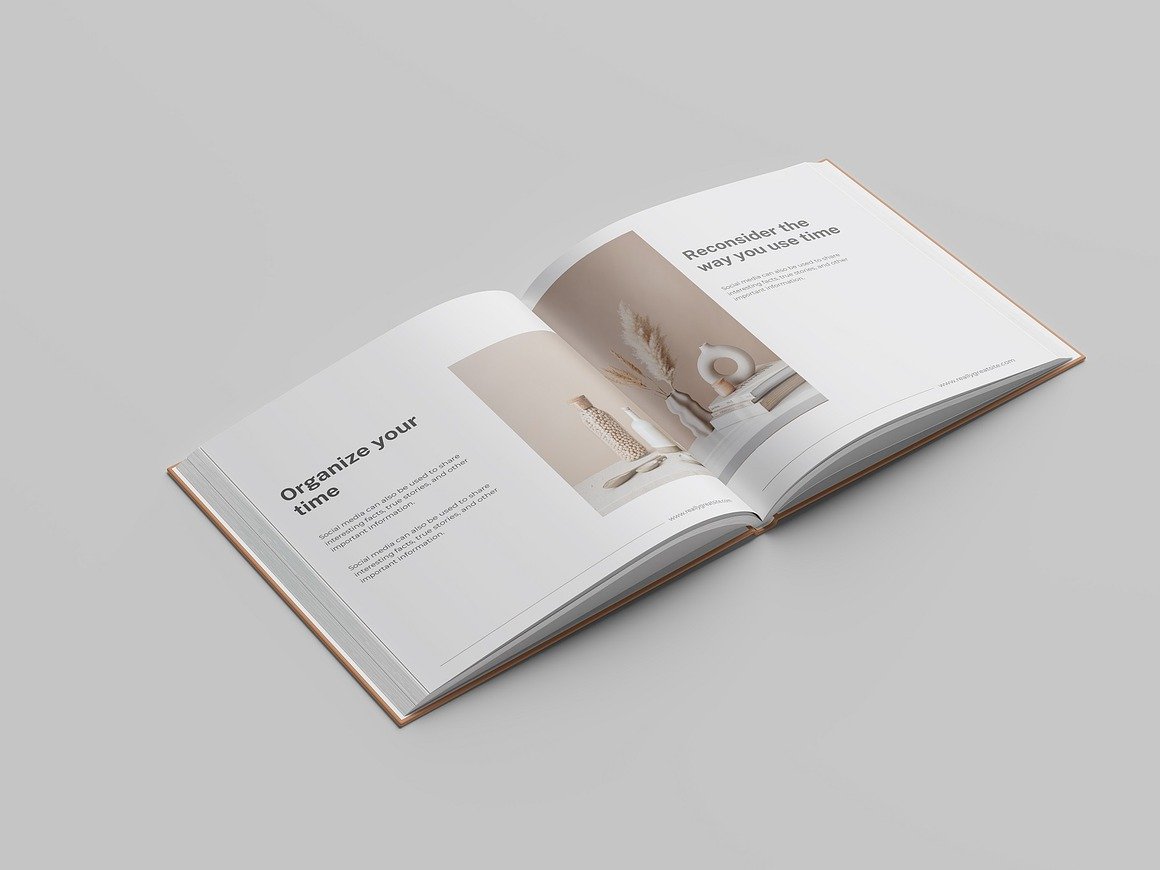
Interior spreads with natural page folds and shadows
Stacked books to showcase spine and thickness
Realistic lighting, soft shadows, and texture details give the mockup scene a premium quality. This allows clients—and potential customers—to visualize how the book will look and feel in the real world.
Easy Editing and Smart Object Integration
Square book mockups are designed for speed and convenience. Thanks to Smart Object layers, inserting your cover art or interior pages is as simple as dragging and dropping a file.
Steps are usually as simple as:
Open the mockup file in Photoshop.
Double-click the Smart Object layer.
Paste or place your design.
Save and watch it update instantly.
Even designers with minimal Photoshop experience can use these mockups without difficulty.
Perfect for Portfolios, Marketing, and Product Listings
Square Book Mockups are widely used for:
Client presentations
Social media promotions
Portfolio showcases (Behance, Dribbble)
Etsy or Creative Market product listing previews
Presenting your design in mockup form elevates your professionalism and increases perceived value.
Conclusion
A Square Book Mockup is more than just a preview—it is a visual storytelling tool. It transforms a flat design into a realistic, polished final product that communicates quality and intention. Whether you’re a designer showcasing work to a client or a business owner promoting a new publication, square book mockups help your design shine with clarity, style, and confidence.