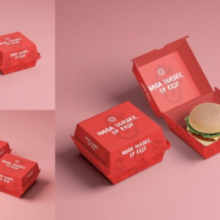
Cover Book Mockup – A Powerful Tool to Showcase Your Book Design Professionally
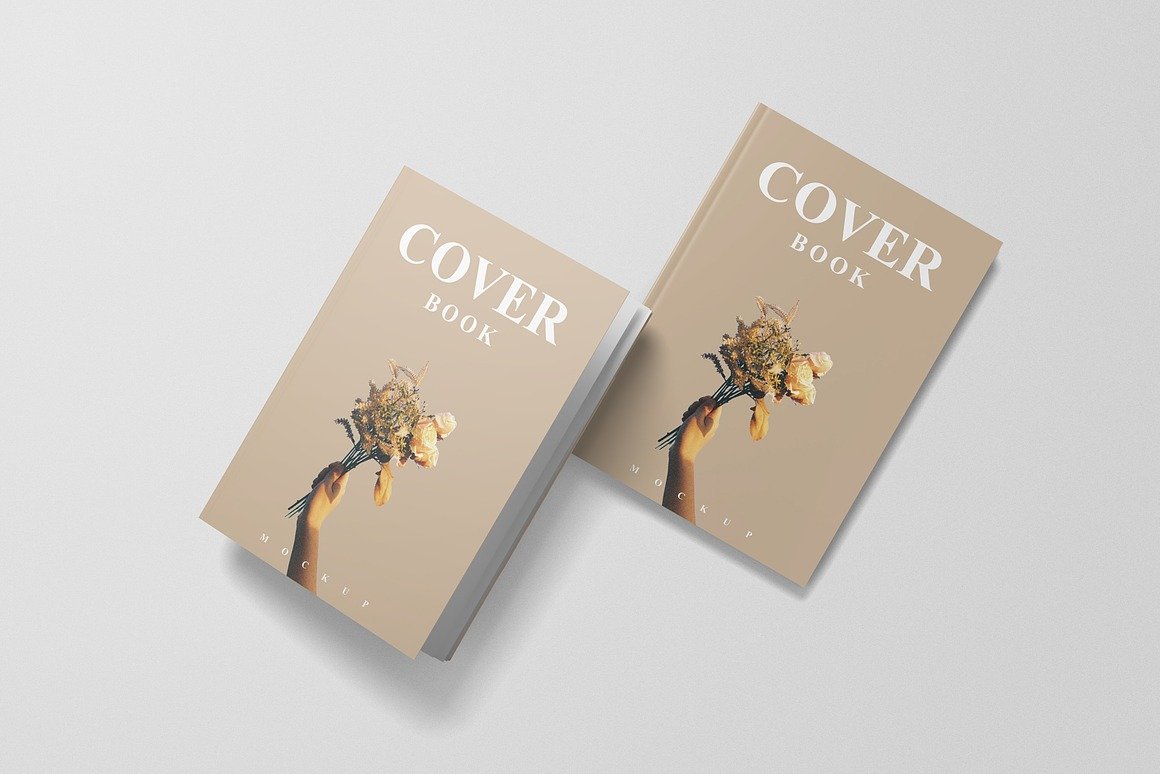
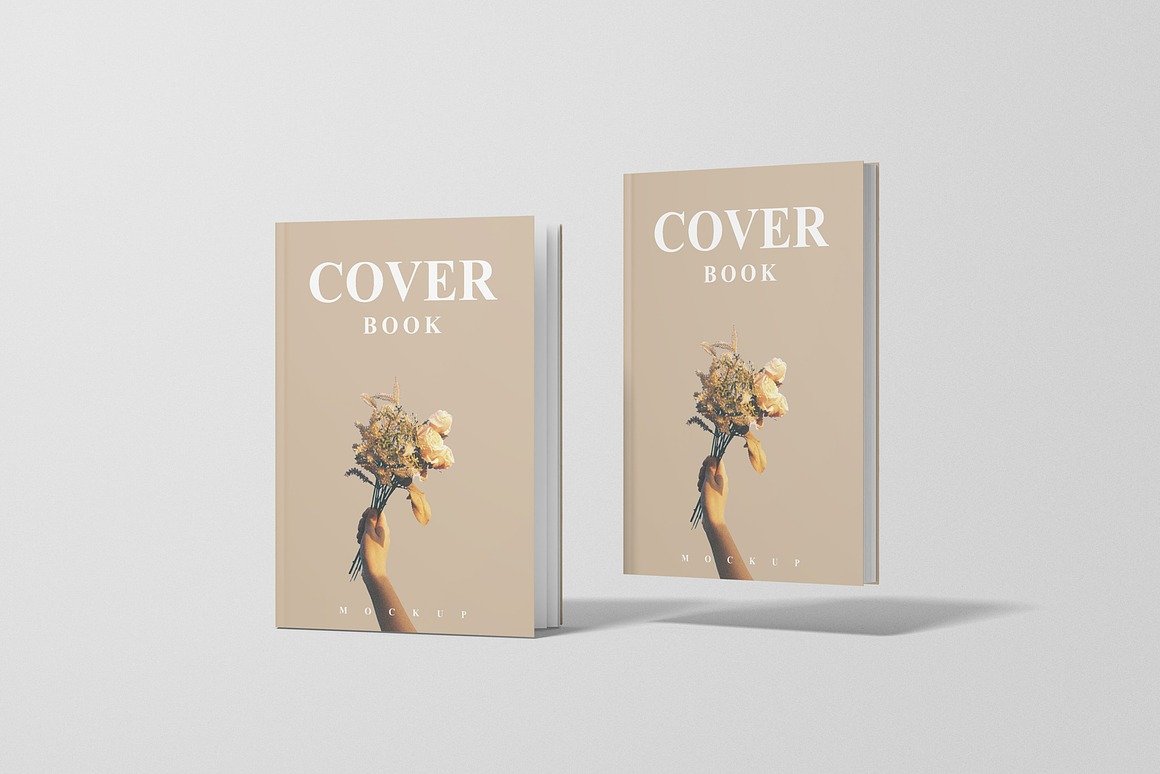
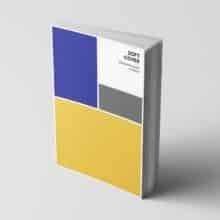
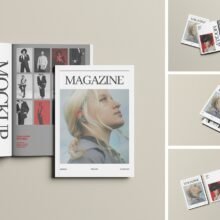
In the world of publishing, where first impressions hold immense power, book cover design plays a critical role in influencing a reader’s decision. No matter how compelling the story or content inside may be, the cover is the reader’s first experience of the book—and that moment must count. This is where a Cover Book Mockup becomes an essential tool for authors, designers, publishers, and marketers. A cover book mockup is a high-quality digital template that allows you to showcase your book cover design in a realistic and visually appealing manner, without the need for printing a physical copy.
Why Book Cover Mockups Matter
Readers, especially in online marketplaces, rely heavily on visuals to decide whether a book catches their interest. A flat design of a cover cannot communicate the real feel of a printed book—the thickness of the spine, the gloss of the material, the size proportions, or how the book behaves in lighting.
A Cover Book Mockup bridges that gap.
Mockups simulate real-world environments and perspectives by presenting your design as if it has already been printed and is being photographed. This adds visual credibility and helps potential readers, clients, or customers envision the book as a tangible product.
Whether you’re designing a hardcover, paperback, square book, or even an e-book, mockups elevate your presentation.
Features of a Professional Cover Book Mockup
A well-designed mockup should offer:
High resolution for crisp, detailed visuals.
Smart Object layers, allowing designers to drag and drop their artwork effortlessly.
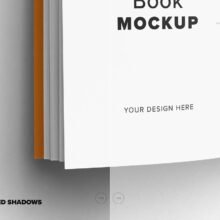
Realistic lighting and shadows to enhance visual depth and dimension.
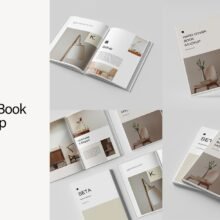
Multiple angles and perspectives, such as front view, spine detail, top view, or books stacked.
By inserting your cover into a mockup, you can instantly transform a flat design into a photorealistic rendering that looks professional and market-ready. Without learning complex modeling techniques, designers can achieve visuals that look like studio photography.
How Cover Book Mockups Improve Design Workflow
Mockups are not only about visual beauty—they also improve efficiency. Instead of waiting for a test print, you can preview how your design will look when printed and bound. This allows designers to check spacing, margins, readability, color accuracy, and the overall visual impact.
With Smart Object layers in software like Adobe Photoshop, using a mockup takes just a few steps:
Open the mockup file.
Find the Smart Object layer labeled “Replace cover design” or similar.
Drag and drop your design.
Save and view the updated mockup instantly.
This makes it possible to present multiple concepts to clients in a matter of minutes.
Versatility Across Styles and Platforms
Cover Book Mockups are adaptable and work for a wide range of book types:
Fiction and non-fiction novels
Workbooks and planners
Cookbooks and photography books
Children’s literature
Branding portfolios
Mockups can also be used across multiple platforms, such as:
Author websites
Publishing presentations
Print-on-demand stores
Social media book promotions
Amazon KDP or IngramSpark listings
If you’re selling book covers on design marketplaces like Etsy or Creative Market, mockups help make your listing more attractive and improve conversion rates.
A visually appealing mockup can boost promotional efforts significantly. Instead of posting a plain graphic of a book cover, sharing a realistic mockup on Instagram, Pinterest, Facebook, or author platforms generates more engagement and communicates professionalism.
For example, showcasing a cover in a mockup placed on a cozy desk setting or styled with decorative elements instantly evokes emotion and context. It helps potential readers imagine owning the book.
Saving Costs and Time
Mockups eliminate the need to print multiple prototypes during the design process. Before committing to actual printing costs, authors and designers can experiment with cover variations using mockup previews. This ensures confidence in the final decision while saving both time and money.
Additionally, mockups can easily adapt to branding or client revisions—making them a reliable tool in fast-paced publishing workflows.
Conclusion
A Cover Book Mockup is far more than just a design tool—it is a strategic resource for presenting book concepts with clarity and professionalism. By providing realistic visualization, streamlining workflow, and enhancing marketing impact, mockups bring your design one step closer to becoming a finished, sellable product.
Whether you’re a designer preparing a portfolio, an author promoting your upcoming release, or a business selling book cover templates, using a Cover Book Mockup elevates your presentation from simple artwork to a beautifully styled product.
A great book cover draws attention. A great mockup turns that attention into action.