Book Mockup Template – Bring Your Cover Design to Life with Professional Realism
In the world of publishing, design, and marketing, visuals are everything. Even the most powerful manuscript can be overlooked if its cover design fails to capture attention. That is why a Book Mockup Template has become a must-have tool for authors, designers, and publishers. It transforms a flat cover design into a realistic three-dimensional representation of a book, allowing viewers to experience how the final printed product will look and feel. A mockup template not only elevates presentations but also improves collaboration, marketing efforts, and overall design quality.
What Is a Book Mockup Template?
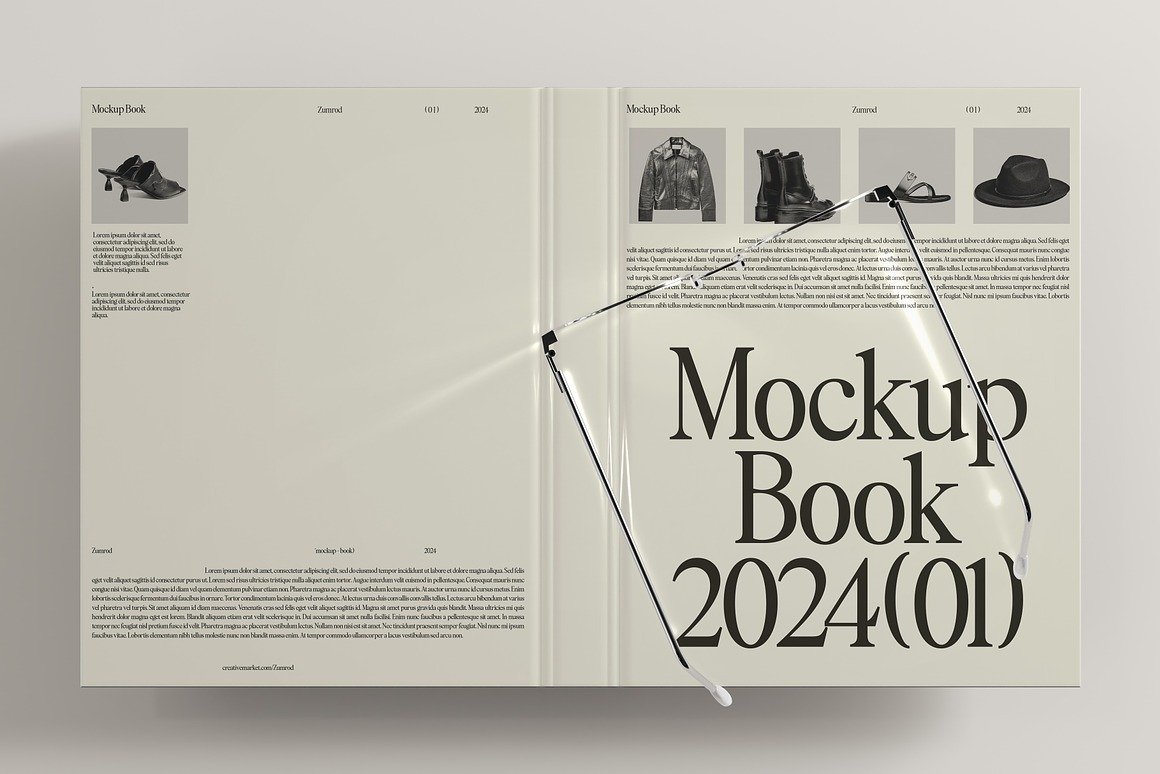
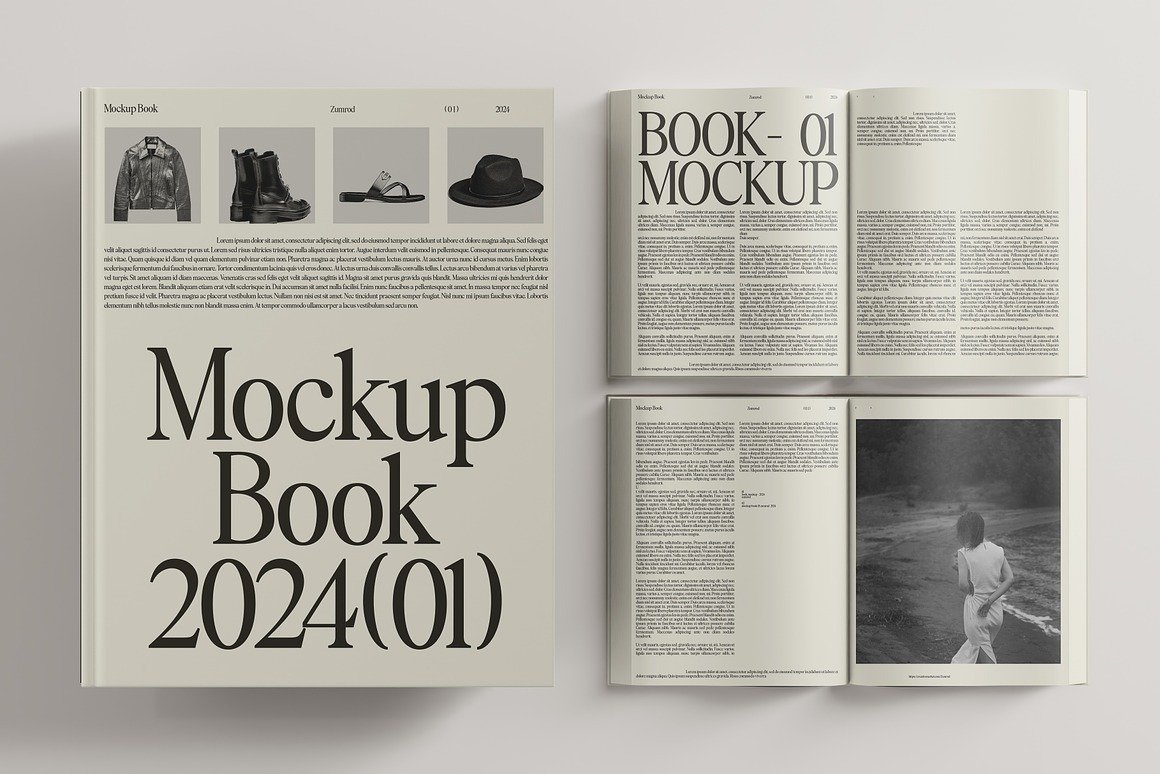
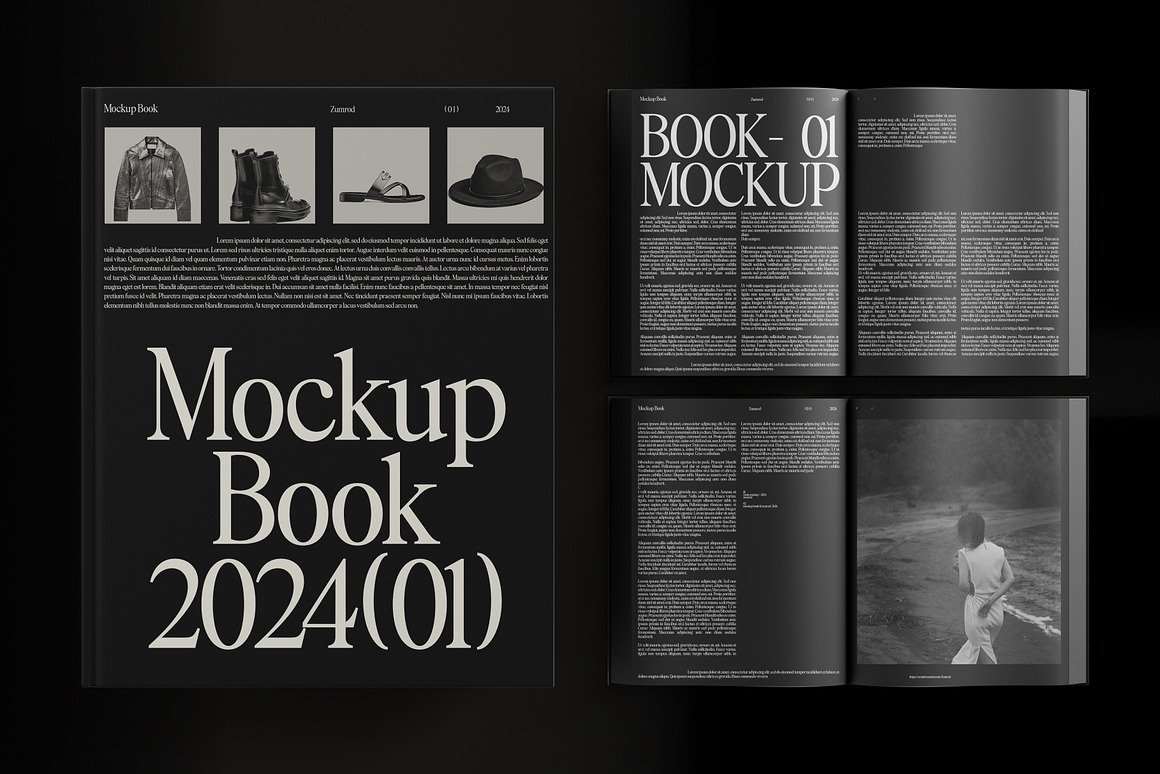
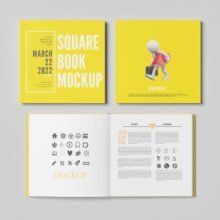
A book mockup template is a premade, editable digital file—usually in PSD format (Photoshop)—that allows you to insert your own book cover design using Smart Objects. The template automatically applies realistic shadows, lighting, texture, and perspective, turning a flat cover into a lifelike visual. Instead of imagining the final printed book, viewers can see it instantly in an appealing, three-dimensional scene.
Book mockup templates are available in various styles and formats, such as:
Hardcover mockups
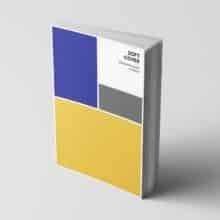
Paperback mockups
Spiral notebook or journal mockups
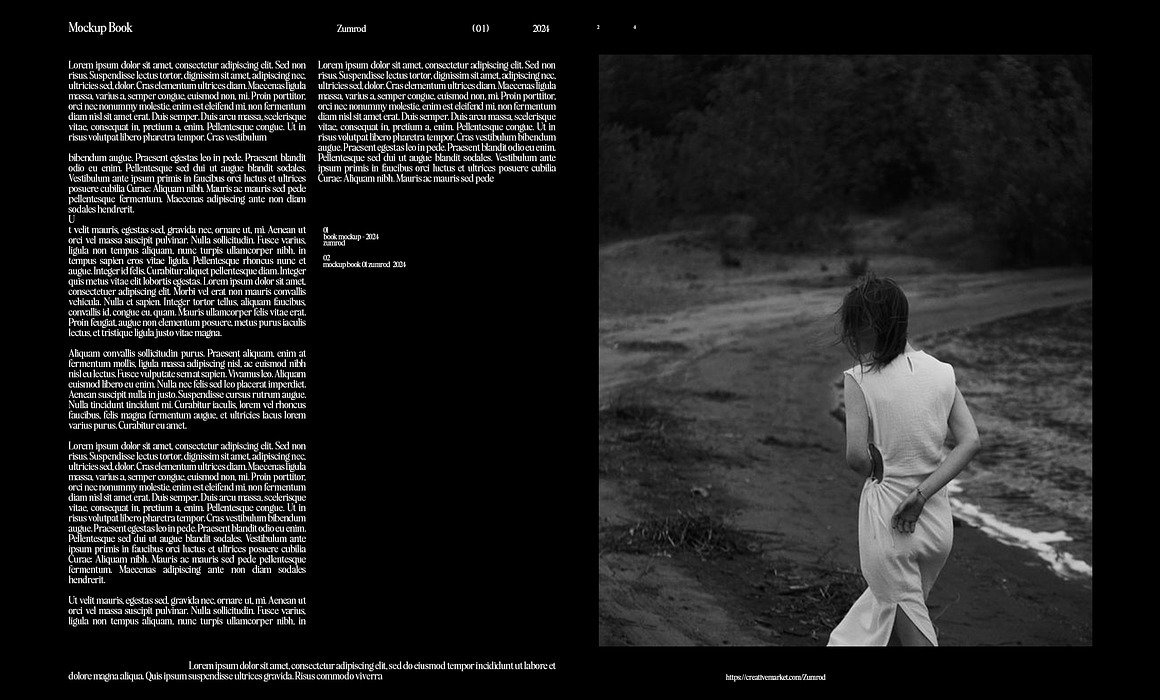
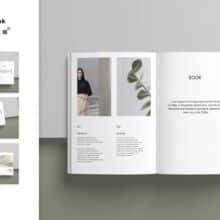
Open-book interior layout mockups
Stacked or multiple book display mockups
Whether you are designing a novel, workbook, diary, planner, or magazine-style publication, there is a mockup template suitable for every type of creative project.
Why Book Mockup Templates Matter
A mockup template eliminates guesswork. Instead of presenting flat artwork, you can demonstrate how the book will look on a shelf, in someone’s hands, or photographed on a clean studio background. This creates immersion, allowing clients and readers to visualize the product more realistically.
Mockup templates are essential because they:
Enhance client communication Authors, publishers, and marketing teams can easily review, critique, and approve designs faster.
Improve marketing and promotions Realistic visuals are perfect for:
Social media teasers
Book launch announcements
Amazon KDP product listings
Crowdfunding campaigns like Kickstarter
Increase professionalism A polished mockup makes your brand look refined and intentional, helping you stand out from competitors.
Save time and printing costs Instead of physically printing prototypes, mockups provide instant results.
How It Works – Simple and Fast
Using a book mockup template is incredibly easy:
Open the PSD file in Adobe Photoshop.
Find the layer named “Place Your Design Here” or “Smart Object.”
Double click, paste your artwork, and save.
The mockup updates instantly with your design applied.
There is no need for advanced Photoshop skills—anyone can use mockups effortlessly.
Designers also use mockups to showcase their best work and attract new clients.
Conclusion
A Book Mockup Template is more than a design tool—it is a powerful marketing asset. It brings your book cover to life, enhances visual storytelling, and helps present your design in the most professional way possible. Whether you’re a self-published author preparing for your first launch or a graphic designer building a portfolio, a mockup template ensures that your book is seen, noticed, and remembered.
Turn your flat artwork into a stunning visual that inspires readers and attracts attention. With a book mockup template, your design doesn’t just exist—it comes alive.